
Setting up Elements and actions within shortcuts
In this video, we'll guide you through setting up Elements and Actions within shortcuts. Discover how to customize and supercharge your shortcuts by configuring Elements and Actions to boost your productivity and streamline your workflow. Whether you're just starting out or a seasoned tawk.to pro, this tutorial will unlock new possibilities and help you master your AI Assist shortcuts. Don't forget to like, comment, and subscribe for more insightful tutorials!
· Share this video
· More in this topic
Managing Conversations: Inbox, Chats & Contacts
- Adding direct messages and group chats to tabs
- Creating a shortcut while inside a conversation
- Creating and managing tabs
- Customize your tawk.to Contacts view
- Direct messages and group chats
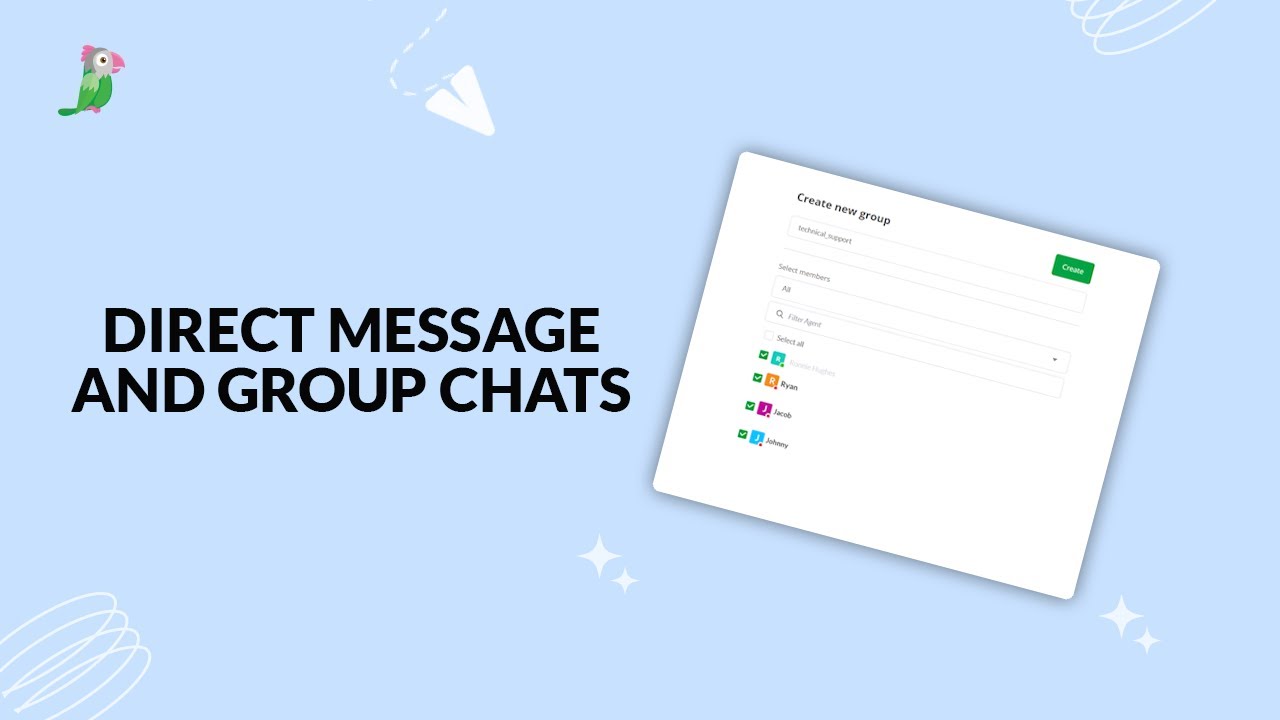
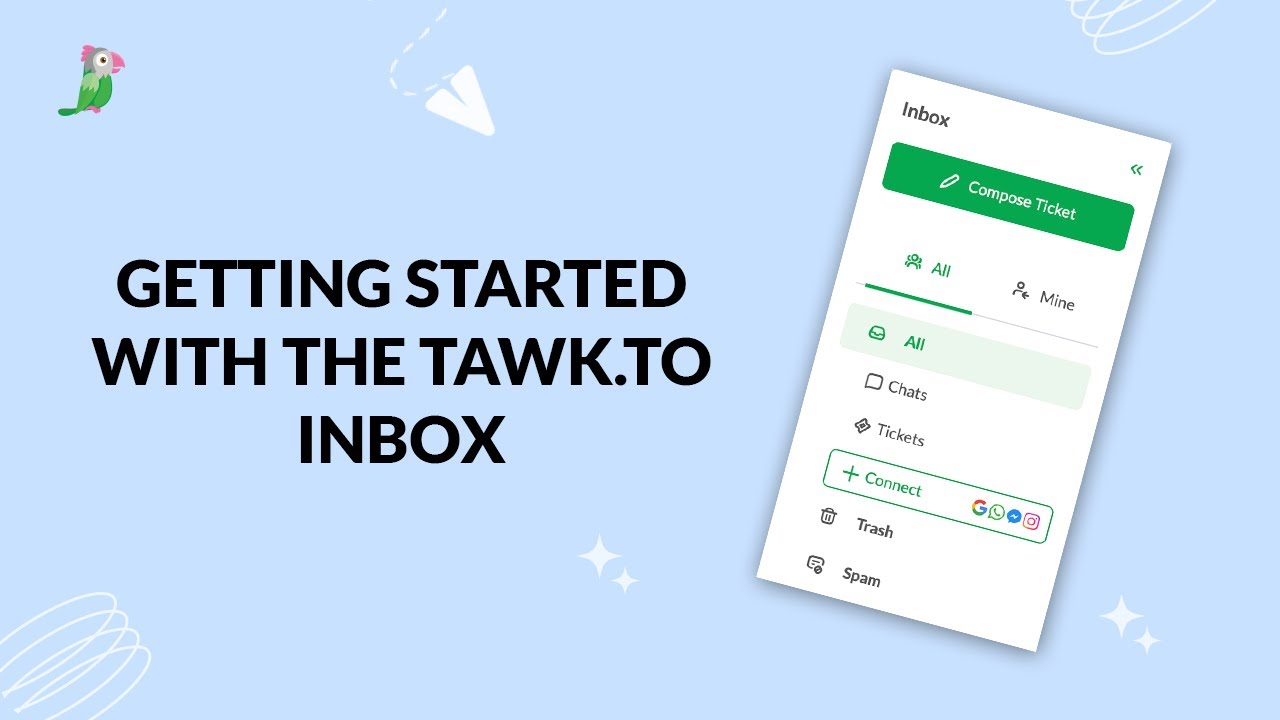
- Getting started with the tawk to Inbox
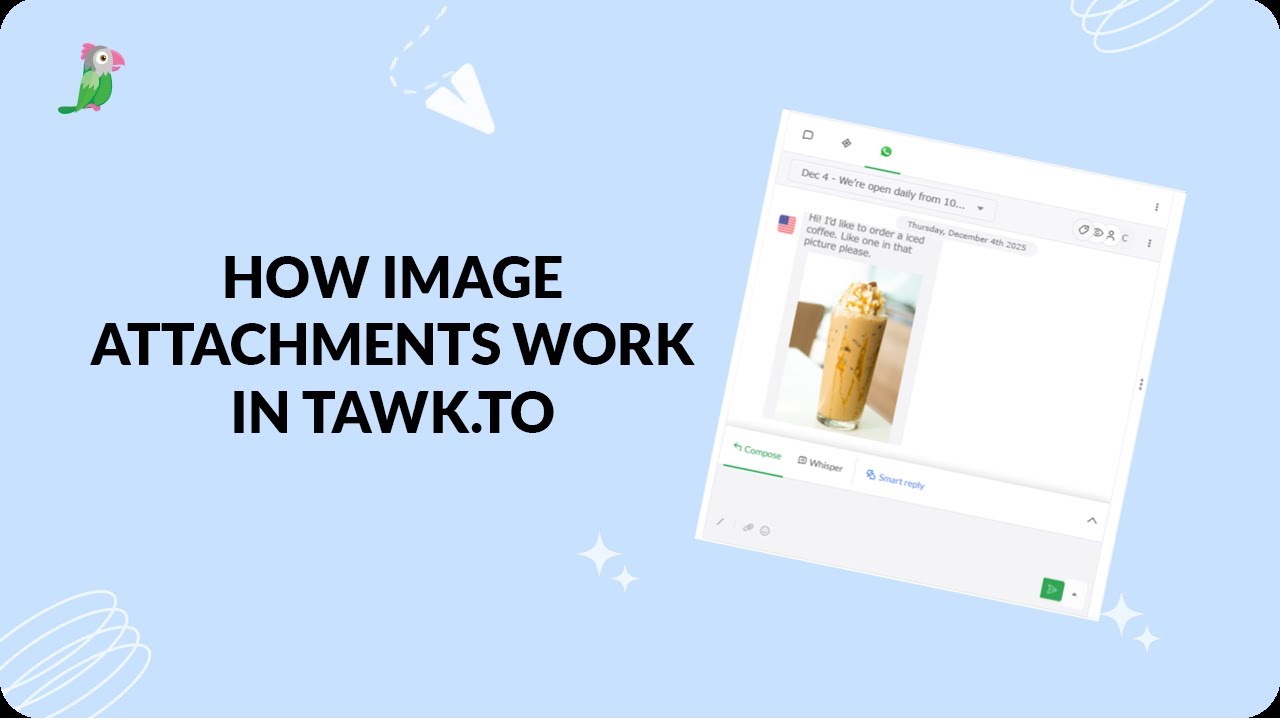
- How image attachment works in tawk.to
- Create and manage contact segments
Open the tawk.to Academy
Every topic and 220+ videos in one place.