
Contacts and Organizations in One Place
Every person and company in one place. This video shows how to use contact and organization profiles in tawk.to so your team knows who they’re talking to. Check the lifecycle from Visitor to Lead to Customer, switch between the Sales, Support, Commerce or Custom layouts, and link a person to an organization. The activity timeline puts chats, web sessions, notes and activities in one view, and you can add a note, ticket or activity straight from the profile. On an organization, you can see the people who work there, their open pipeline and their deals.
· Share this video
· More in this topic
Managing Conversations: Inbox, Chats & Contacts
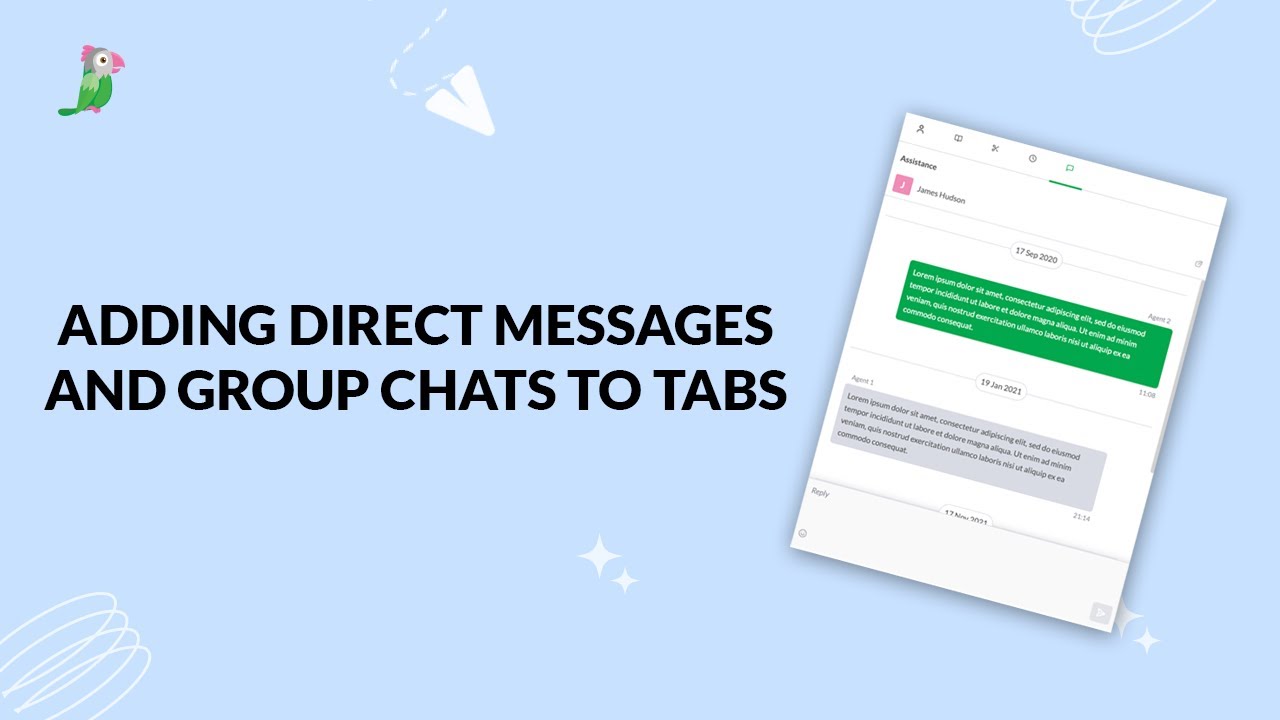
- Adding direct messages and group chats to tabs
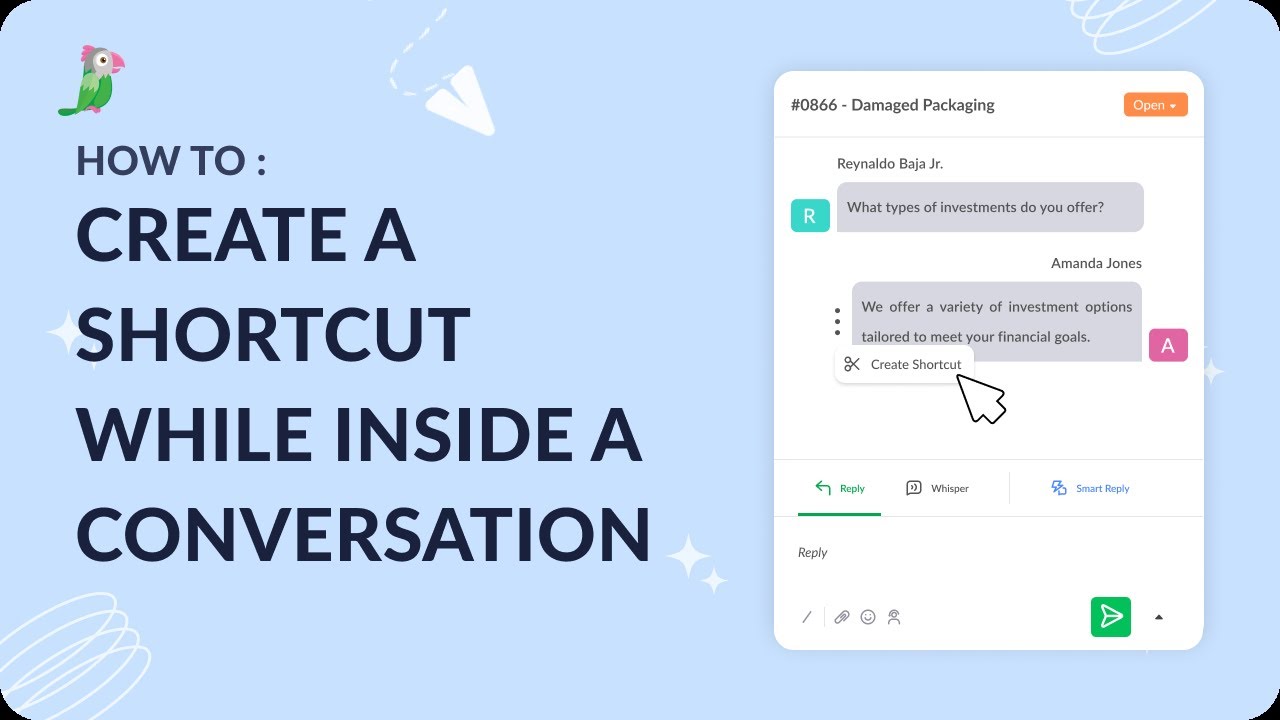
- Creating a shortcut while inside a conversation
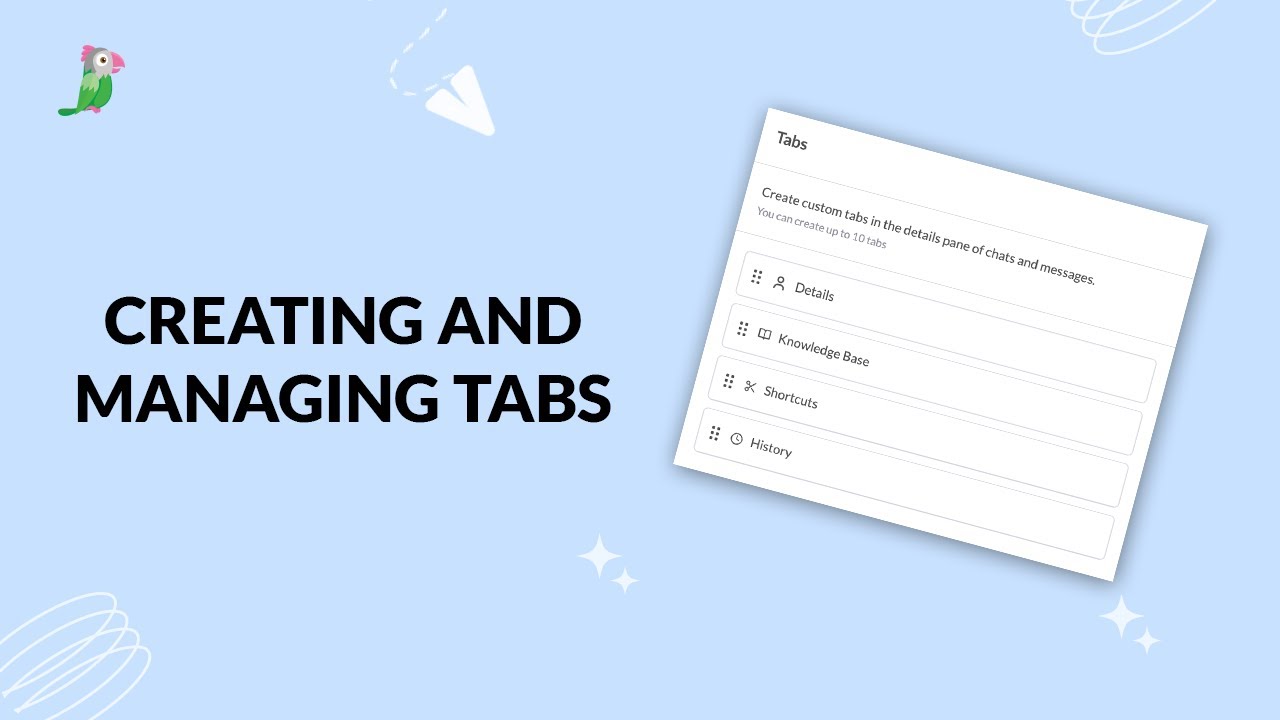
- Creating and managing tabs
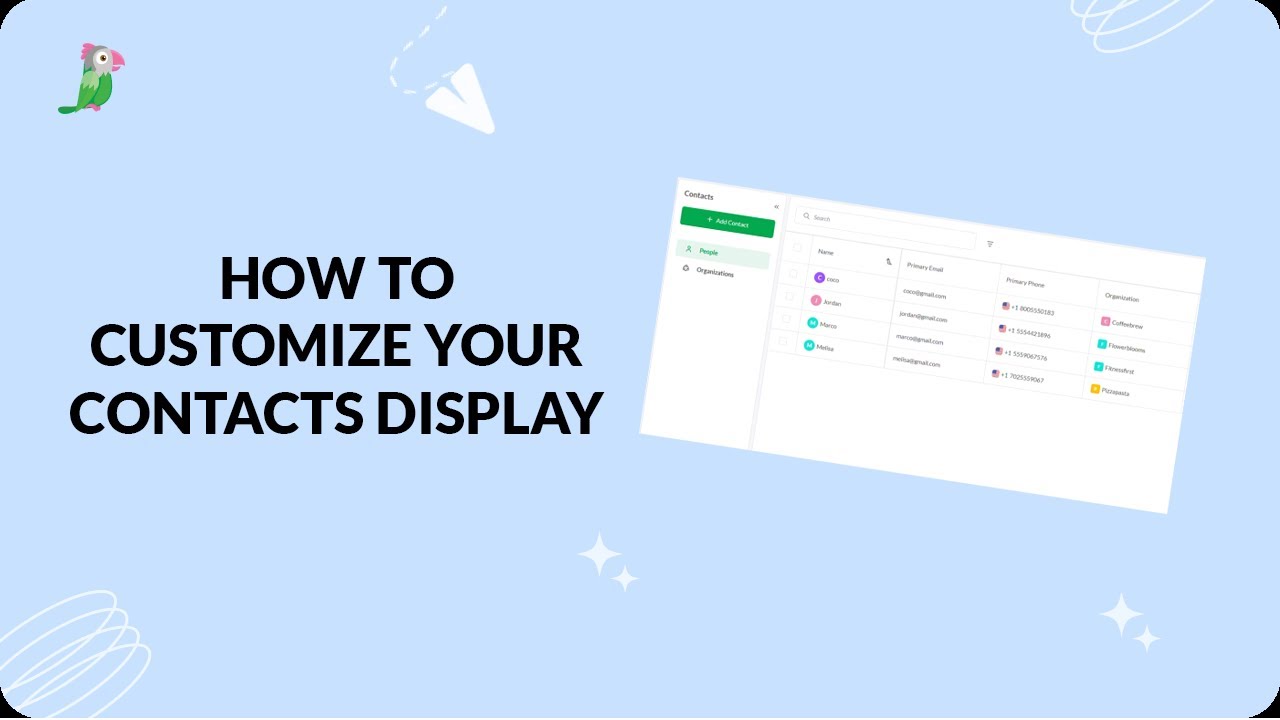
- Customize your tawk.to Contacts view
- Direct messages and group chats
- Getting started with the tawk to Inbox
- How image attachment works in tawk.to
- Create and manage contact segments
Open the tawk.to Academy
Every topic and 220+ videos in one place.