
Connecting Your LINE Official Account
Connect your LINE Official Account to tawk.to, and LINE messages land in the same Inbox as live chat, email and every other channel. This video walks you through the full setup, from enabling the Messaging API and creating a provider in LINE Official Account Manager to switching on webhooks and turning off LINE’s automatic replies so every answer comes from your team. You’ll also see where to find your Channel ID and Channel secret, how to install LINE in tawk.to and name your inbox, and why connecting replaces any AI agent or tool already using your LINE webhook. Then share your Add friend link and QR code so customers can start a chat.
· Share this video
· More in this topic
Managing Conversations: Inbox, Chats & Contacts
- Adding direct messages and group chats to tabs
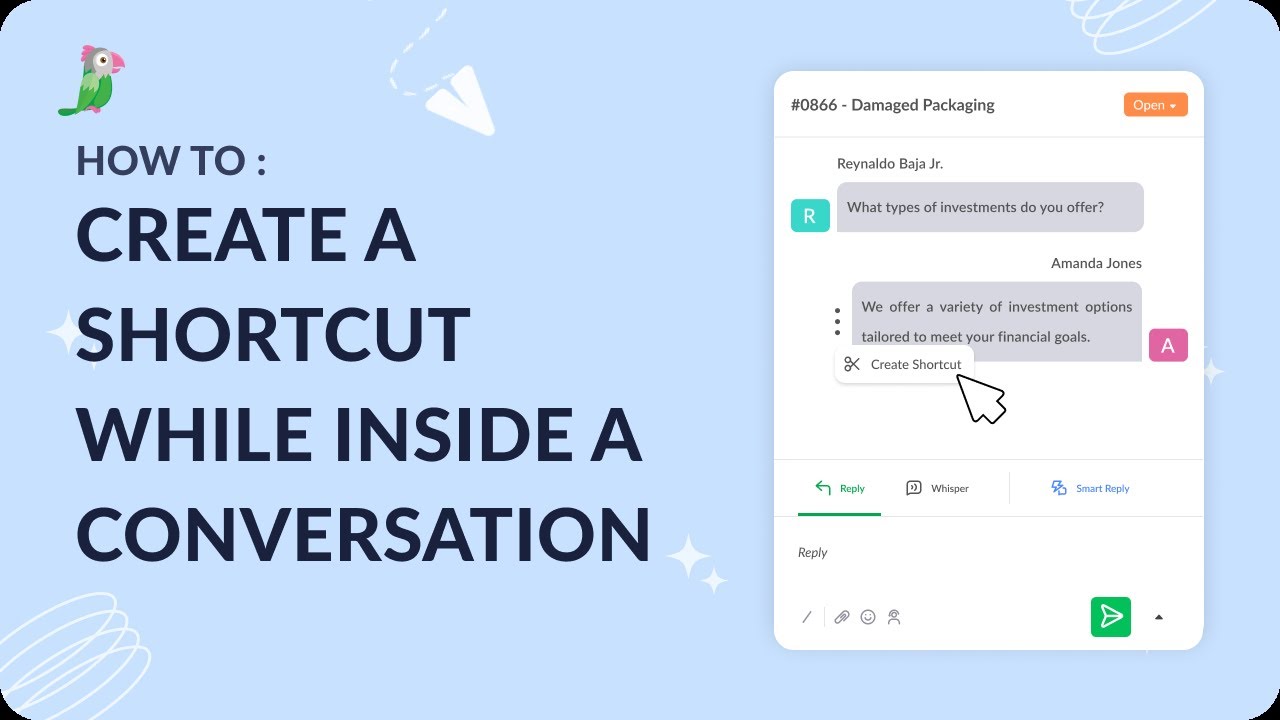
- Creating a shortcut while inside a conversation
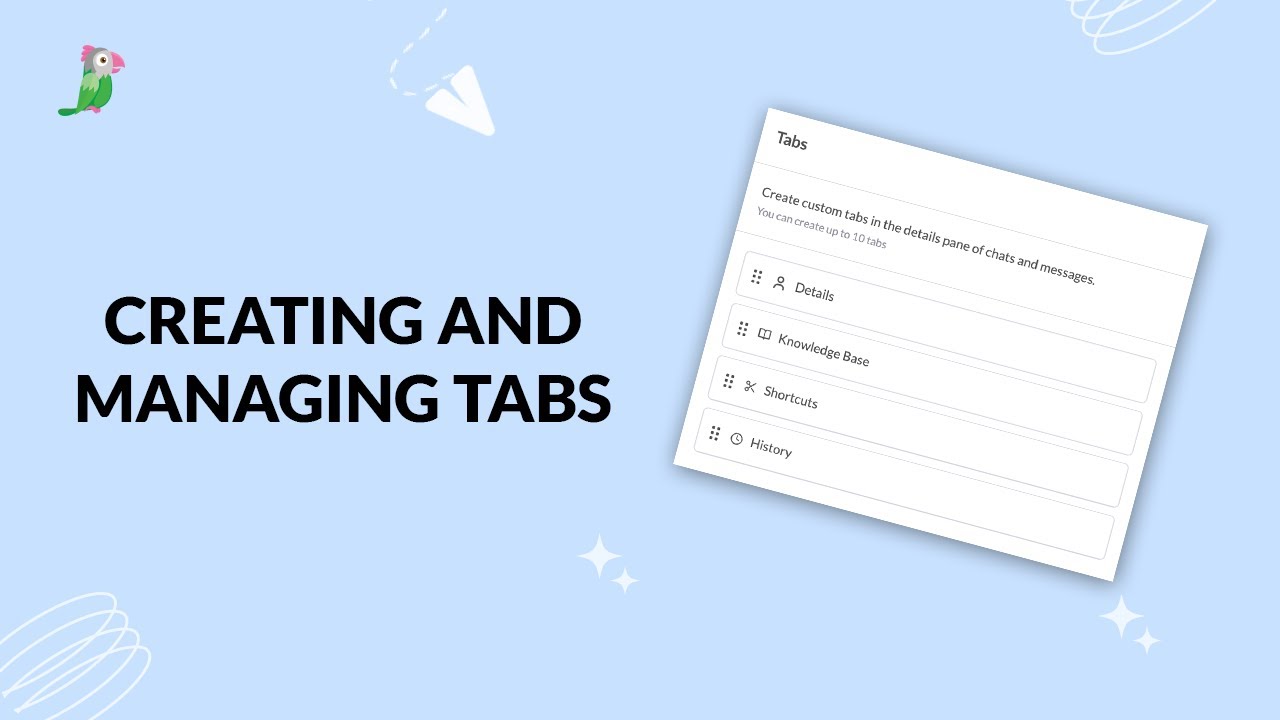
- Creating and managing tabs
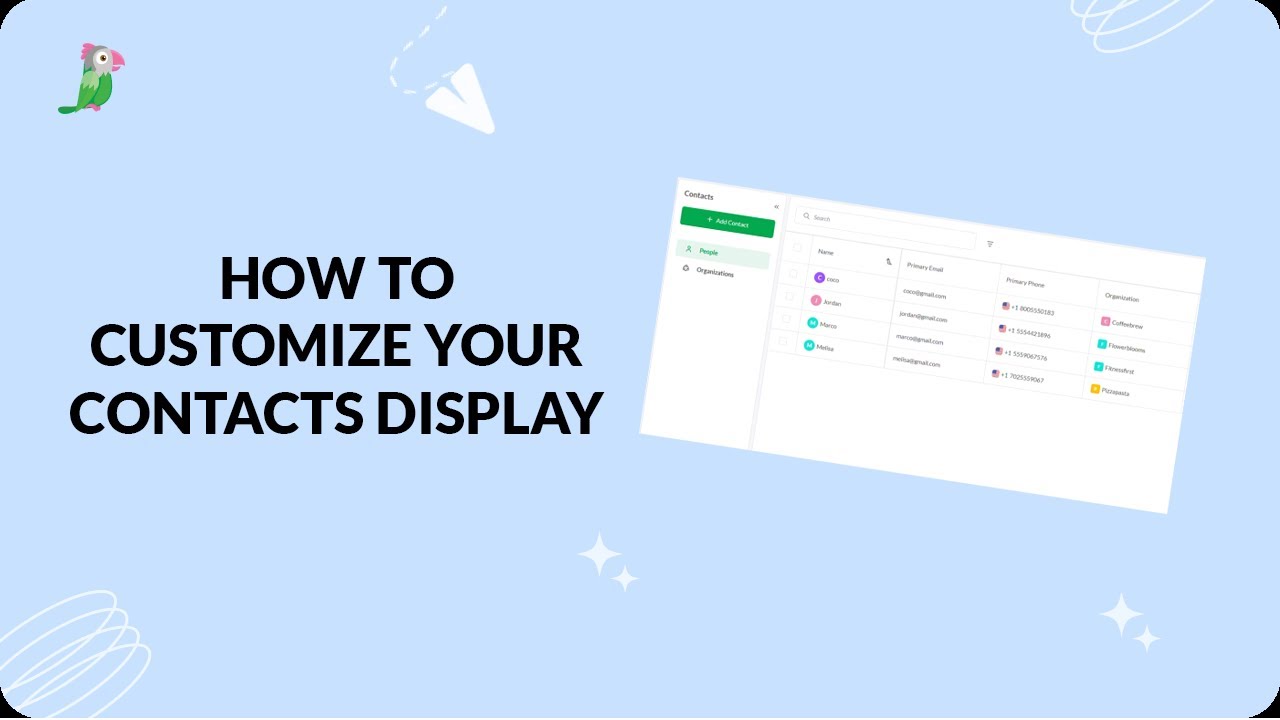
- Customize your tawk.to Contacts view
- Direct messages and group chats
- Getting started with the tawk to Inbox
- How image attachment works in tawk.to
- Create and manage contact segments
Open the tawk.to Academy
Every topic and 220+ videos in one place.