
How to Upload Documents as a Knowledge Source in tawk.to AI Assist
Learn how to upload documents to tawk.to AI Assist so your AI agent can draw on your existing files without any retyping. This video covers how to add documents by file upload, URL, or directly from Google Drive or Dropbox, and how connected cloud files can be recrawled automatically when your content changes. You'll also see how to preview an uploaded document to make sure it's come through correctly, and when to use Tables instead for structured data like product lists or price sheets.
· Share this video
· More in this topic
AI Assist: Training, Data Sources & Re-syncing
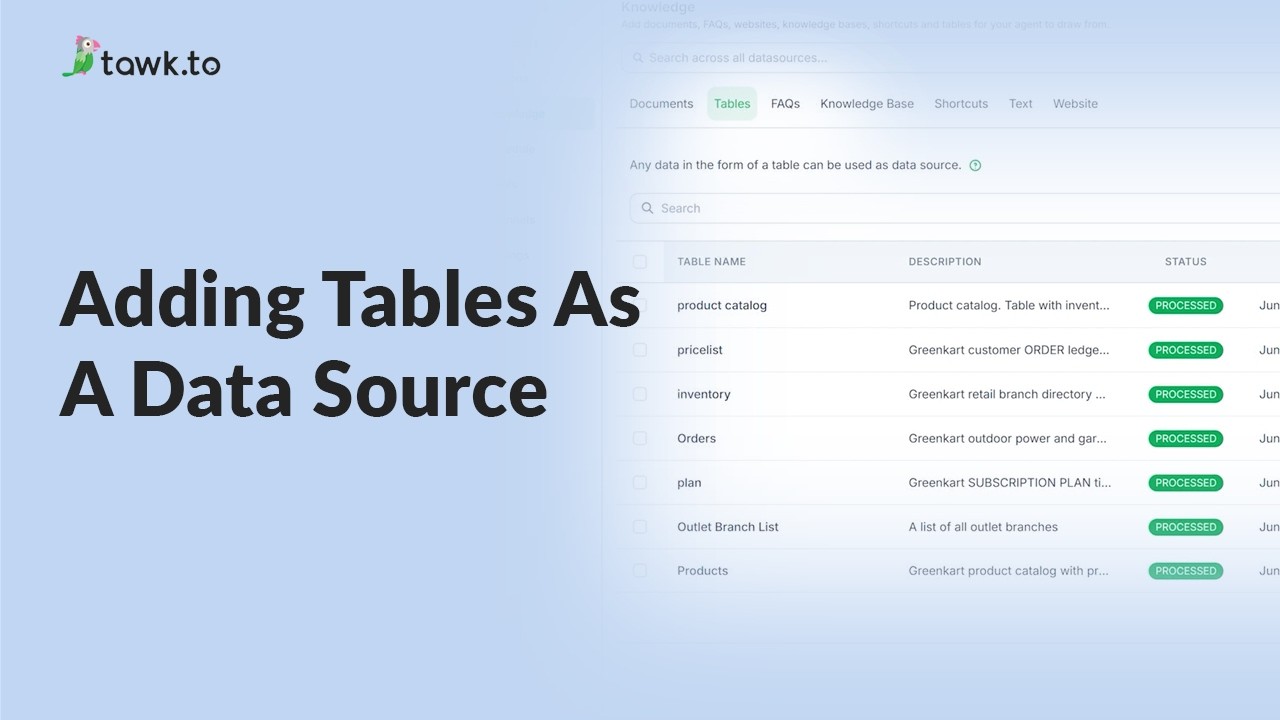
- Adding tables as a data source
- Can AI Assist Learn from my Website?

- Does AI Assist use information from previous conversations
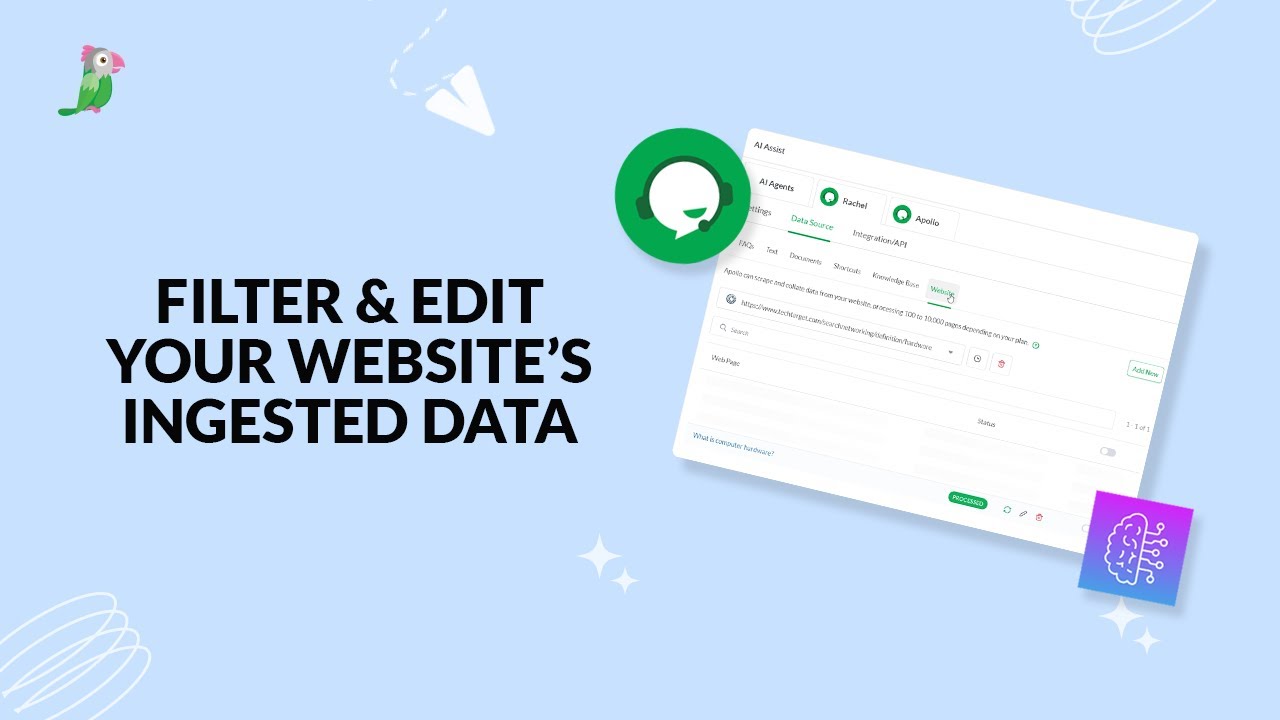
- Filter & edit your website’s ingested data
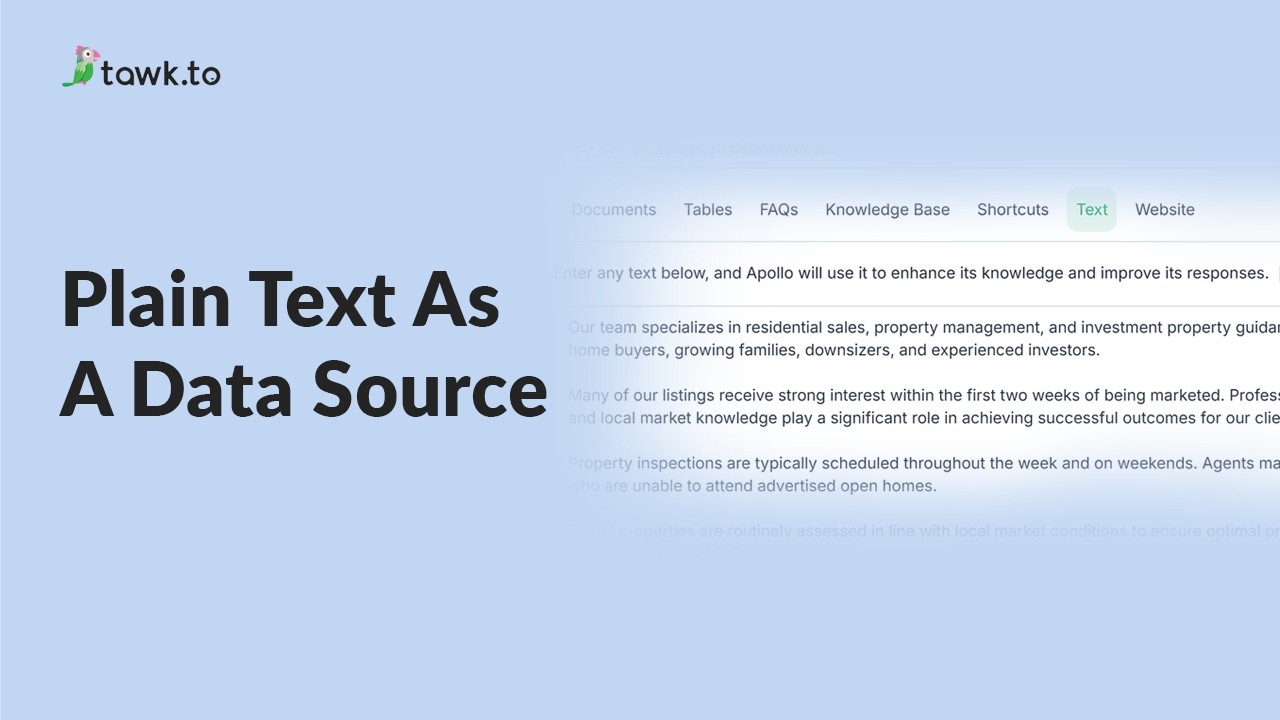
- Using plain text data source
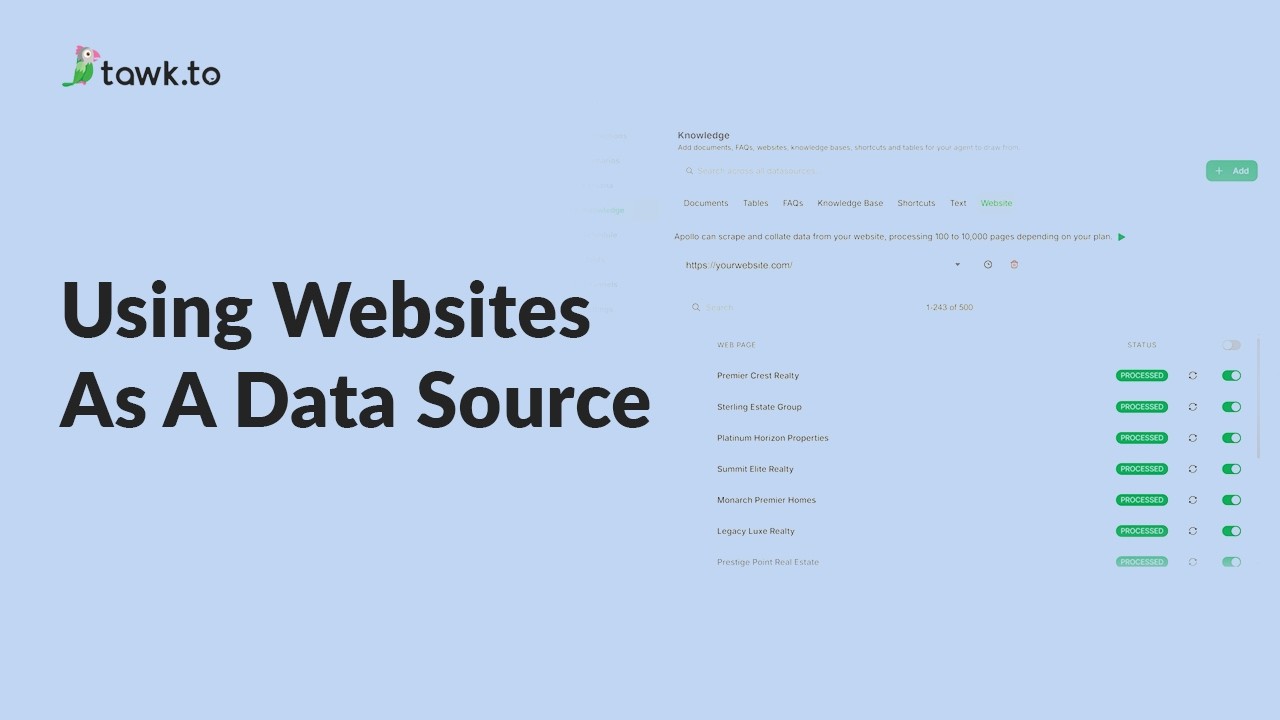
- Using website as a data source
- How to Fix Incorrect AI Agent Answers
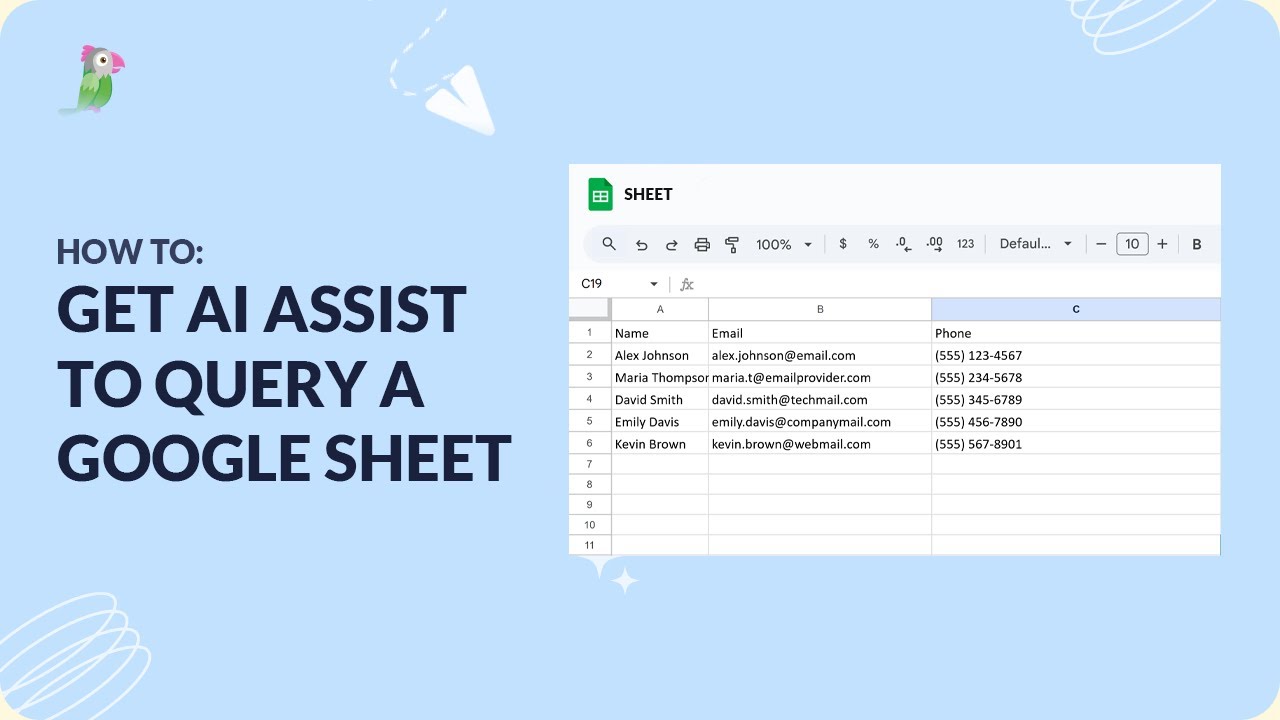
- How to get AI Assist to query a Google Sheet
Open the tawk.to Academy
Every topic and 220+ videos in one place.