
How to Fix Incorrect AI Agent Answers
Learn how to diagnose and fix incorrect responses from your tawk.to AI Assist agent using the built-in Preview tester and Knowledge Source button. This video walks you through how to recreate a problematic conversation, trace the answer back to its source, and update the right information, whether that's a webpage, uploaded document, knowledge base article, or FAQ. You'll also see how to check your Instructions for anything that might be conflicting or unclear, and how to confirm the fix is working before it reaches a real customer.
· Share this video
· More in this topic
AI Assist: Training, Data Sources & Re-syncing
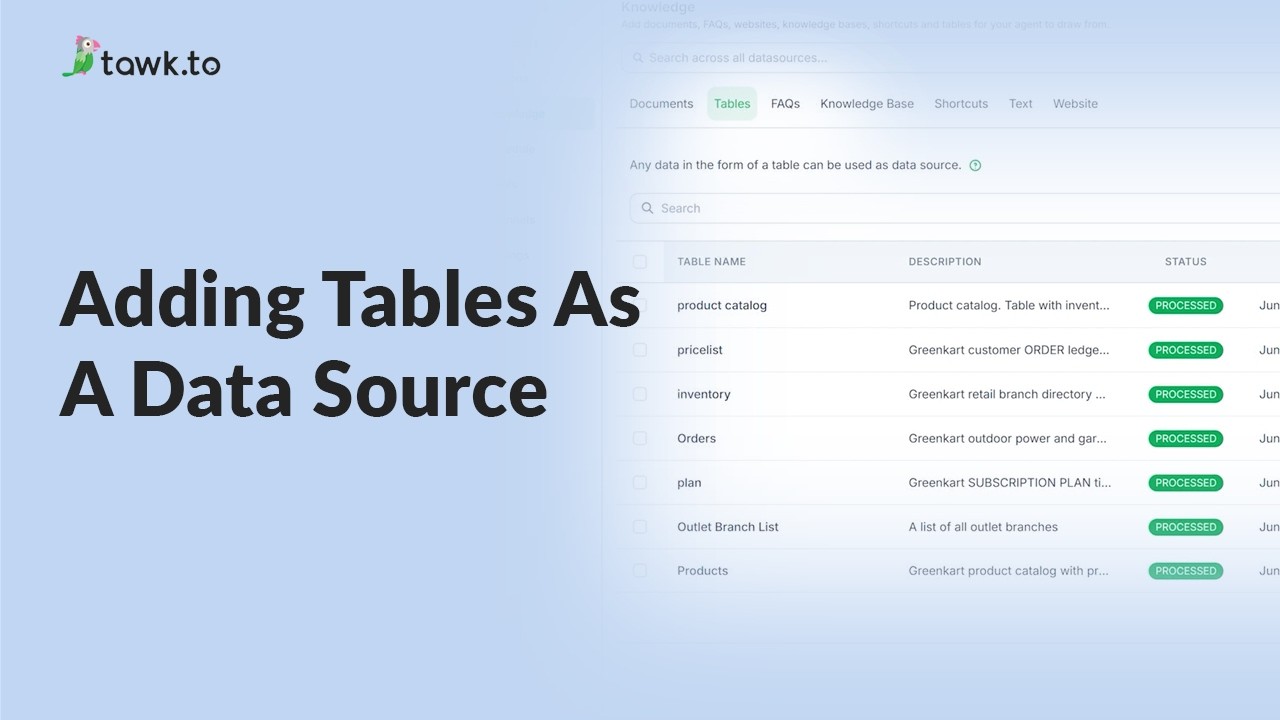
- Adding tables as a data source
- Can AI Assist Learn from my Website?
- Does AI Assist use information from previous conversations
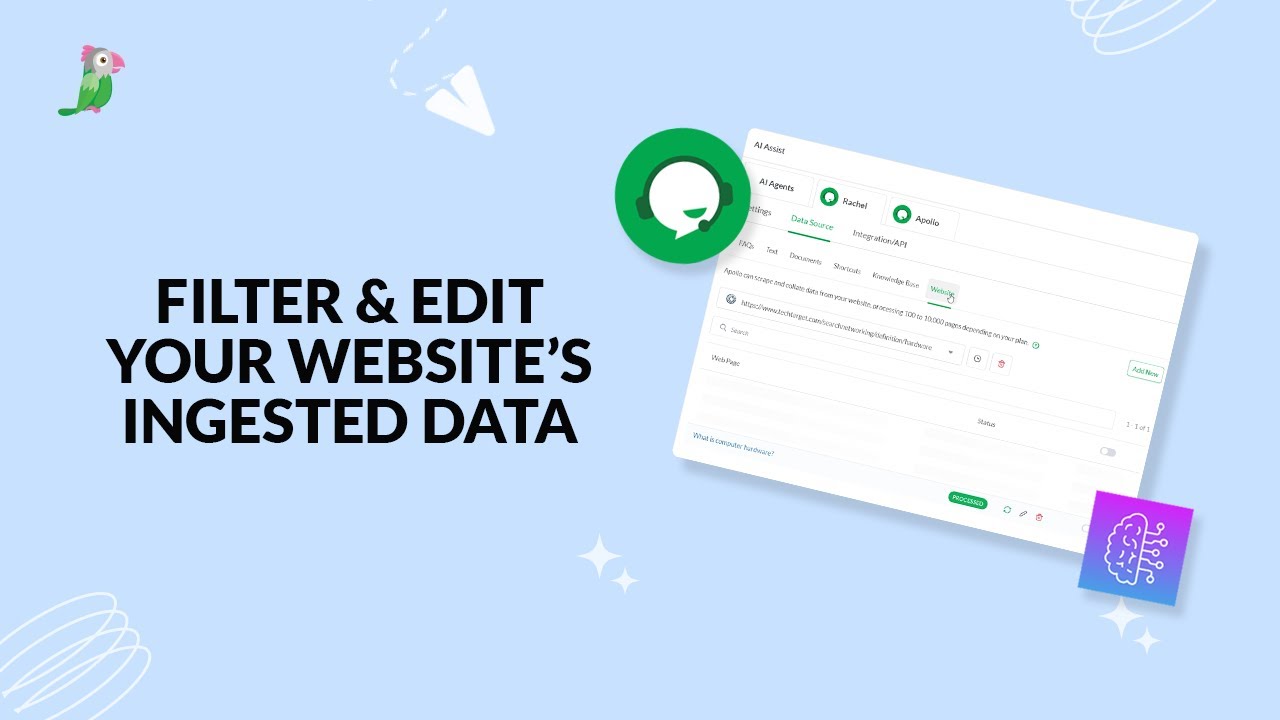
- Filter & edit your website’s ingested data
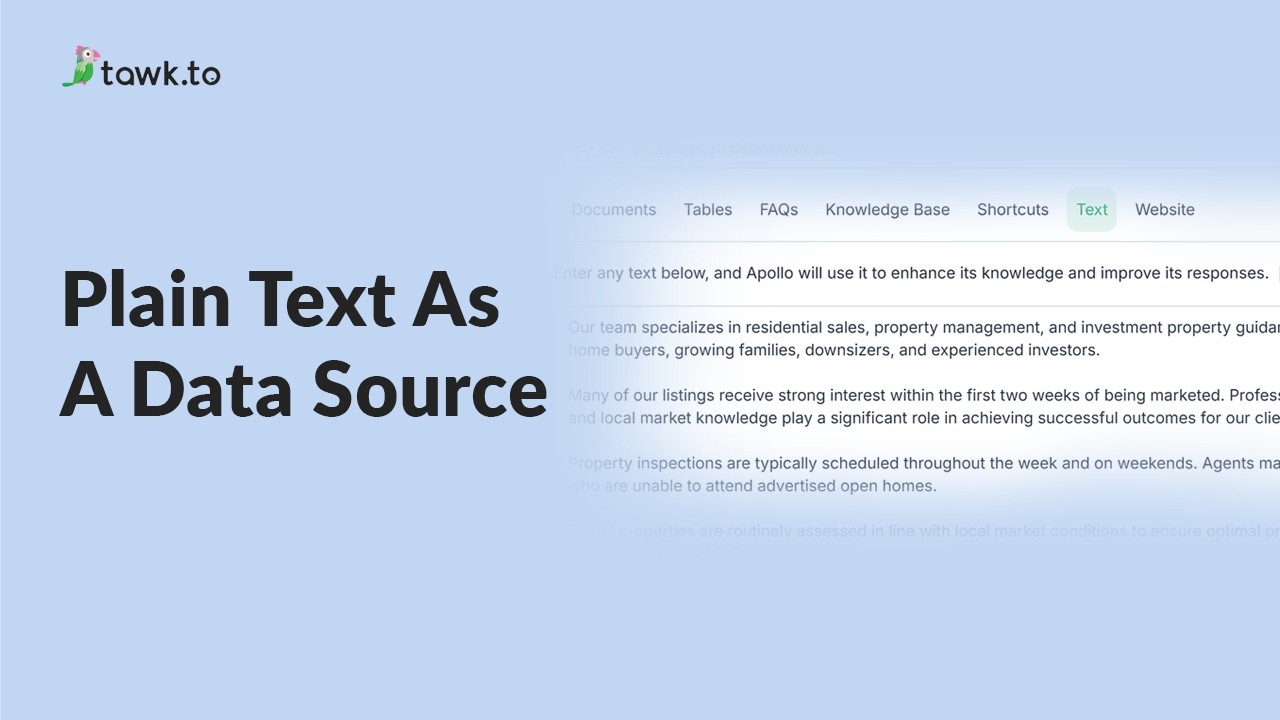
- Using plain text data source
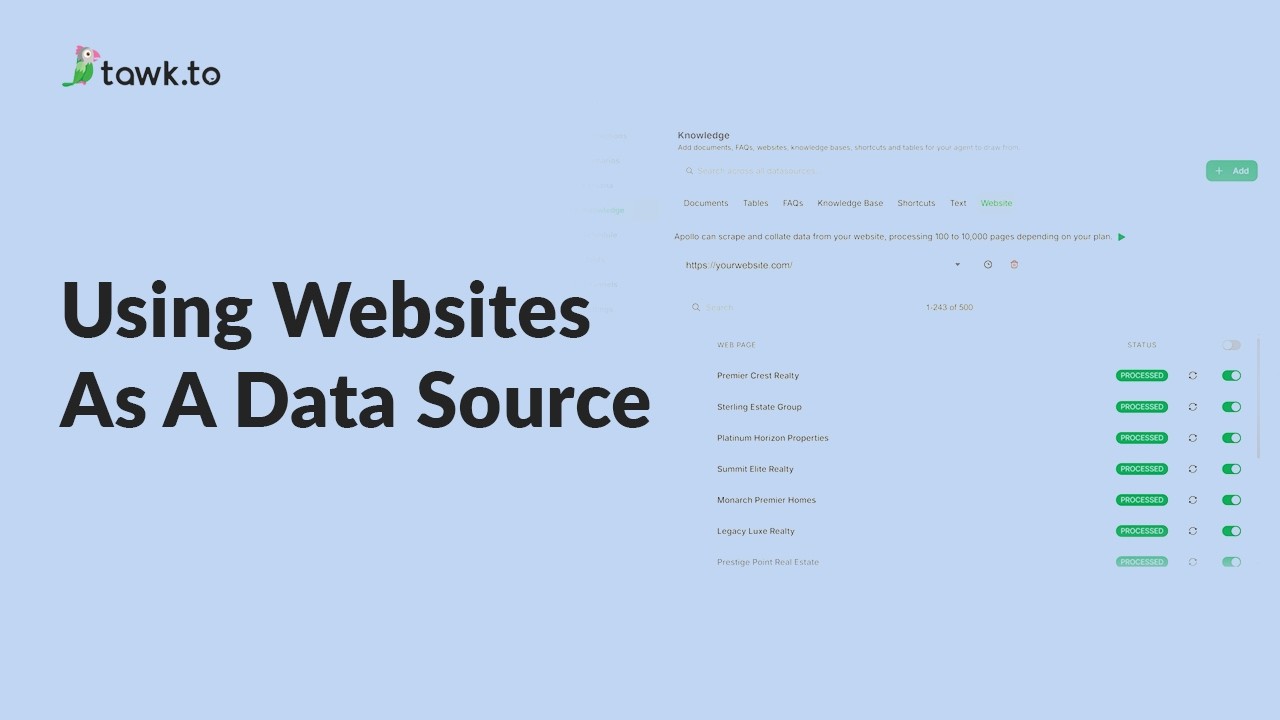
- Using website as a data source
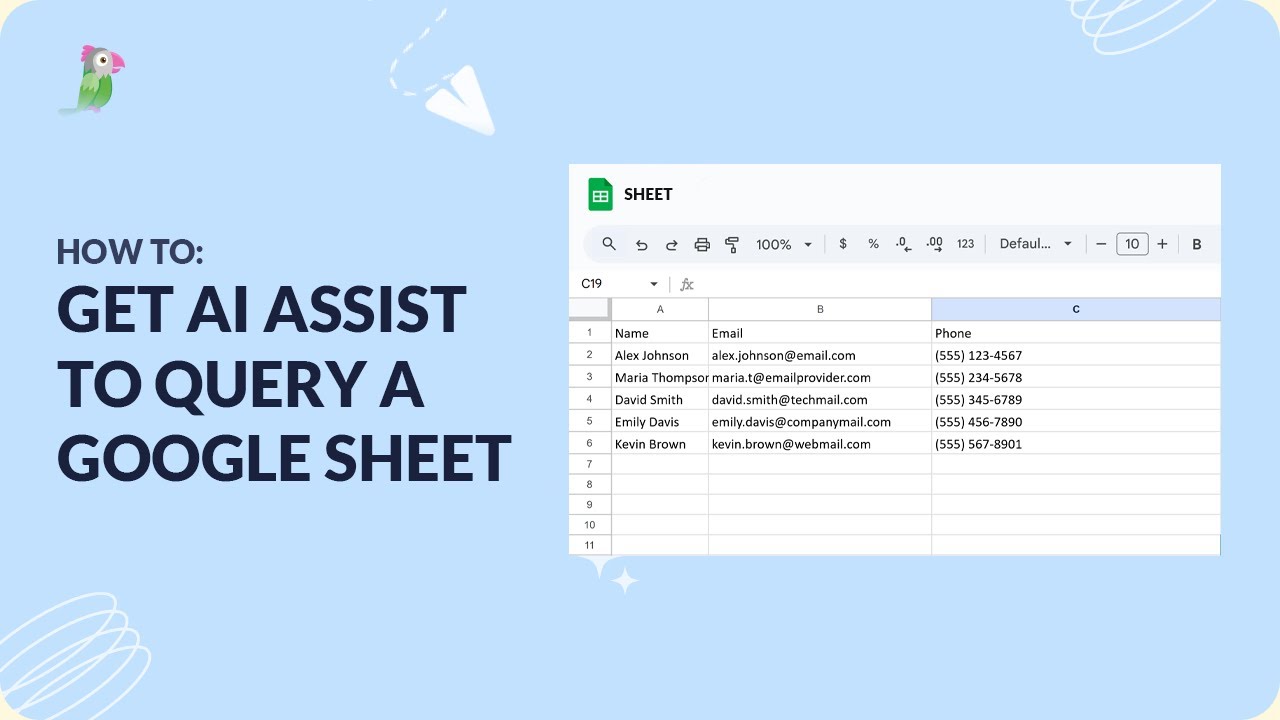
- How to get AI Assist to query a Google Sheet
- How to set AI to answer specific product inquiries
Open the tawk.to Academy
Every topic and 220+ videos in one place.