
How to get AI Assist to query a Google Sheet
📊 How to Connect AI Assist to Google Sheets for Smarter Queries! 🤖 In this video, learn how to link AI Assist with Google Sheets using an API to provide quick and accurate answers for your customers. From setting up your Google Sheet to integrating it with AI Assist, we’ll guide you through every step to streamline your support process. Here’s what you’ll discover: ✅ Preparing your Google Sheet for AI queries. ✅ Adding and deploying a custom script in Google Sheets. ✅ Setting up and connecting the API with AI Assist for seamless integration. ✅ Tips for testing and troubleshooting your setup. 🔗 Useful Links Mentioned in the Video: 📂 Google Sheets Script Example https://github.com/tawk/api-integration-samples/blob/master/samples/google-sheet-find-row/Code.gs 📄 API Specifications File https://github.com/tawk/api-integration-samples/blob/master/samples/google-sheet-find-row/spec.yml
AI Assist: Training, Data Sources & Re-syncing
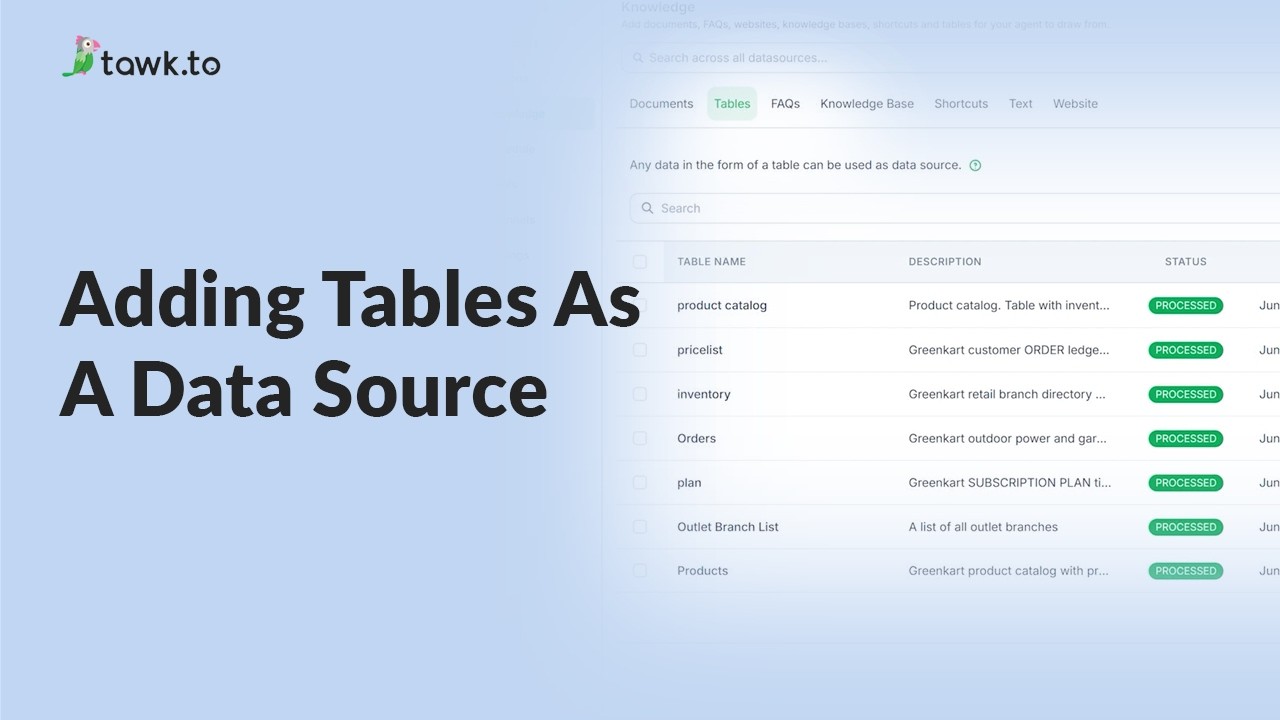
- Adding tables as a data source
- Can AI Assist Learn from my Website?
- Does AI Assist use information from previous conversations
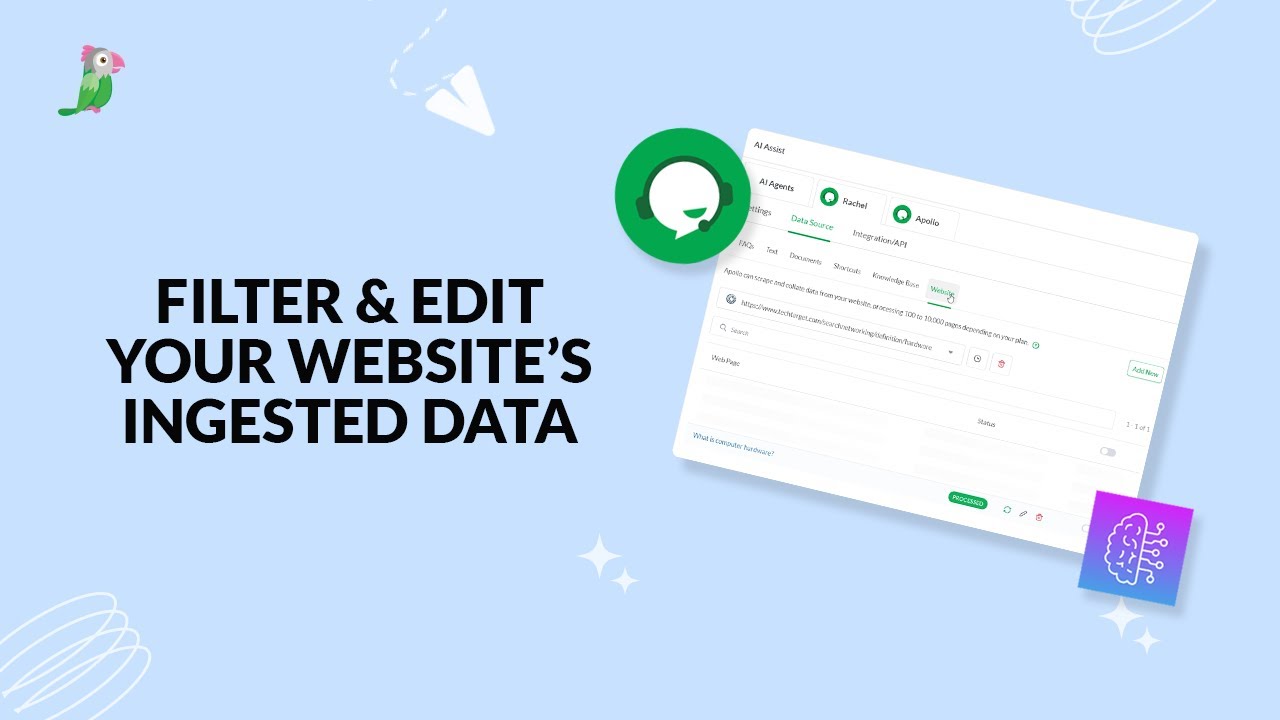
- Filter & edit your website’s ingested data
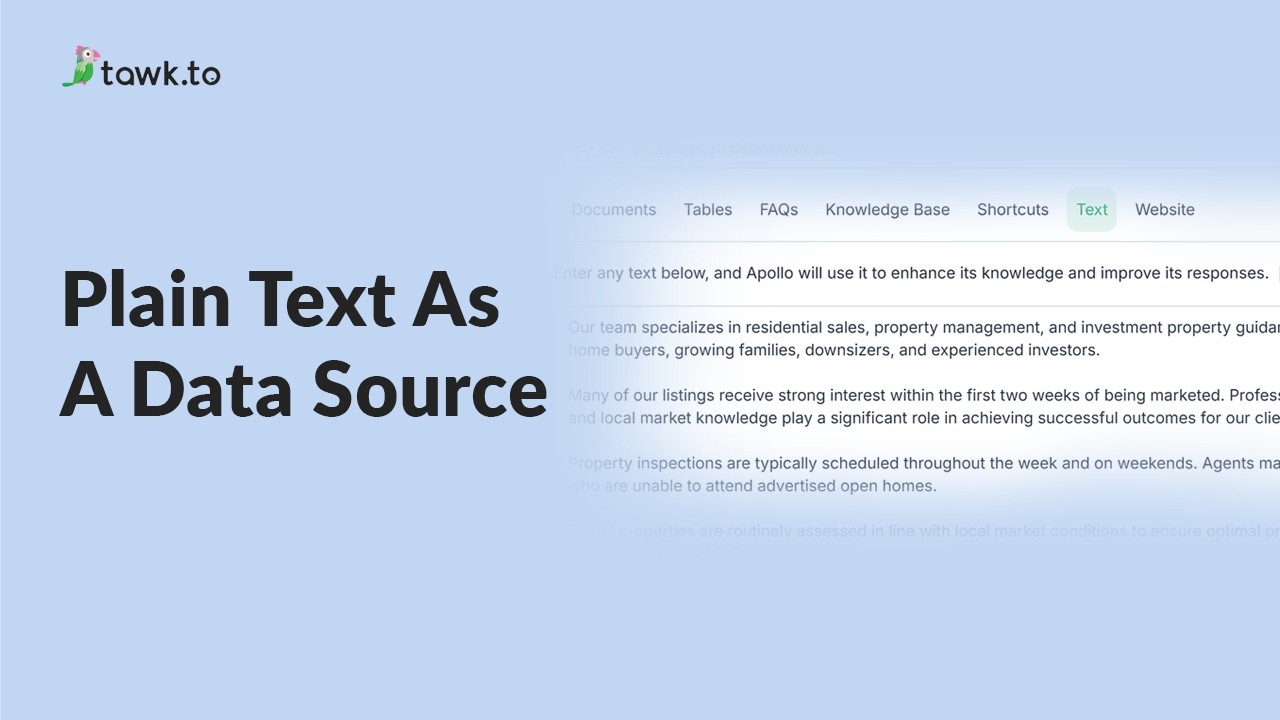
- Using plain text data source
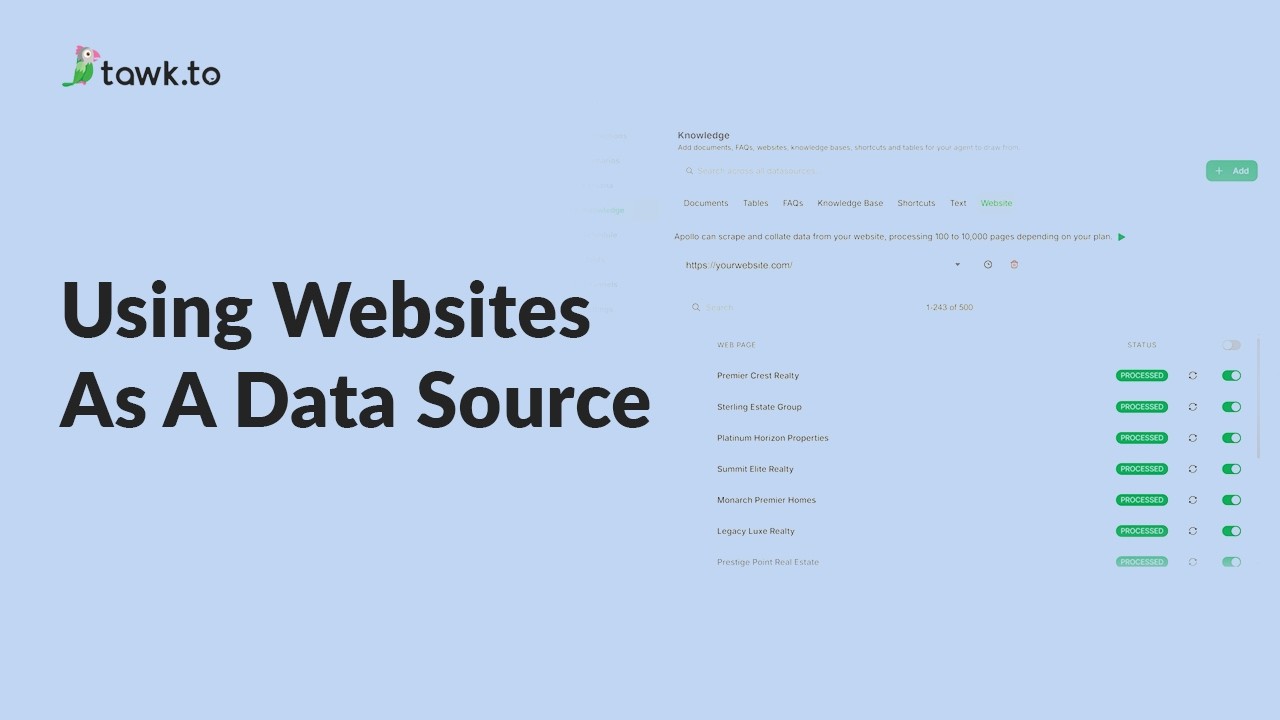
- Using website as a data source
- How to Fix Incorrect AI Agent Answers
- How to set AI to answer specific product inquiries
Open the tawk.to Academy
Every topic and 220+ videos in one place.