
Using website as a data source
Learn how to use your website as a knowledge source in tawk.to AI Assist, so your AI agent can draw on pages you already have without starting from scratch. This video covers how to add and manage website URLs, how to review and edit the content your agent pulls in, and what to watch out for, including images and tables that may not come through cleanly. You'll also see how page limits work across plans and how automatic recrawling keeps your agent's information current whenever your site changes.
· Share this video
· More in this topic
AI Assist: Training, Data Sources & Re-syncing
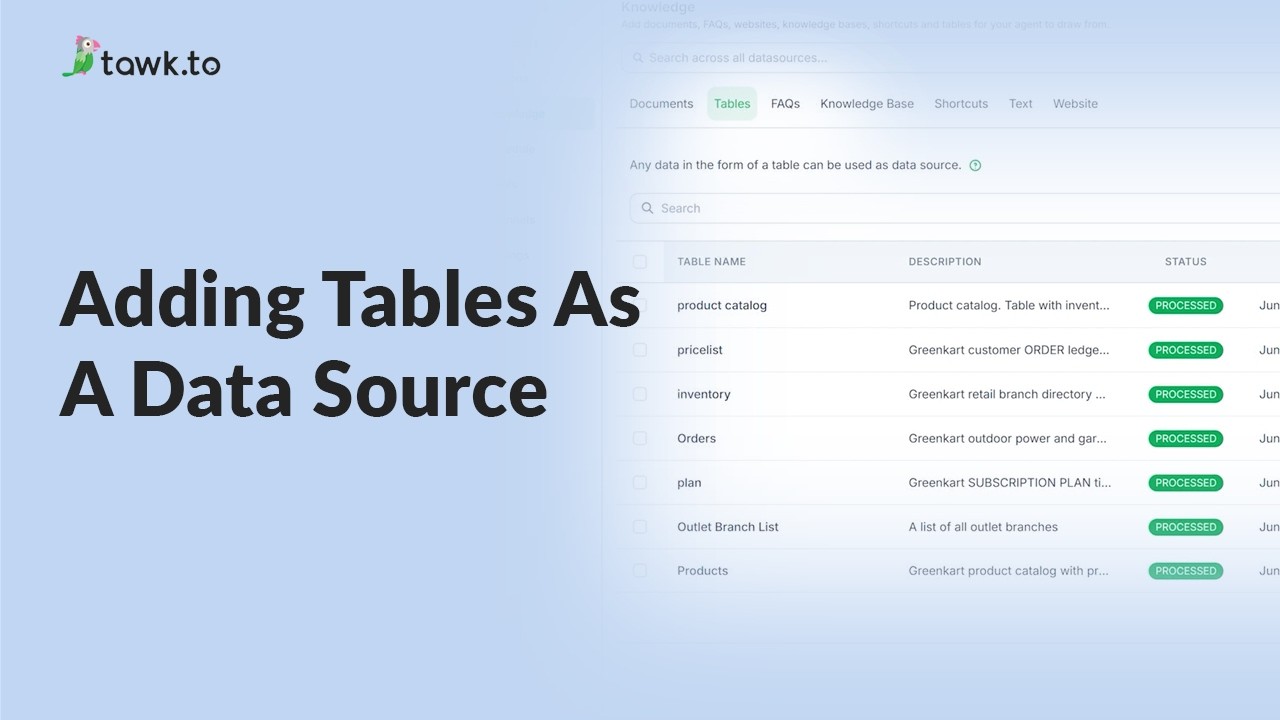
- Adding tables as a data source
- Can AI Assist Learn from my Website?
- Does AI Assist use information from previous conversations
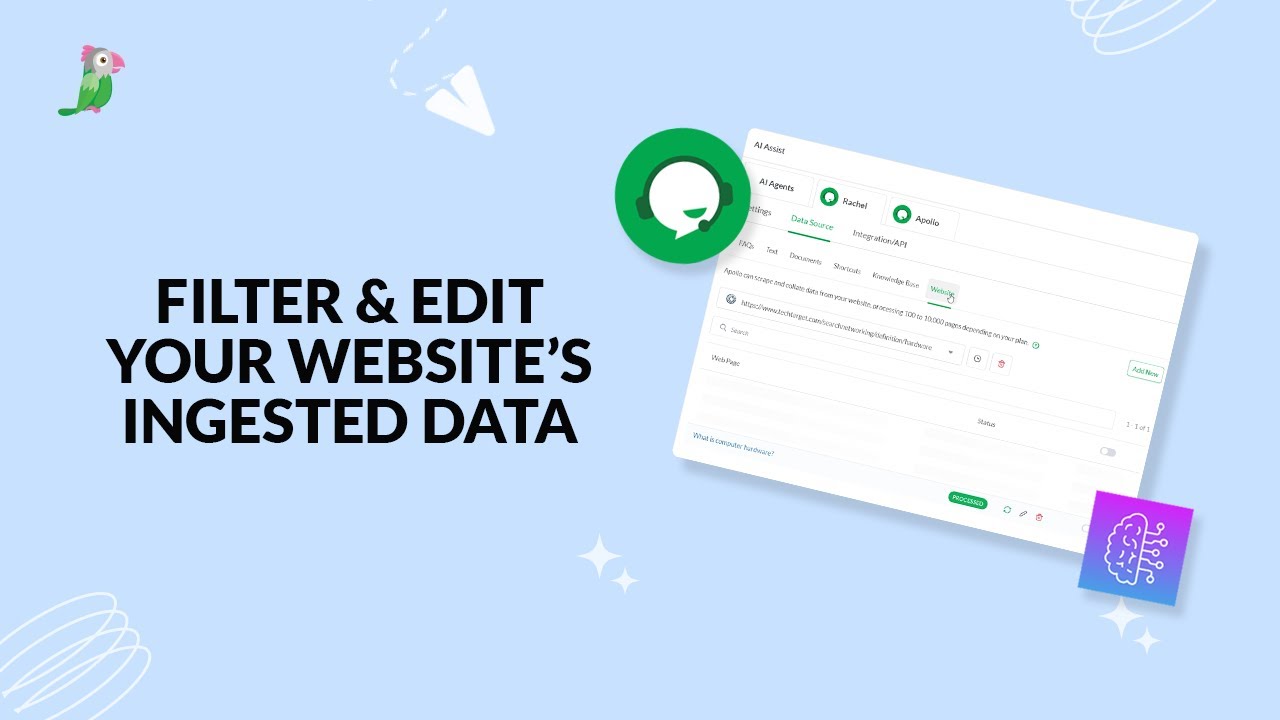
- Filter & edit your website’s ingested data
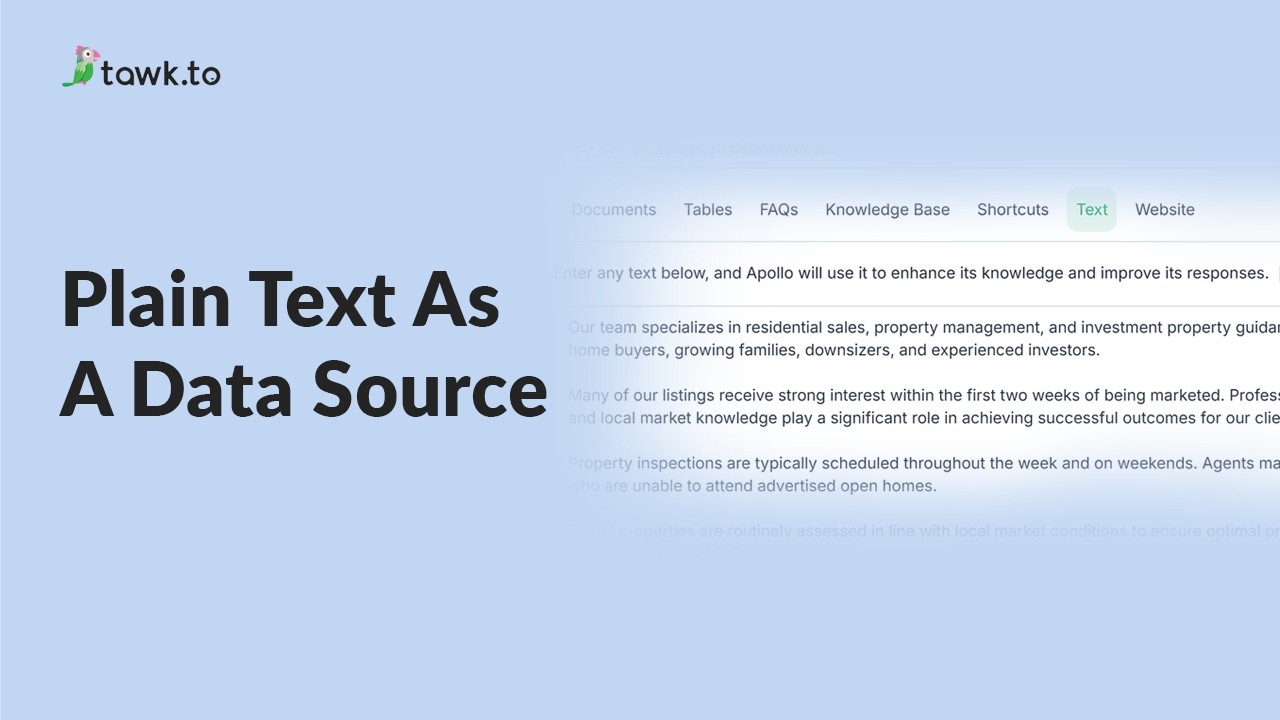
- Using plain text data source
- How to Fix Incorrect AI Agent Answers
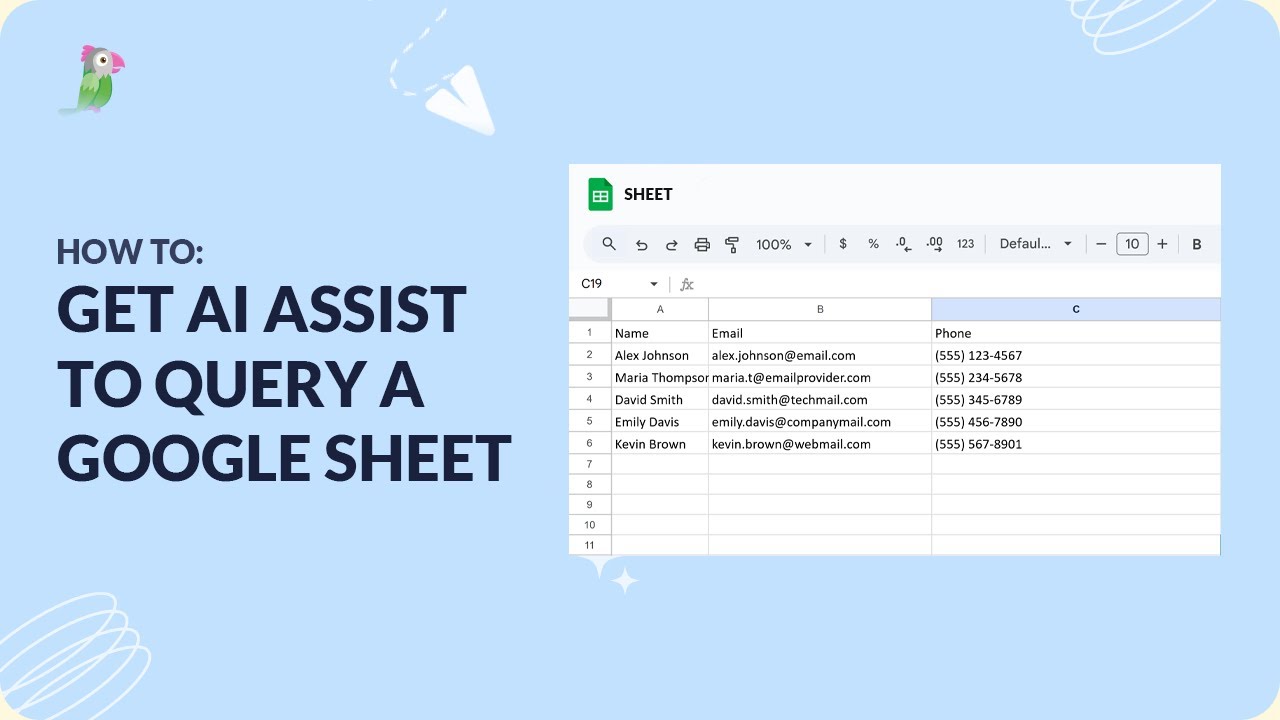
- How to get AI Assist to query a Google Sheet
- How to set AI to answer specific product inquiries
Open the tawk.to Academy
Every topic and 220+ videos in one place.