
How to Use Your Knowledge Base as a Source in tawk.to AI Assist
Learn how to set up a Knowledge Base in tawk.to AI Assist and connect it to your AI agent for more detailed, in-depth customer answers. This video covers how to create a Knowledge Base from scratch, add categories and articles, and connect it as a data source for your agent. You'll also see how to set up your agent to share direct article links in conversation, so customers can click through for the full details.
· Share this video
· More in this topic
AI Assist: Training, Data Sources & Re-syncing
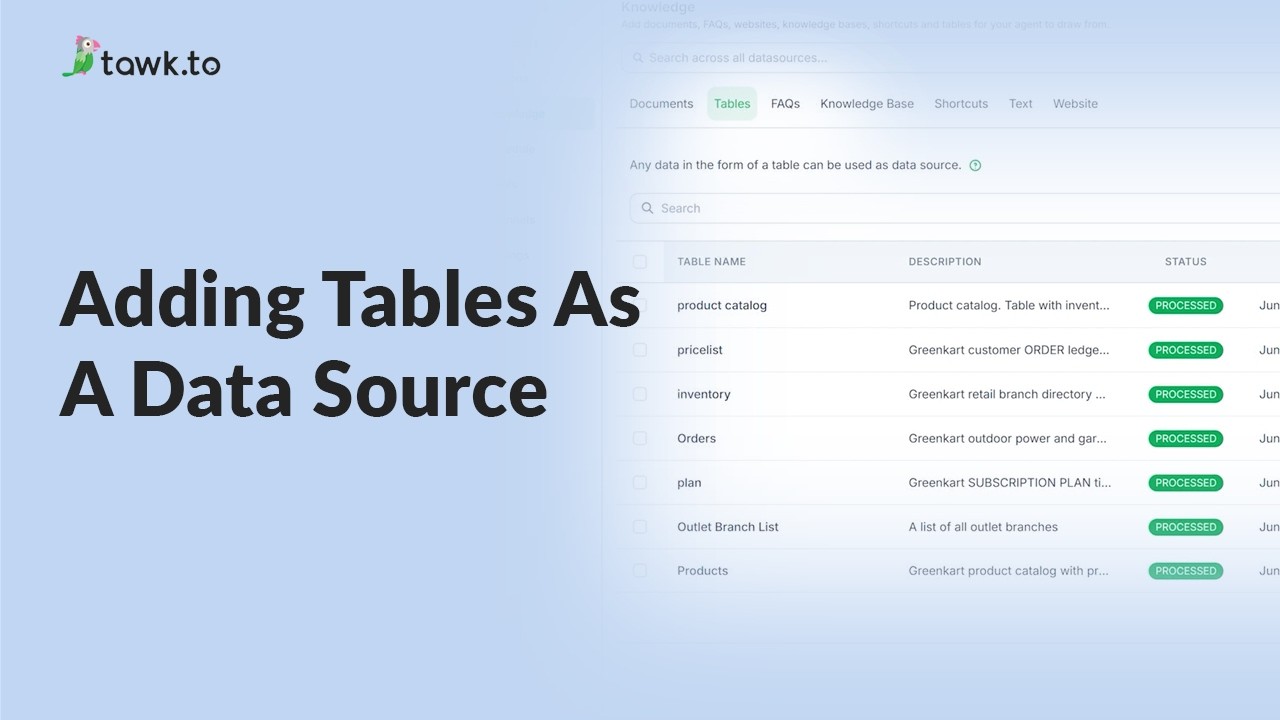
- Adding tables as a data source
- Can AI Assist Learn from my Website?
- Does AI Assist use information from previous conversations
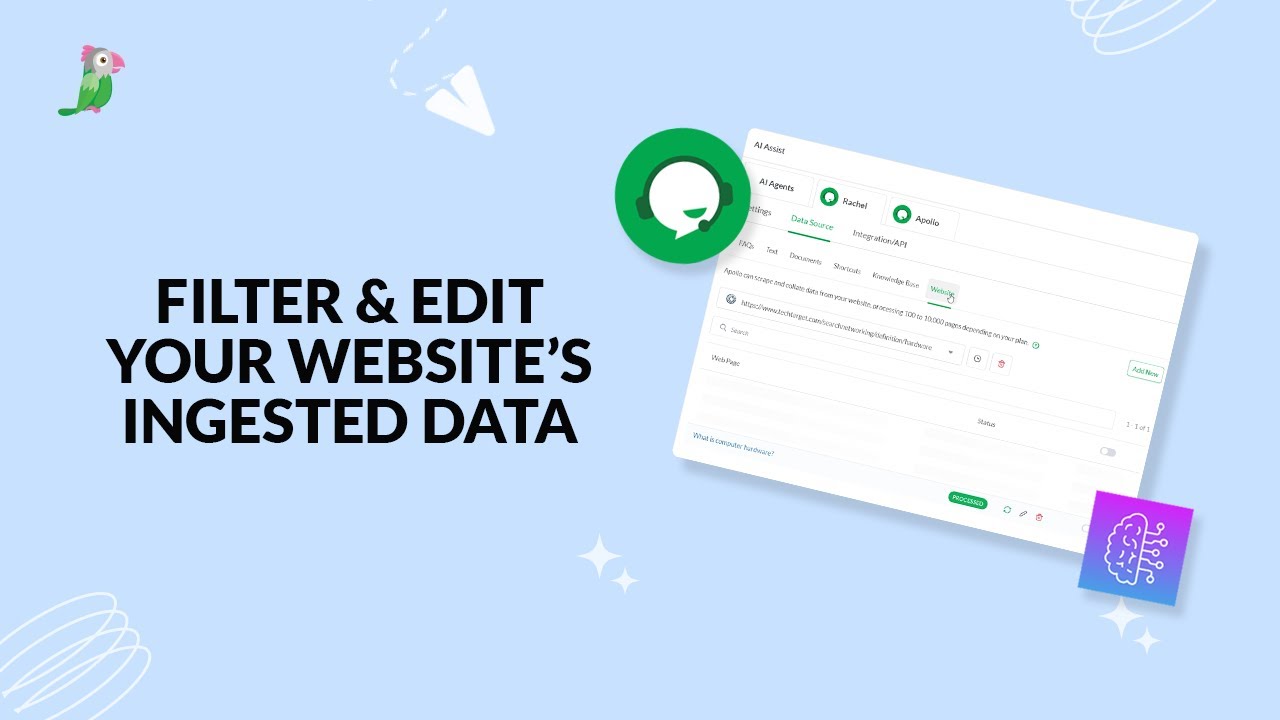
- Filter & edit your website’s ingested data
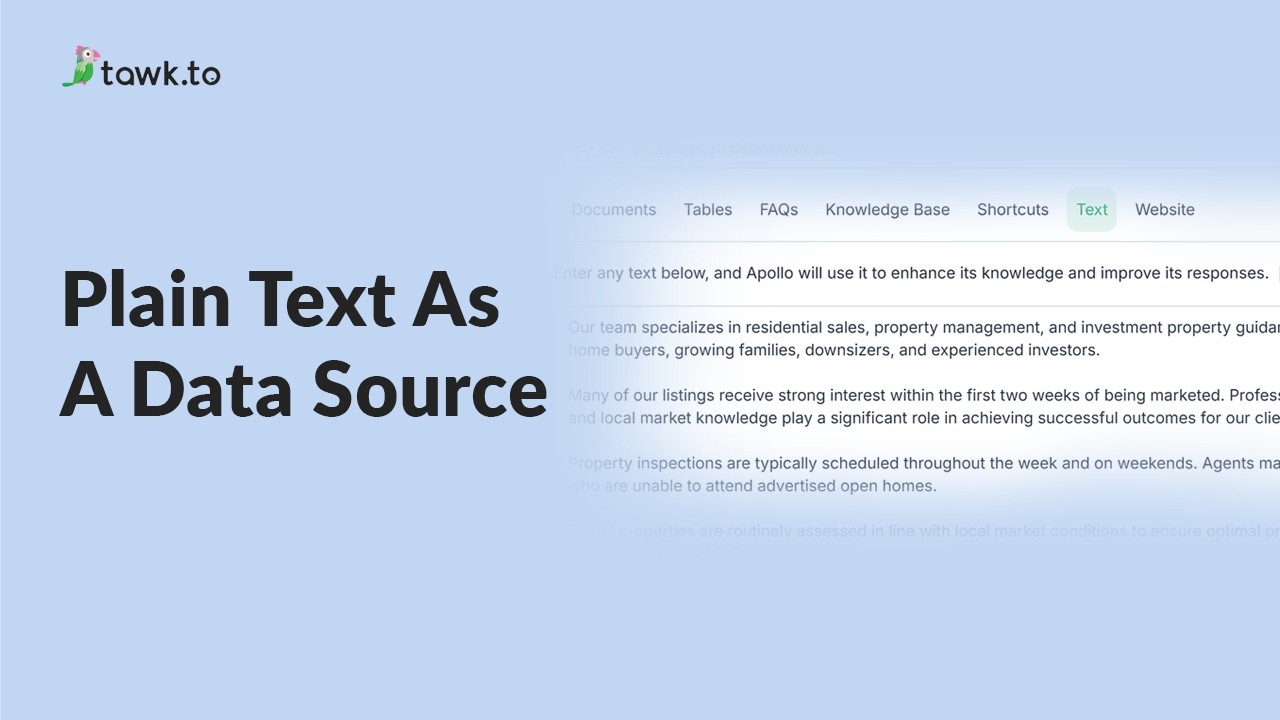
- Using plain text data source
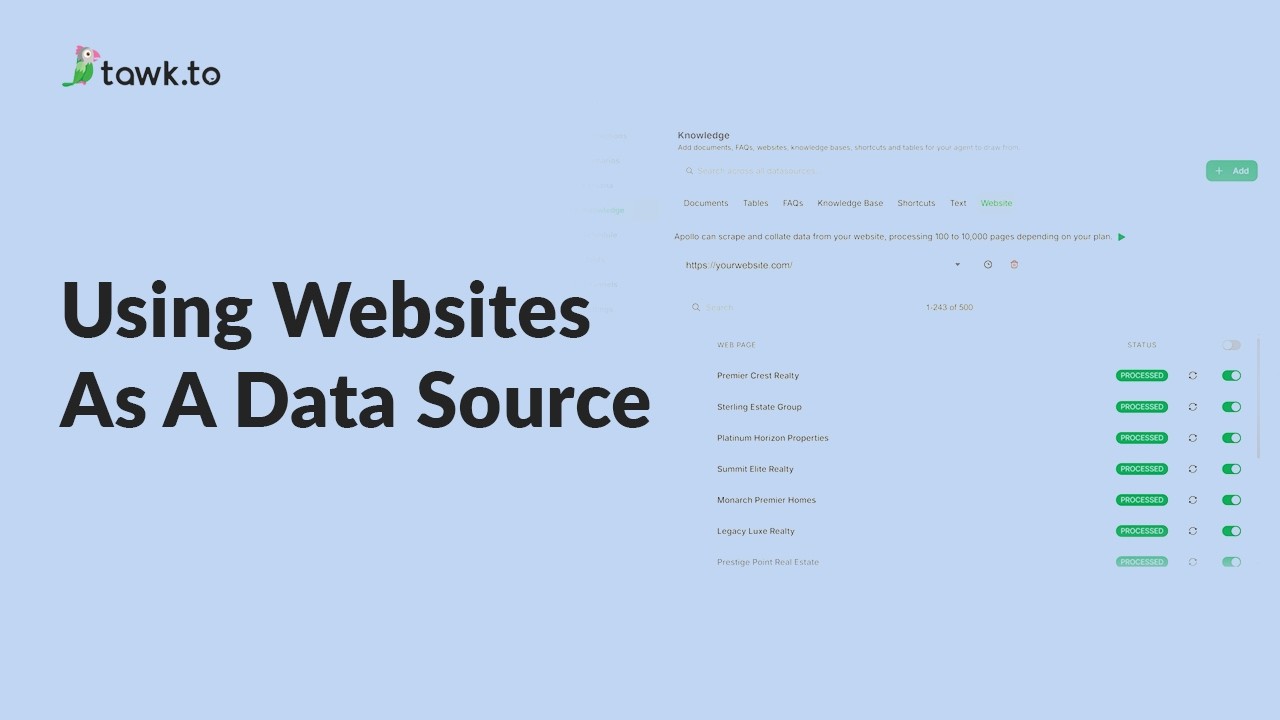
- Using website as a data source
- How to Fix Incorrect AI Agent Answers
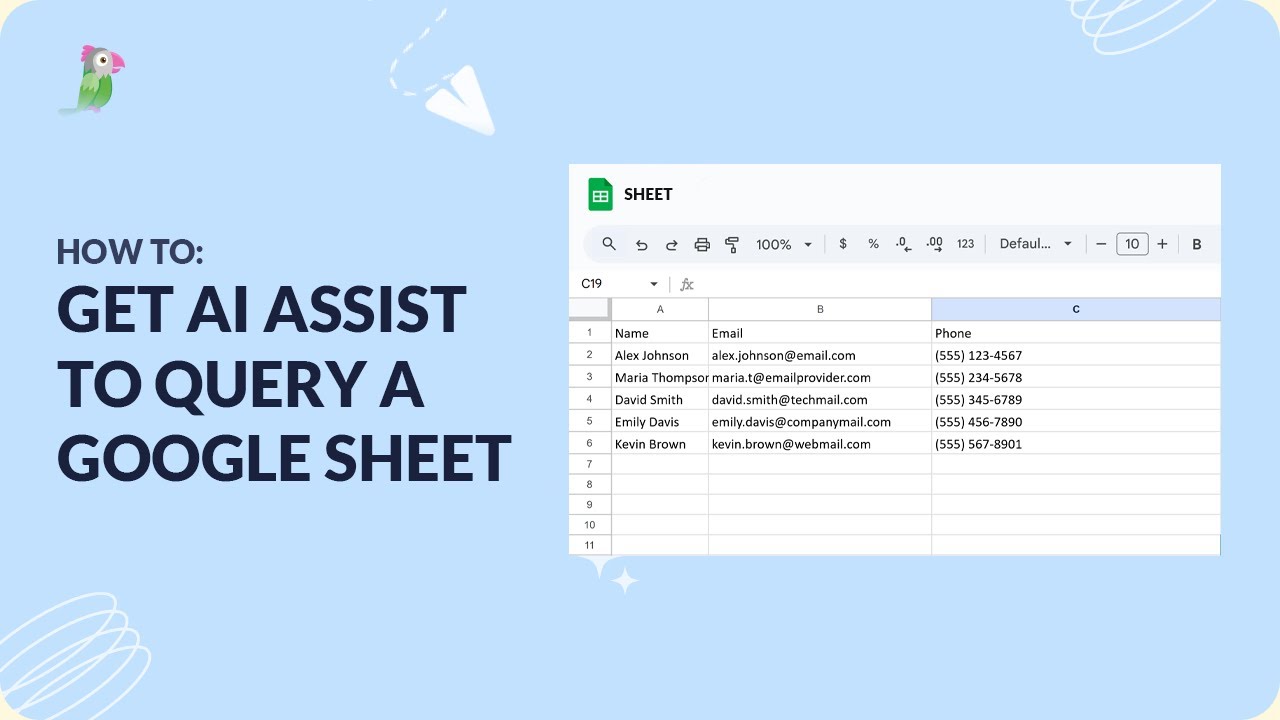
- How to get AI Assist to query a Google Sheet
Open the tawk.to Academy
Every topic and 220+ videos in one place.