
Using the AI Assist re-crawl feature
Learn how to use the Re-crawl feature in tawk.to AI Assist to keep your website data up to date. This video shows how scheduled re-crawling works across plans, how often your site is refreshed, and how to manage manual edits so your AI Agent always responds with accurate, current information.
· Share this video
· More in this topic
AI Assist: Training, Data Sources & Re-syncing
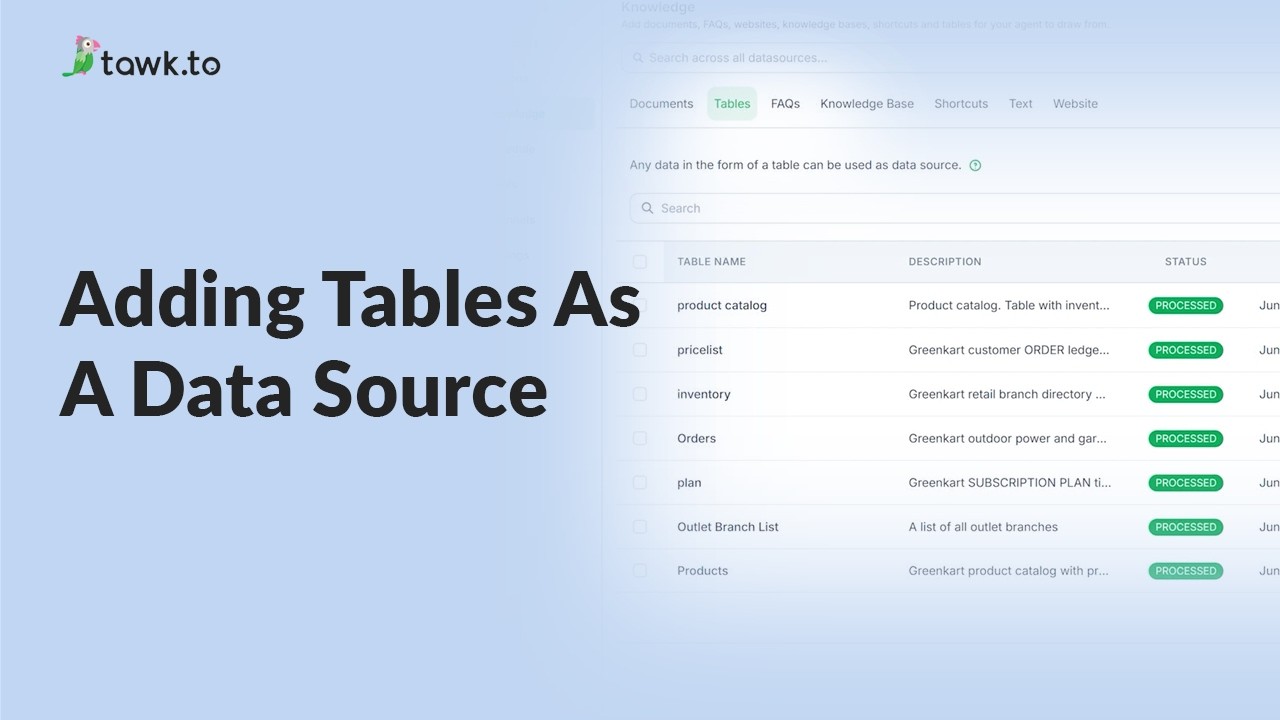
- Adding tables as a data source
- Can AI Assist Learn from my Website?

- Does AI Assist use information from previous conversations
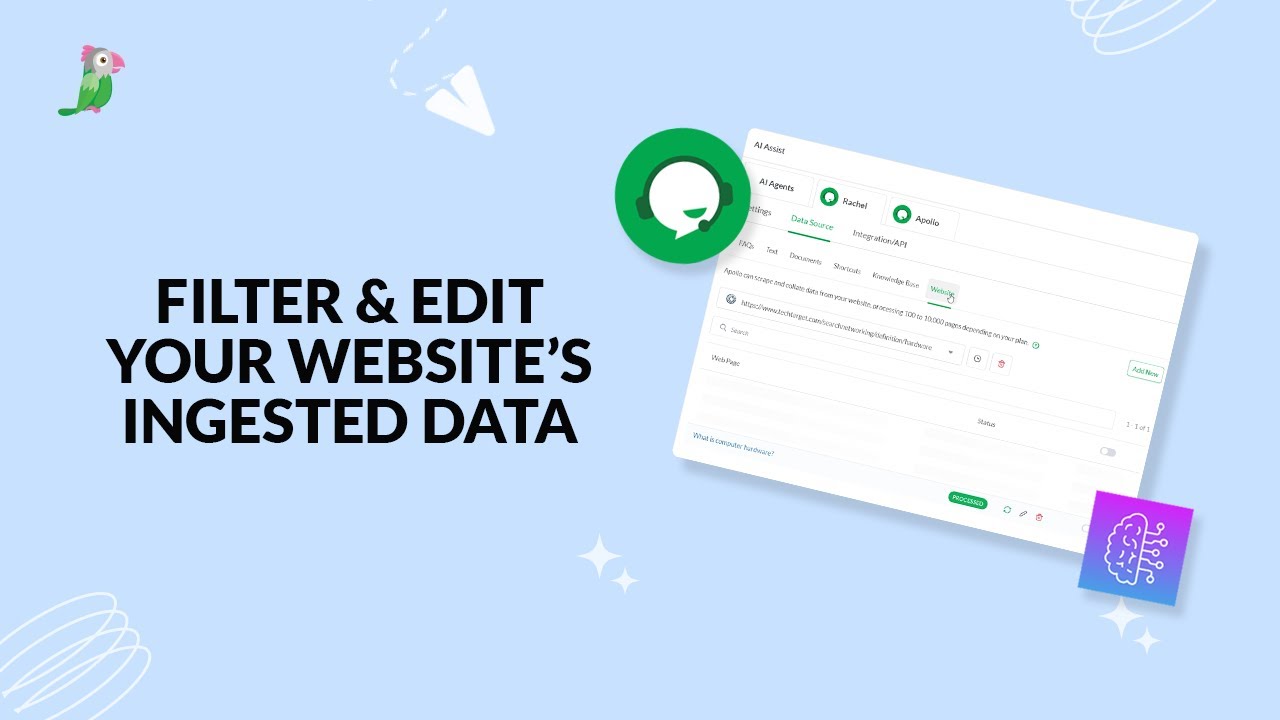
- Filter & edit your website’s ingested data
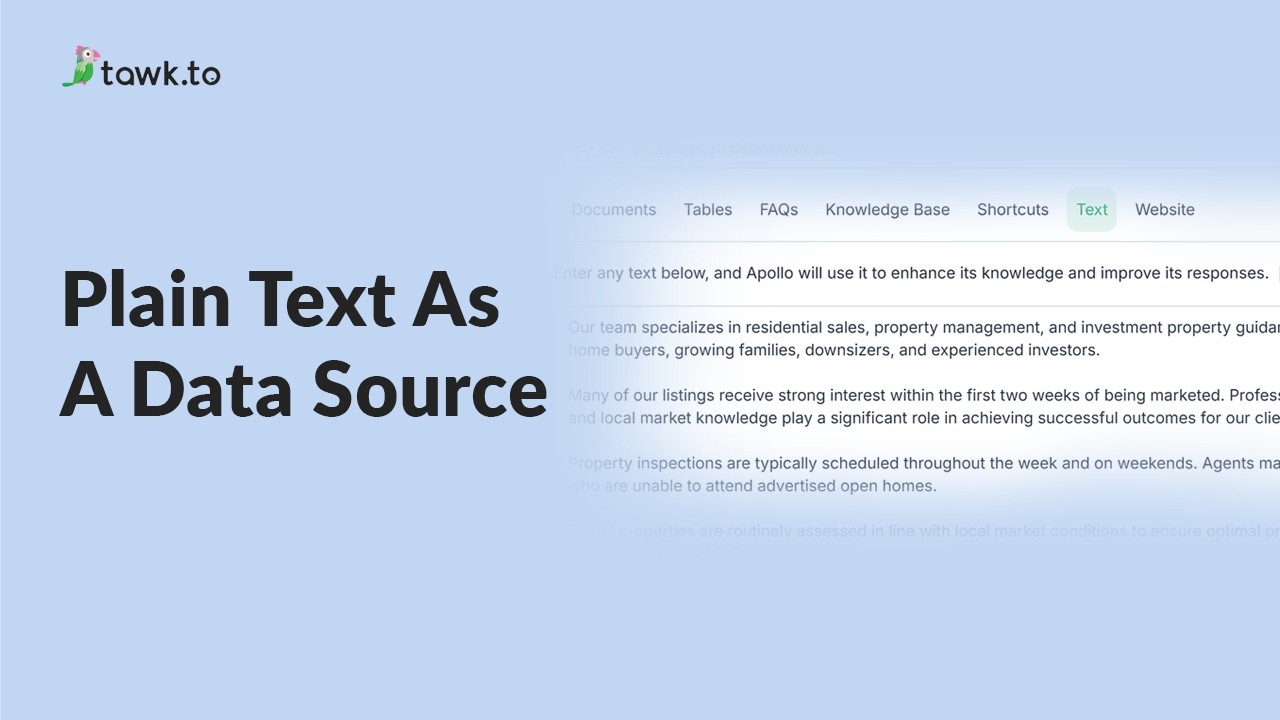
- Using plain text data source
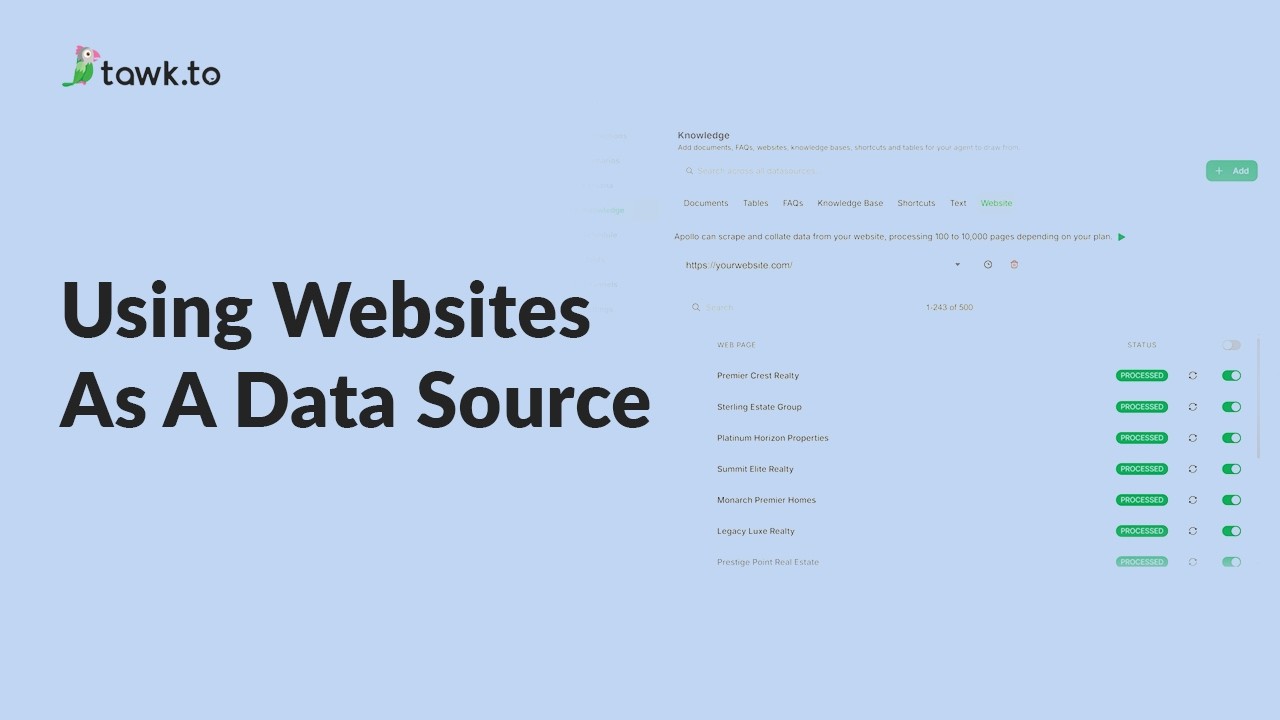
- Using website as a data source
- How to Fix Incorrect AI Agent Answers
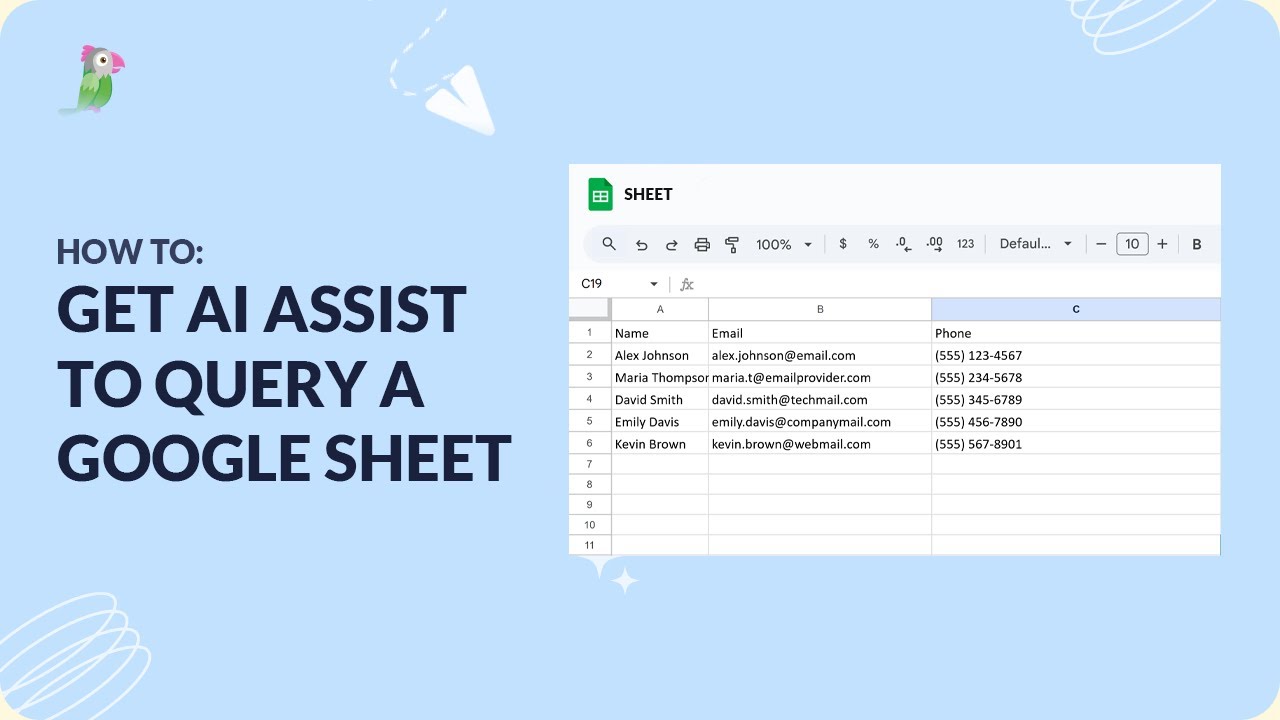
- How to get AI Assist to query a Google Sheet
Open the tawk.to Academy
Every topic and 220+ videos in one place.