
How to use Scenarios in Ai Assist
Learn how to use Scenarios in tawk.to AI Assist to give your AI agent precise, situation-specific instructions that go beyond your base settings. This video covers how to create a Scenario, set trigger phrases, add negative examples to prevent misfires, and write instructions for specific situations like refunds, bookings, and technical support. You'll also see how to use the If/Then/Else builder to handle time-sensitive escalations, like routing to a live agent during business hours or directing visitors to a ticket after hours.
· Share this video
· More in this topic
AI Assist: Training, Data Sources & Re-syncing
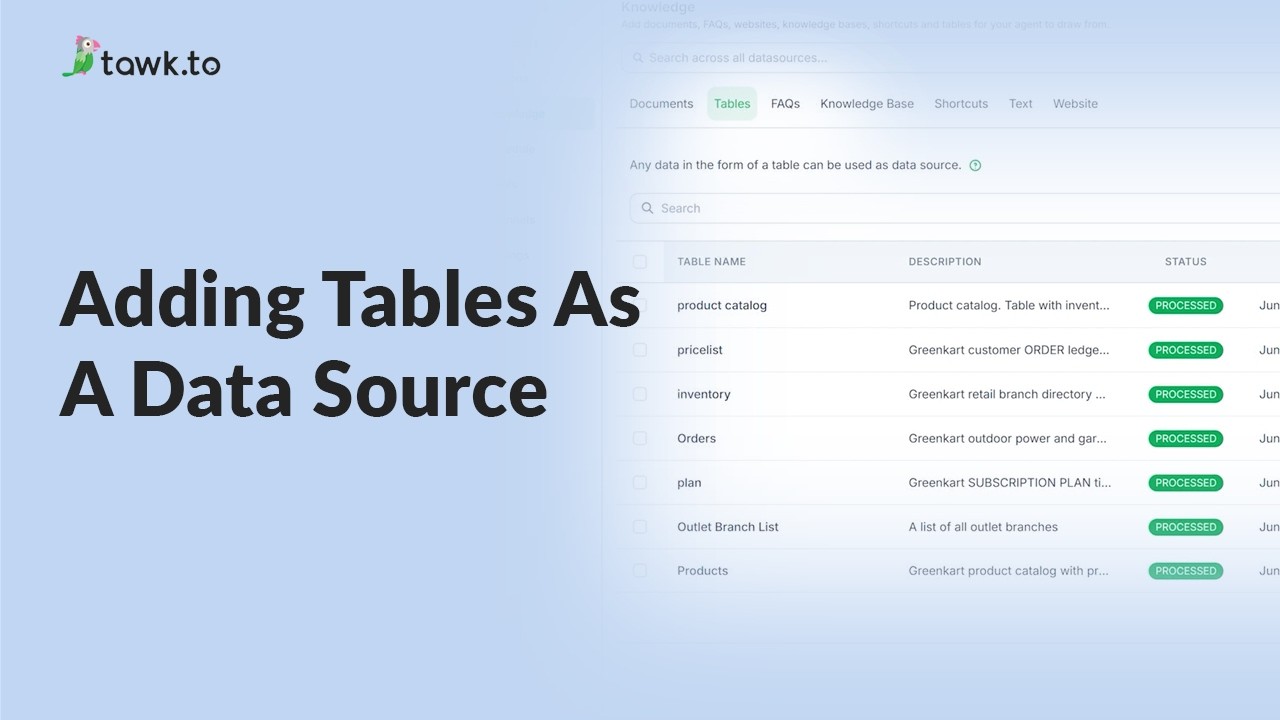
- Adding tables as a data source
- Can AI Assist Learn from my Website?

- Does AI Assist use information from previous conversations
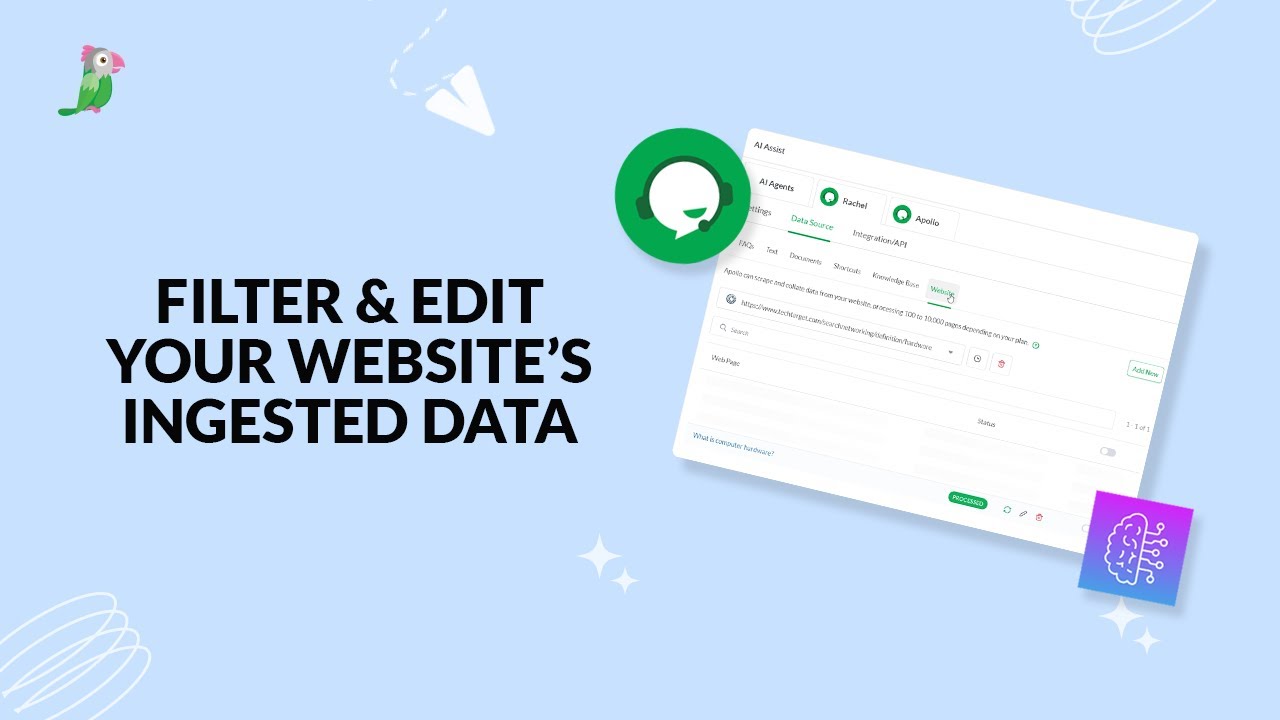
- Filter & edit your website’s ingested data
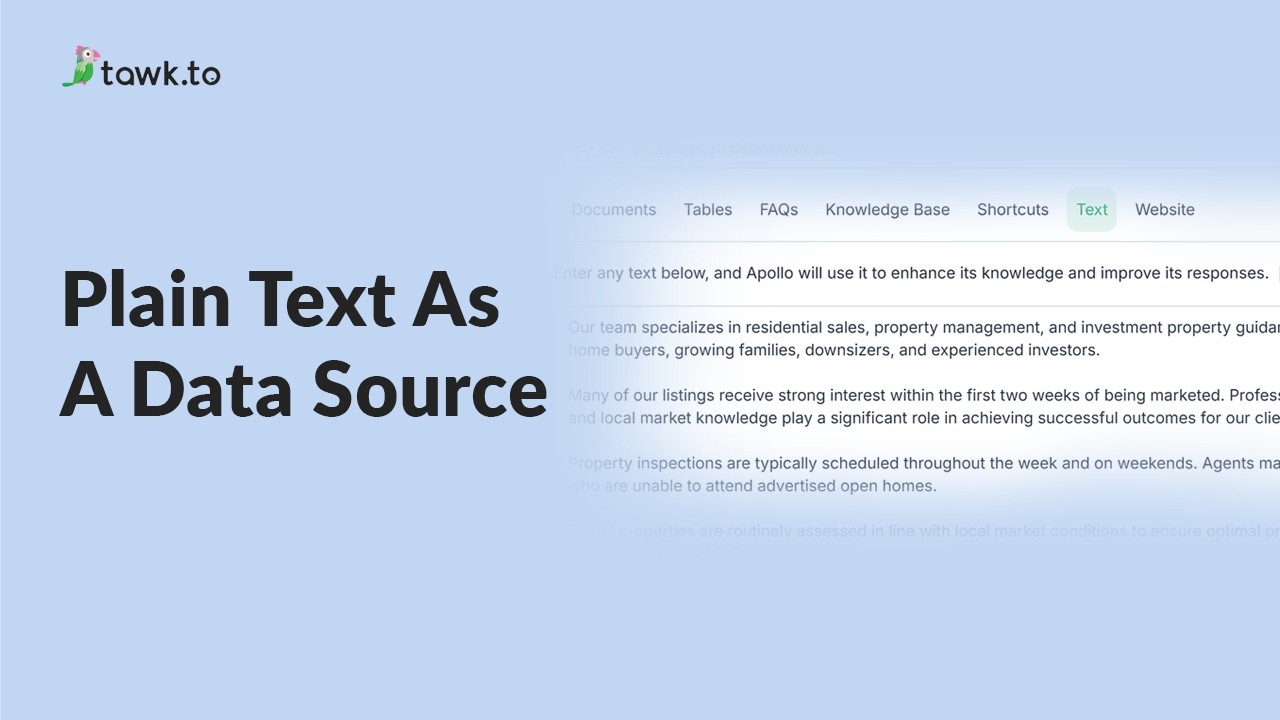
- Using plain text data source
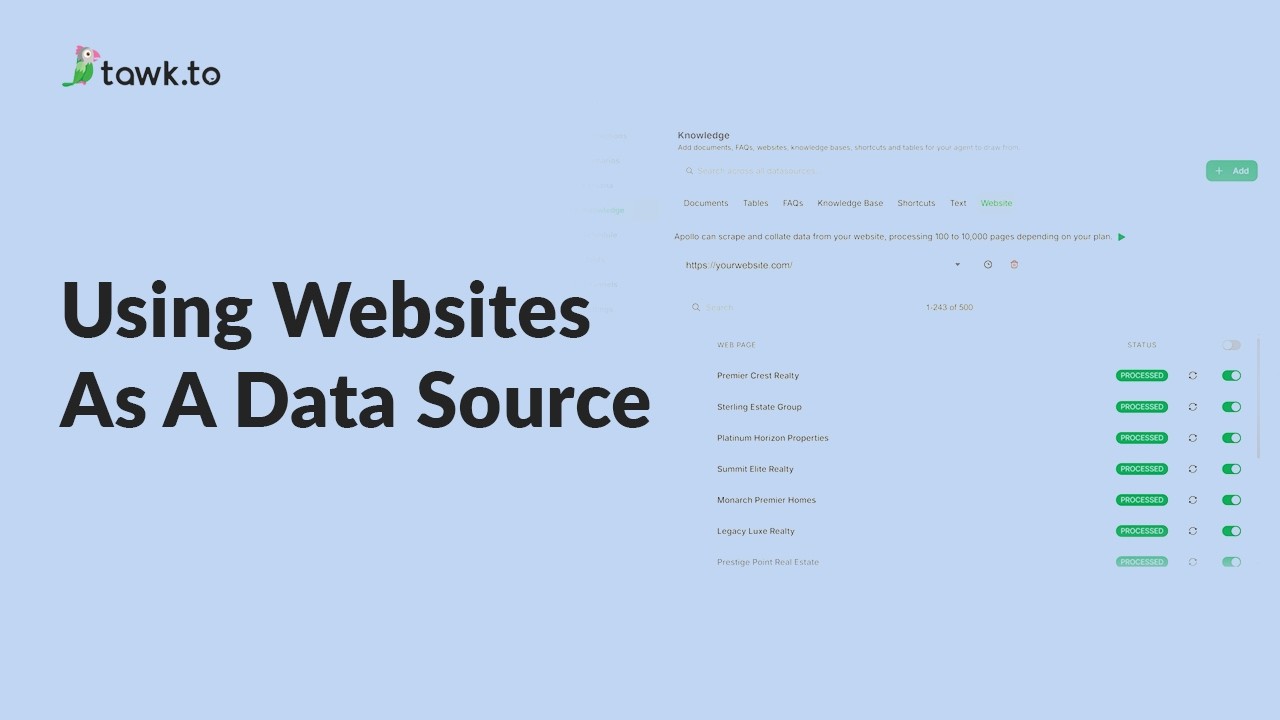
- Using website as a data source
- How to Fix Incorrect AI Agent Answers
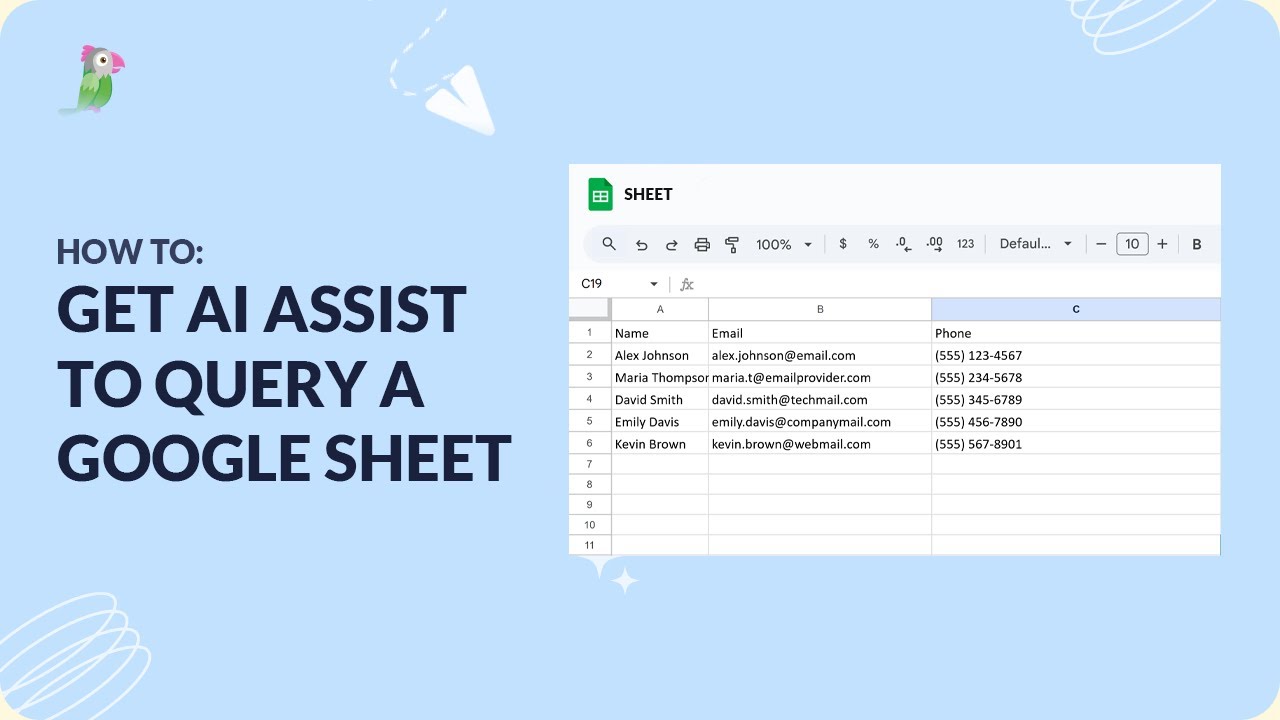
- How to get AI Assist to query a Google Sheet
Open the tawk.to Academy
Every topic and 220+ videos in one place.