
How to setup the pre-chat form
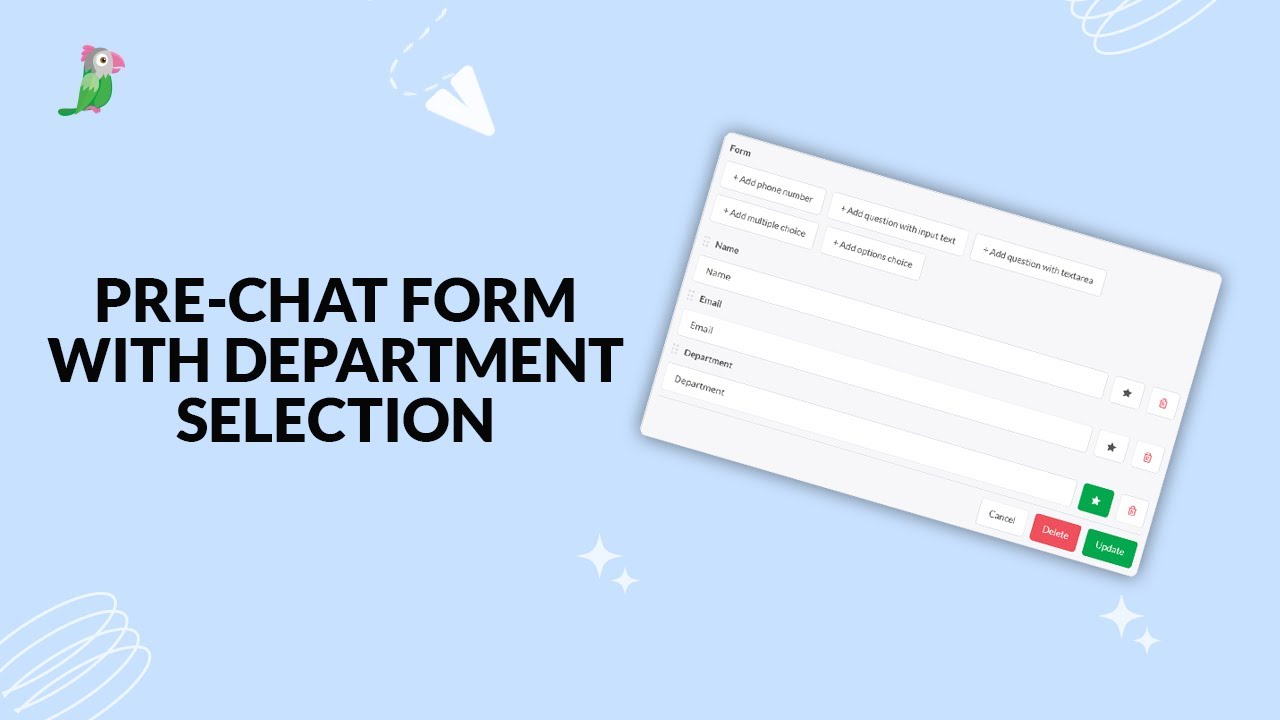
Want to capture visitor details before a chat begins? In this video, learn how to set up and customise a Pre-Chat Form in tawk.to. From collecting names and emails to adding custom fields like departments, drop-downs, or order numbers, you’ll see how to give your team the context they need to respond quickly and effectively. We’ll also cover how answers appear for your agents, how they’re saved in Contacts, and how you can use required fields to qualify leads while keeping your support process smooth.
· Share this video
· More in this topic
Chat Widget: Behavior, Scheduling & Pre-Chat Forms
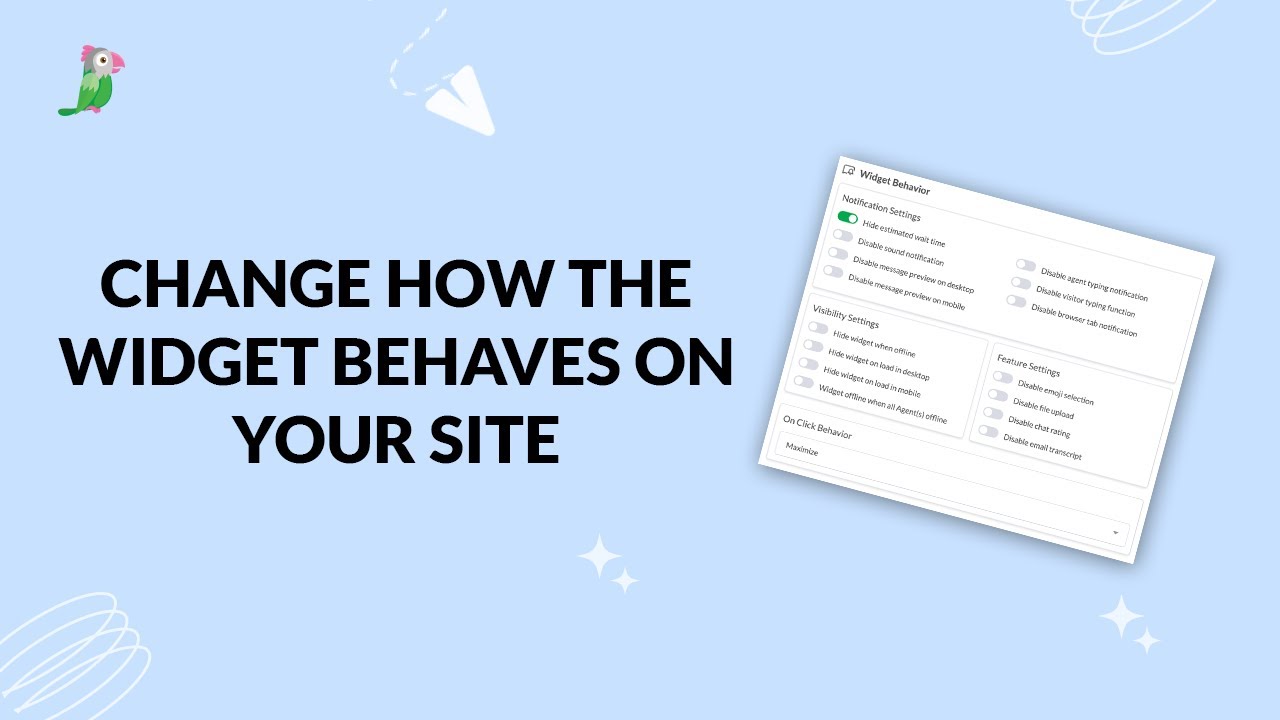
- Change how the widget behaves on your website
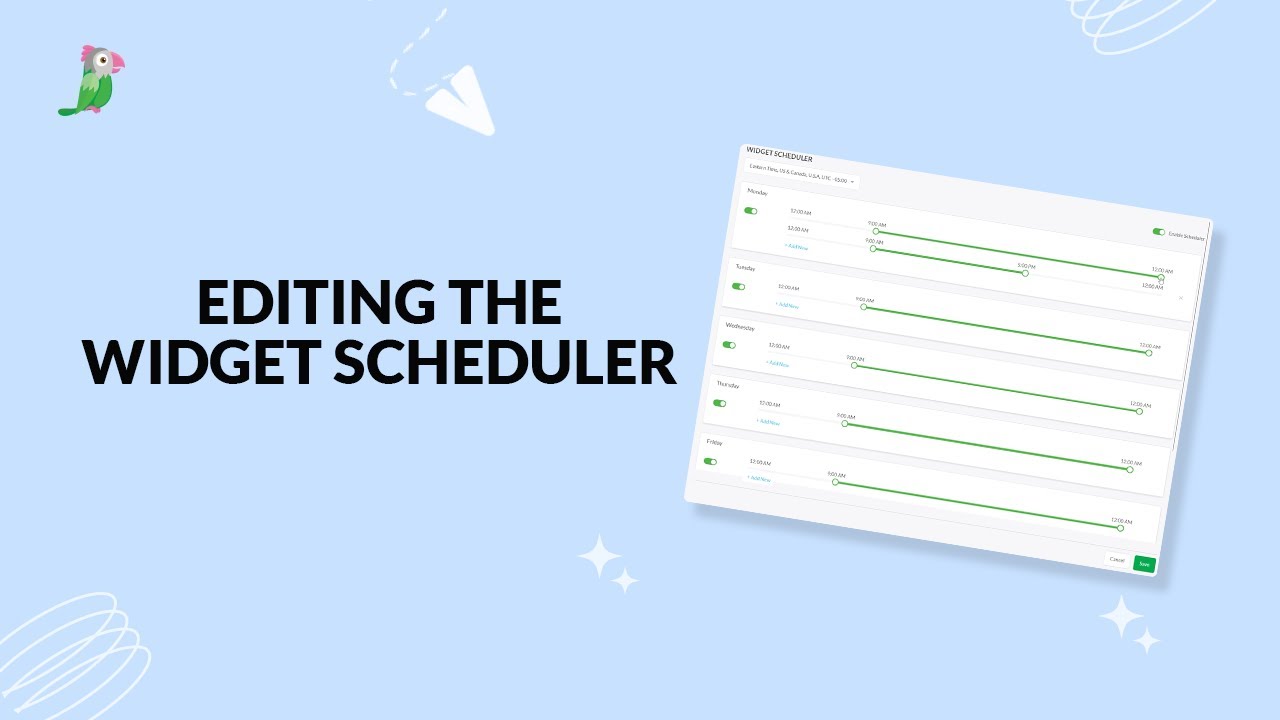
- Editing the widget scheduler
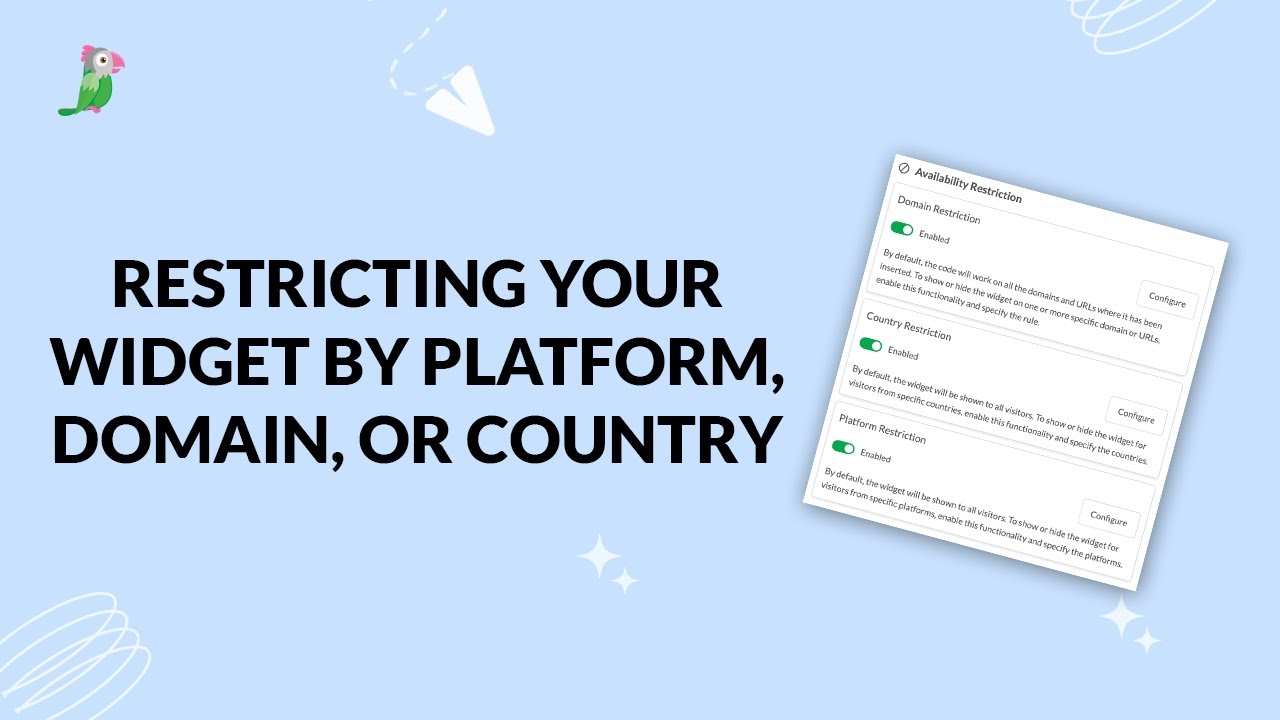
- Restricting your widget by platform, domain, or country
- Pre-chat form with department selection
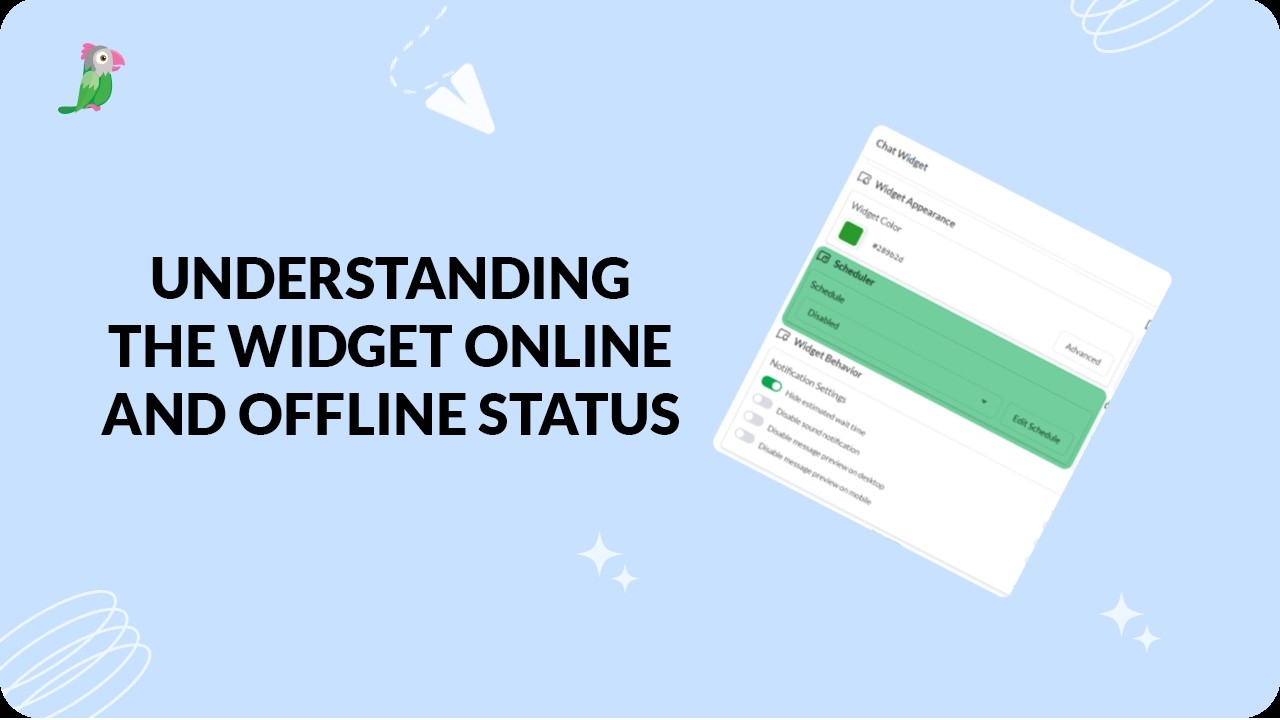
- Understanding the widget online and offline status
Open the tawk.to Academy
Every topic and 220+ videos in one place.