
Updating and downloading invoices
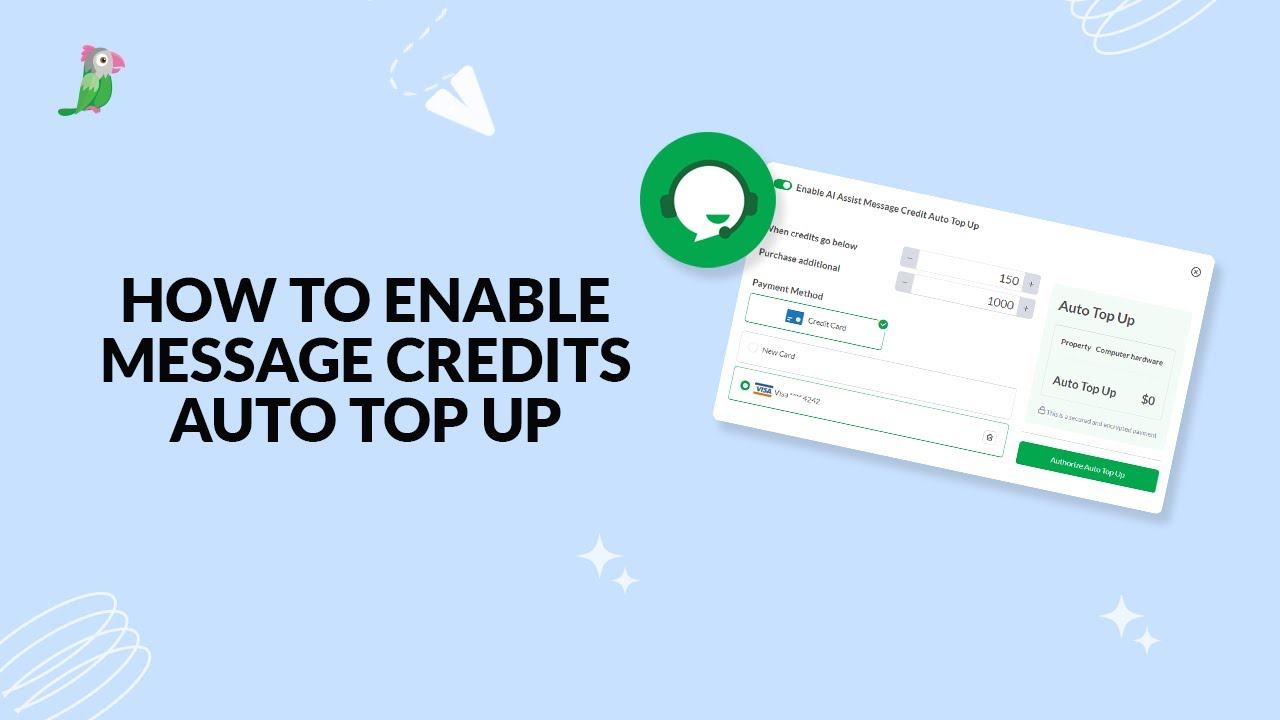
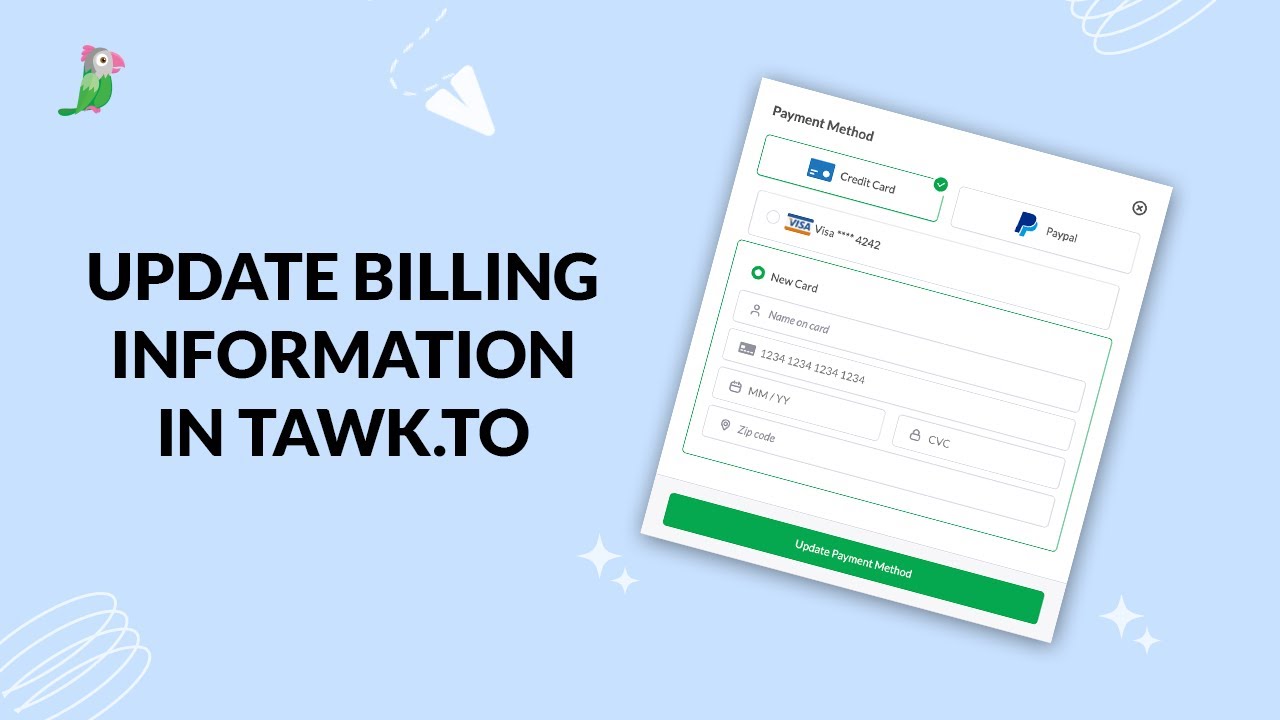
In this step-by-step guide, we’ll walk you through how to update your payment method, manage your billing address, enable AI Assist auto top-ups, and download invoices — all from your tawk.to Dashboard. Keep your account organised, your records accurate, and your subscription running smoothly.
· Share this video
· More in this topic
Billing, Subscriptions & Invoicing
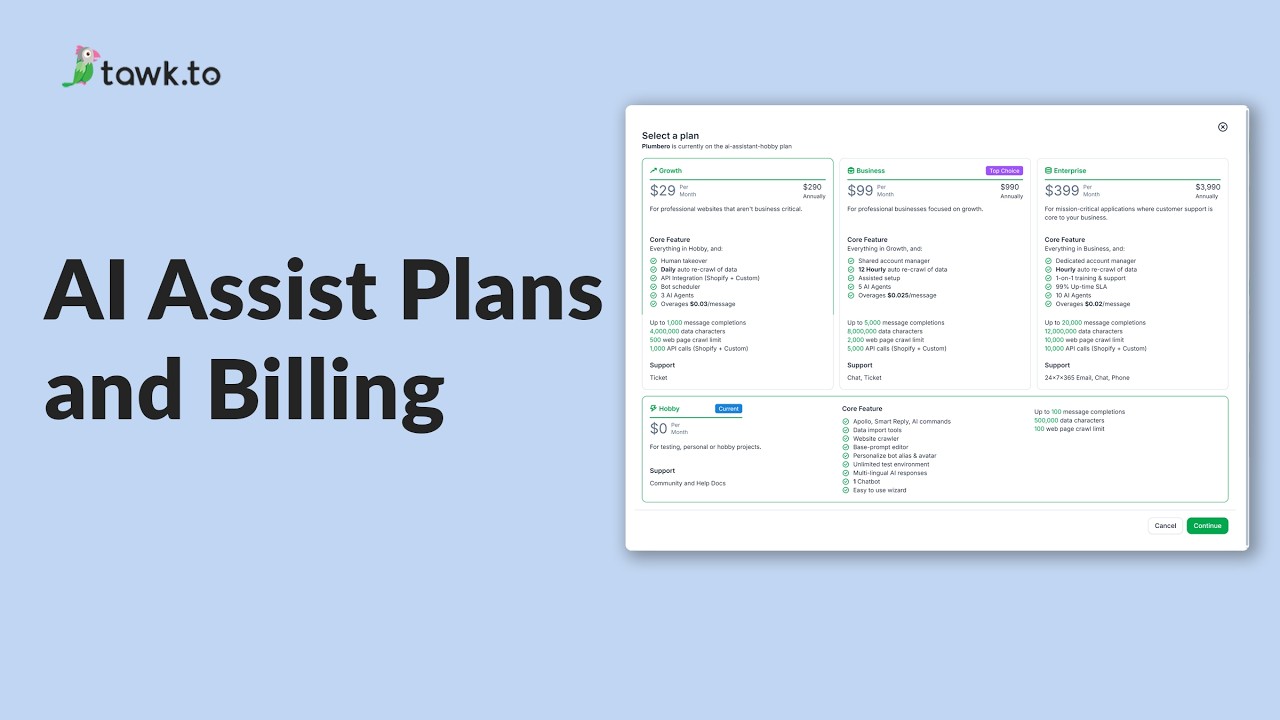
- AI Assist Plans and Billing
- How is the usage limit for AI assist determined
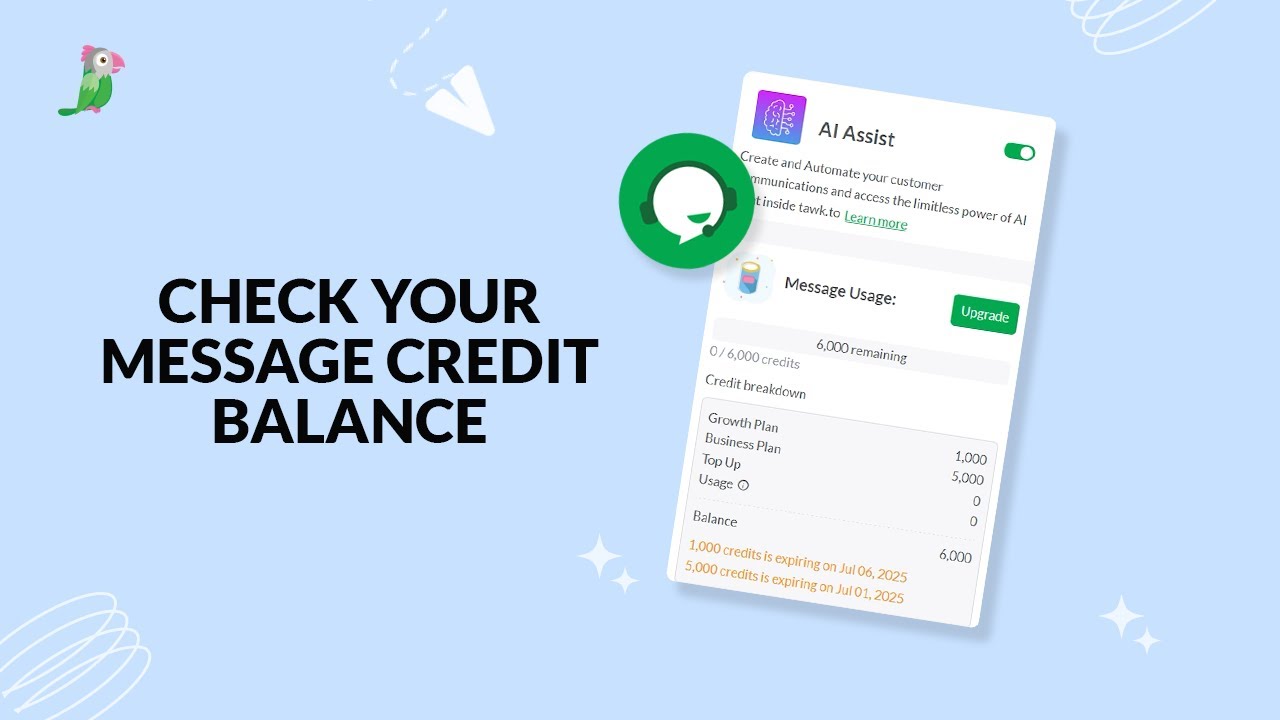
- How to check credit balance for AI Assist
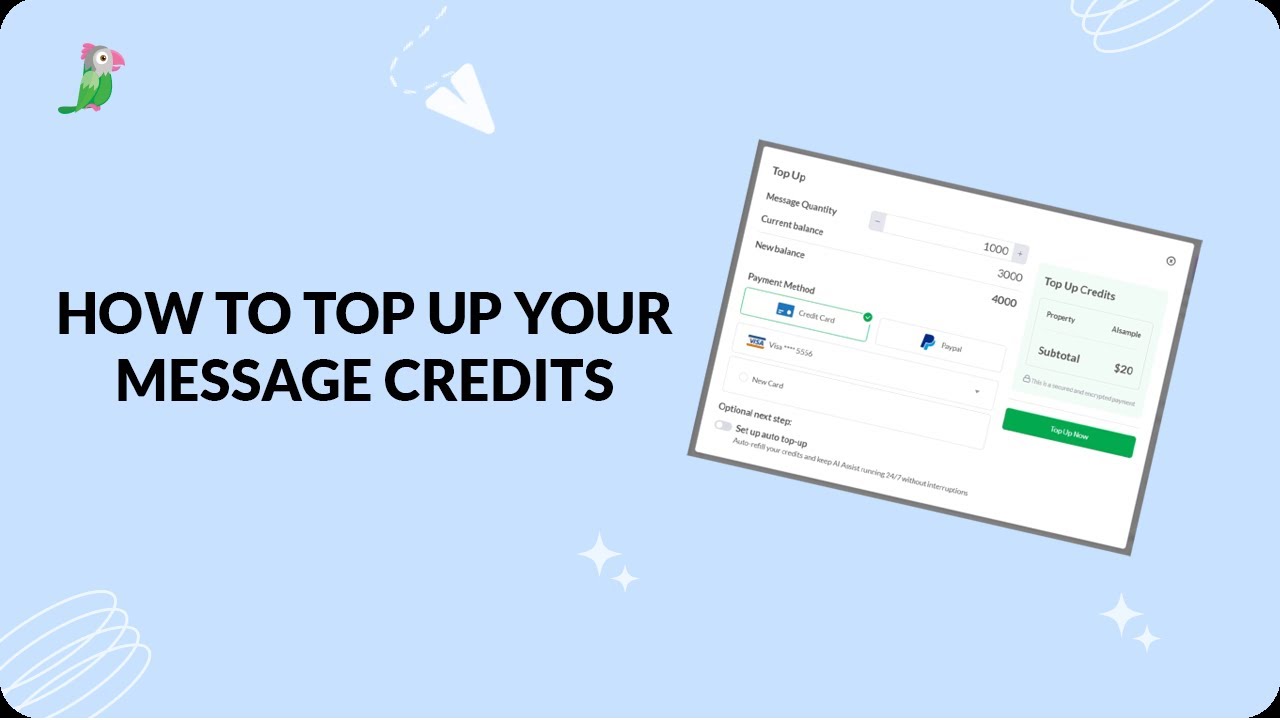
- How to enable mesage credits auto top up
- How to manage billing for AI Assist
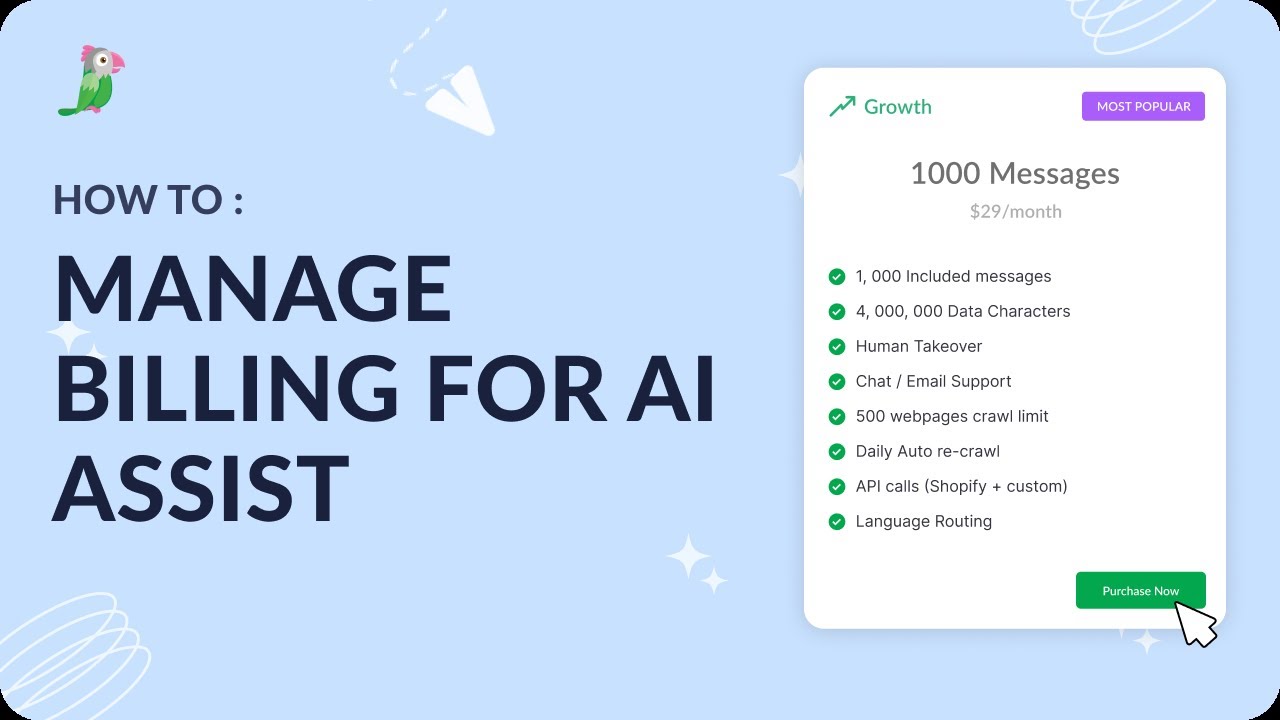
- How to top up your AI Assist message credits
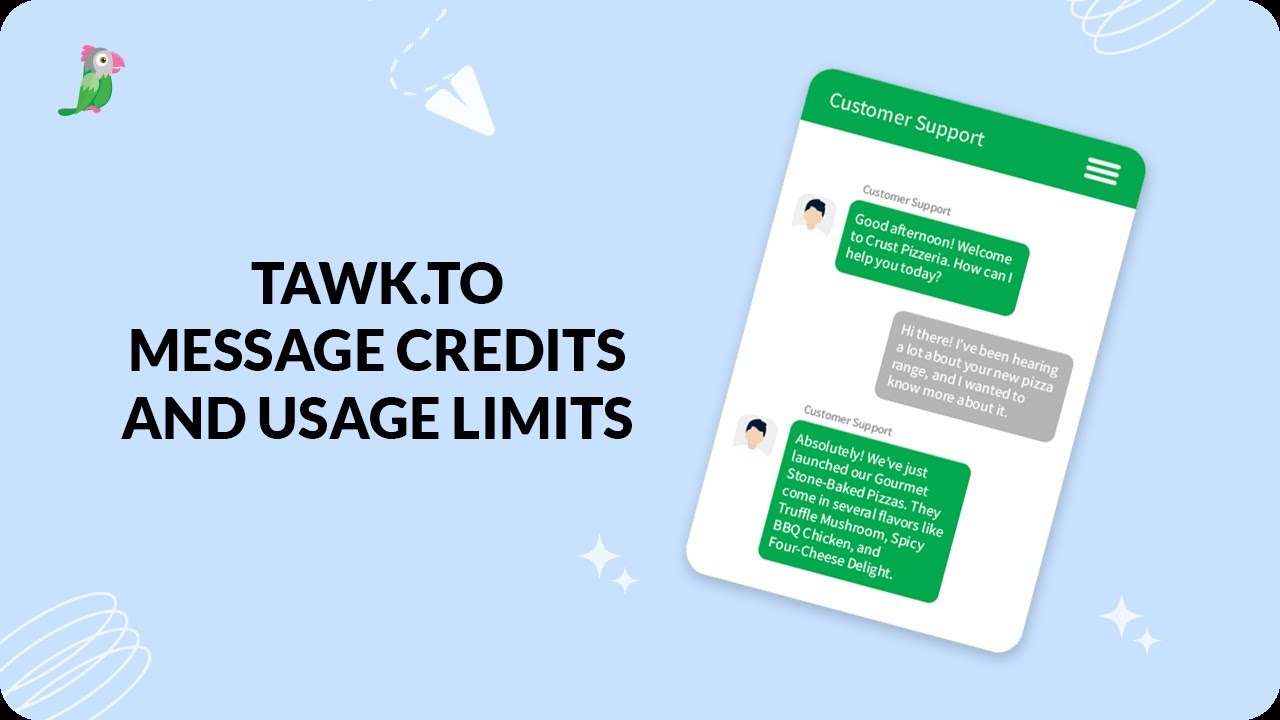
- tawk.to message credits and usage limits
- Update billing information in tawk.to
Open the tawk.to Academy
Every topic and 220+ videos in one place.