
How to top up your AI Assist message credits
Learn how to top up AI Assist message credits on tawk.to and keep your AI running without interruptions. This video explains how credits work across AI Assist plans, how message usage is calculated, and how to manually top up or enable auto top-up so your support stays active during busy periods.
· Share this video
· More in this topic
Billing, Subscriptions & Invoicing
- AI Assist Plans and Billing
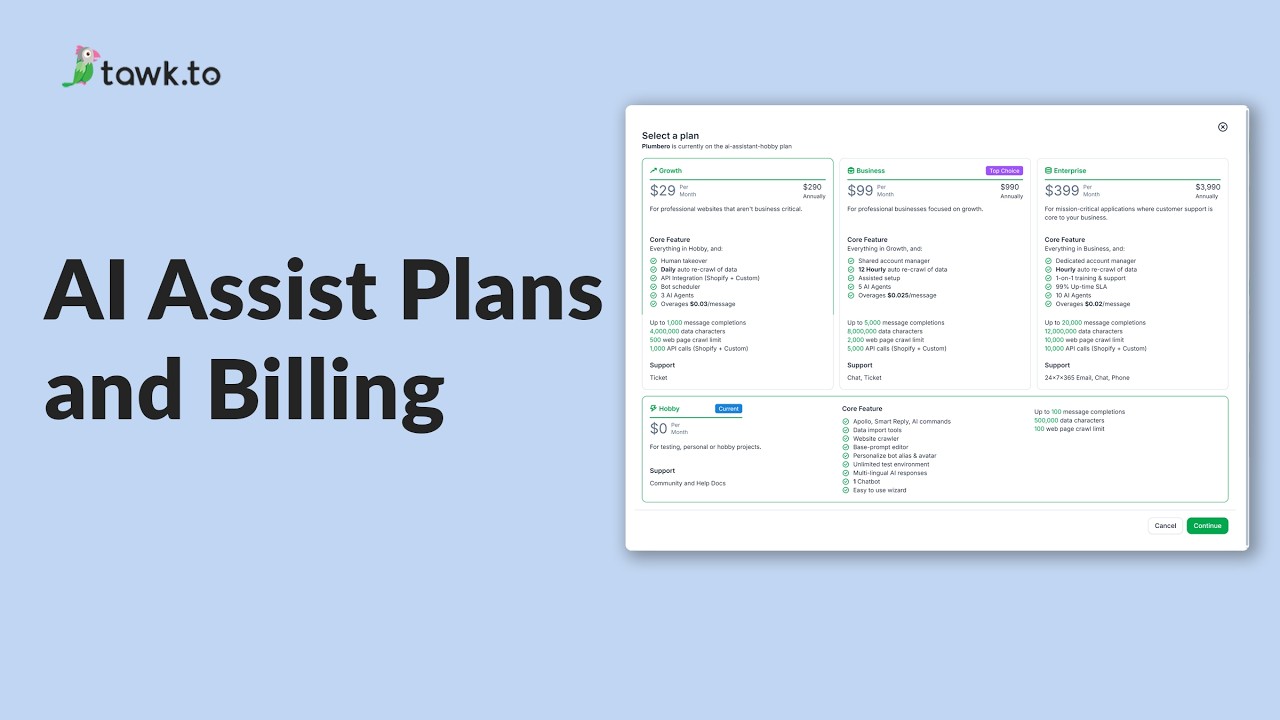
- How is the usage limit for AI assist determined
- How to check credit balance for AI Assist
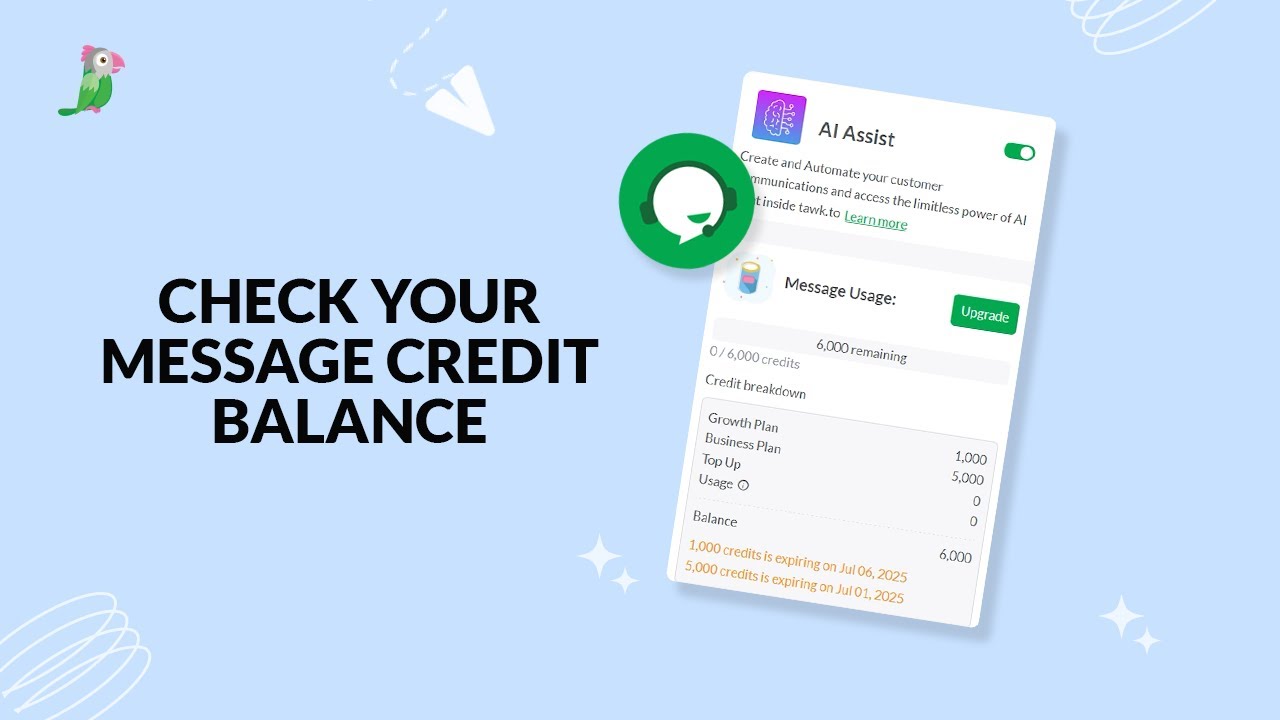
- How to enable mesage credits auto top up
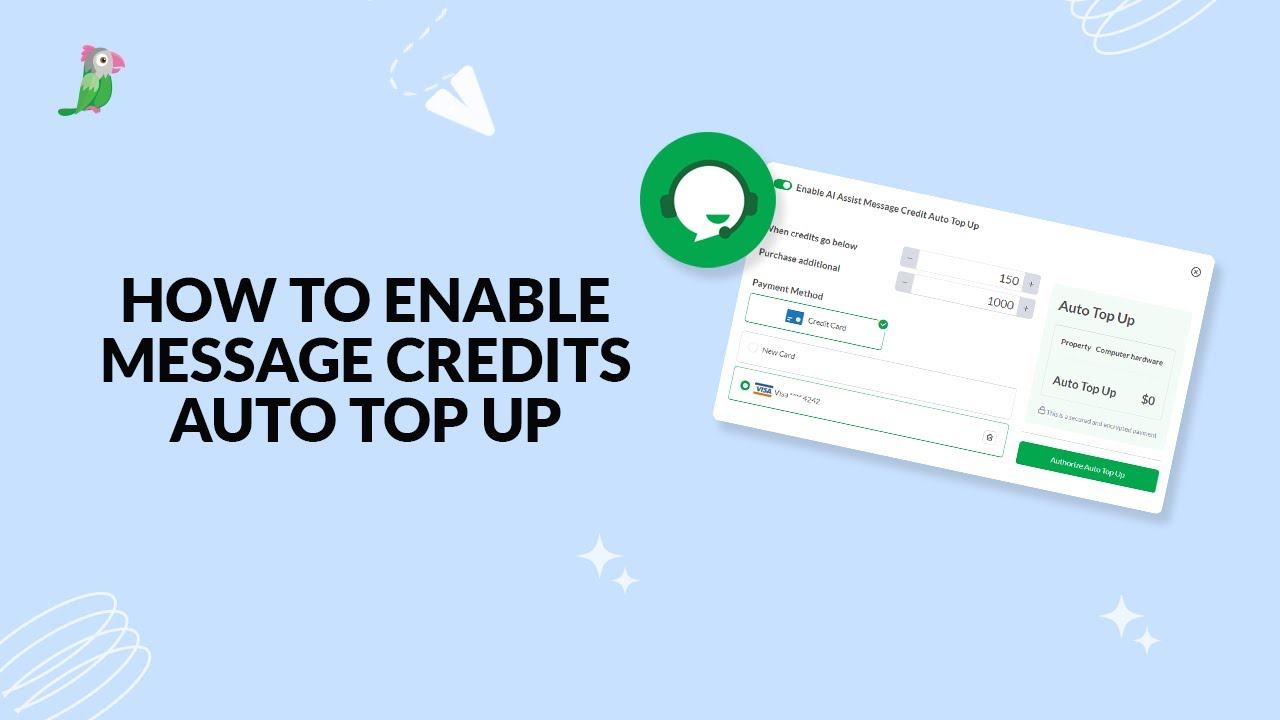
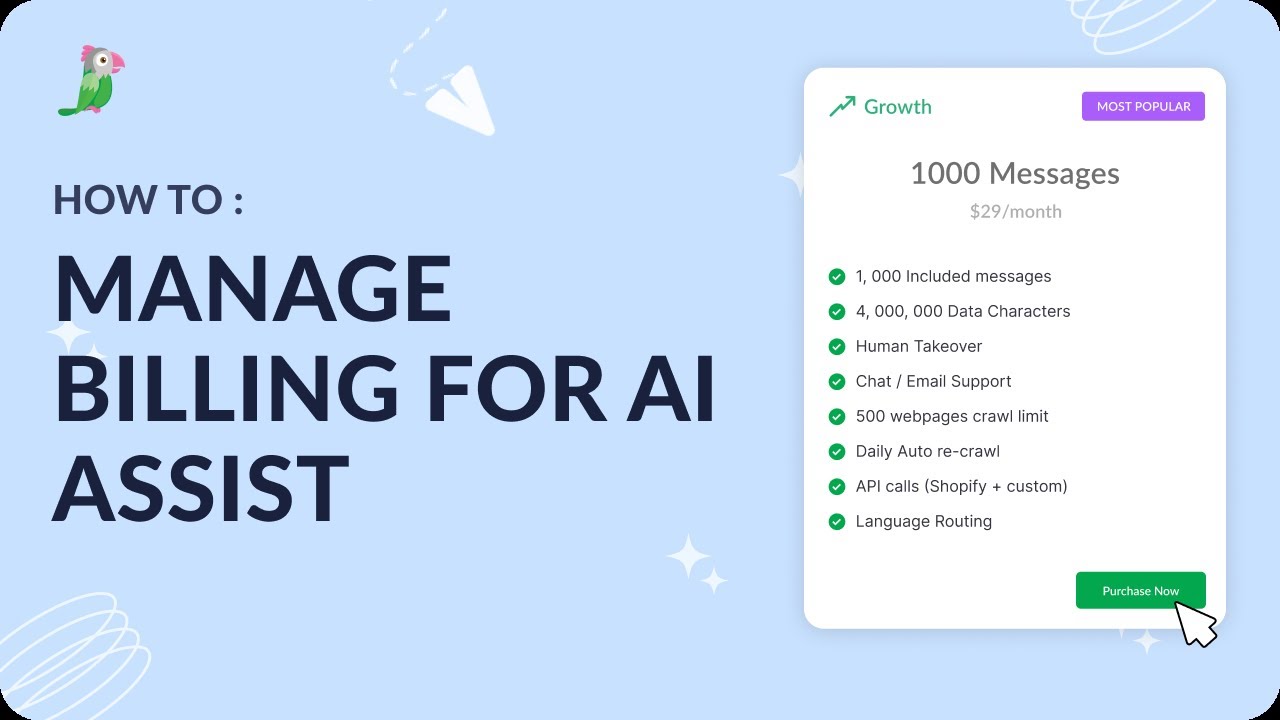
- How to manage billing for AI Assist
- tawk.to message credits and usage limits
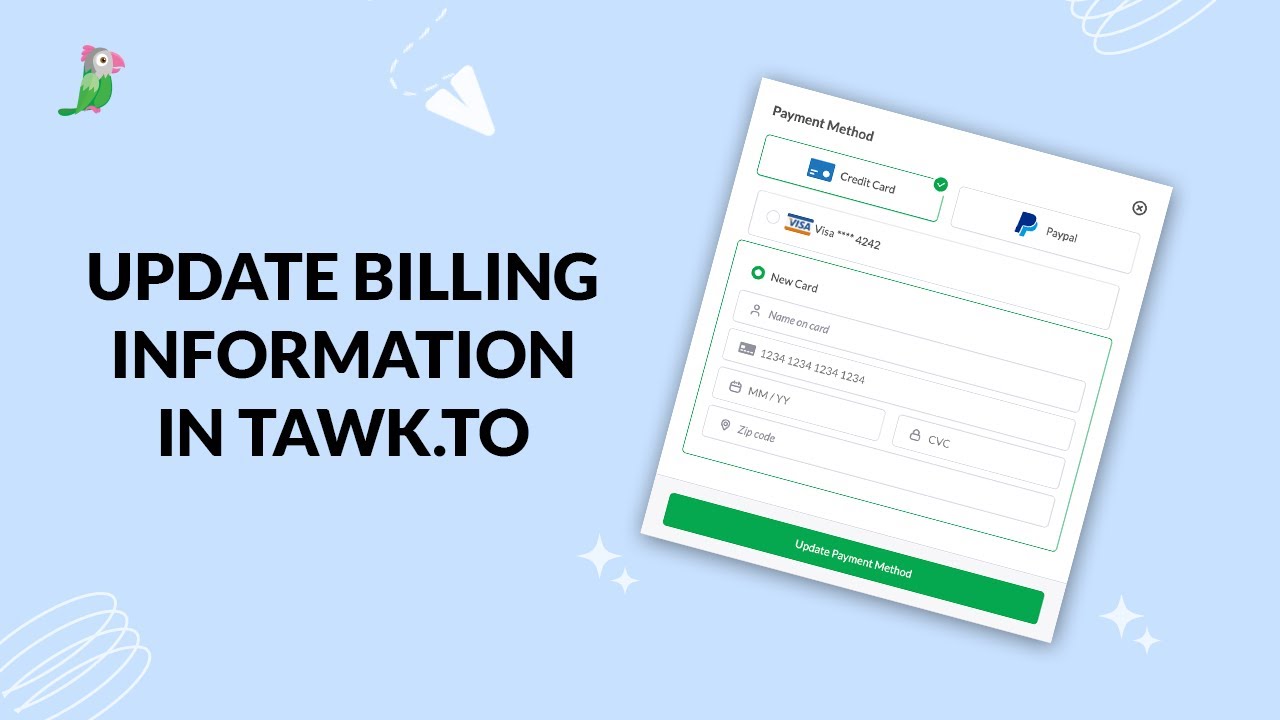
- Update billing information in tawk.to
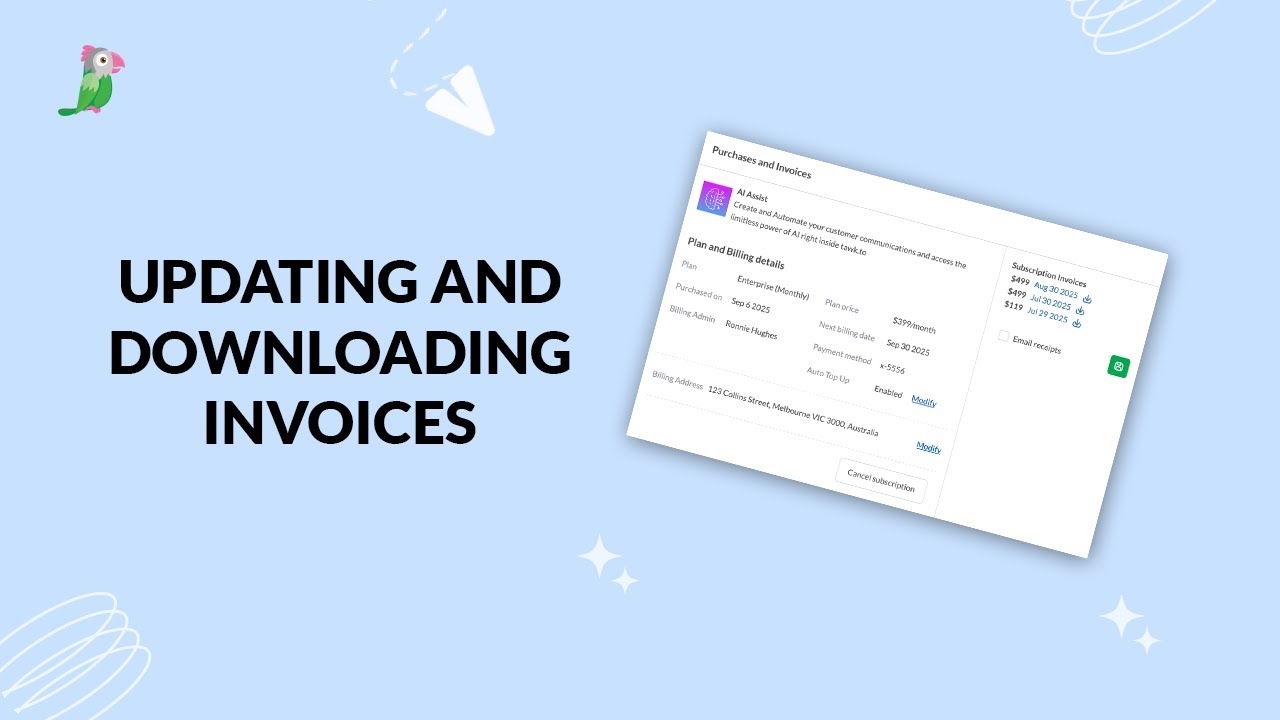
- Updating and downloading invoices
Open the tawk.to Academy
Every topic and 220+ videos in one place.