
Understanding the Statistics in your Dashboard
Want to see what’s happening on your website in real time? In this video, learn how to use the tawk.to Dashboard to track live visitors, chat history, page views, sentiment, and engagement. We’ll show you how to read session counts, compare today’s performance with yesterday’s, and use reporting insights to measure team availability and responsiveness.
· Share this video
· More in this topic
Getting Started: Account, Property & Dashboard Setup
- How to add the tawk.to chat widget on Wordpress

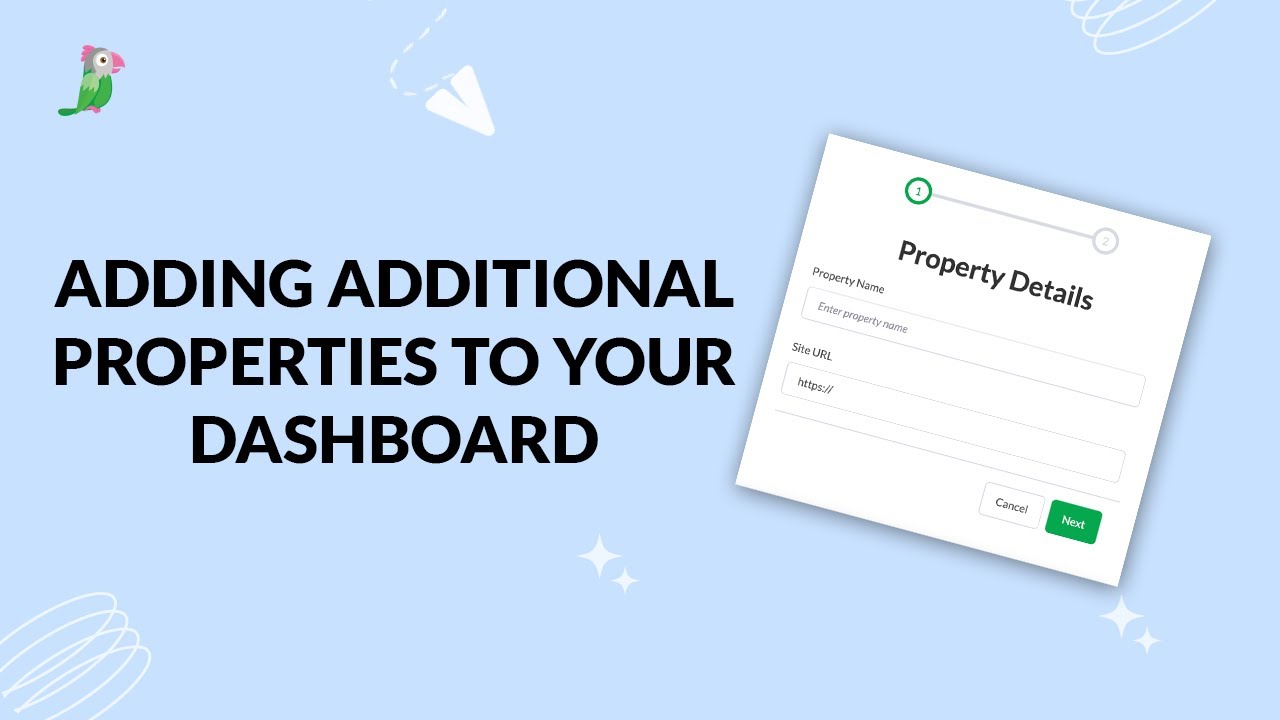
- Adding additional properties to your dashboard
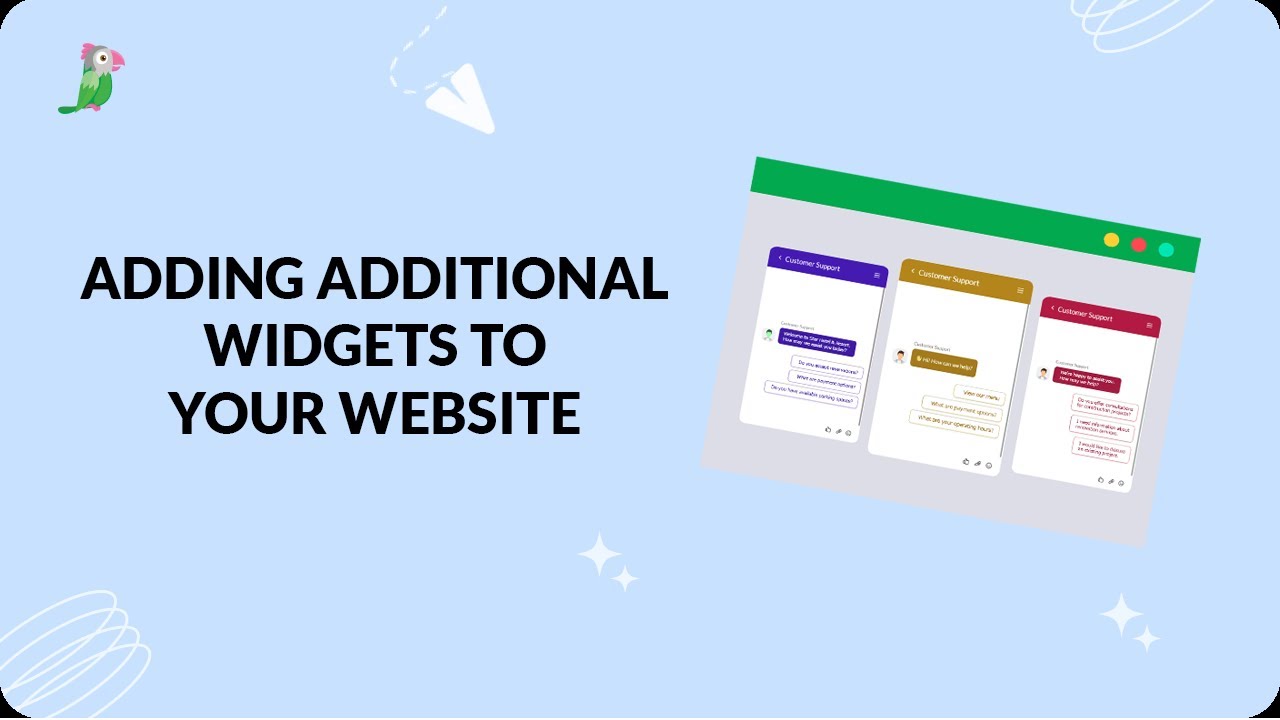
- Adding additional widgets to your website
- Add the tawk.to widget to your website

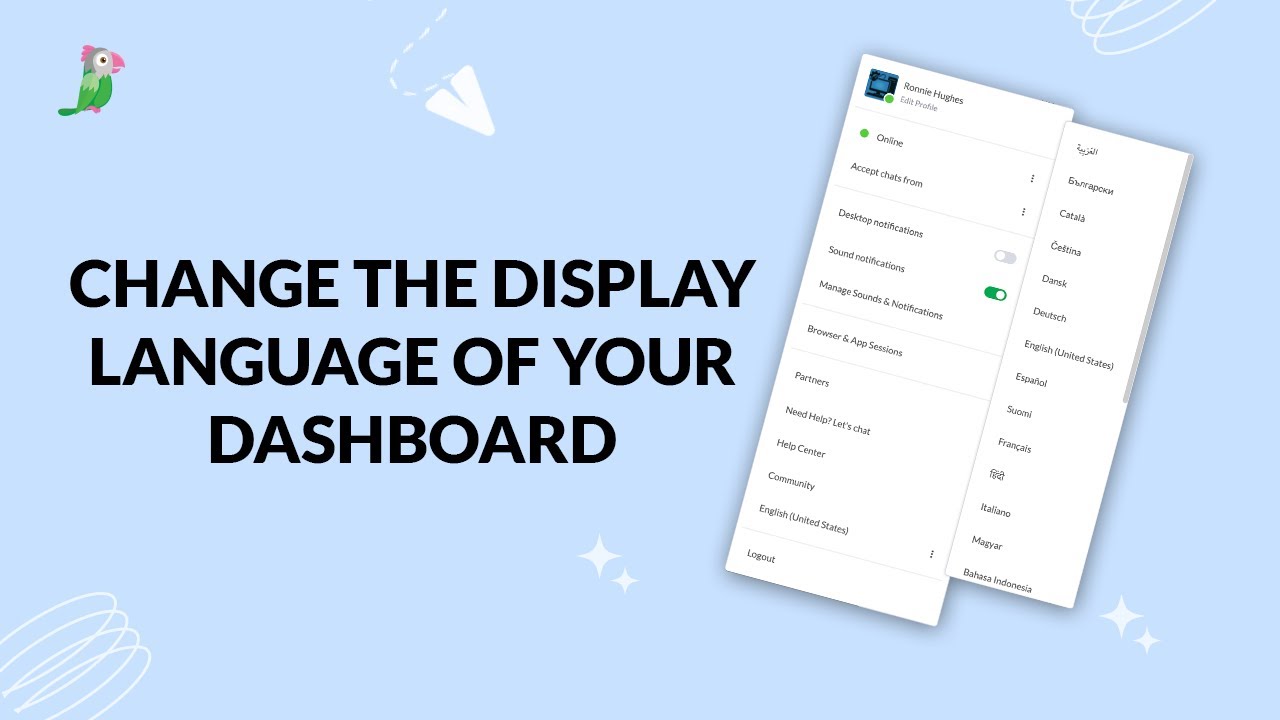
- Change the display language for your dashboard
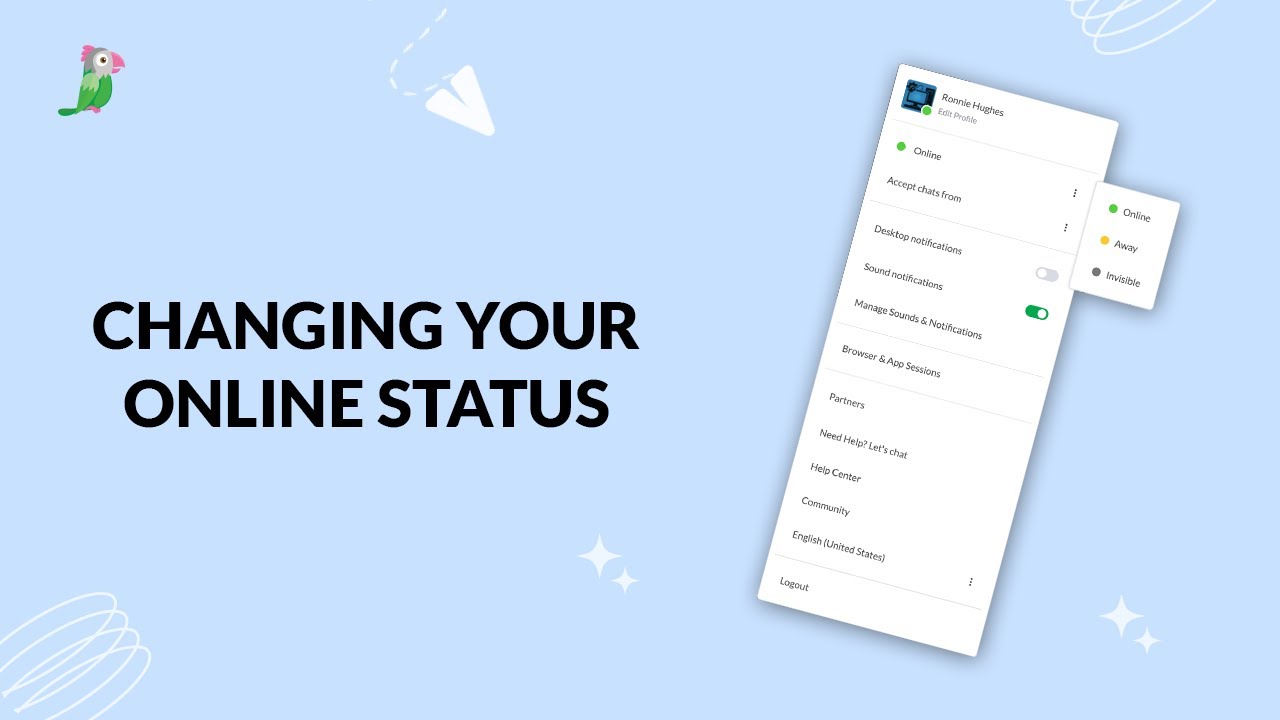
- Changing your online status
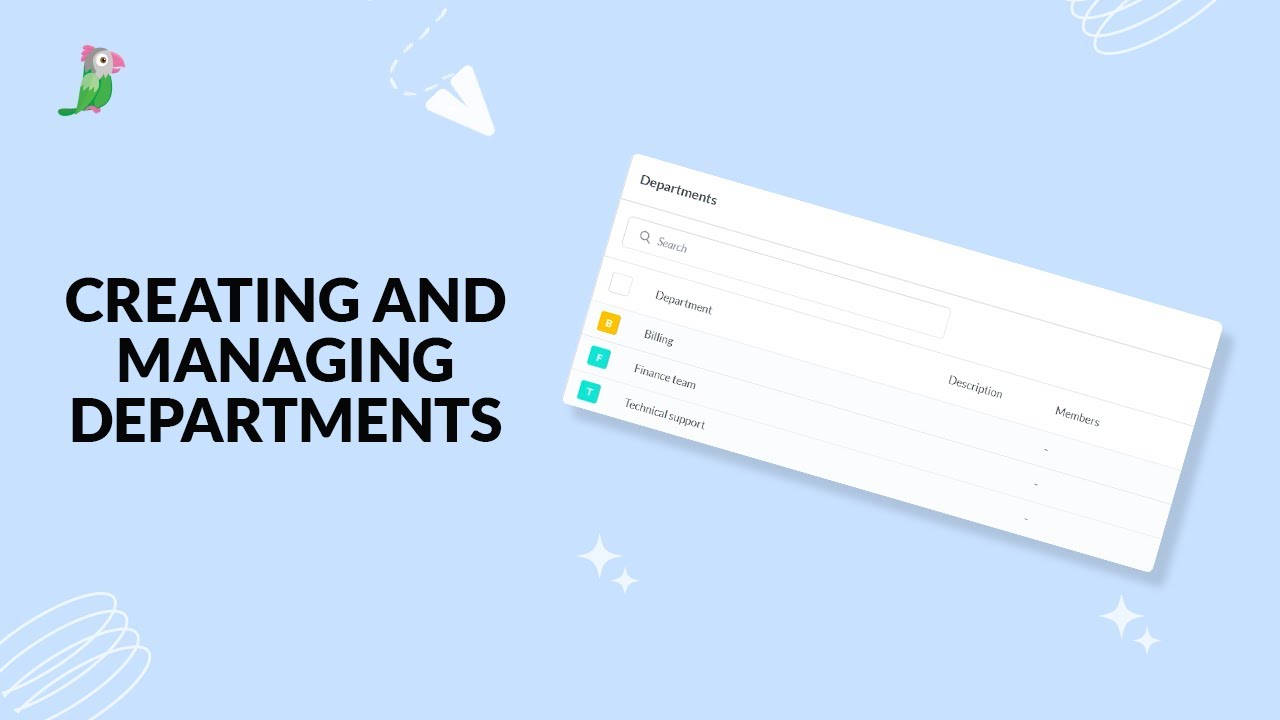
- Creating and managing departments
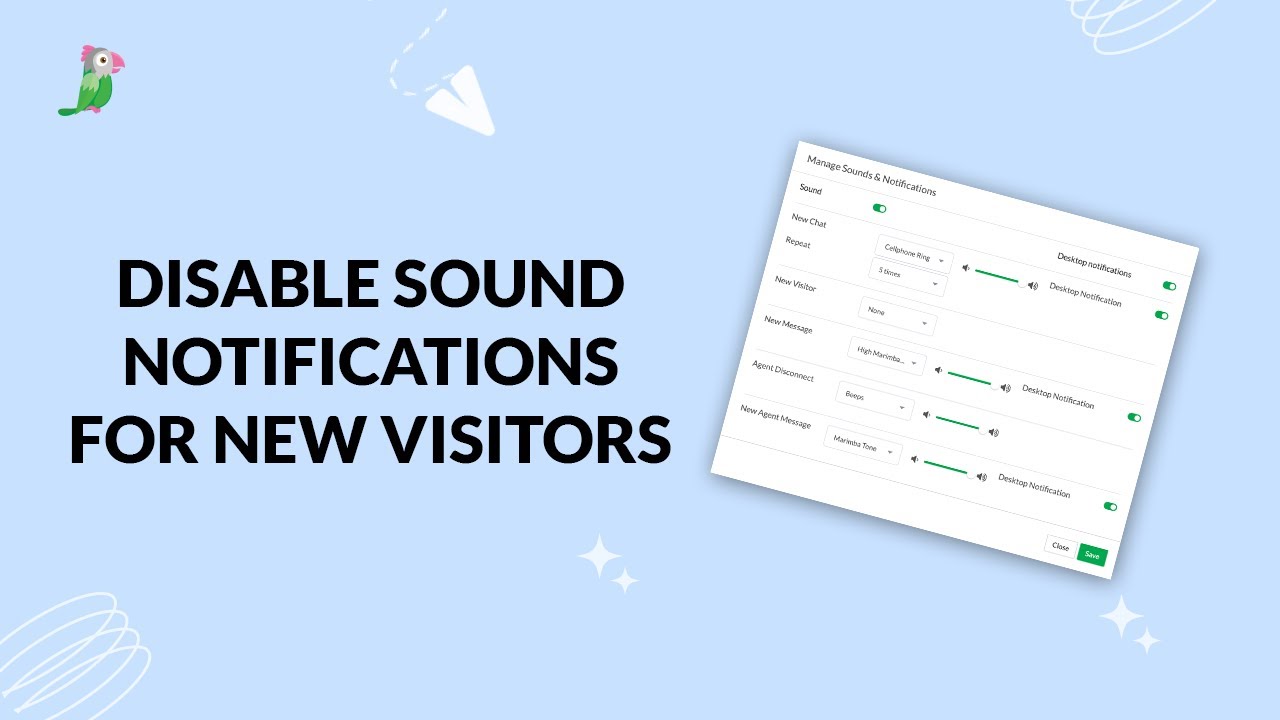
- Disable sound notifications for new visitors
Open the tawk.to Academy
Every topic and 220+ videos in one place.