
Changing your online status
Need to control how you appear to visitors? In this video, learn how to change your online status in tawk.to to Online, Away, or Invisible. We’ll walk you through what each status means, how it affects your chat widget, and how features like Pre-Chat Forms, custom greetings, and the Widget Scheduler can help you manage availability while staying professional. With the right status settings, you can set clear expectations for visitors, stay productive, and keep support seamless.
· Share this video
· More in this topic
Getting Started: Account, Property & Dashboard Setup
- How to add the tawk.to chat widget on Wordpress
- Adding additional properties to your dashboard
- Adding additional widgets to your website
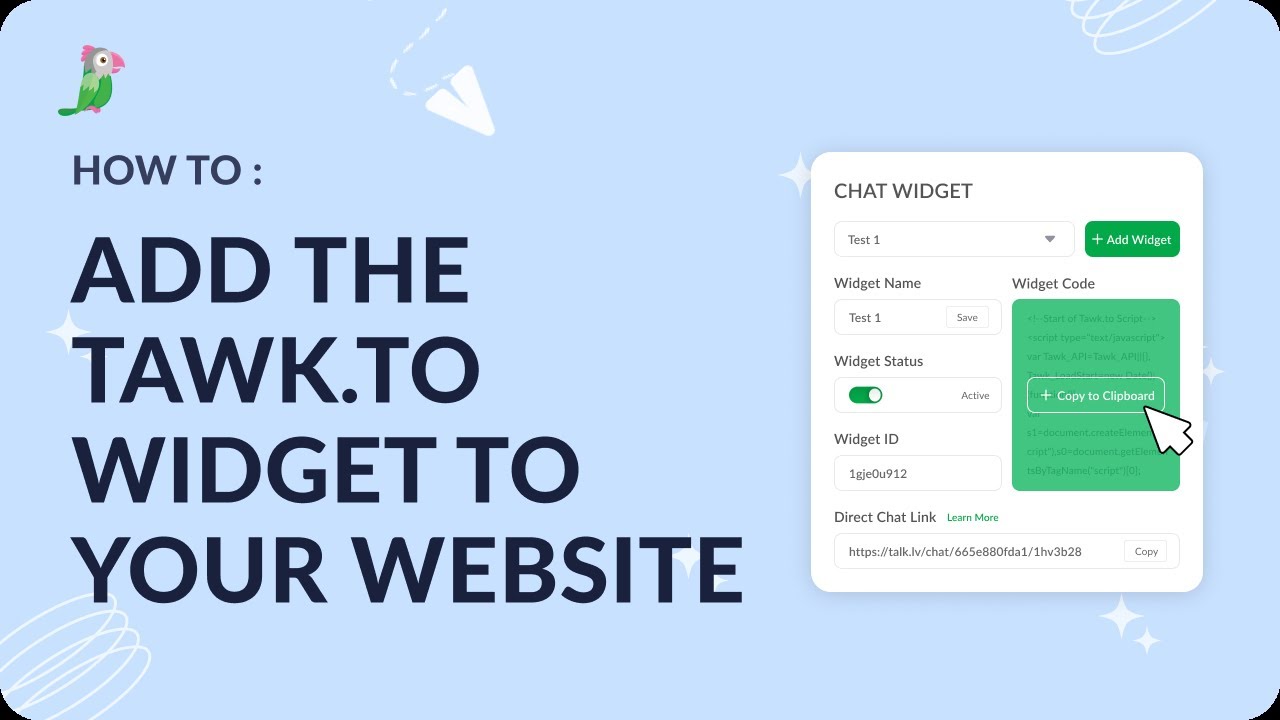
- Add the tawk.to widget to your website
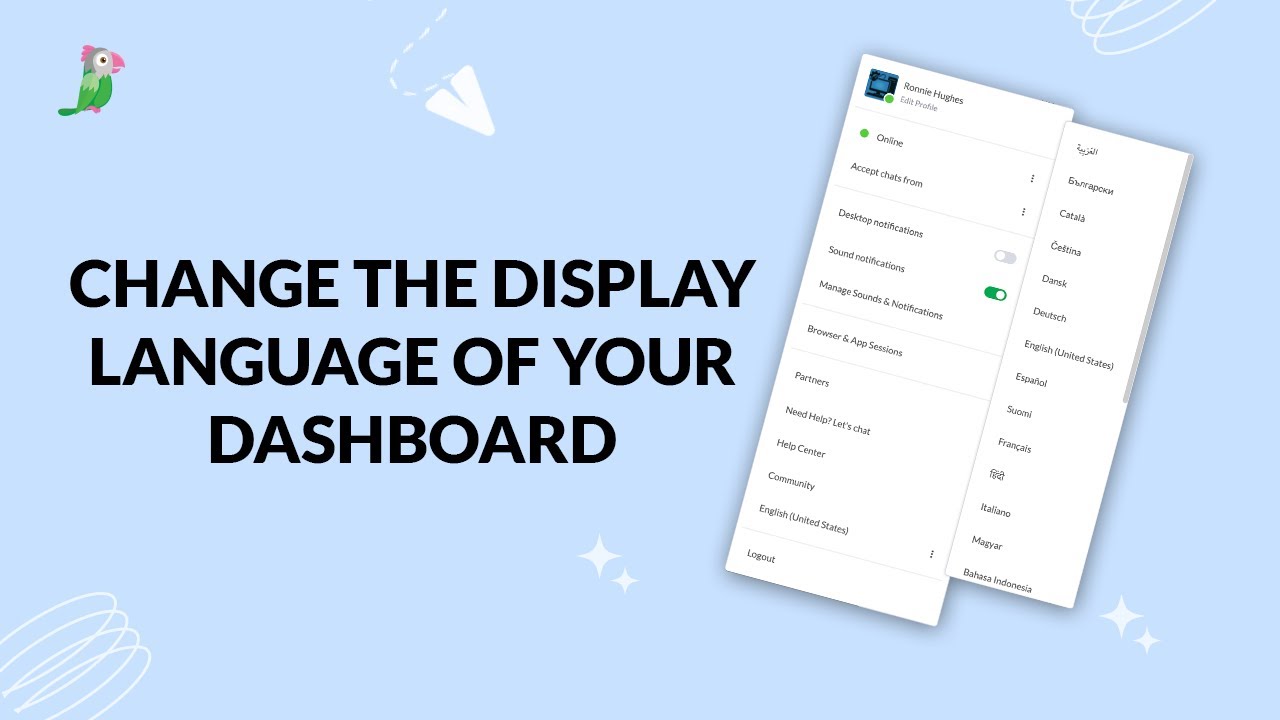
- Change the display language for your dashboard
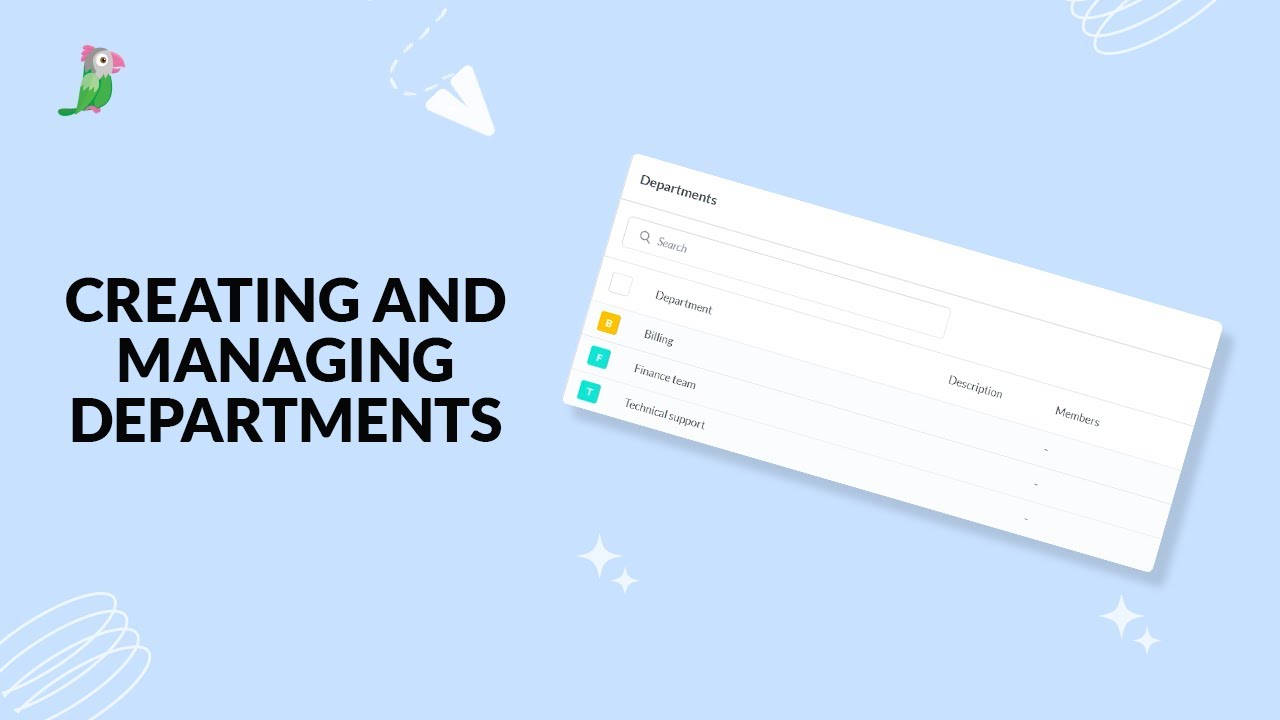
- Creating and managing departments
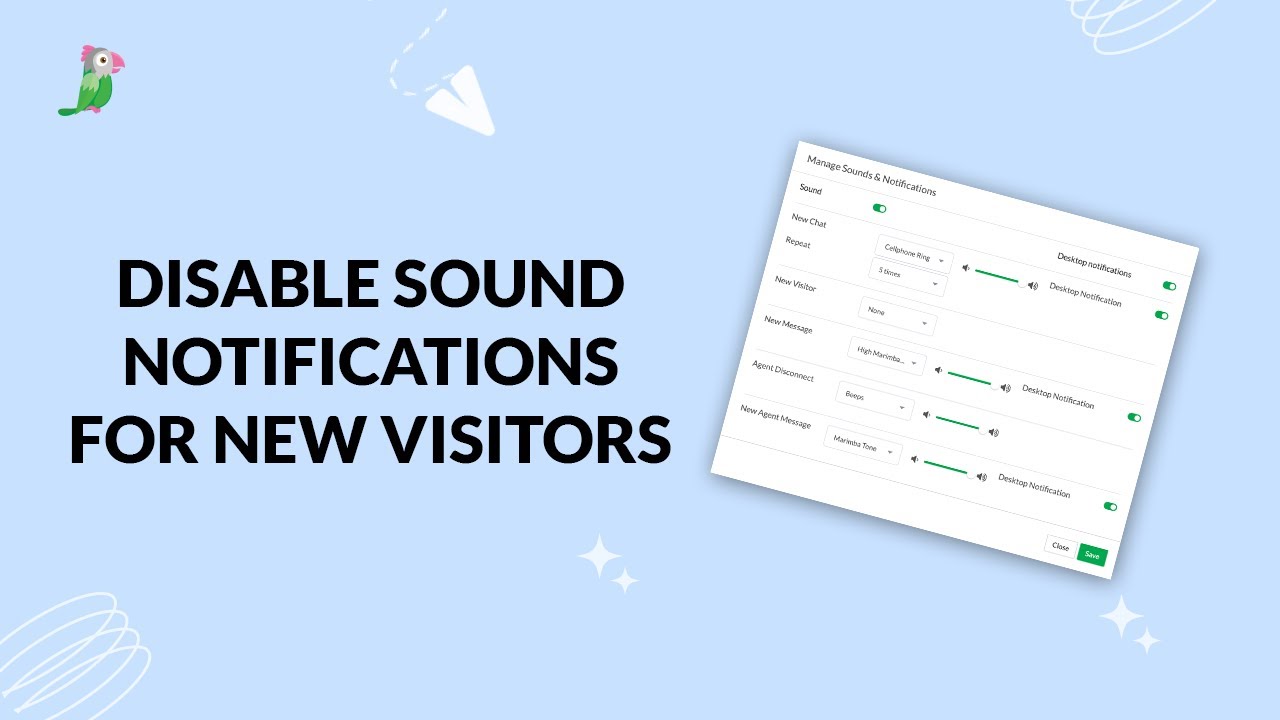
- Disable sound notifications for new visitors
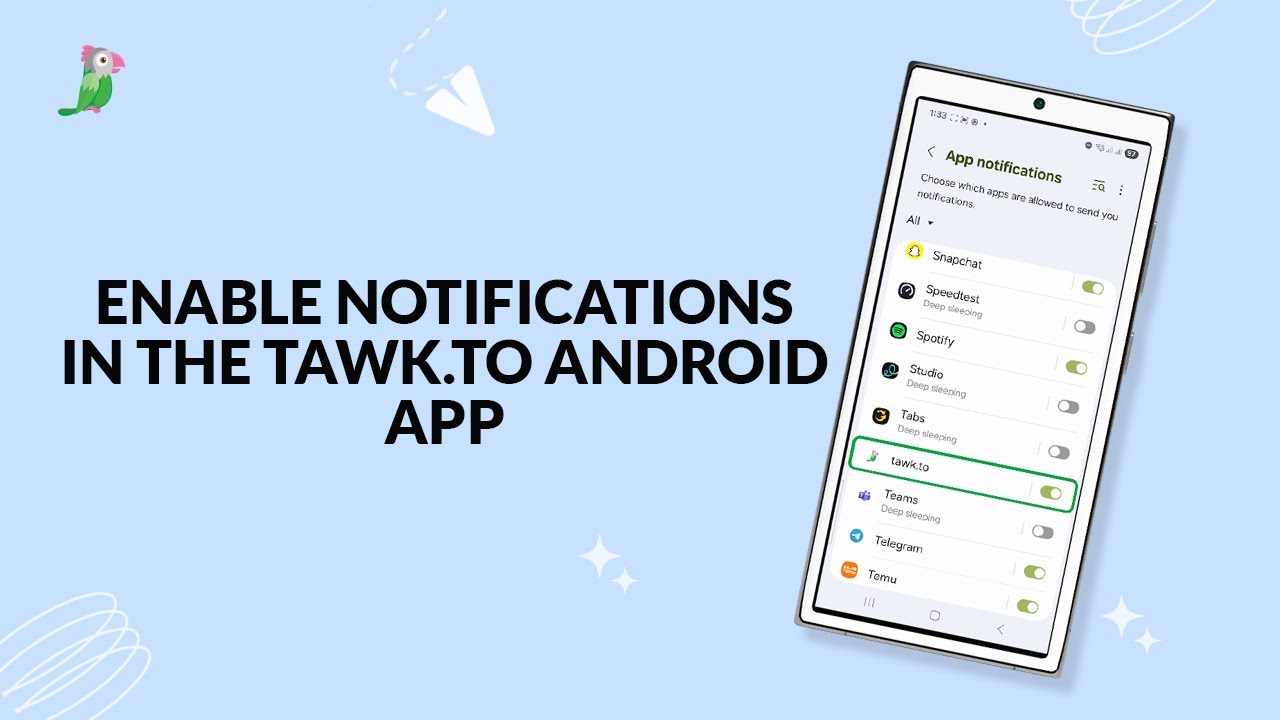
- Enable notifications in the tawk to android app
Open the tawk.to Academy
Every topic and 220+ videos in one place.