
How to add the tawk.to chat widget on Wordpress
In this tutorial, you’ll learn how to install the tawk.to chat widget using the official WordPress plugin (recommended) or by pasting your widget code manually. We also cover WordPress.com setup using WPCode, plus visibility controls so you can choose exactly where the widget shows up, including page rules and WooCommerce options.
· Share this video
· More in this topic
Getting Started: Account, Property & Dashboard Setup
- Adding additional properties to your dashboard
- Adding additional widgets to your website
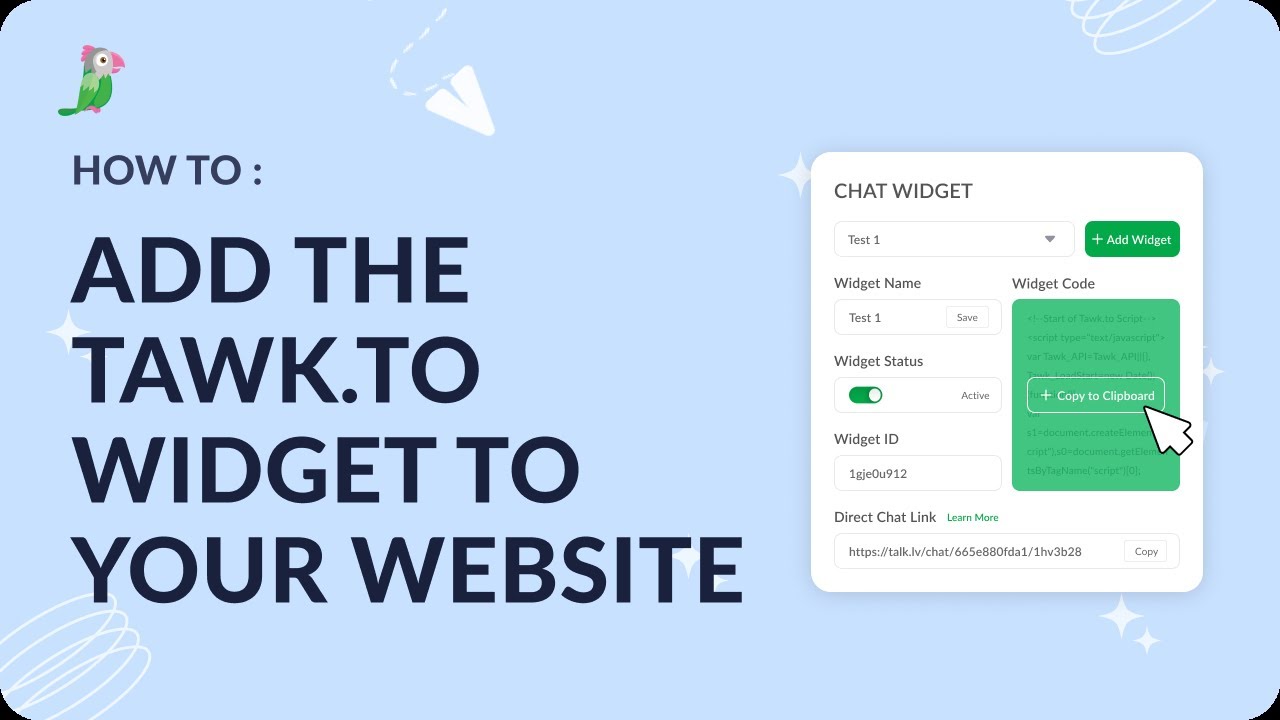
- Add the tawk.to widget to your website
- Change the display language for your dashboard
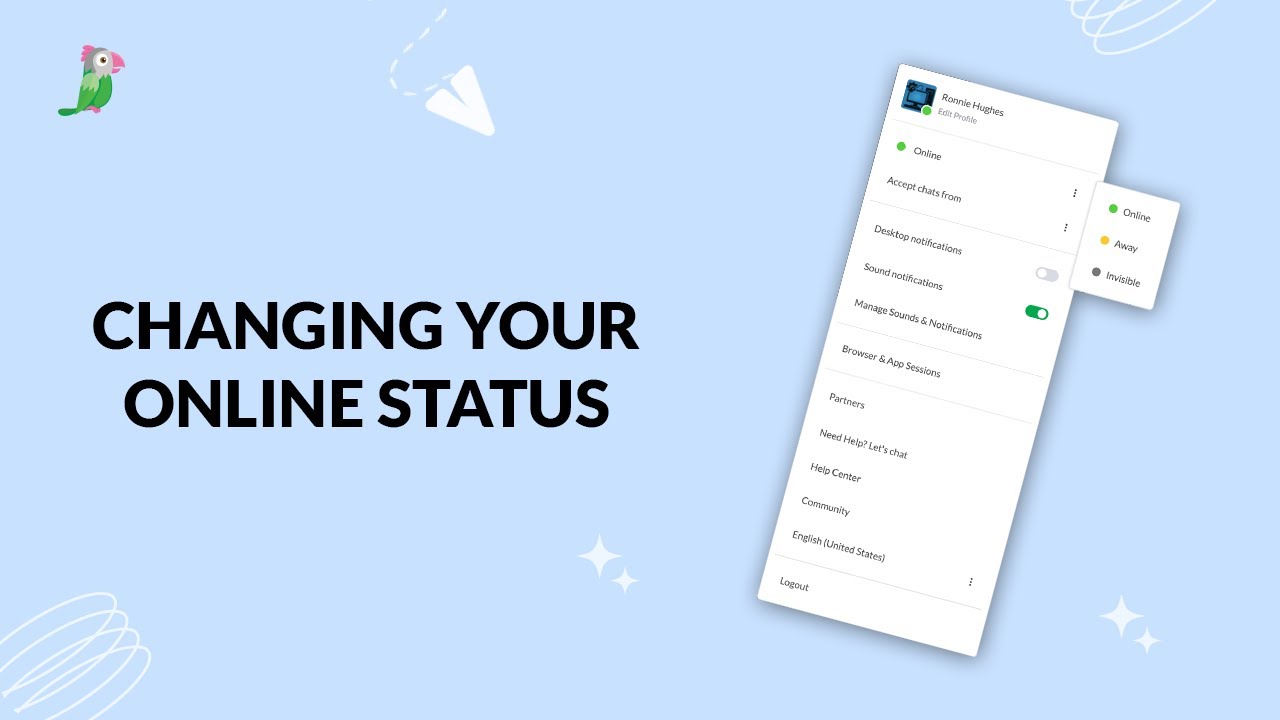
- Changing your online status
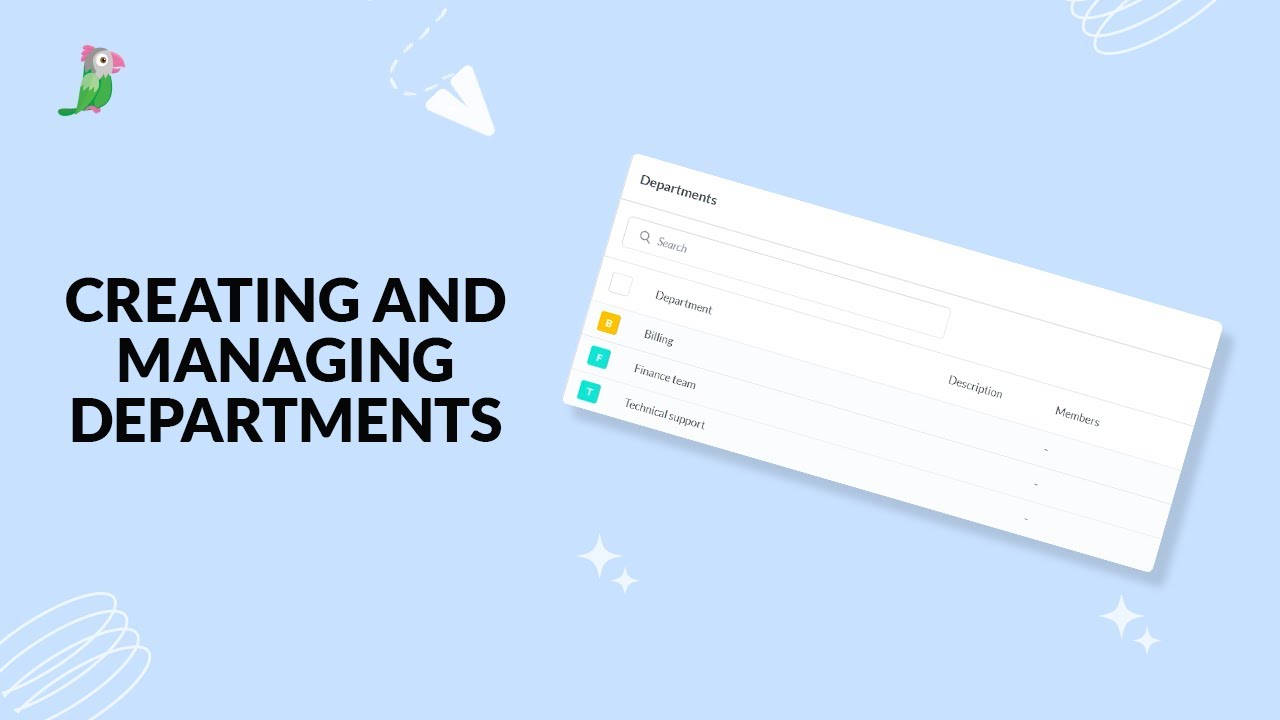
- Creating and managing departments
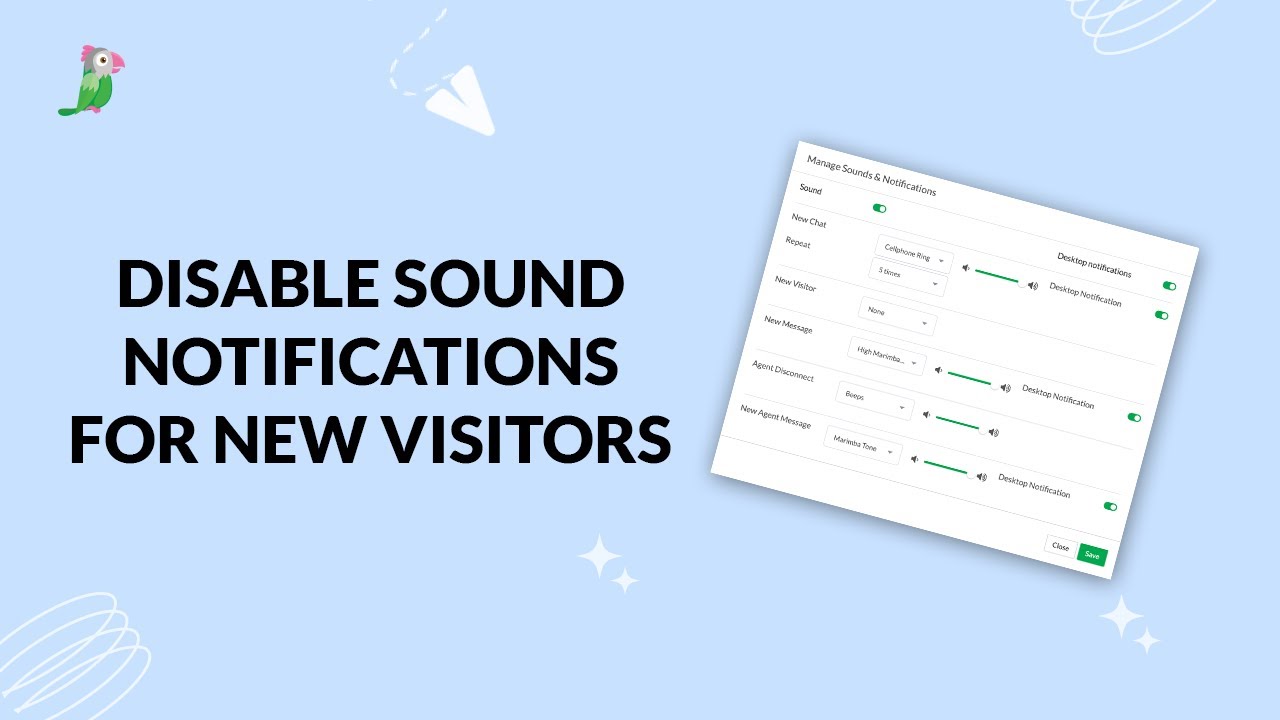
- Disable sound notifications for new visitors
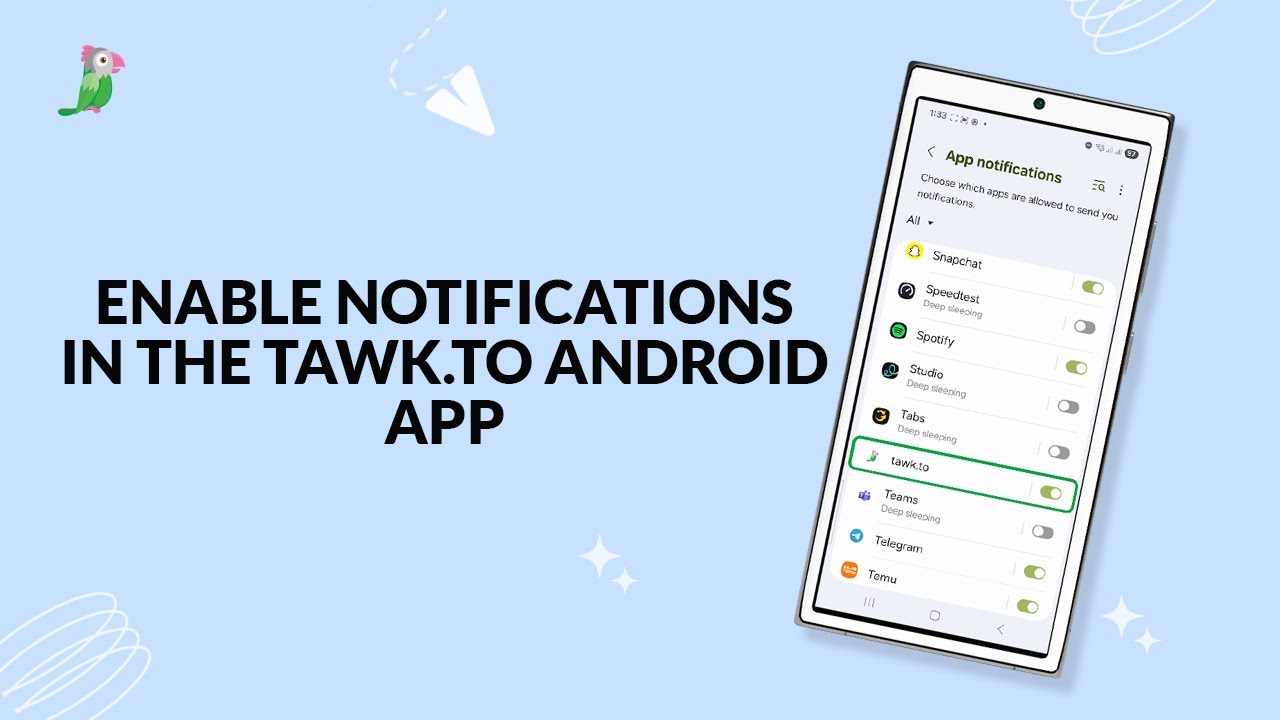
- Enable notifications in the tawk to android app
Open the tawk.to Academy
Every topic and 220+ videos in one place.