
Switching Signatures While You Reply
You can switch to a different signature while you’re writing a reply. Only the signature changes, and everything you’ve typed stays exactly as it is. This video shows how to see which signature is being used and why, open the list of your own and shared signatures, and preview one before inserting it. You’ll also see where to add or edit your own signatures, and what you’ll see when an admin has locked a signature to an inbox. Then see it in action with an account manager who covers client services and swaps to that signature mid-reply, with nothing he’s already written lost.
· Share this video
· More in this topic
Ticketing System & Email Management
- Add notes to tawk.to support tickets
- Customize the ticket auto reply message

- Exporting tickets from the tawk.to dashboard

- Forwarding your emails to tawk to
- How to assign ticket priority in tawk.to
- How to create a ticket in tawk.to
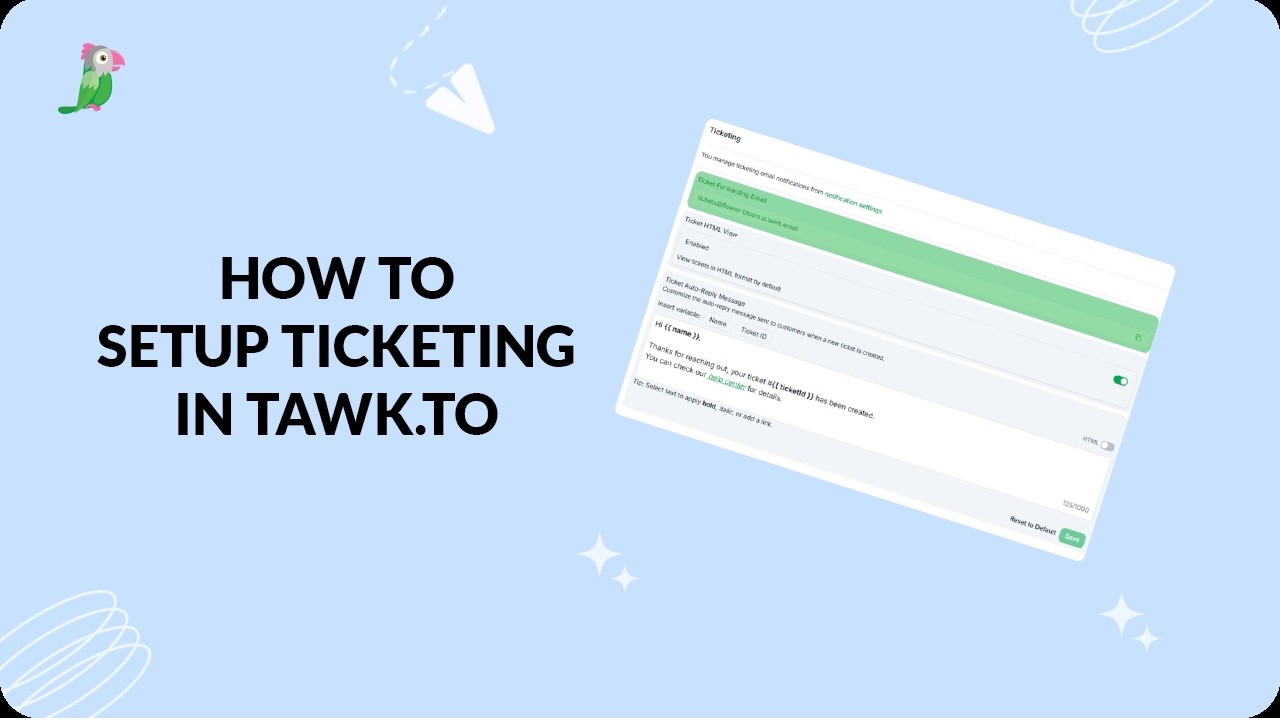
- How to set up ticketing in tawk.to
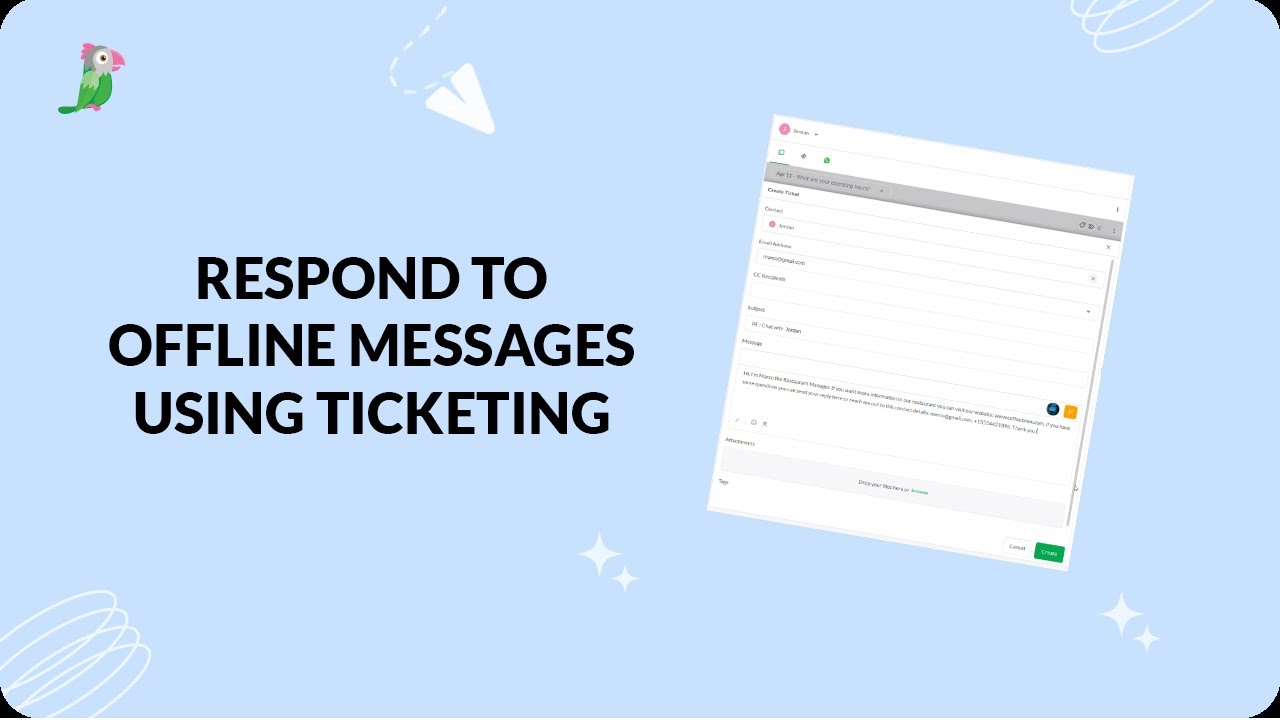
- Respond to offline messages using ticketing
Open the tawk.to Academy
Every topic and 220+ videos in one place.