
Setting Up an AI Agent Signature
When your AI agent answers an email, it can sign off with its own signature, just as your staff do. It can also add a short note that tells the customer the reply was written by AI. This video shows how to create an AI Agent signature, switch on the AI disclosure footer, and write your own wording or use the tawk.to default. You’ll also see how to add the Agent Name variable so your AI agent signs with its own name, and how to make it the default for AI agents, to help you meet AI disclosure rules like the EU AI Act. Then see it in action with an accounting firm whose AI agent answers clients after hours, with every reply signed and clearly marked as written by AI.
· Share this video
· More in this topic
Ticketing System & Email Management
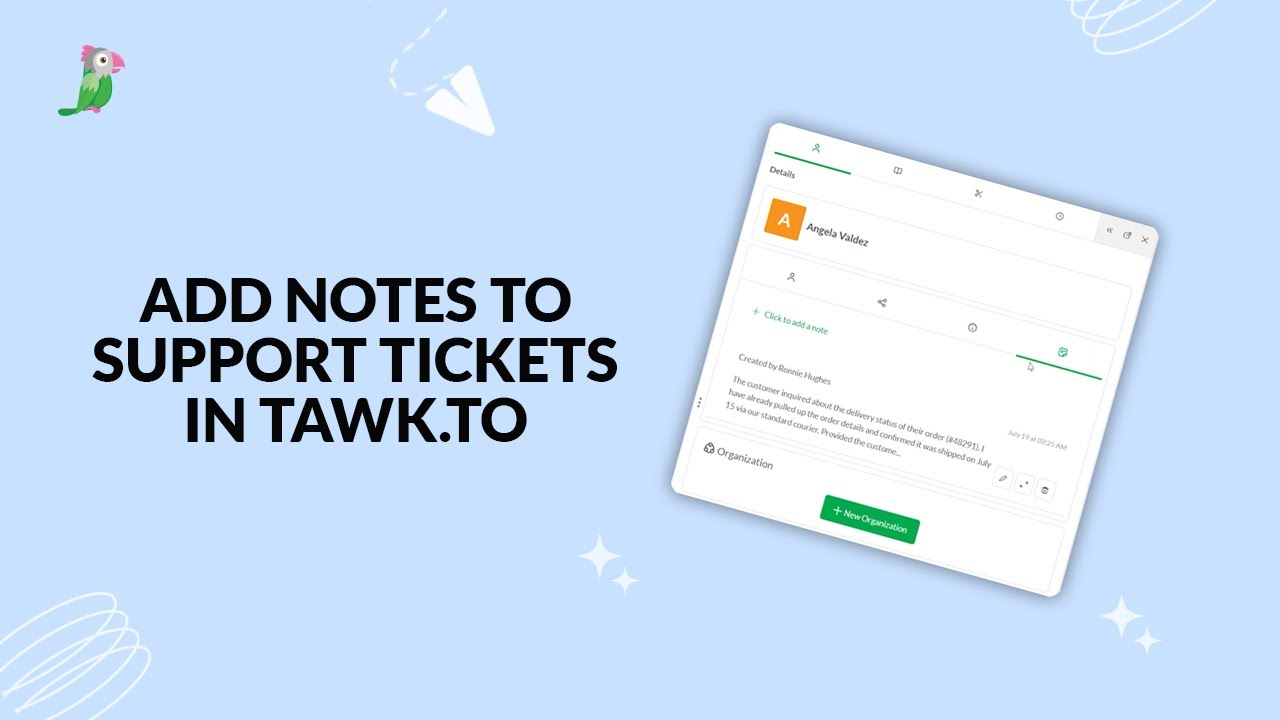
- Add notes to tawk.to support tickets
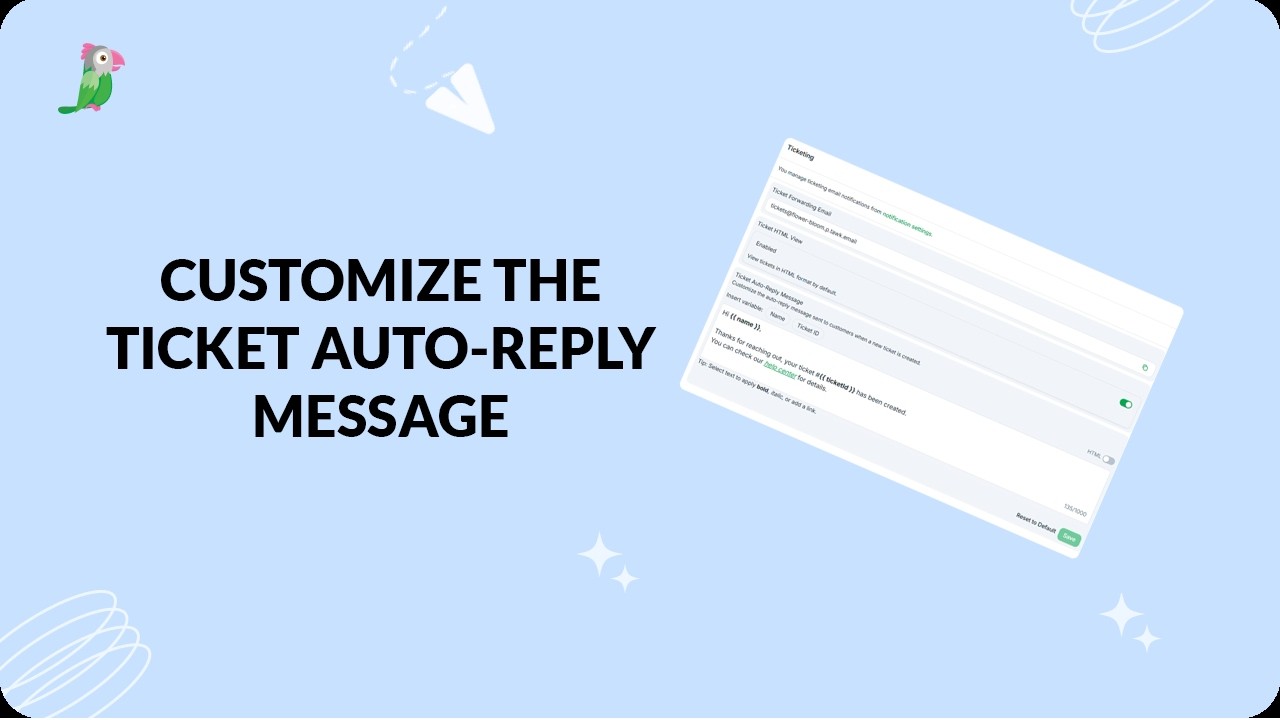
- Customize the ticket auto reply message
- Exporting tickets from the tawk.to dashboard

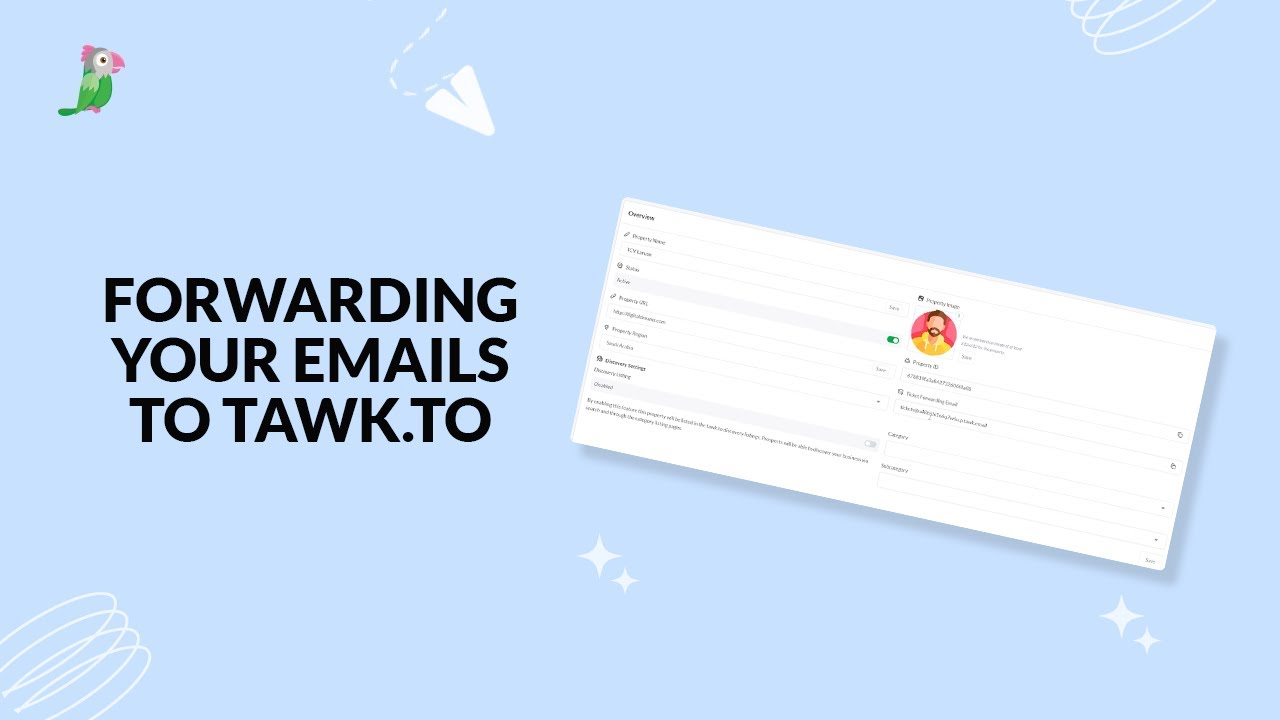
- Forwarding your emails to tawk to
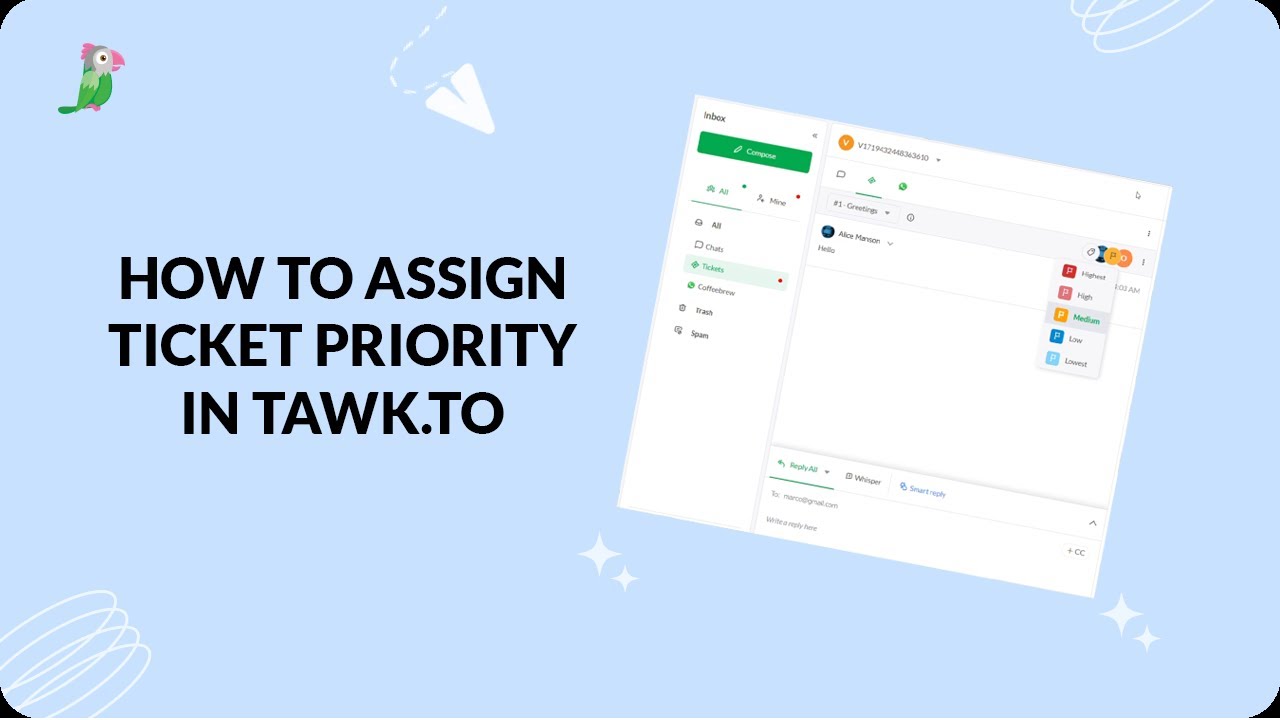
- How to assign ticket priority in tawk.to
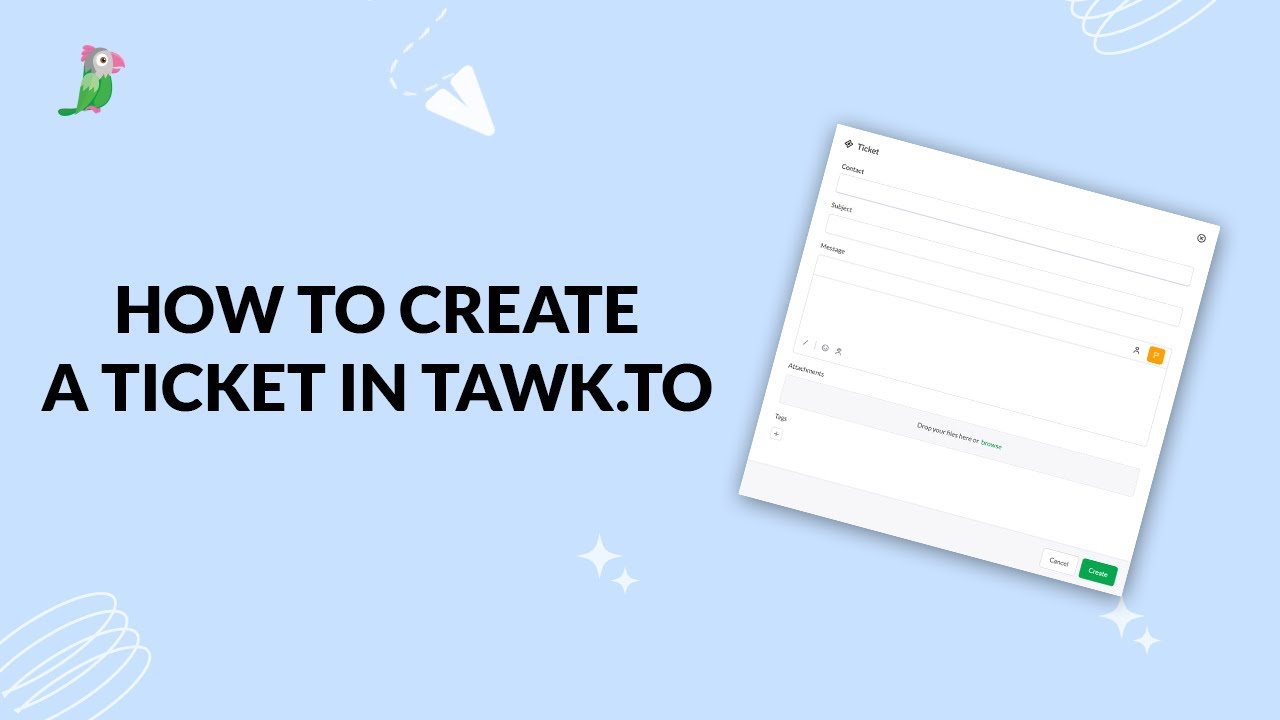
- How to create a ticket in tawk.to
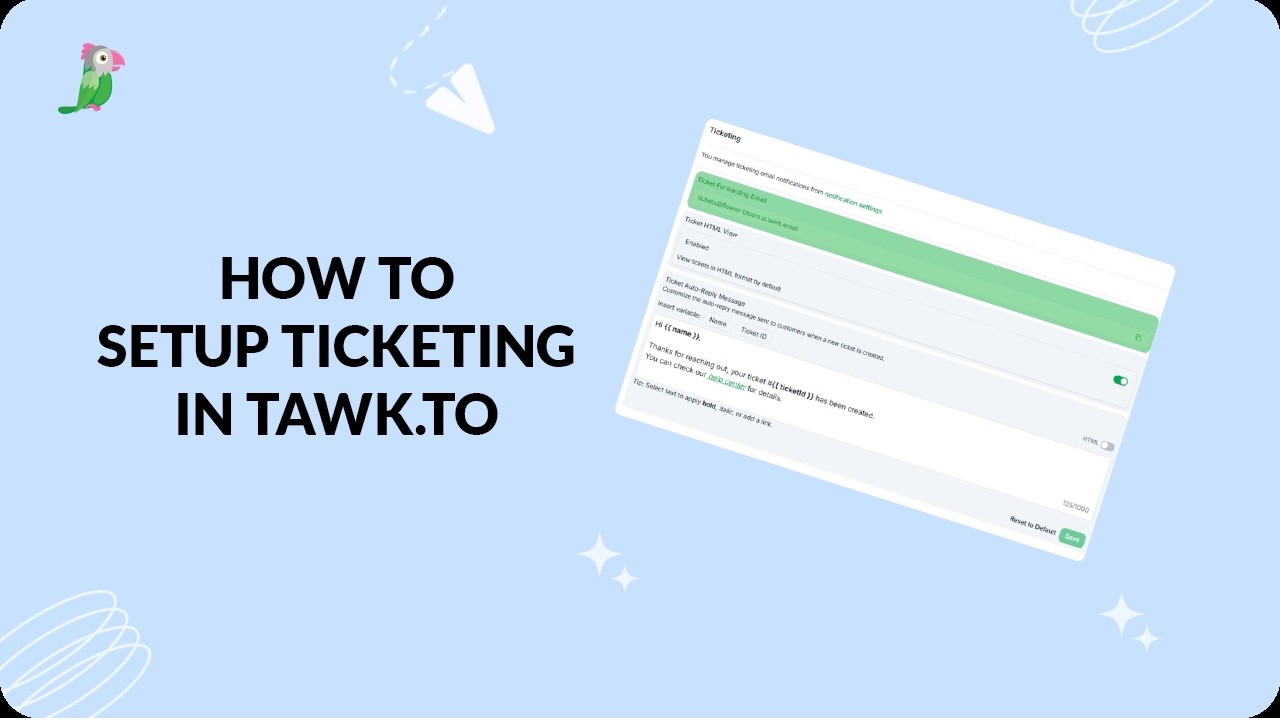
- How to set up ticketing in tawk.to
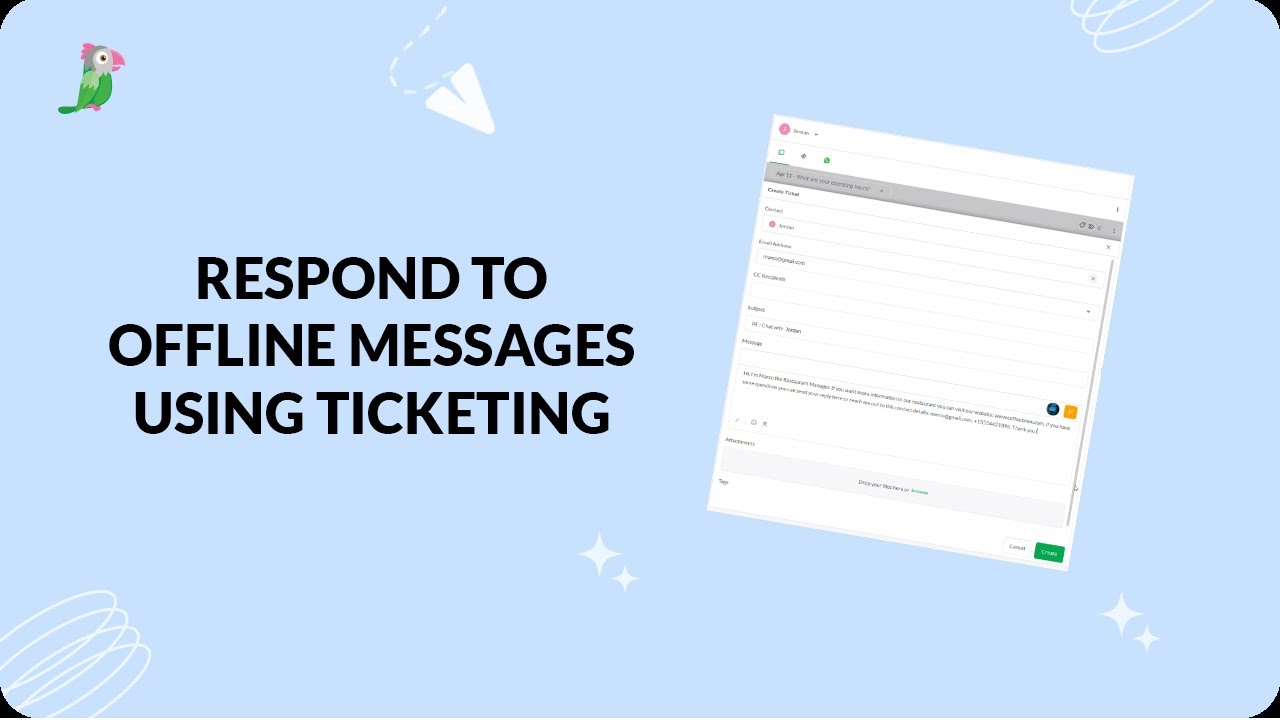
- Respond to offline messages using ticketing
Open the tawk.to Academy
Every topic and 220+ videos in one place.