
Setting the position of your custom attention grabber
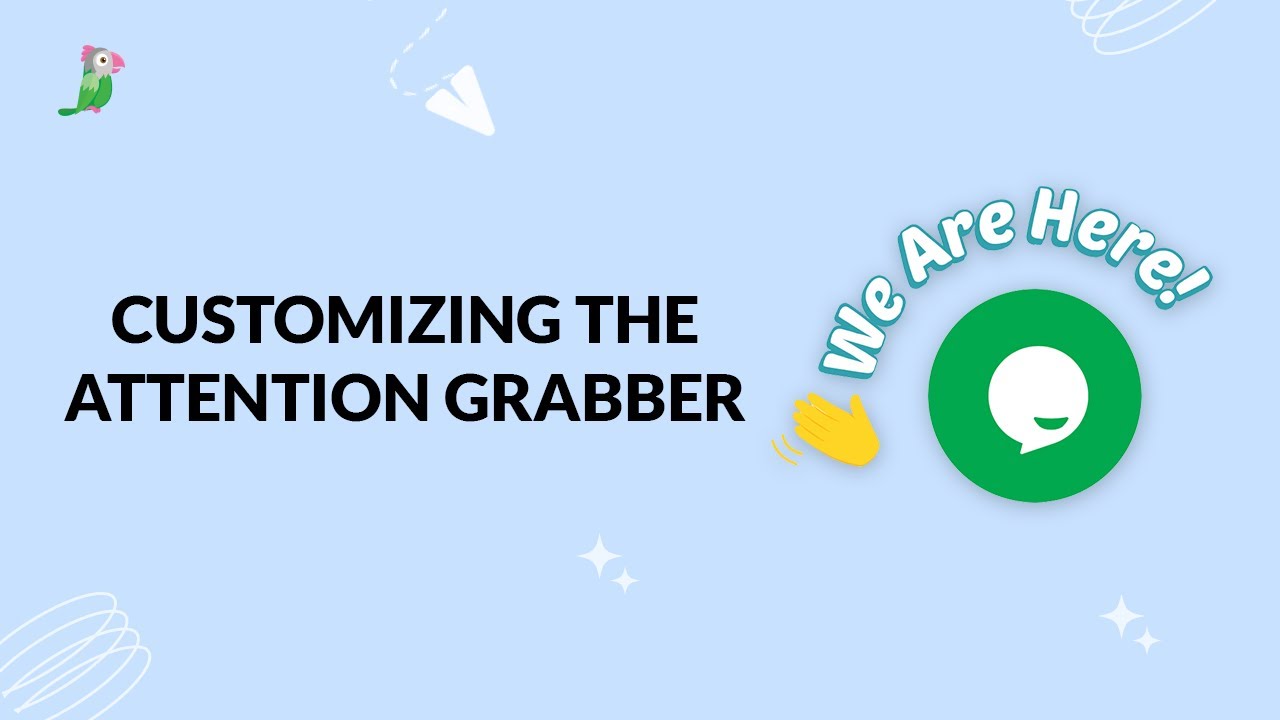
In this video, you’ll learn how to position a custom Attention Grabber in your tawk.to widget. We cover how to manually drag it into place in the widget preview, or set an exact position using the JavaScript API with the customStyle object.
· Share this video
· More in this topic
Chat Widget: Appearance, Language & Customisation
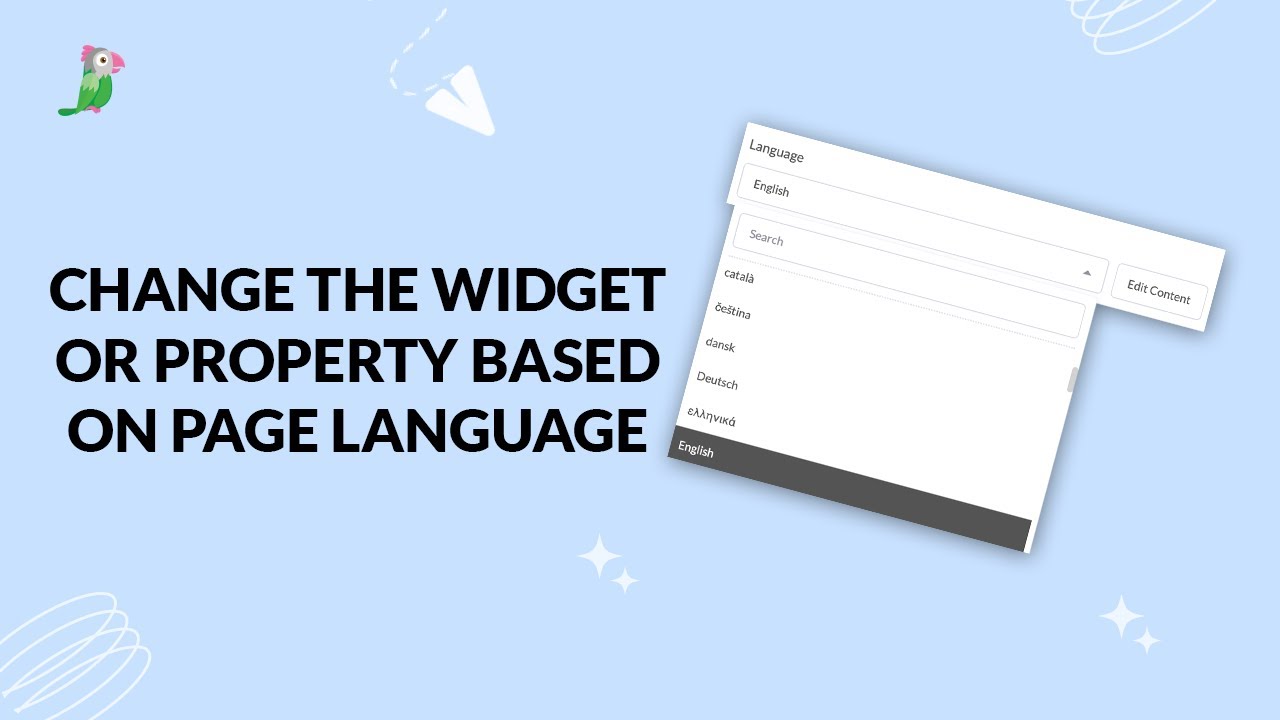
- Change the widget or property based on page language
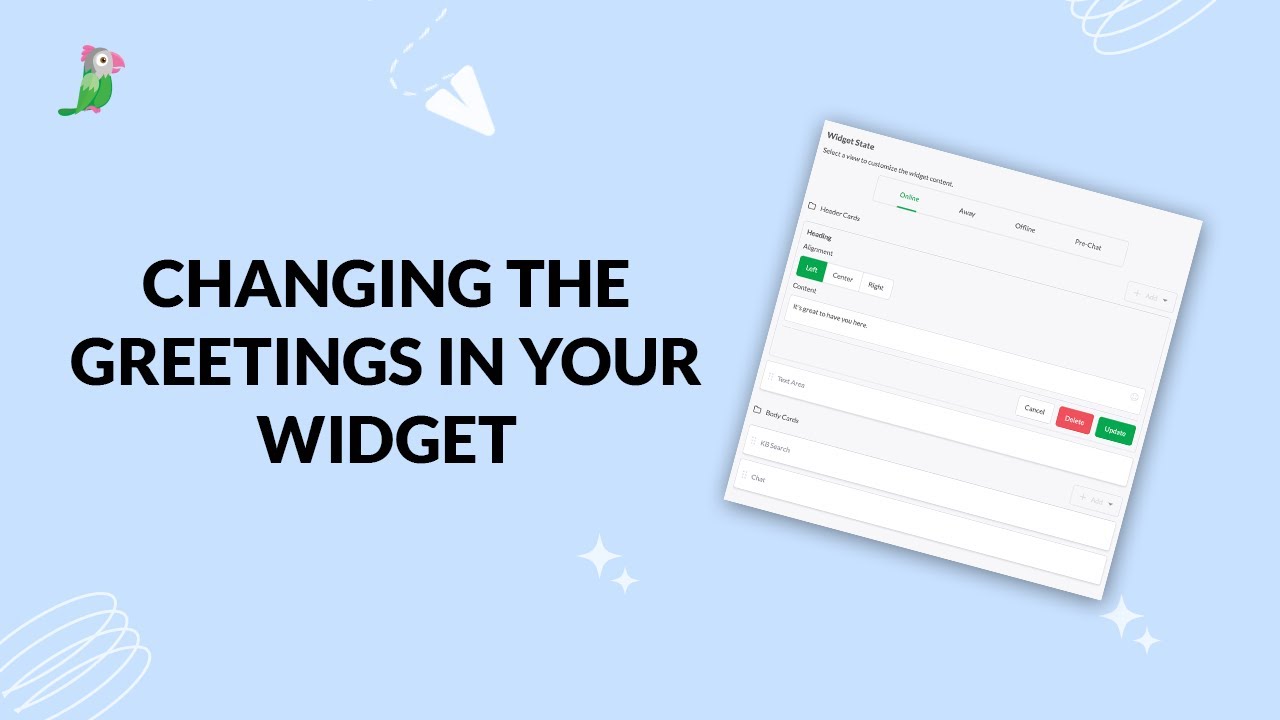
- Changing the greetings on your widget
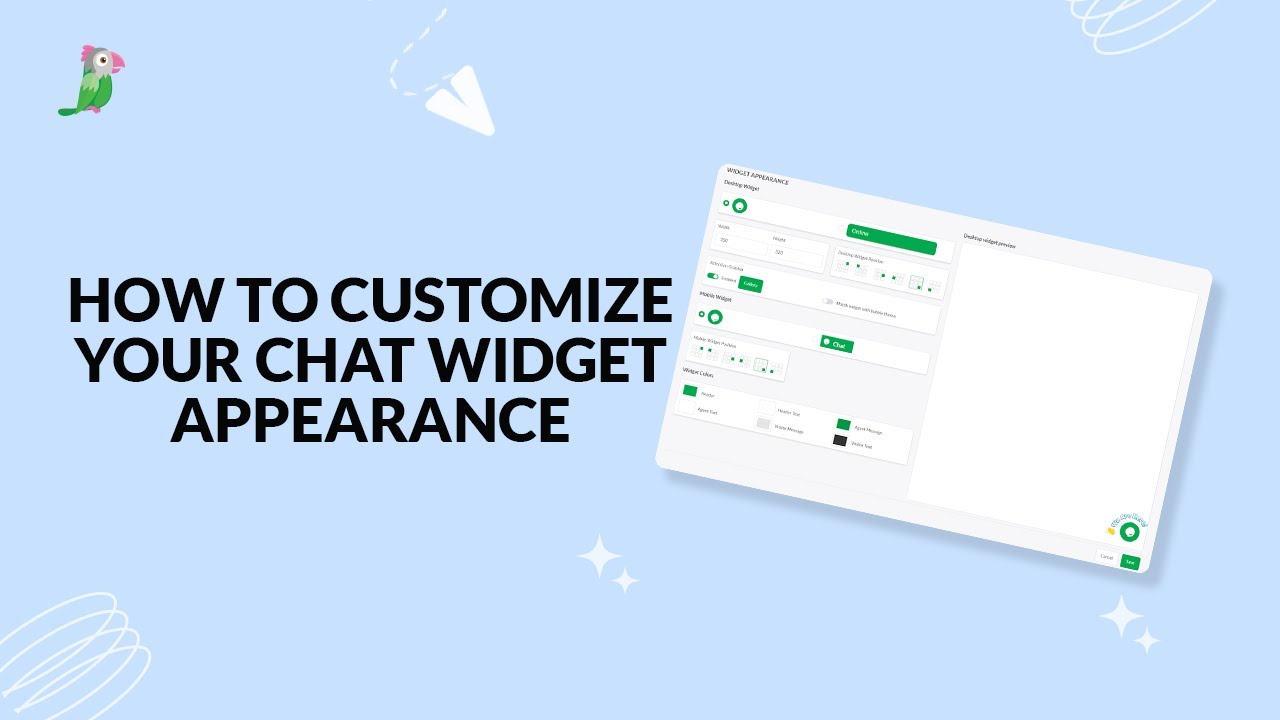
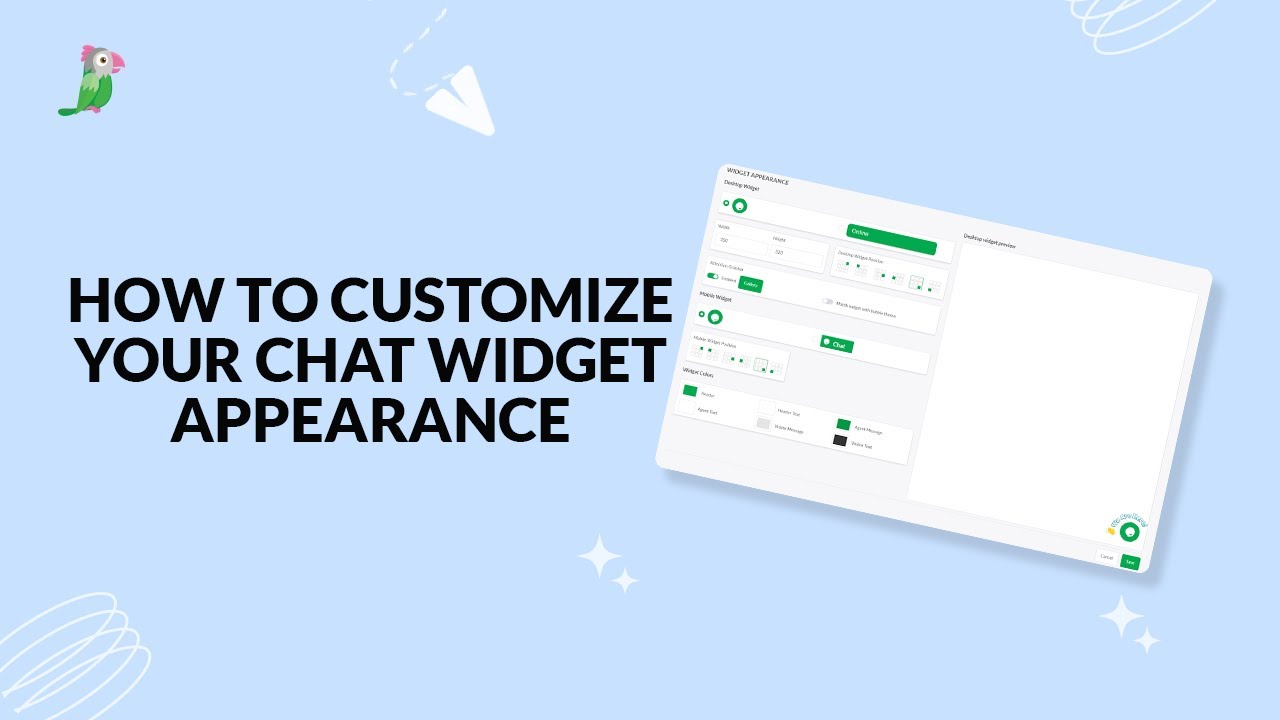
- Customize your chat widget appearance
- Customizing the Attention Grabber
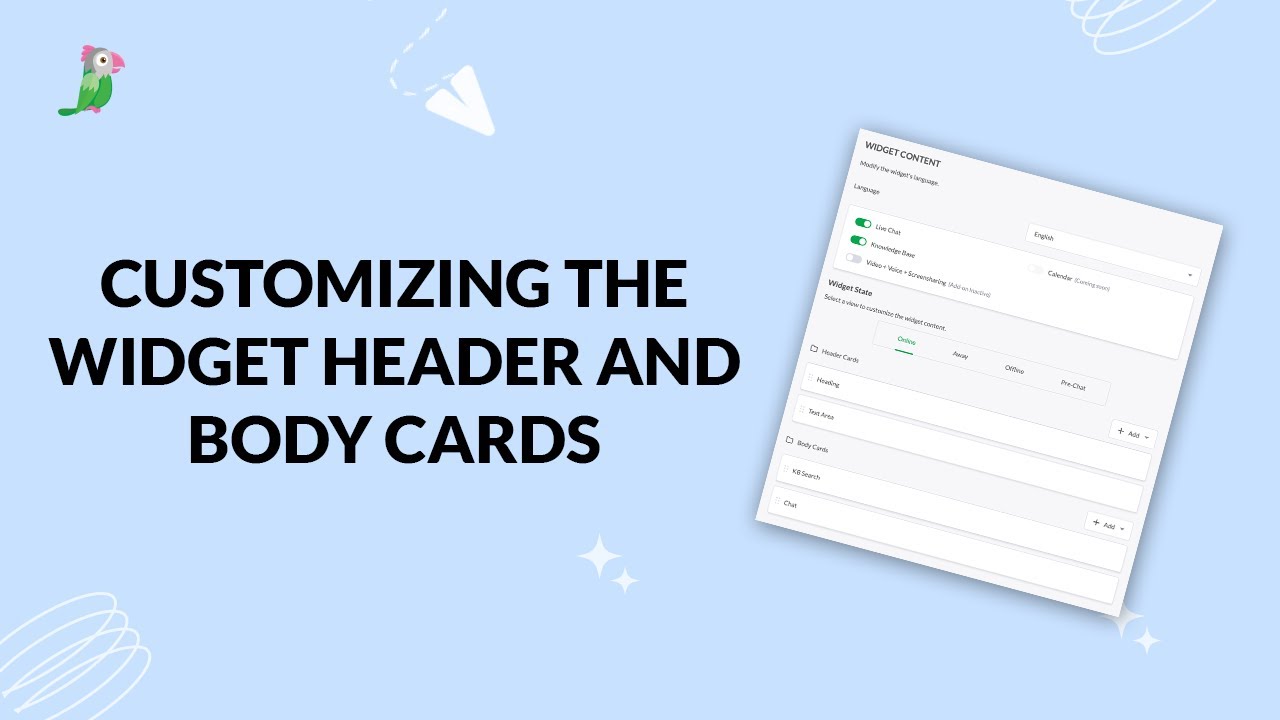
- Customizing the widget header and body cards
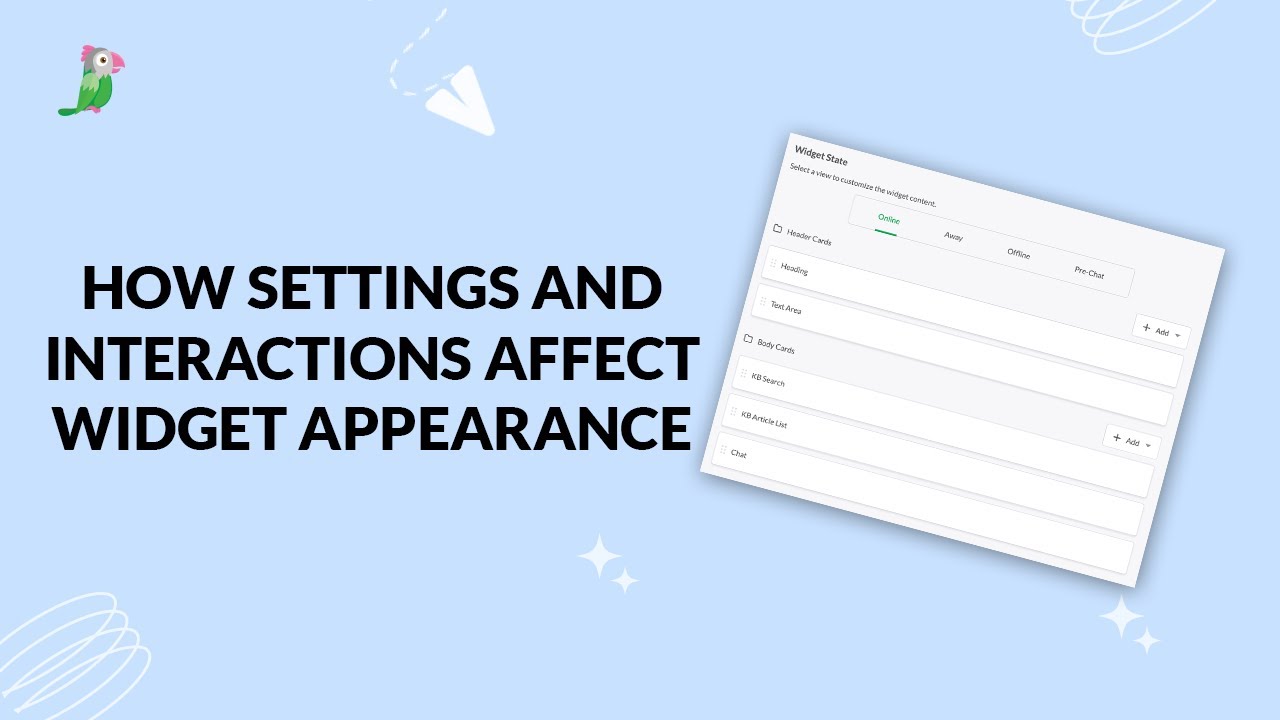
- How settings and interactions change the widget's appearance
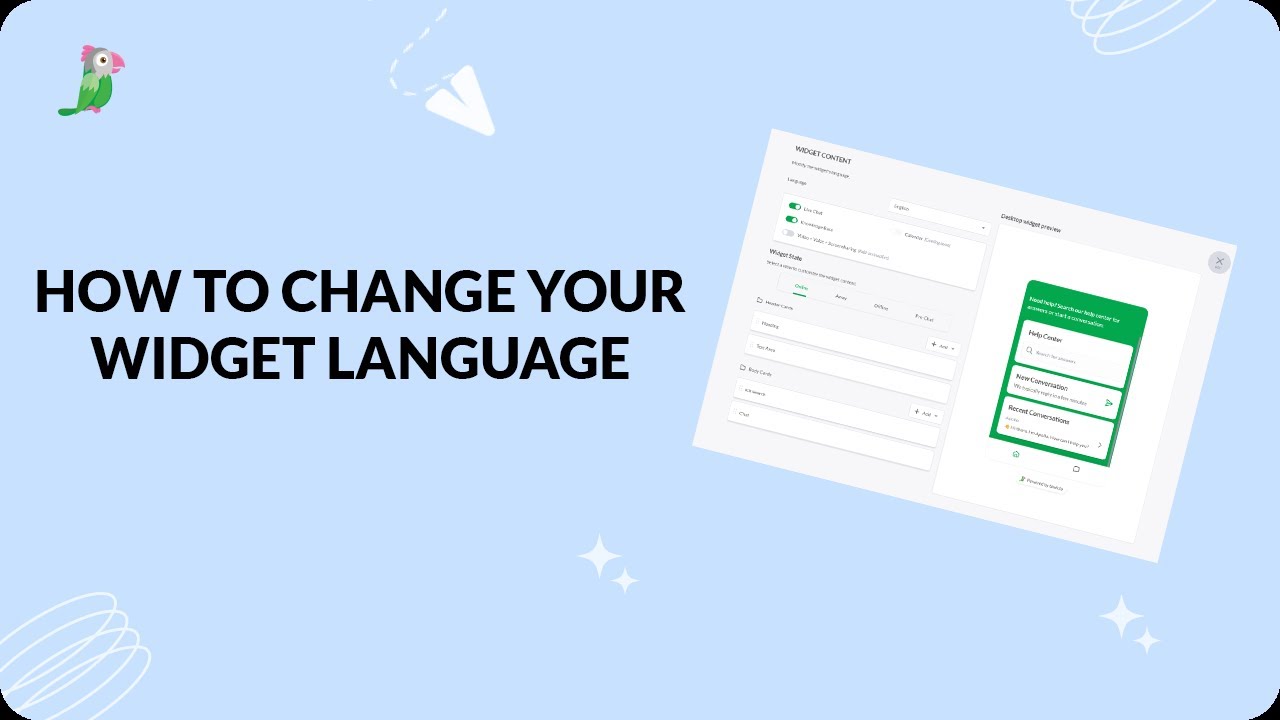
- How to change your widget language
- How to customize your tawk to chat widget
Open the tawk.to Academy
Every topic and 220+ videos in one place.