
How settings and interactions change the widget's appearance
Wondering how your chat widget looks to visitors? In this video, we’ll show you how widget settings, triggers, and the Pre-Chat Form shape the visitor experience in tawk.to — both inside the widget and when using the Direct Chat Link. Learn how greetings, active conversations, and trigger messages display depending on which cards are enabled. We’ll also cover how the Pre-Chat Form changes the flow, and why triggers behave differently when used with forms versus chat cards. By the end, you’ll know exactly what your customers see and how to fine-tune settings for smoother conversations.
· Share this video
· More in this topic
Chat Widget: Appearance, Language & Customisation
- Change the widget or property based on page language
- Changing the greetings on your widget
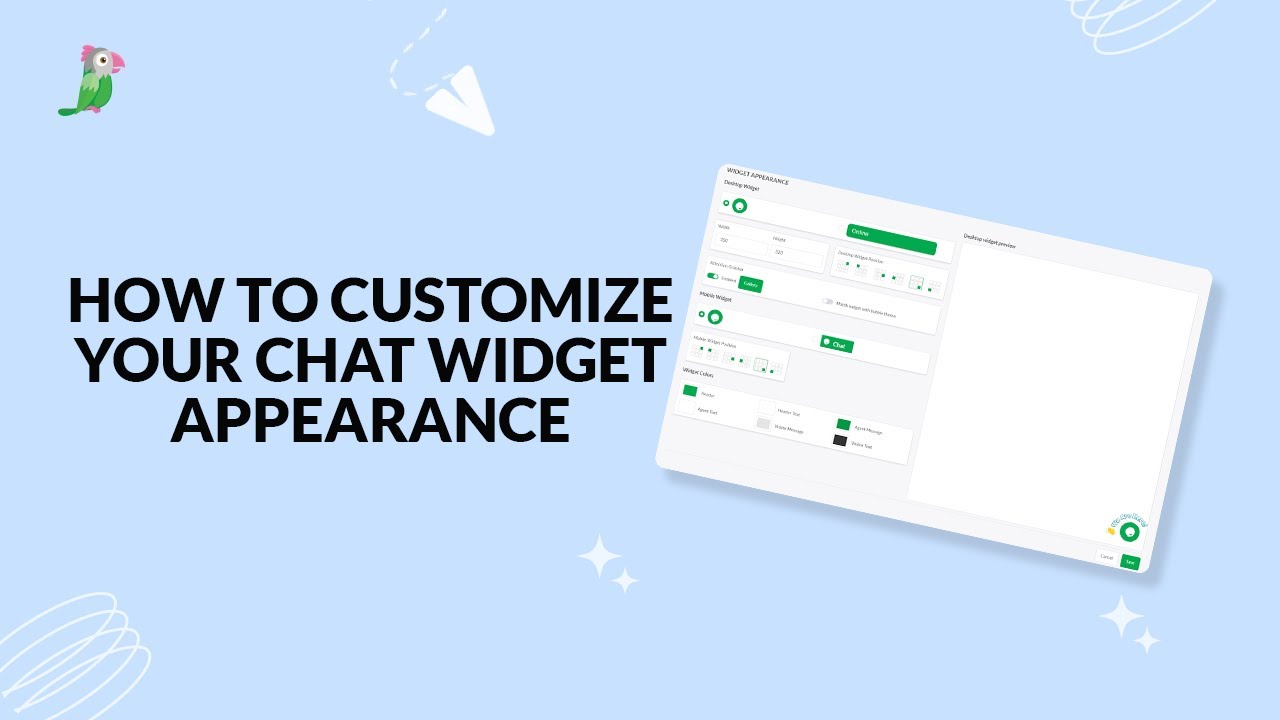
- Customize your chat widget appearance
- Customizing the Attention Grabber
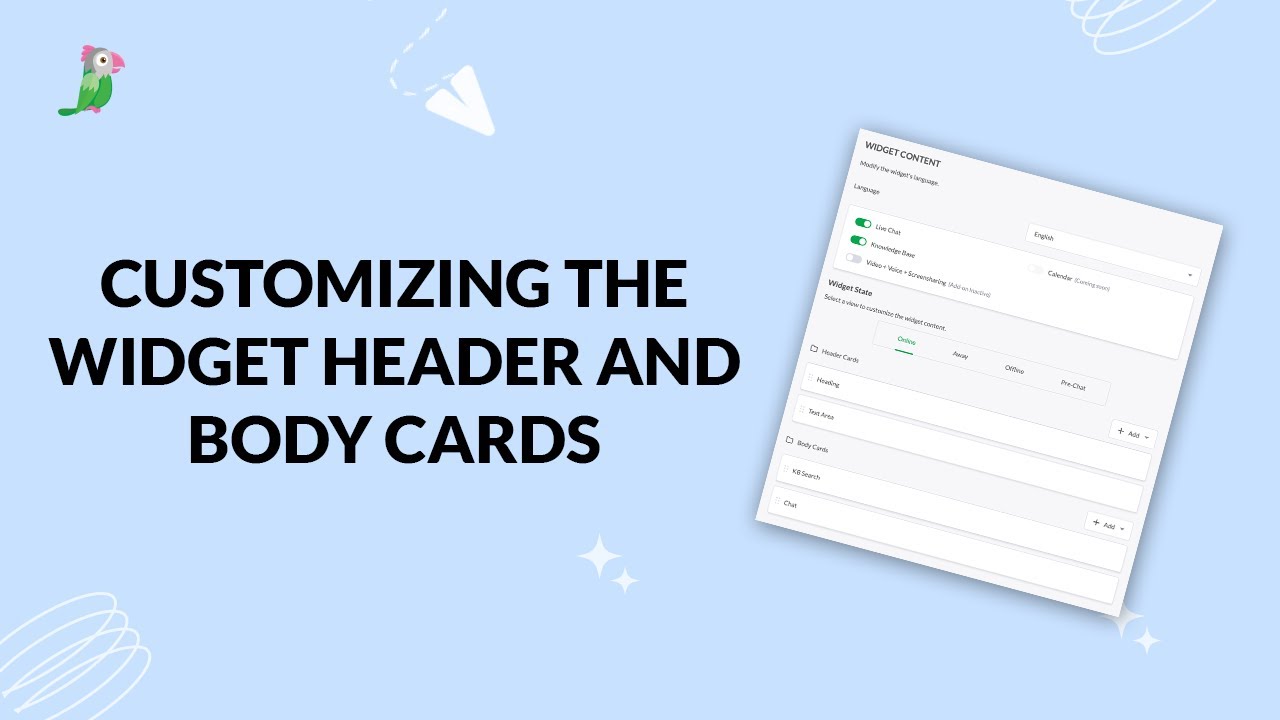
- Customizing the widget header and body cards
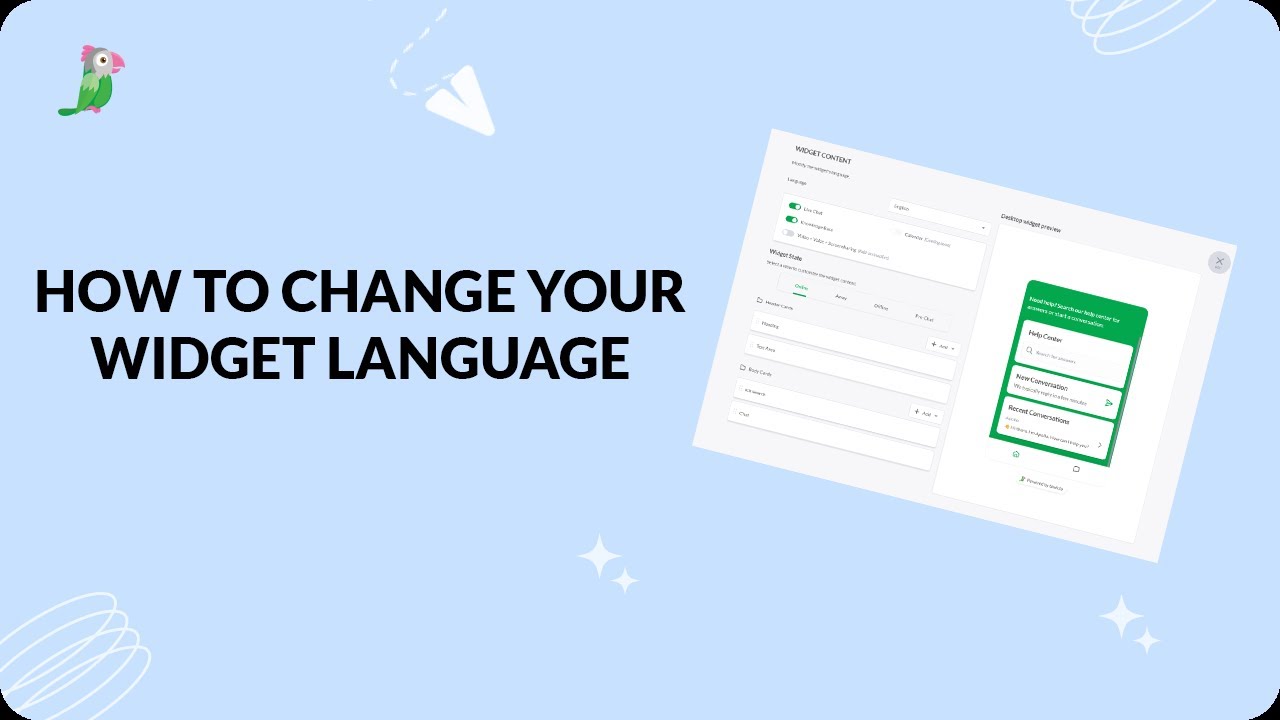
- How to change your widget language
- How to customize your tawk to chat widget
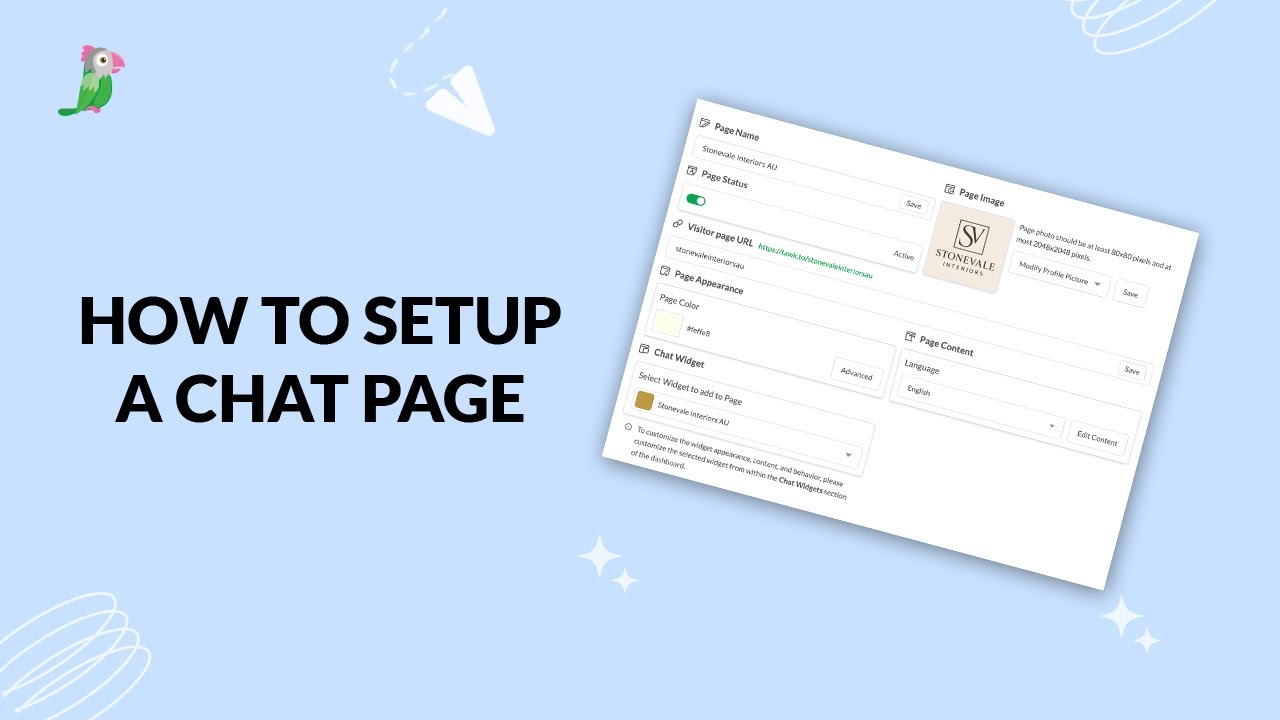
- How to setup a tawk.to chat page
Open the tawk.to Academy
Every topic and 220+ videos in one place.