
How to setup a tawk.to chat page
No website? No problem. With a tawk.to chat page, you can start chatting with customers instantly using a free landing page hosted by tawk.to. In this video, you’ll learn how to create, customise, and share your chat page so visitors can connect with you anytime. We’ll cover: • How to set up a chat page for your property • Choosing a unique page identifier and custom URL • Adding your business details, logo, and social links • Customising the appearance with colours, content, and widgets • Enabling, disabling, and managing your page over time Your chat page can be shared in email signatures, on social profiles, or anywhere your customers are — giving you an instant way to start conversations.
· Share this video
· More in this topic
Chat Widget: Appearance, Language & Customisation
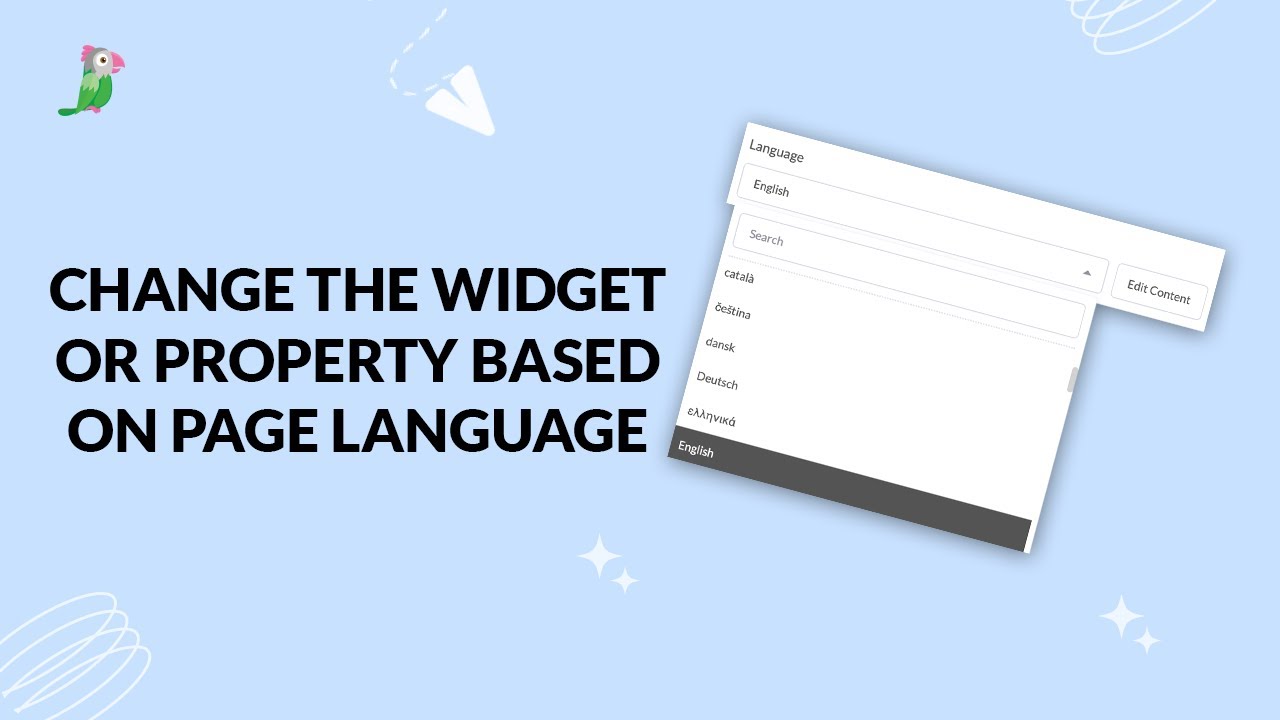
- Change the widget or property based on page language
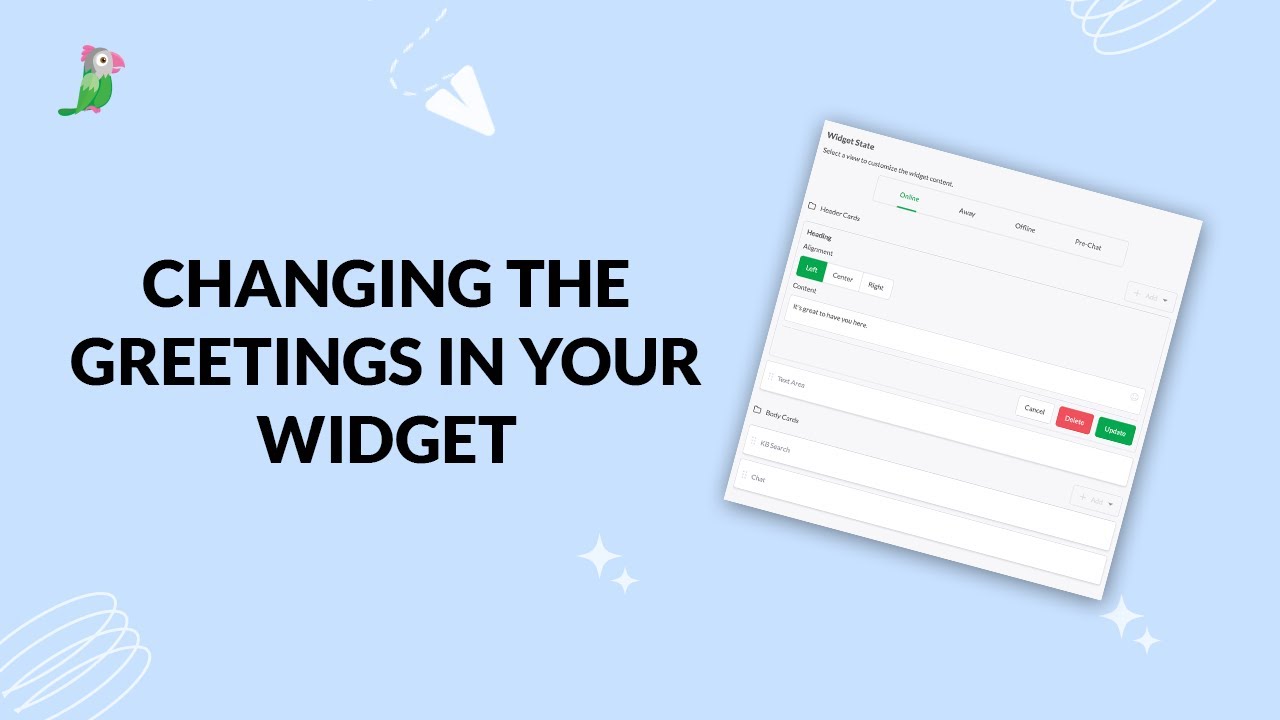
- Changing the greetings on your widget
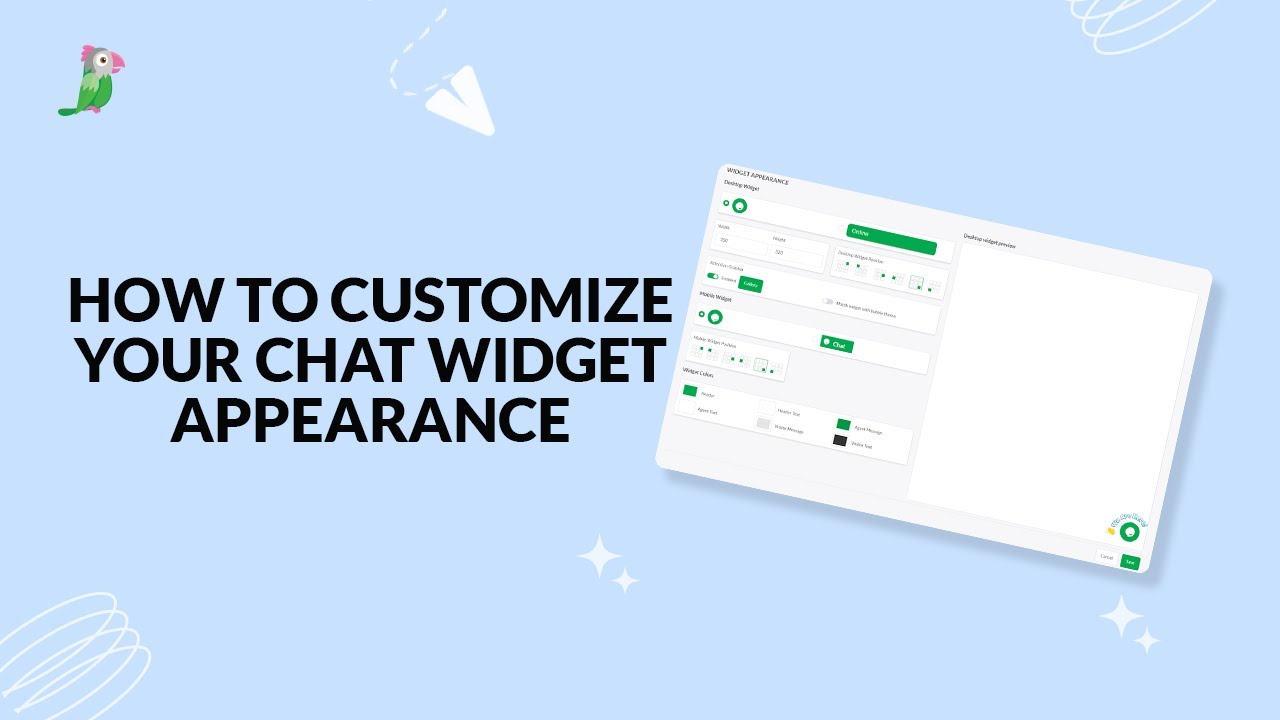
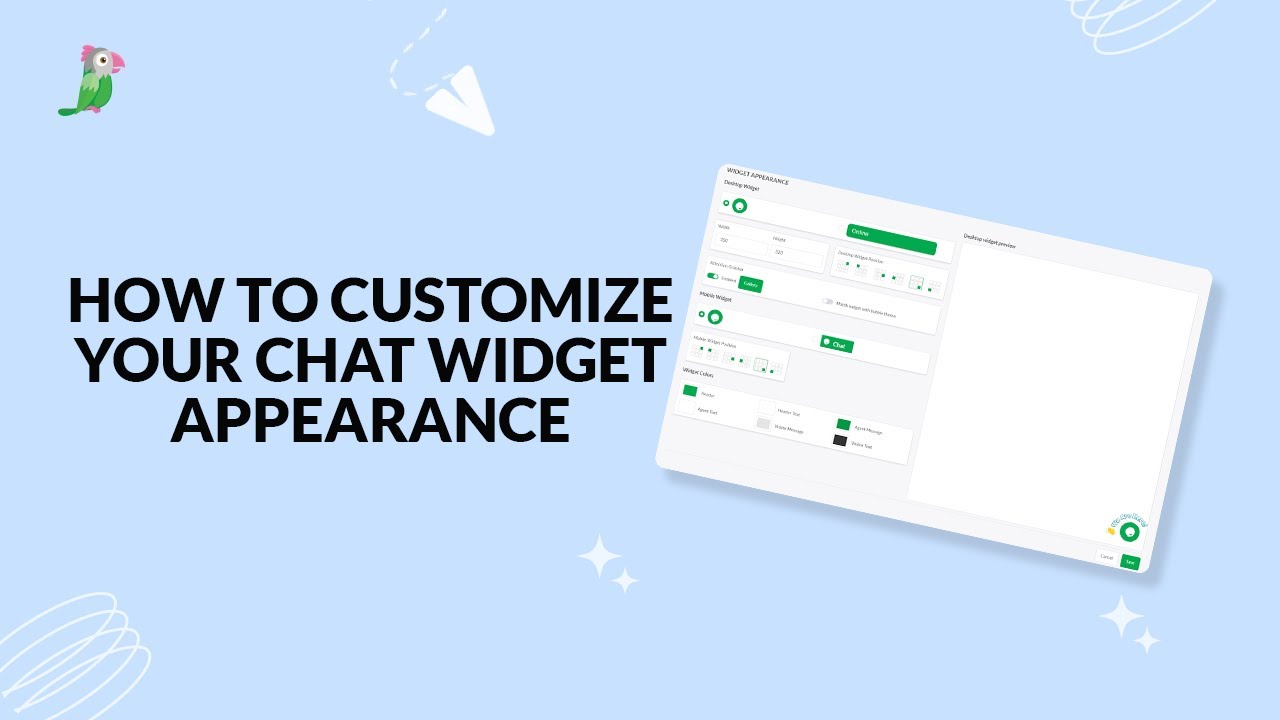
- Customize your chat widget appearance
- Customizing the Attention Grabber
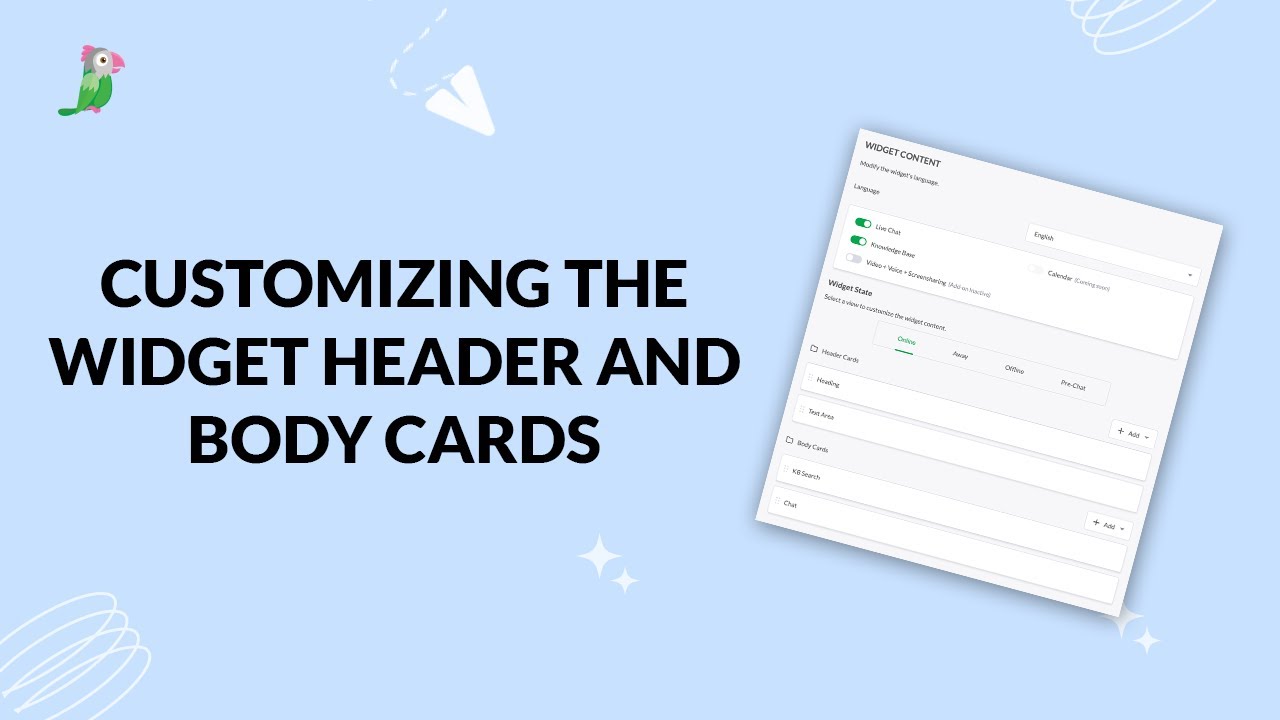
- Customizing the widget header and body cards
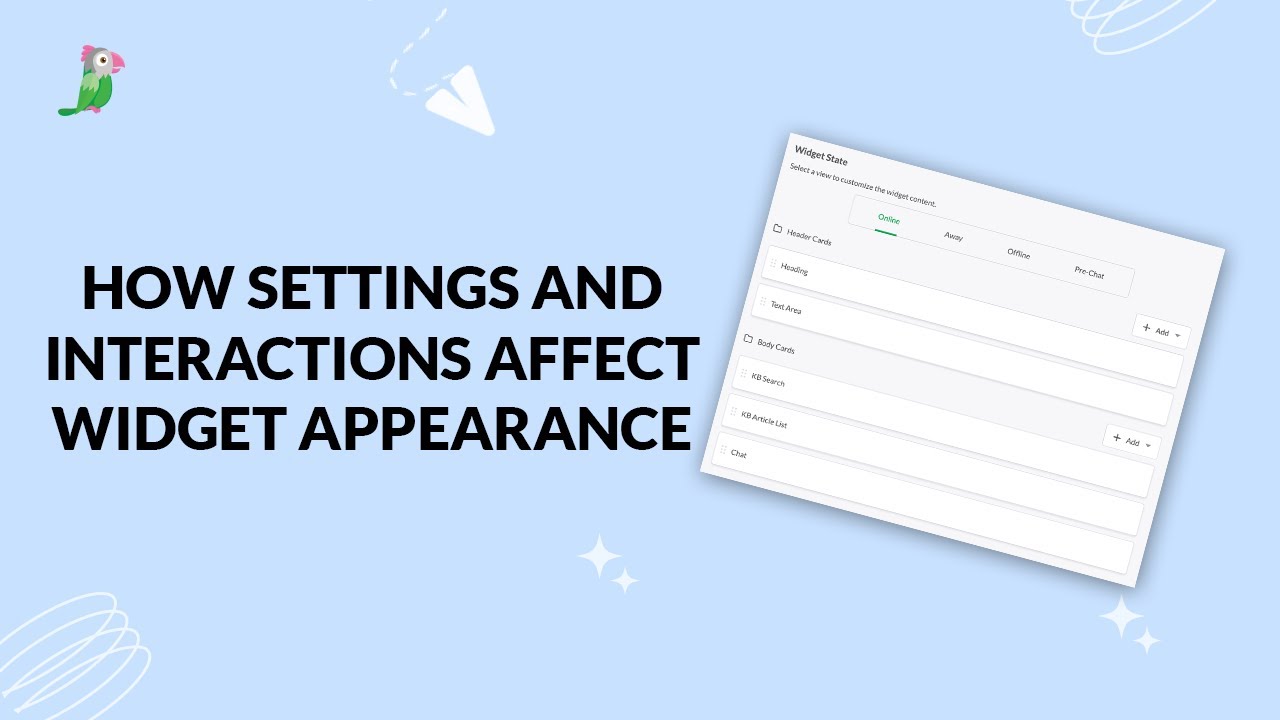
- How settings and interactions change the widget's appearance
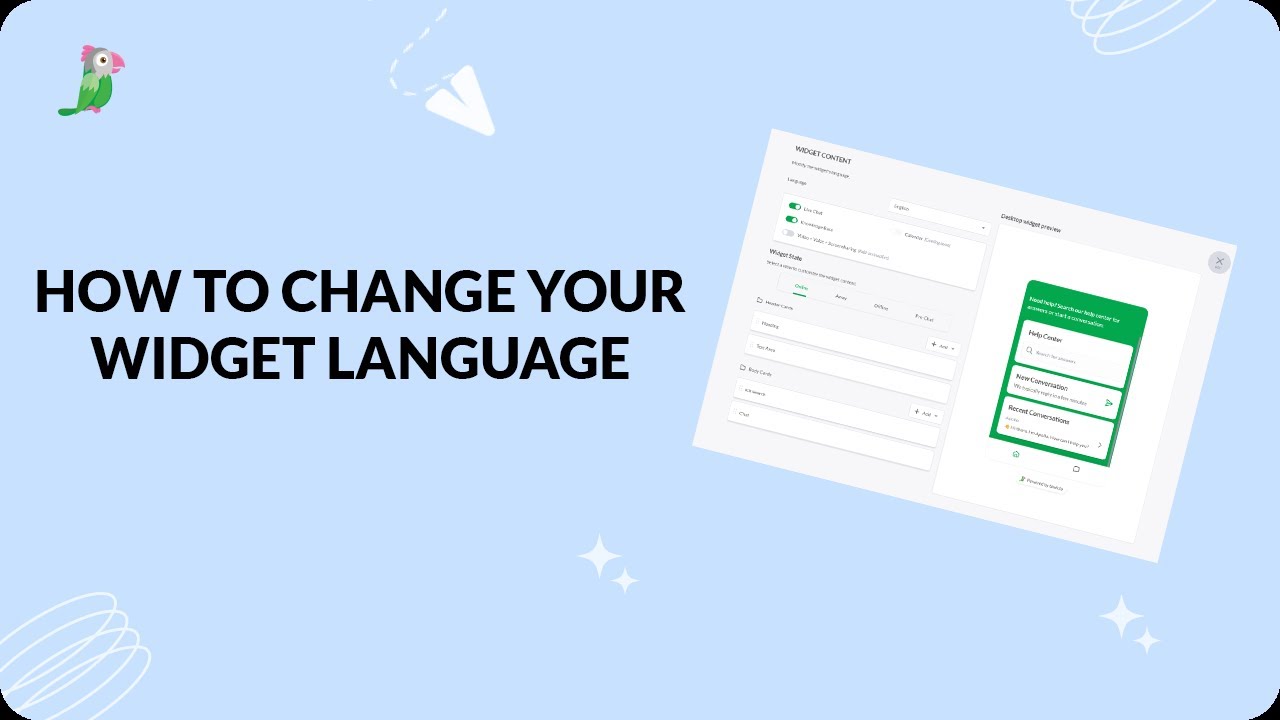
- How to change your widget language
- How to customize your tawk to chat widget
Open the tawk.to Academy
Every topic and 220+ videos in one place.