
Customize your chat widget appearance
Want your chat widget to match your brand? In this video, learn how to customise the appearance of your tawk.to widget for both desktop and mobile. We’ll show you how to adjust widget shape, size, and position, enable the Attention Grabber, and update colours using HEX codes for a consistent branded look. See how to: • Switch between circular and rectangular widget styles • Change widget position and text display • Customise desktop and mobile separately • Enable the Attention Grabber for higher engagement • Edit header and message bubble colours to match your brand
· Share this video
· More in this topic
Chat Widget: Appearance, Language & Customisation
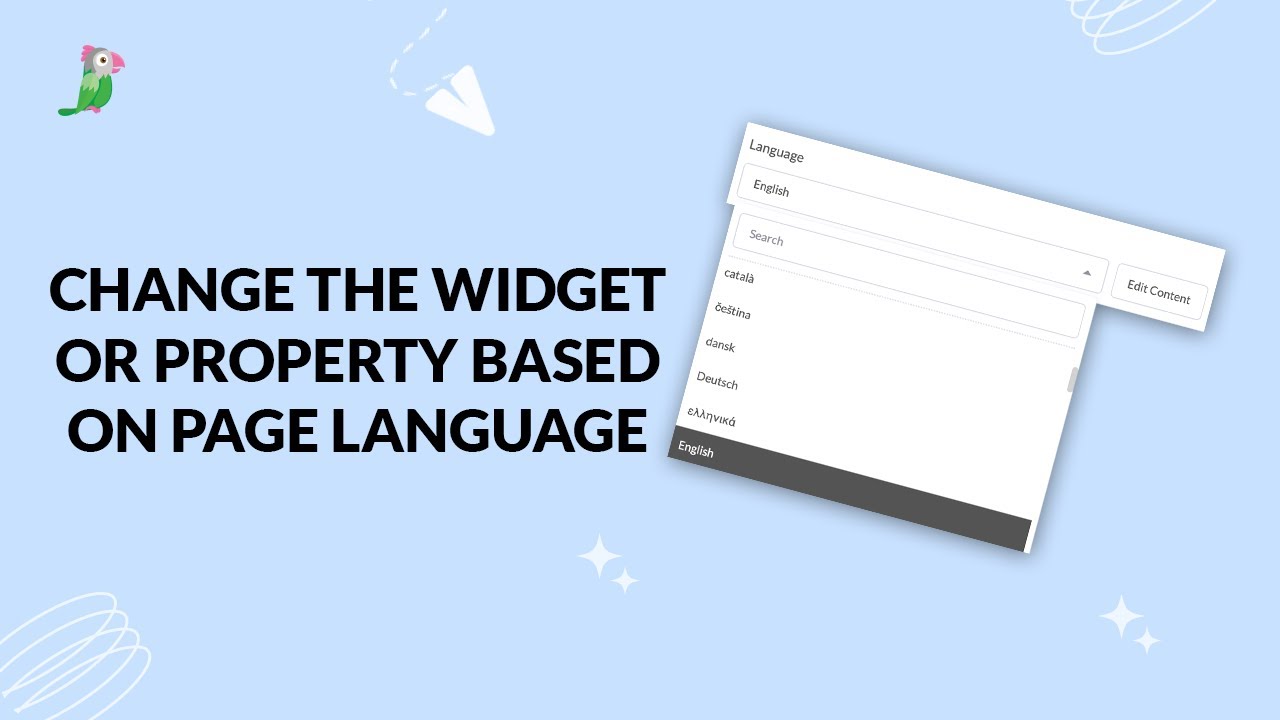
- Change the widget or property based on page language
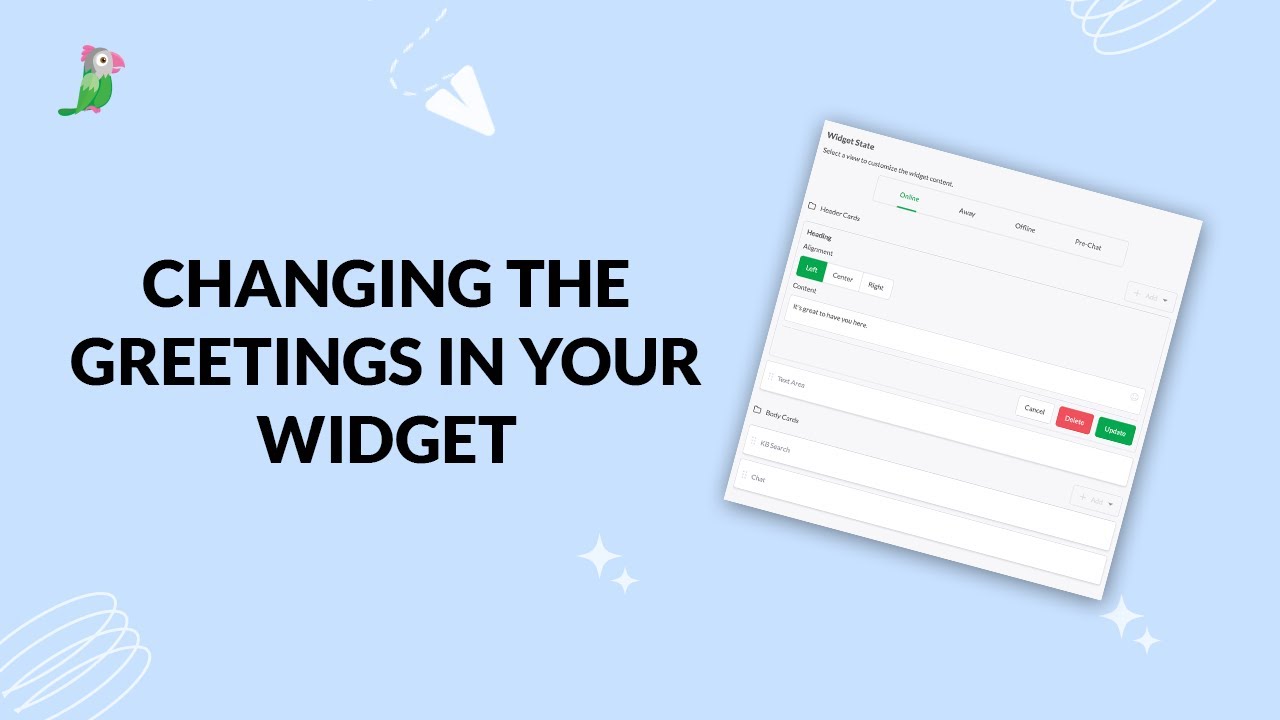
- Changing the greetings on your widget
- Customizing the Attention Grabber
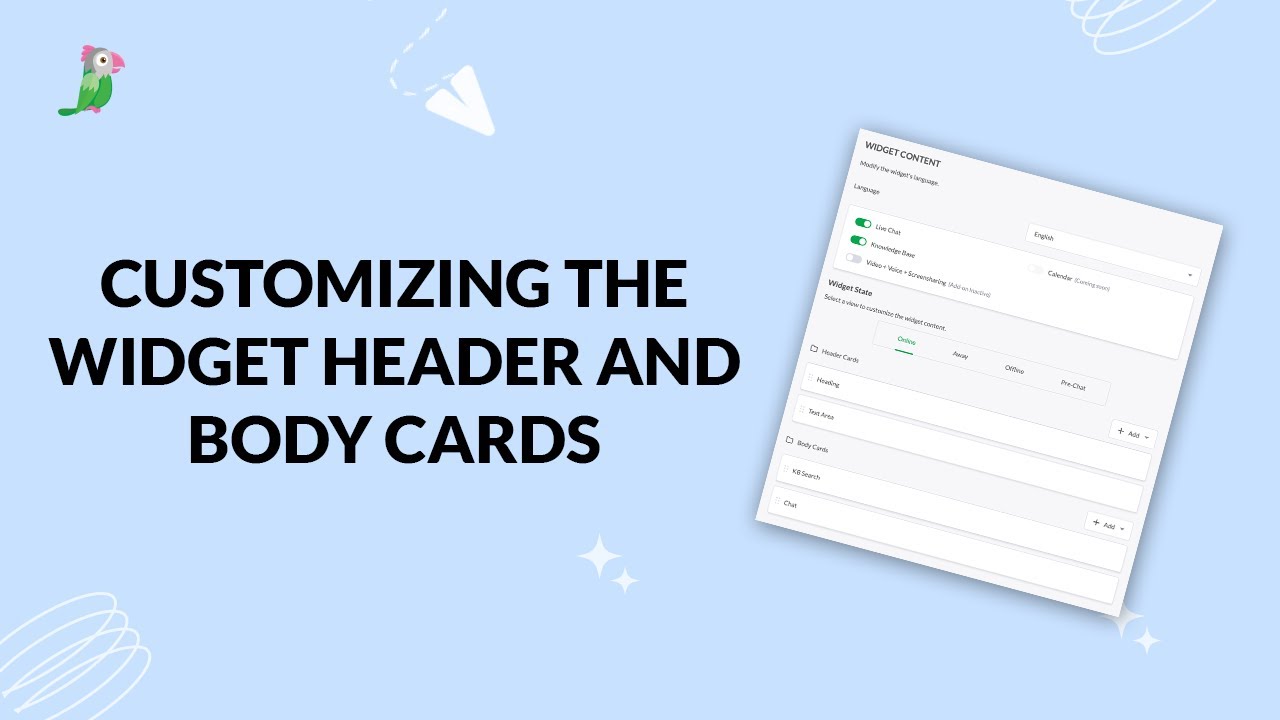
- Customizing the widget header and body cards
- How settings and interactions change the widget's appearance
- How to change your widget language
- How to customize your tawk to chat widget
- How to setup a tawk.to chat page
Open the tawk.to Academy
Every topic and 220+ videos in one place.