
What to check if you're not getting notifications
In this video, you’ll learn what to check when tawk.to notifications stop showing on desktop or laptop. We cover the key settings inside your dashboard, browser permission checks for https://dashboard.tawk.to, and the most common Windows and macOS notification blocks. You’ll also see quick fixes like re logging in, restarting your browser or app, and clearing cache if alerts still do not come through.
· Share this video
· More in this topic
Getting Started: Account, Property & Dashboard Setup
- How to add the tawk.to chat widget on Wordpress
- Adding additional properties to your dashboard
- Adding additional widgets to your website
- Add the tawk.to widget to your website
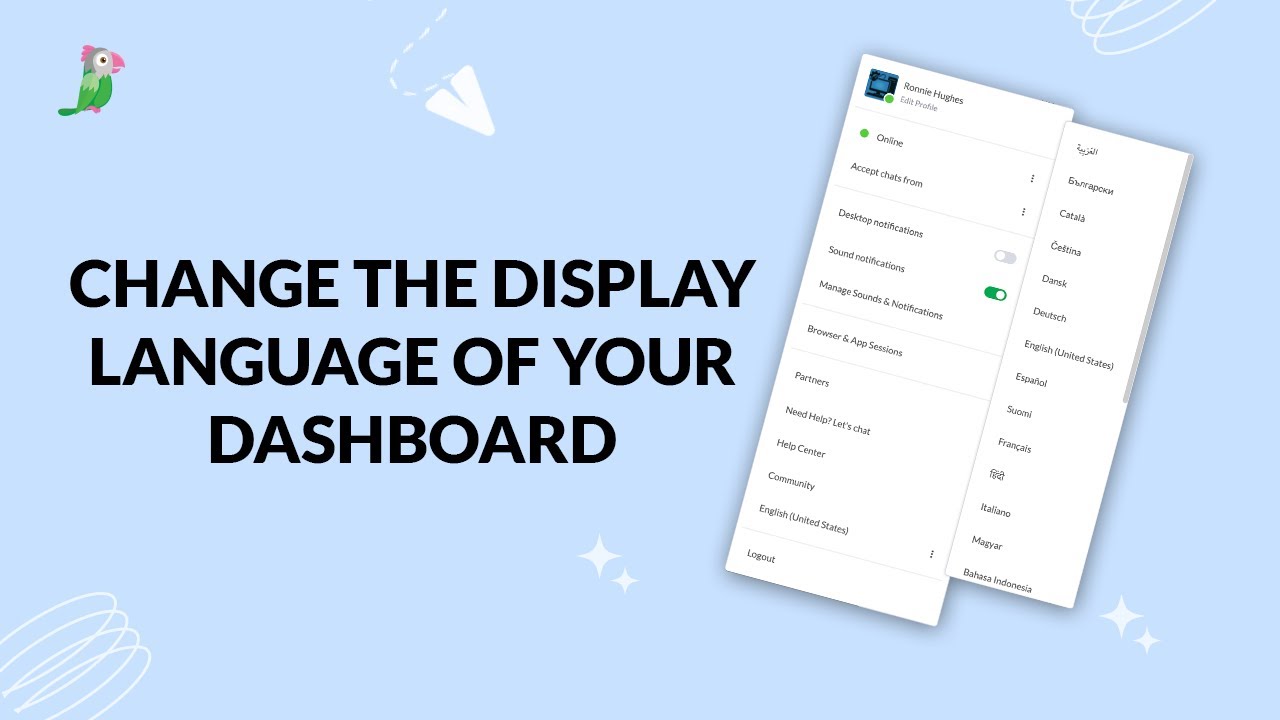
- Change the display language for your dashboard
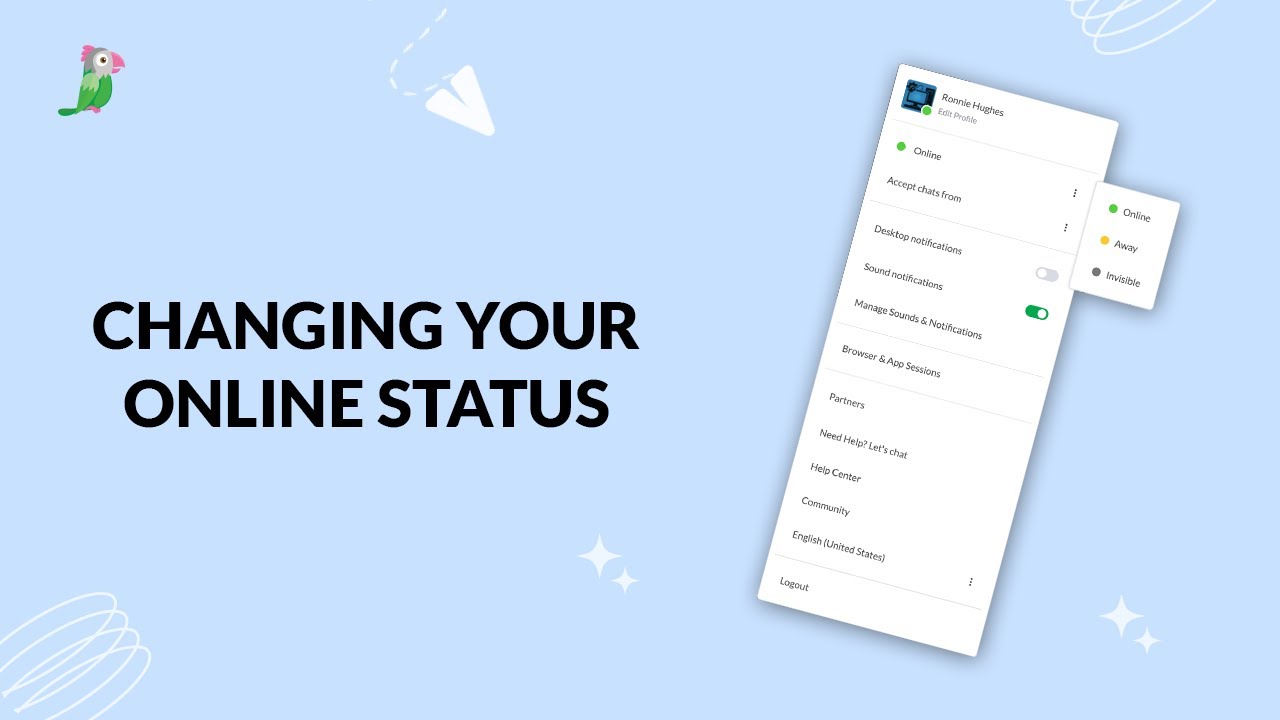
- Changing your online status
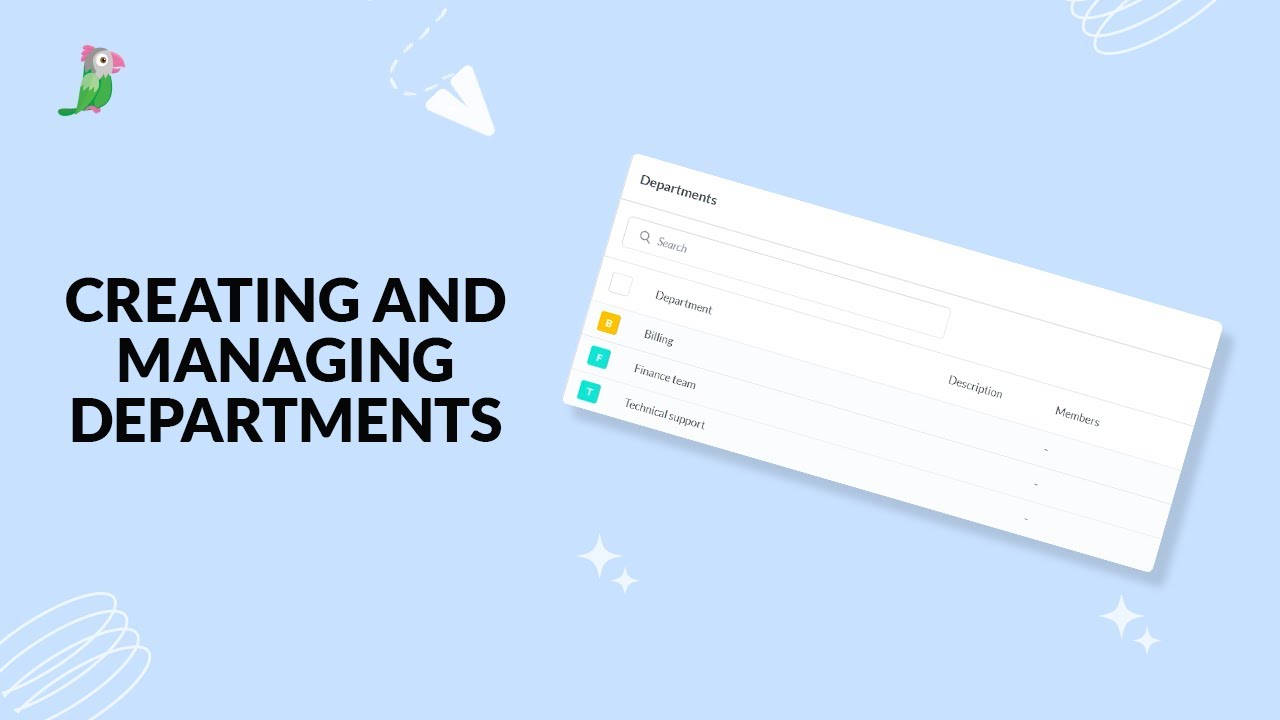
- Creating and managing departments
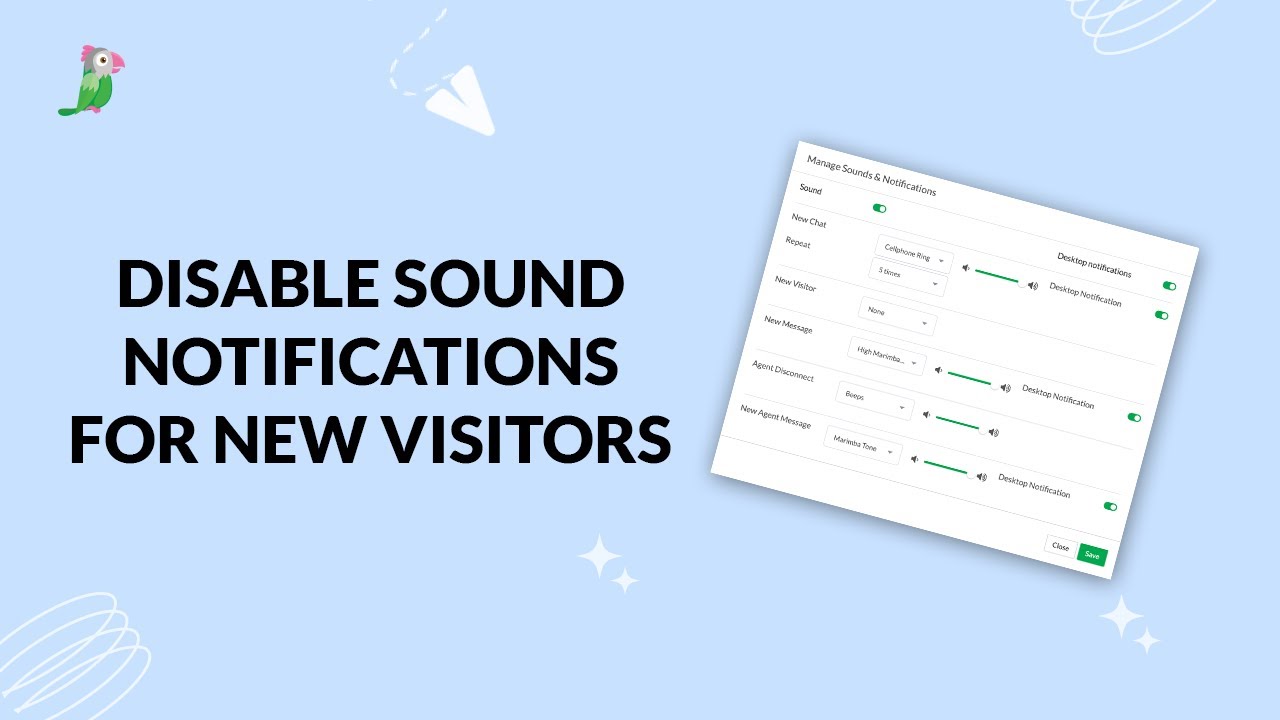
- Disable sound notifications for new visitors
Open the tawk.to Academy
Every topic and 220+ videos in one place.