
Modern Design For Your Direct Chat Link
Learn about the new modern design for your tawk.to Direct Chat Link and how to make sure you're sharing the updated version. This video covers what's changed, how the modern and legacy options sit side by side in your settings, and why your existing links keep working exactly as they are. Your colours, branding, and cards carry through to both designs automatically.
· Share this video
· More in this topic
Chat Widget: Appearance, Language & Customisation
- Change the widget or property based on page language
- Changing the greetings on your widget
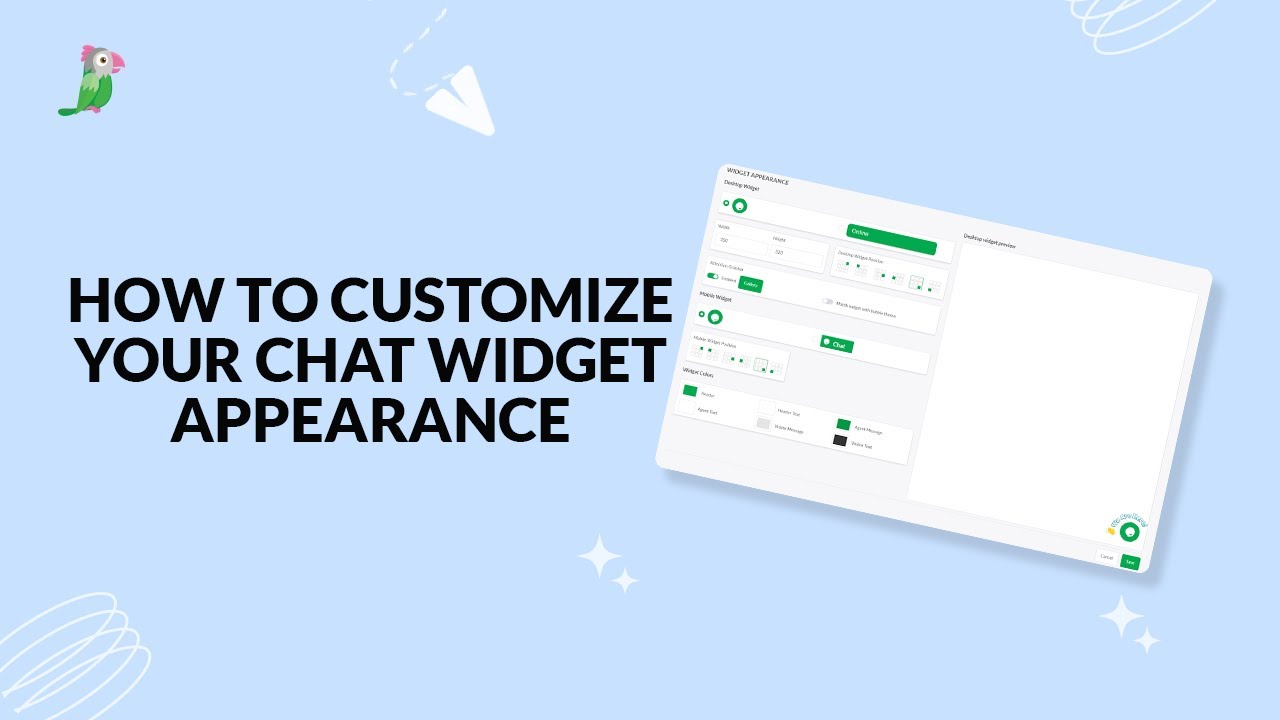
- Customize your chat widget appearance
- Customizing the Attention Grabber
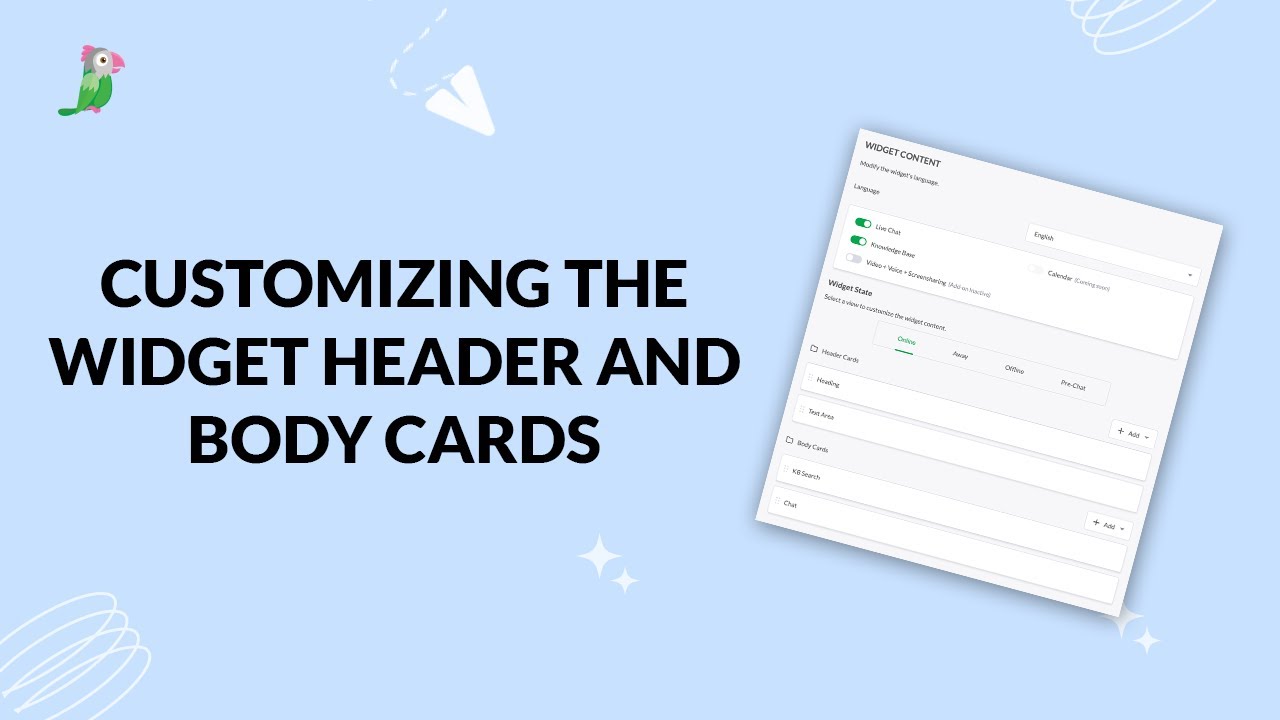
- Customizing the widget header and body cards
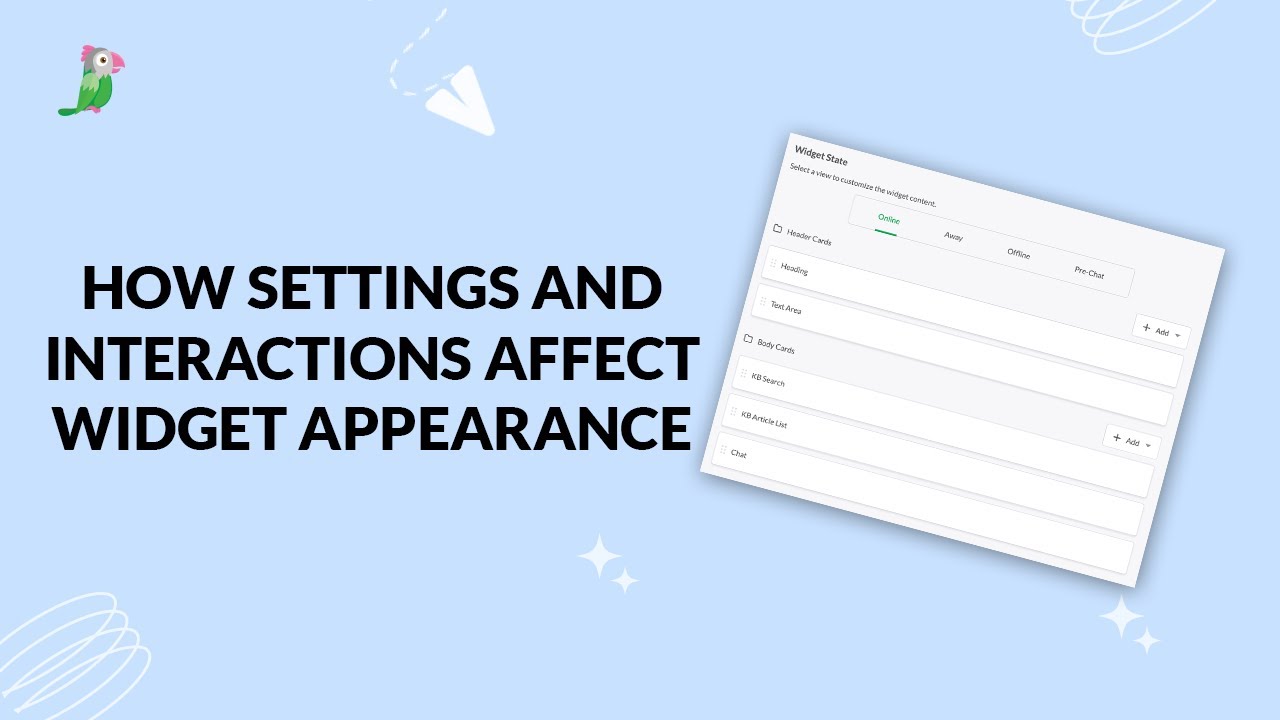
- How settings and interactions change the widget's appearance
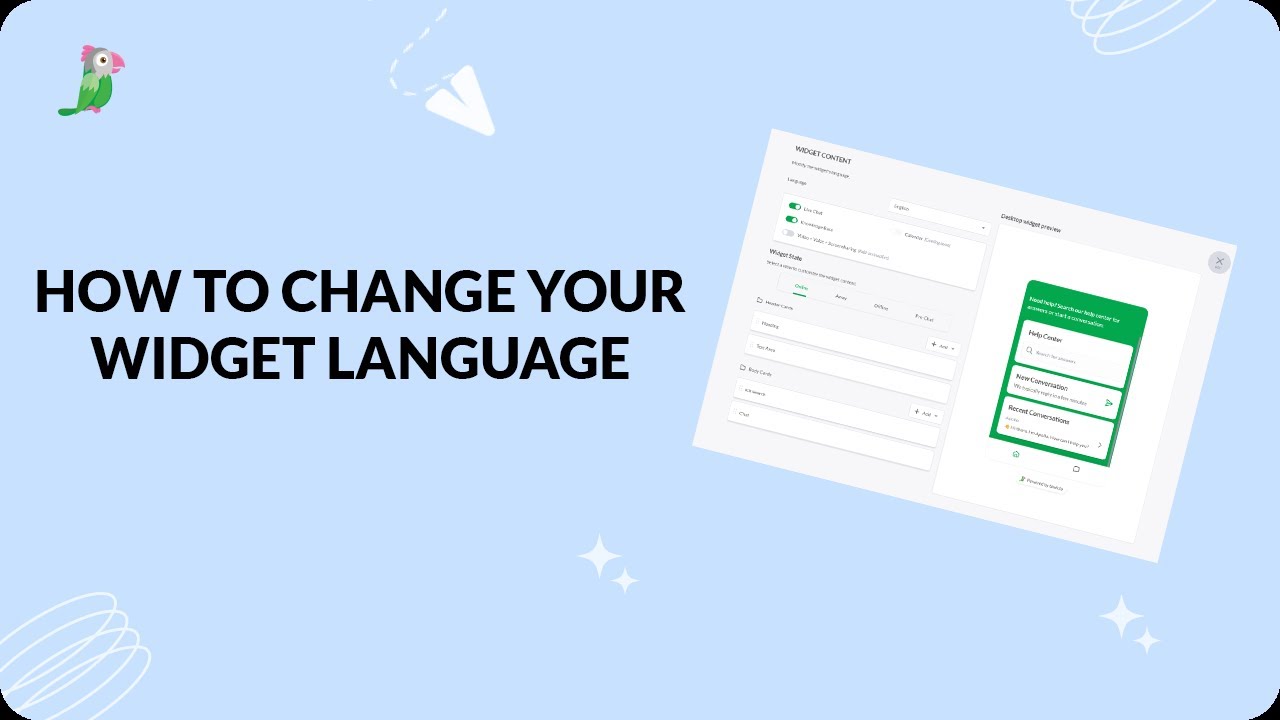
- How to change your widget language
- How to customize your tawk to chat widget
Open the tawk.to Academy
Every topic and 220+ videos in one place.