
How to change a property members status
In this video, you’ll learn how to change a property member’s status in tawk.to. We’ll cover the difference between Admins and Agents, what each role can do, and how to update permissions to keep your team organised: • Admins: full access to settings, billing, and user management • Agents: respond to chats and tickets, use shortcuts, edit Knowledge Base articles, but cannot manage Add-ons or add members From your Dashboard, we’ll show you step-by-step how to open Property Members, select a user, and update their role or status. With the right setup, you’ll make sure only active agents are handling chats and every team member has the correct access.
· Share this video
· More in this topic
Getting Started: Account, Property & Dashboard Setup
- How to add the tawk.to chat widget on Wordpress
- Adding additional properties to your dashboard
- Adding additional widgets to your website
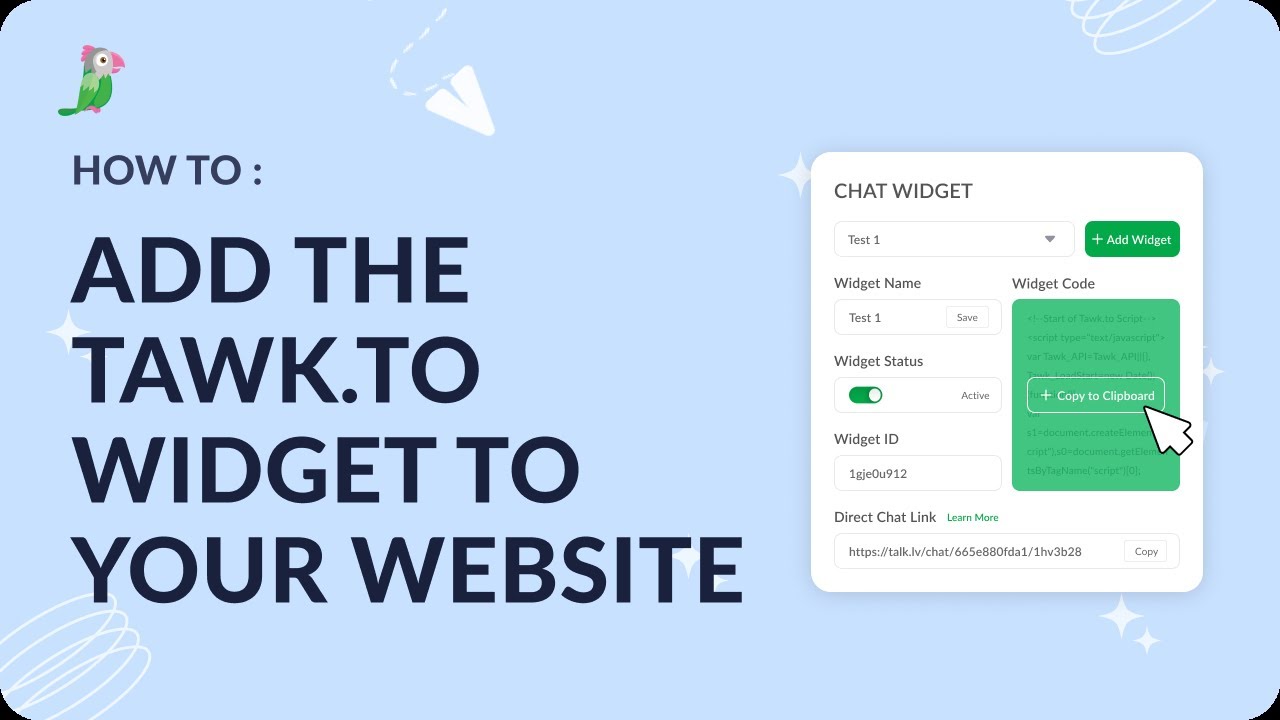
- Add the tawk.to widget to your website
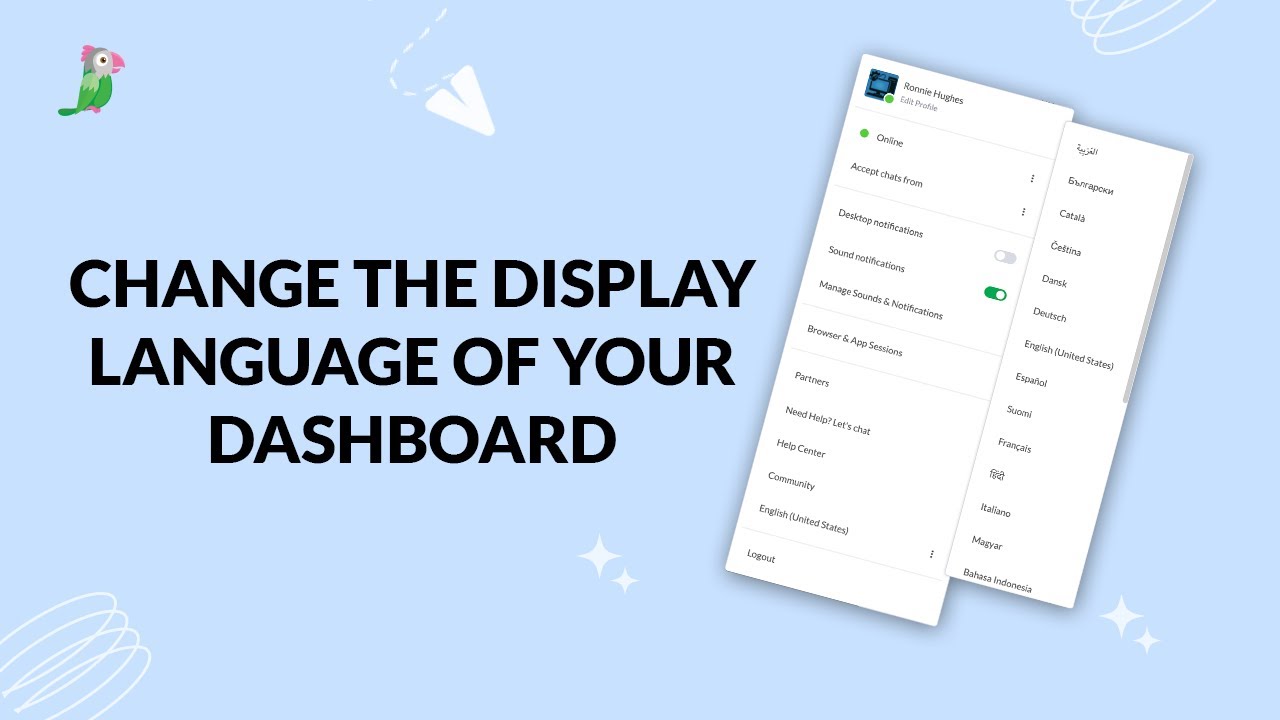
- Change the display language for your dashboard
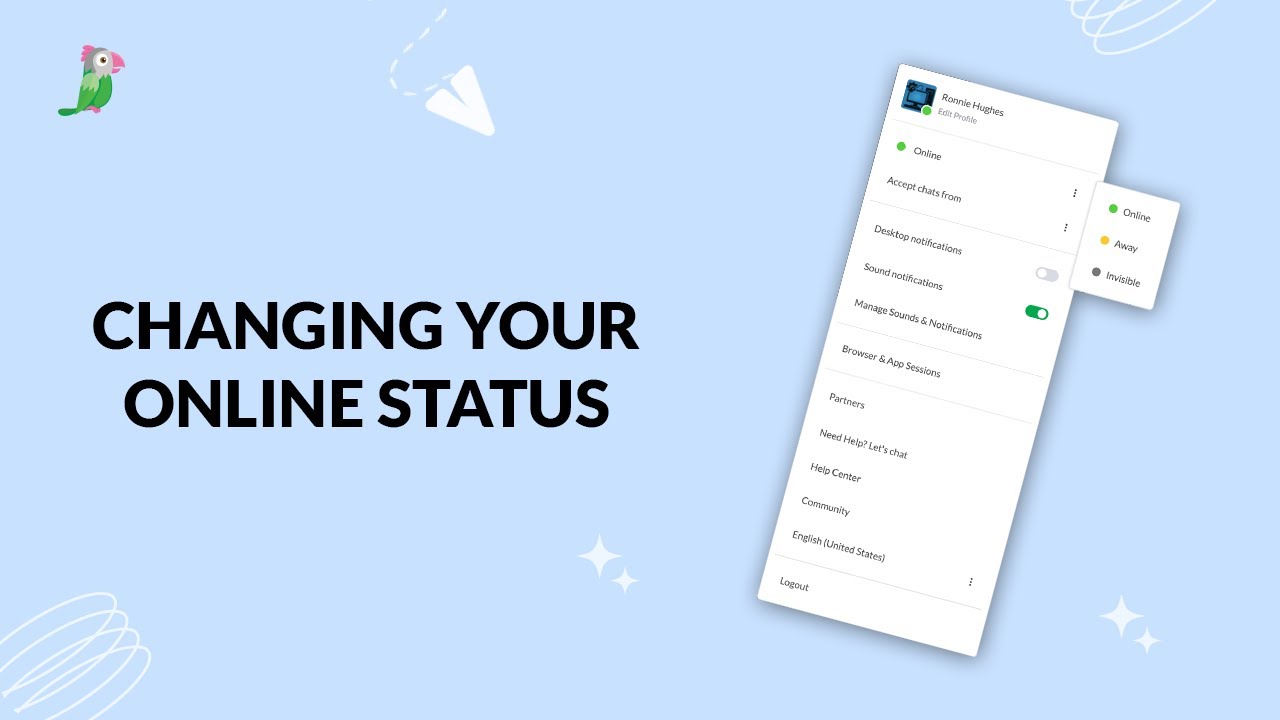
- Changing your online status
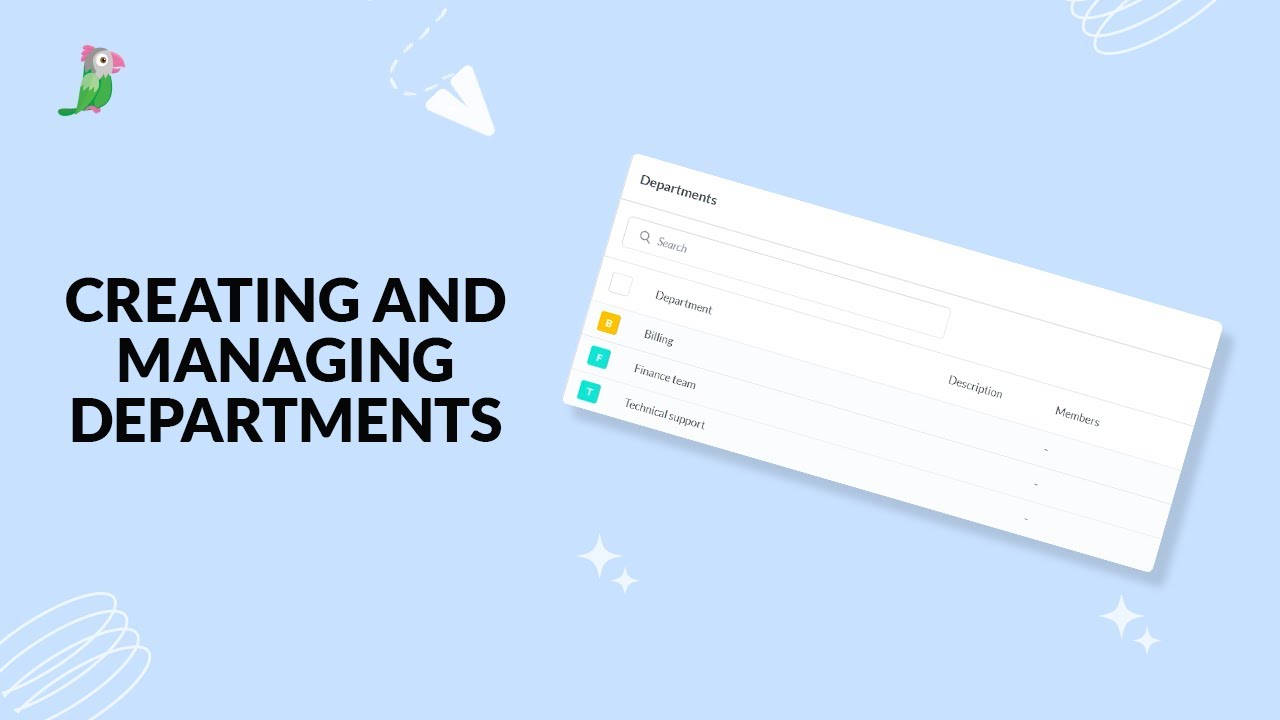
- Creating and managing departments
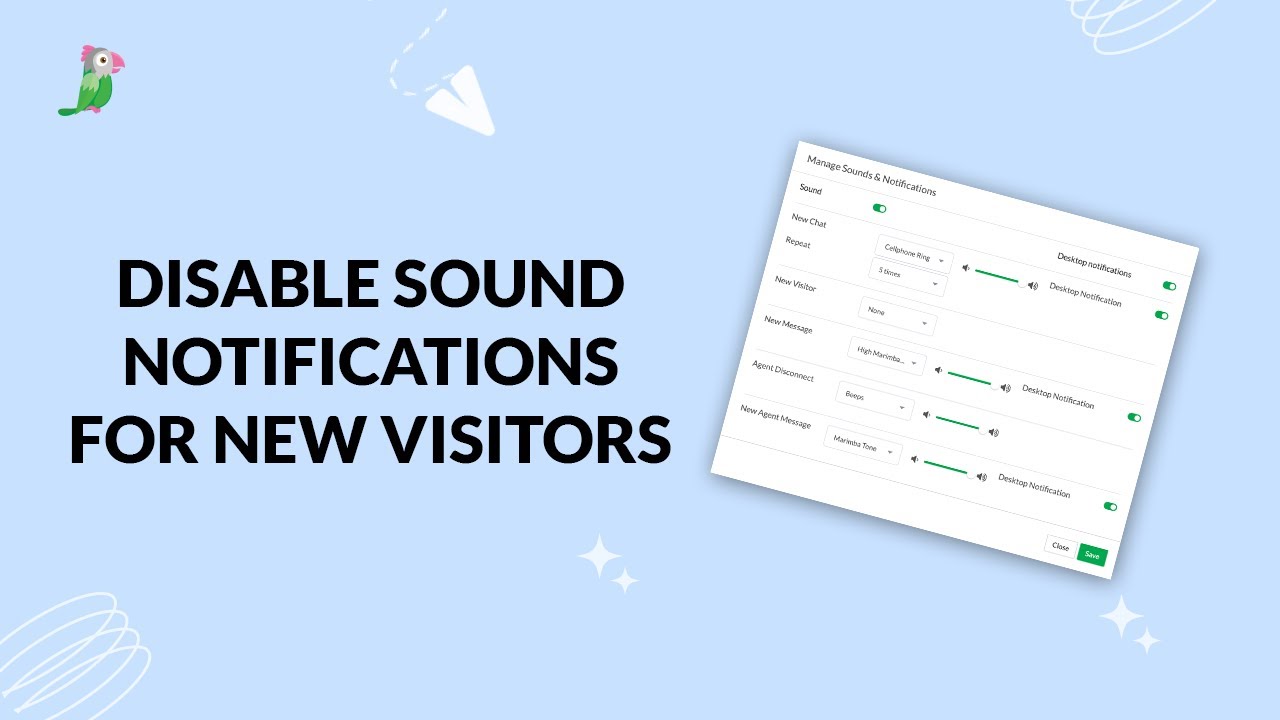
- Disable sound notifications for new visitors
Open the tawk.to Academy
Every topic and 220+ videos in one place.