
Deploying Multiple Ai Agents Across Support Channels
Deploy multiple AI Agents across your support channels with AI Assist. In this video, learn how to add agents, set roles and avatars, enable multilingual replies, and assign each agent to specific channels like live chat or tickets. We’ll cover plan limits (Growth up to 3, Business up to 5, Enterprise up to 10), channel exclusivity, and how shared data sources keep answers consistent while each agent follows its own base prompt and persona. Configure escalation rules and tools so every channel gets faster, smarter, more focused support.
· Share this video
· More in this topic
Developer & Advanced: REST API, Webhooks & Zapier
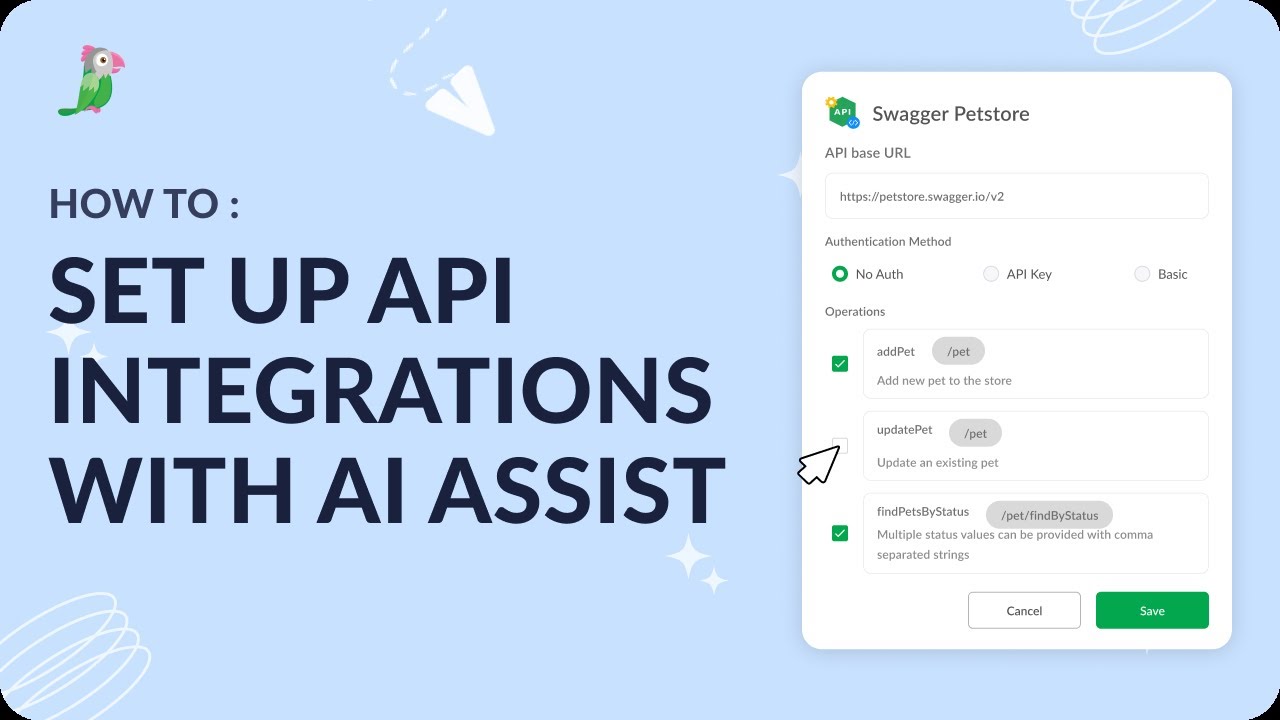
- Set up API Integrations with AI Assist
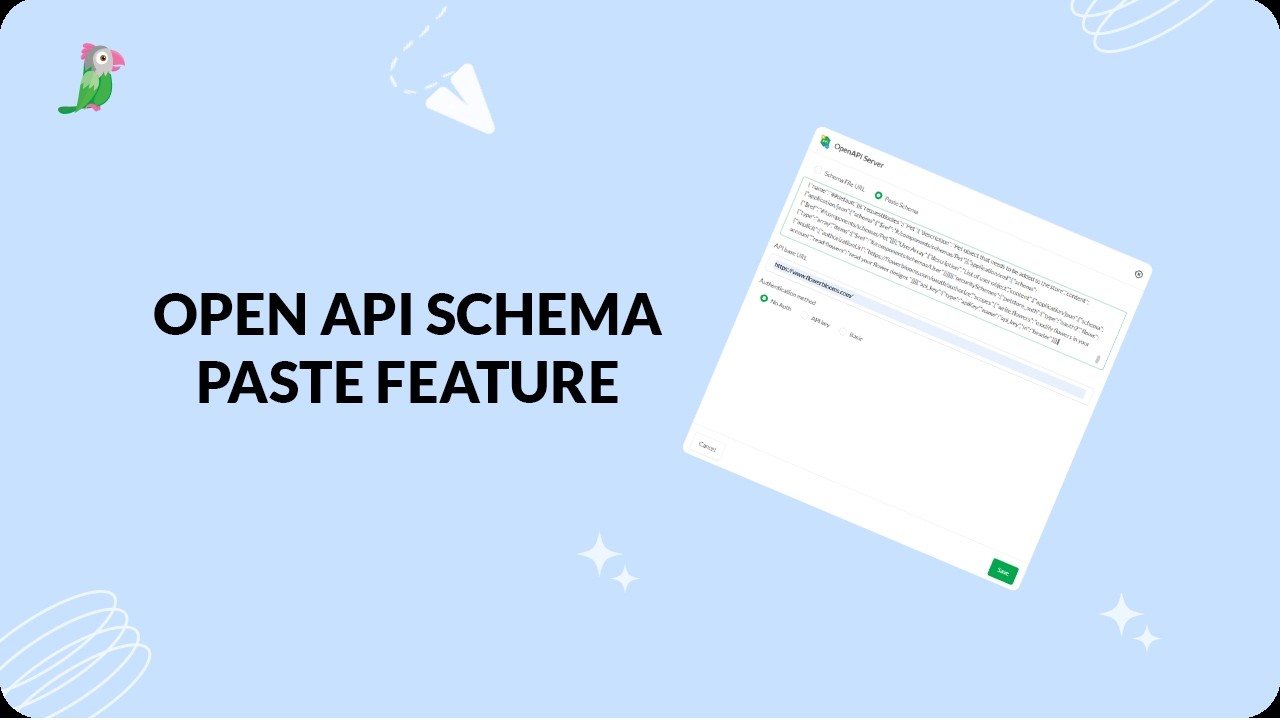
- Connect APIs faster with OpenAPI schema paste
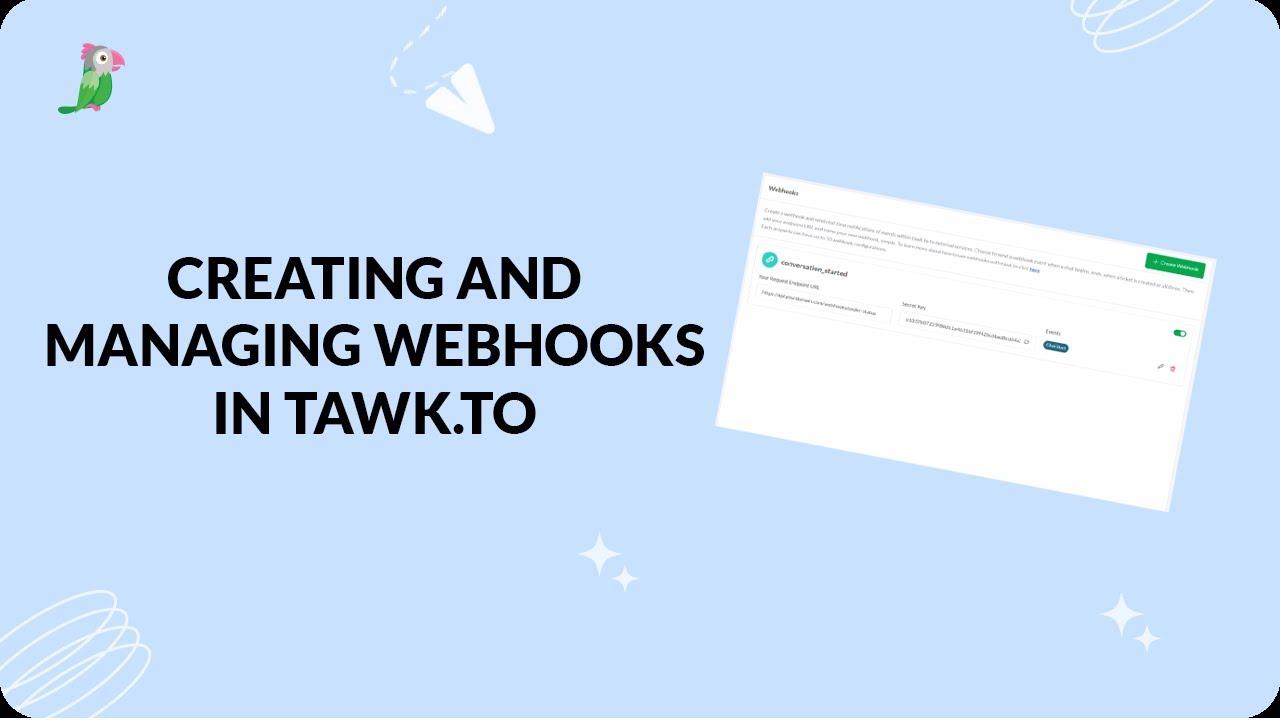
- Creating and managing webhooks
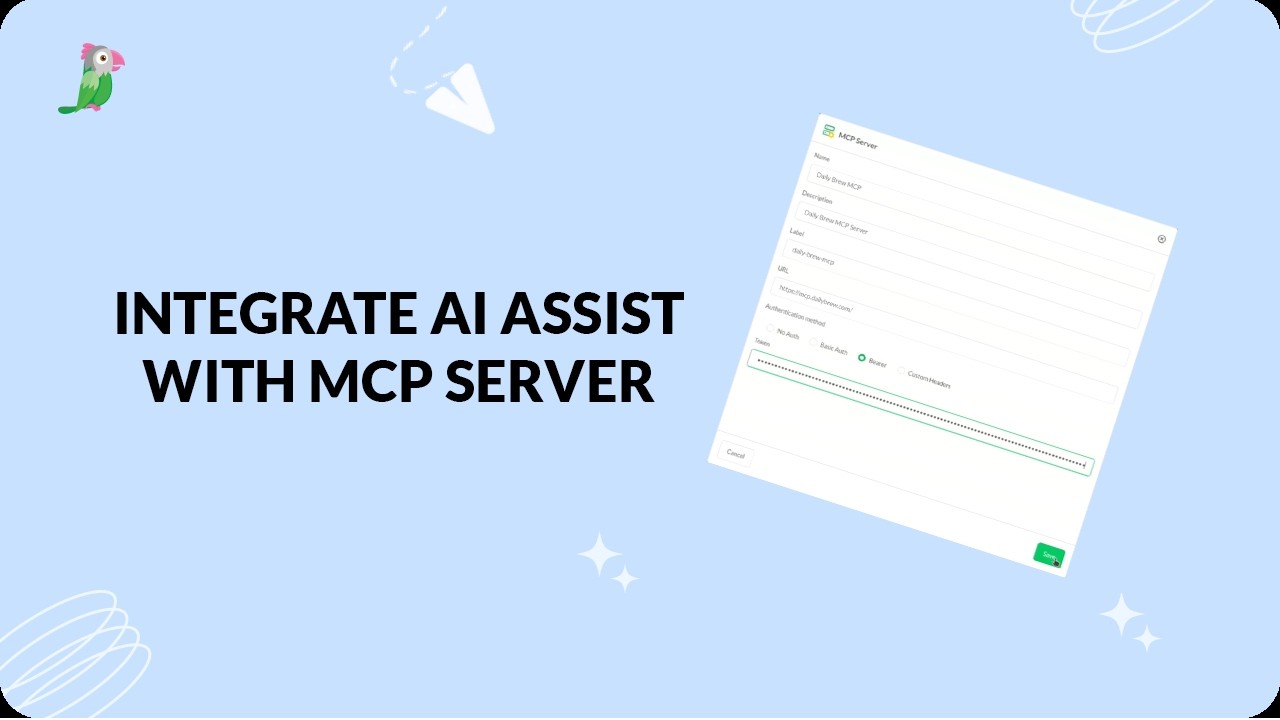
- Integrate AI Assist with an MCP server
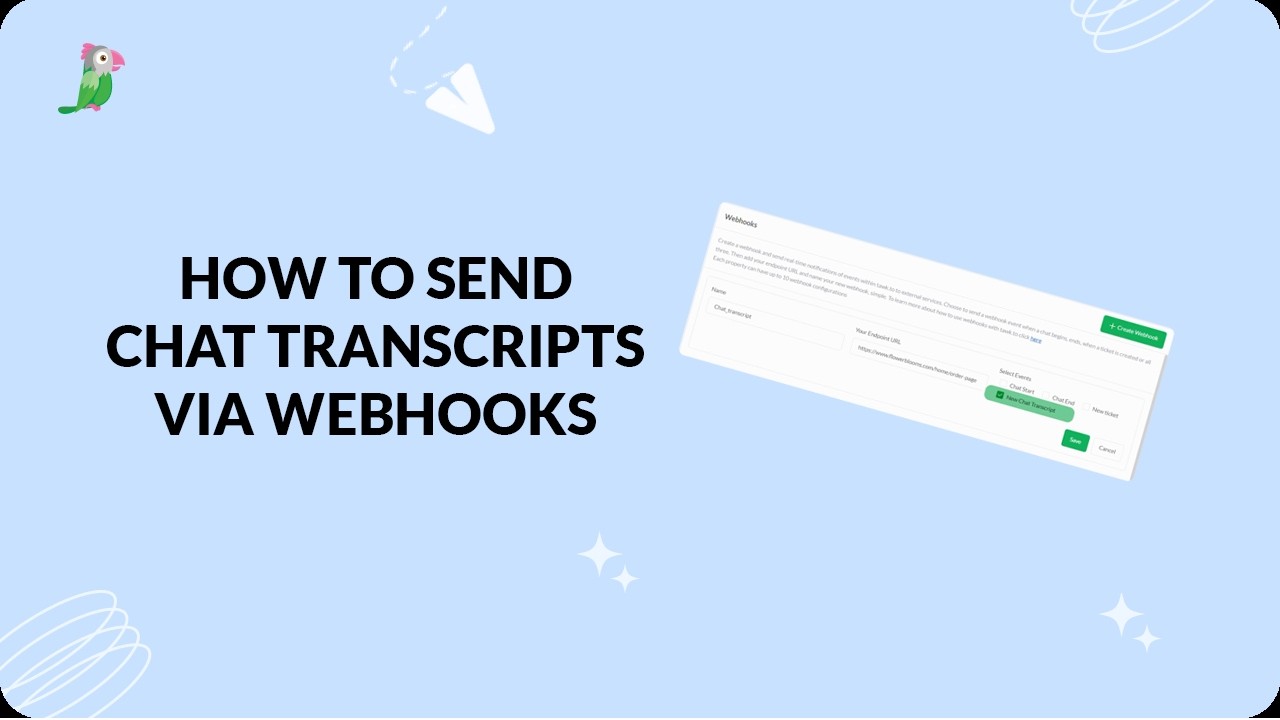
- Send chat transcripts via webhook
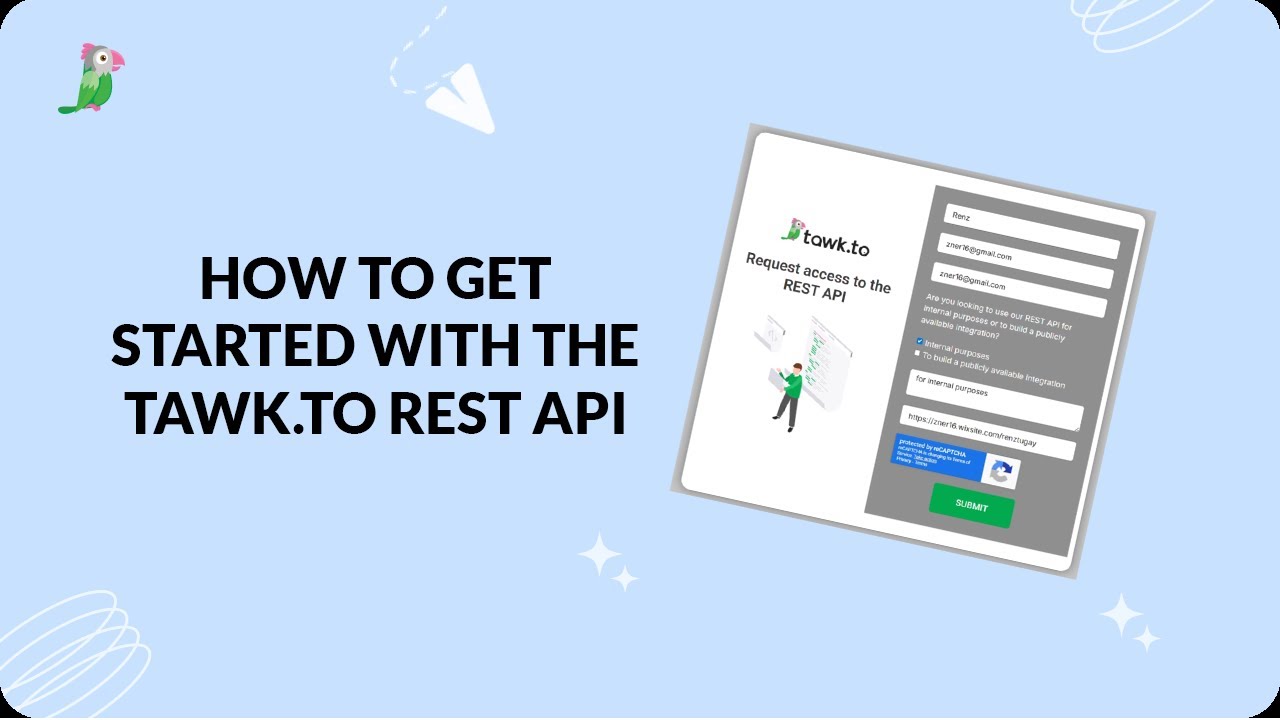
- How to get started with the tawk.to REST API
Open the tawk.to Academy
Every topic and 220+ videos in one place.