
Creating and managing webhooks
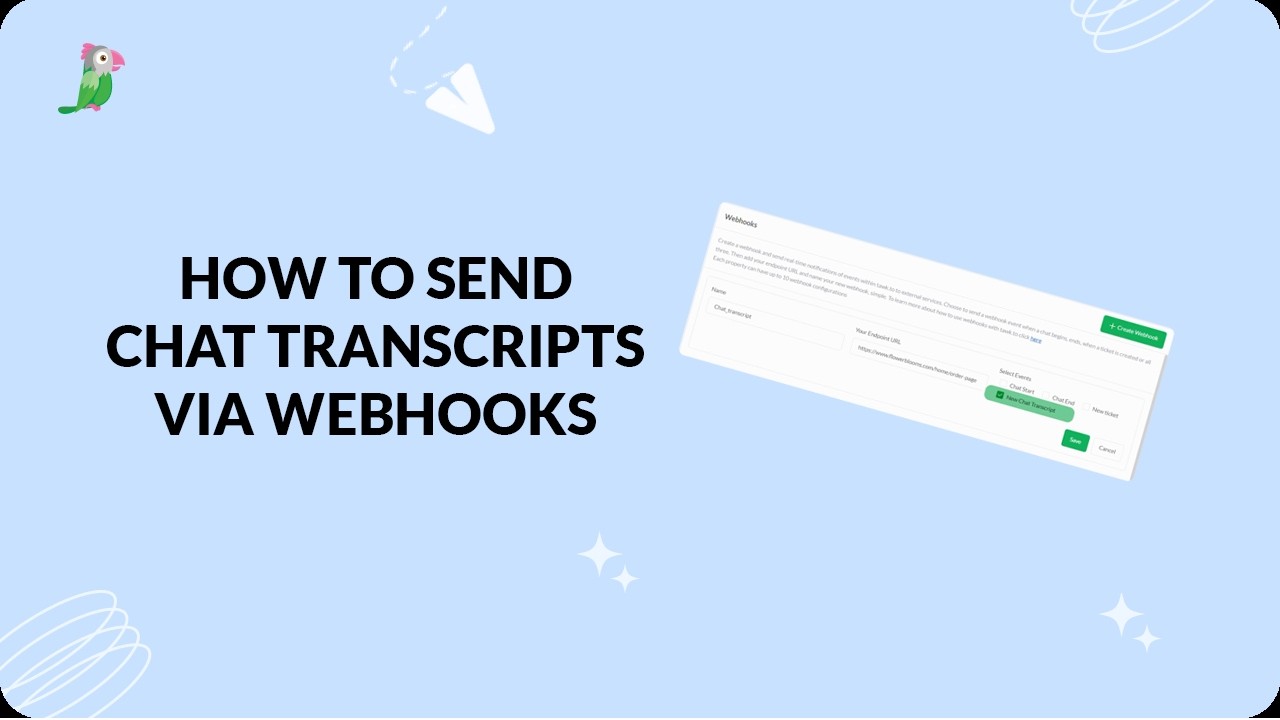
Webhooks let tawk.to push chat and ticket events to your other tools automatically. In this video, you’ll learn how to create a webhook, choose the right events (Chat Start, Chat End, New Ticket, and Chat Transcript), and manage existing webhooks from the Dashboard. We’ll also cover where to find sample payloads and what to check before going live.
· Share this video
· More in this topic
Developer & Advanced: REST API, Webhooks & Zapier
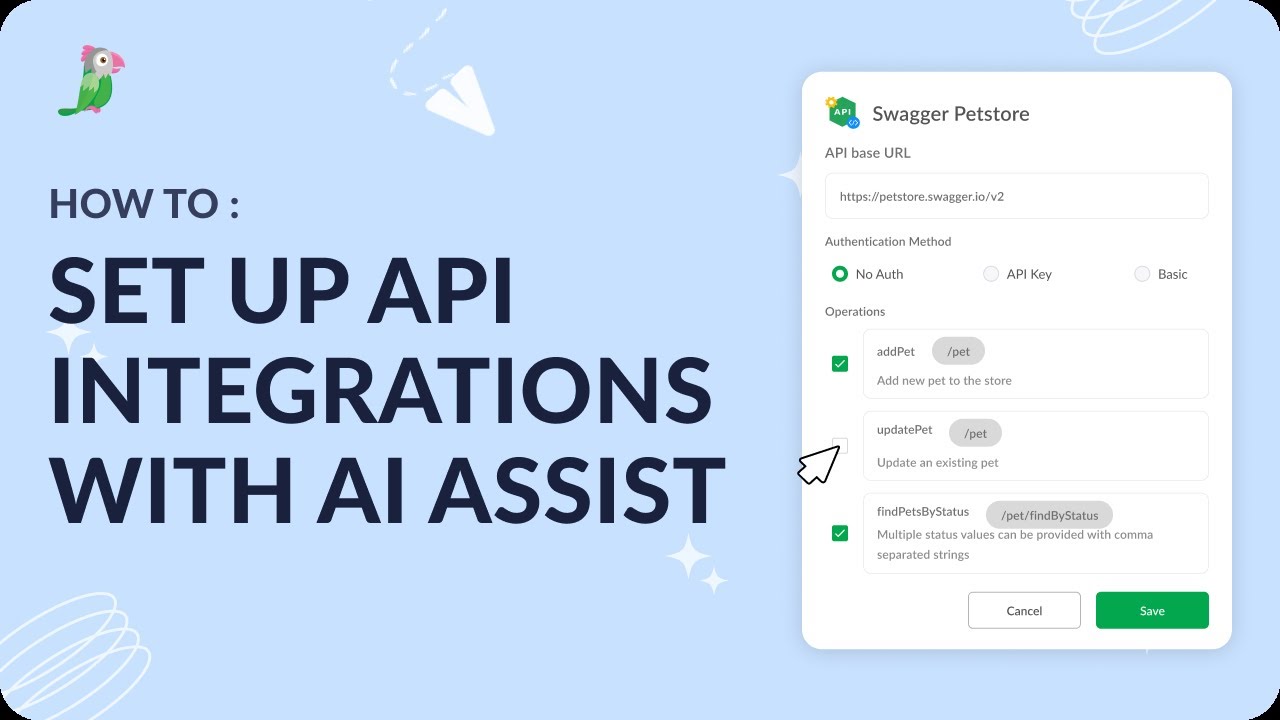
- Set up API Integrations with AI Assist
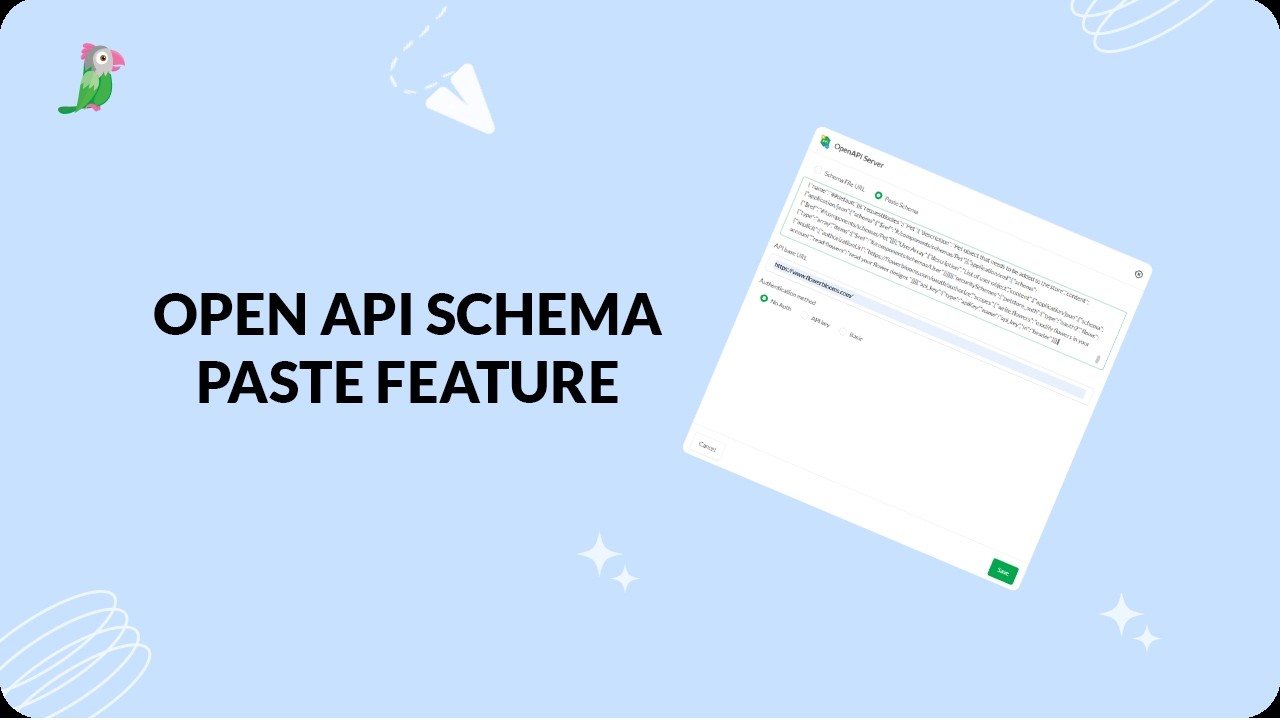
- Connect APIs faster with OpenAPI schema paste
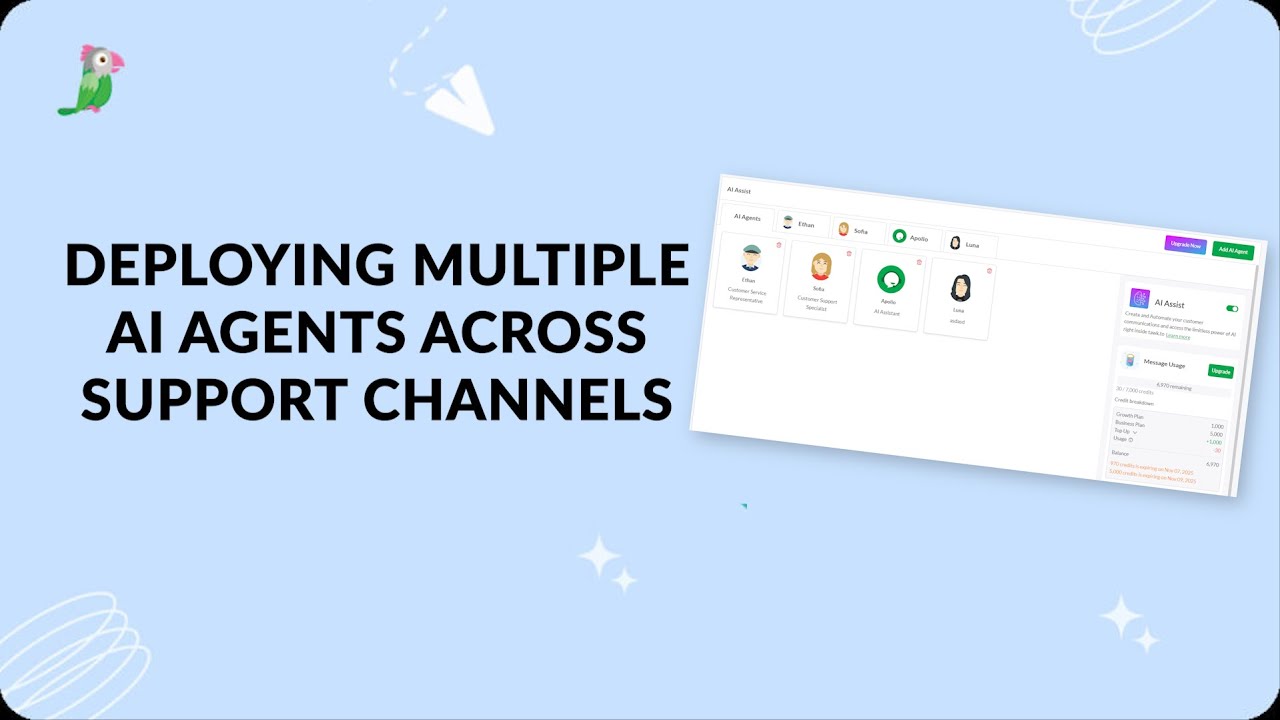
- Deploying Multiple Ai Agents Across Support Channels
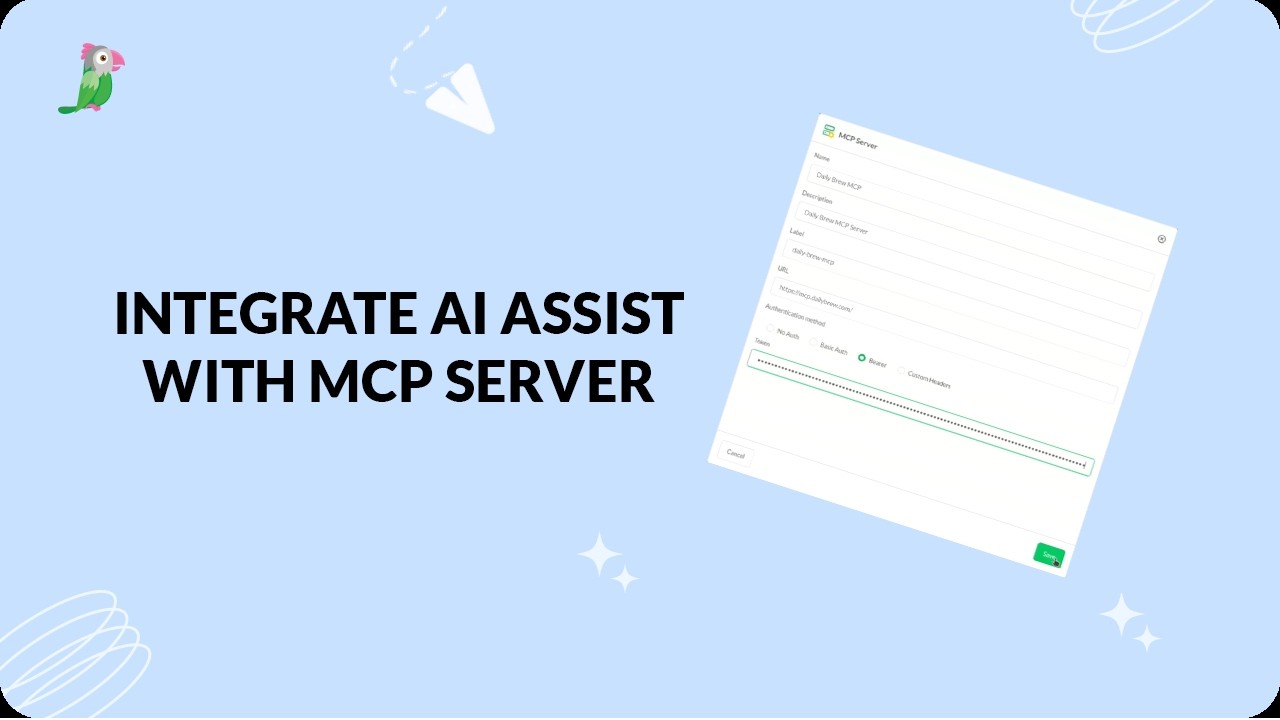
- Integrate AI Assist with an MCP server
- Send chat transcripts via webhook
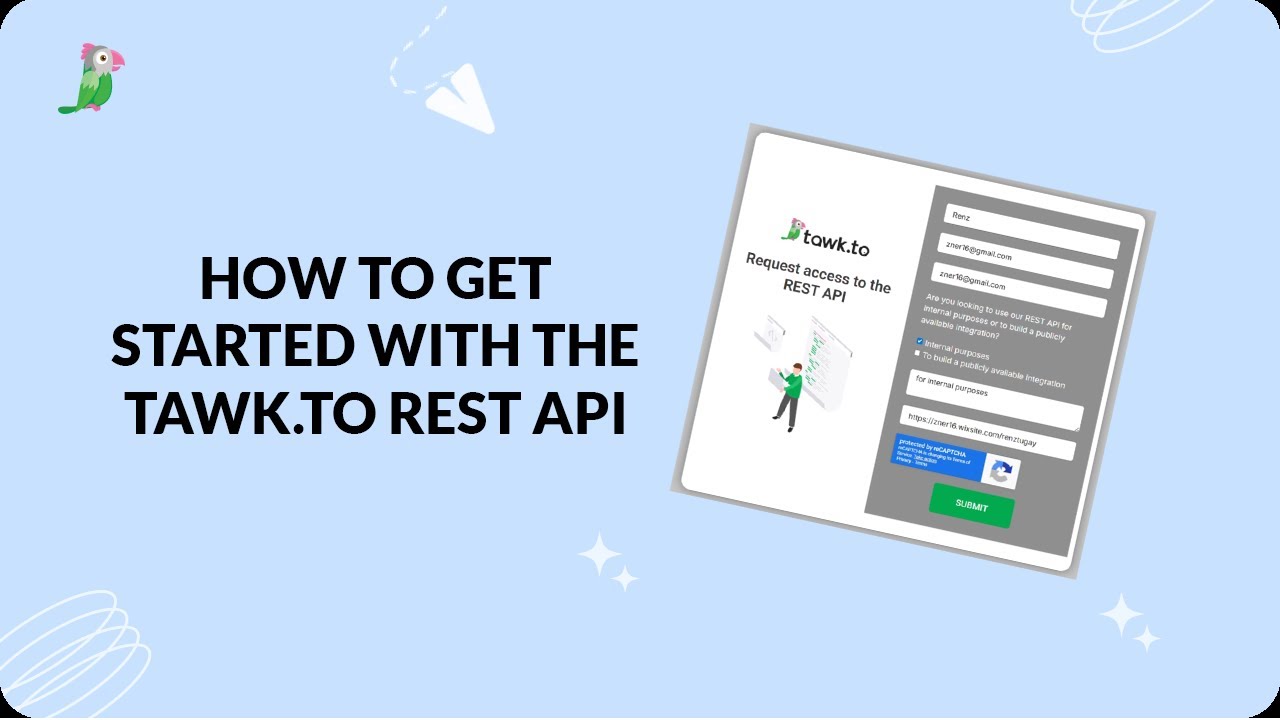
- How to get started with the tawk.to REST API
Open the tawk.to Academy
Every topic and 220+ videos in one place.