The instructions below are for desktops and laptops only.
Your tawk.to inbox can be viewed in 2 modes:
- The compact view
- The full view (normal)
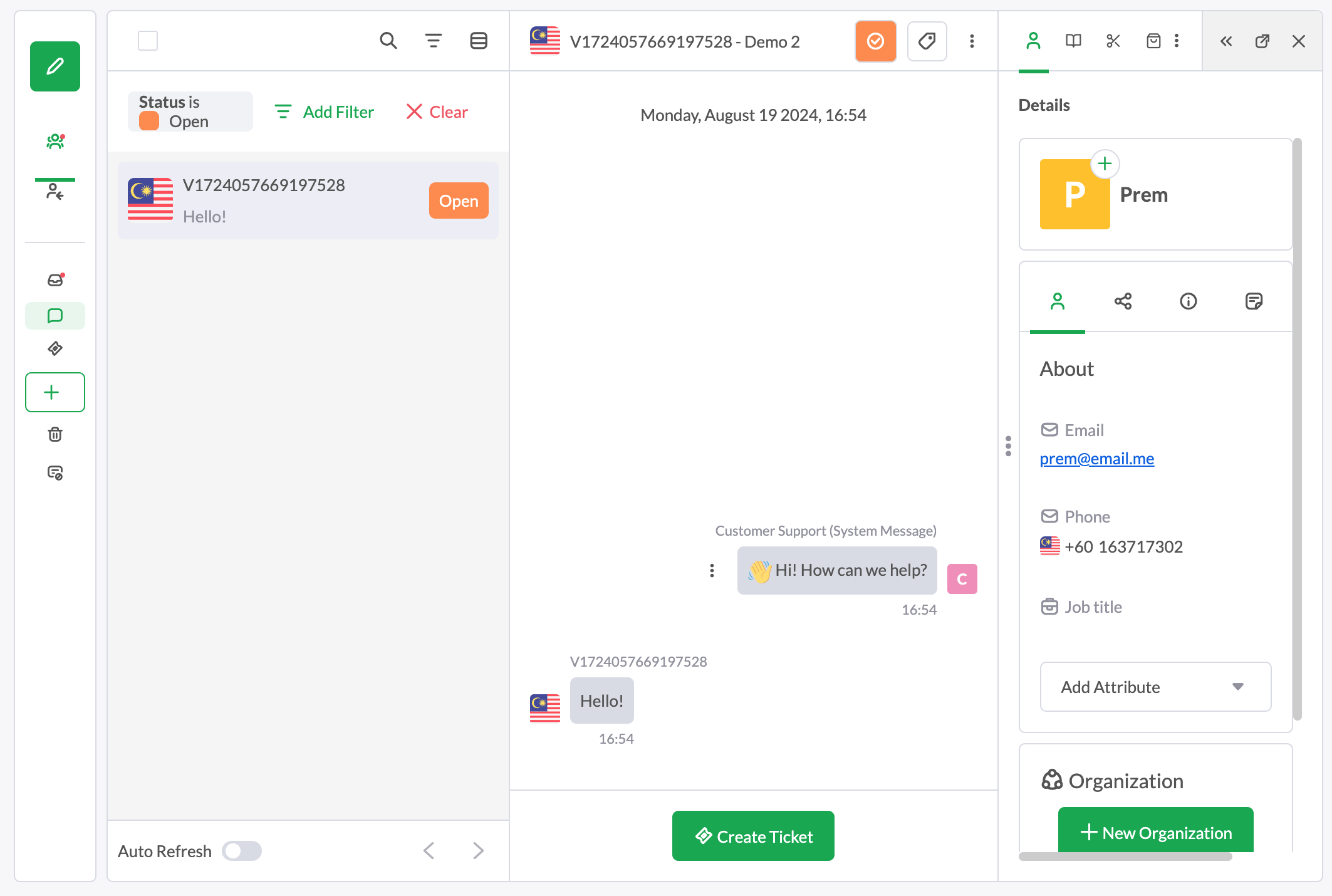
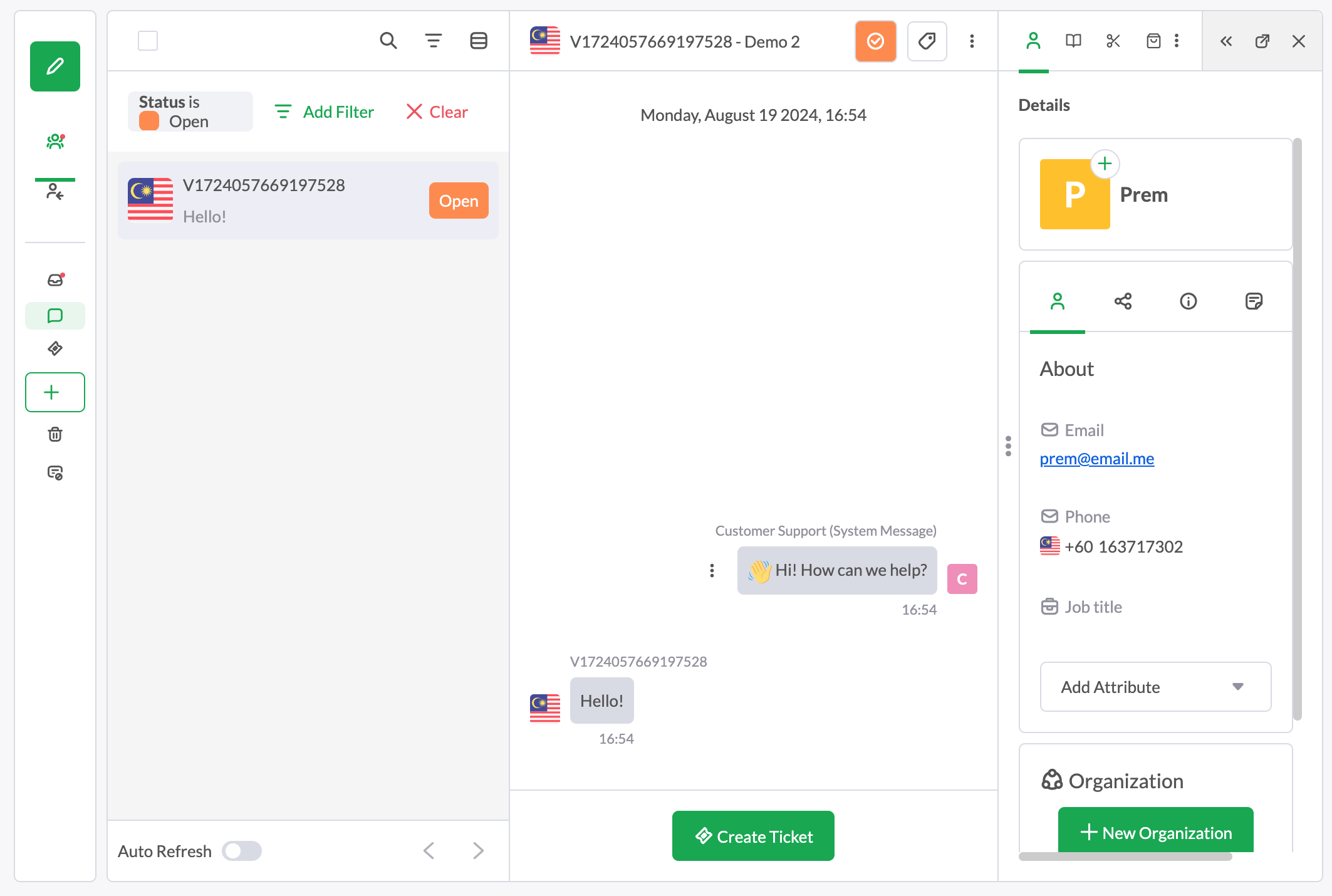
The compact view divides your screen into 2 sections: your message list (and preview) on the left, and the full conversation on the right, like this:
To use this view, click Show compact list at the top right corner of your Inbox.
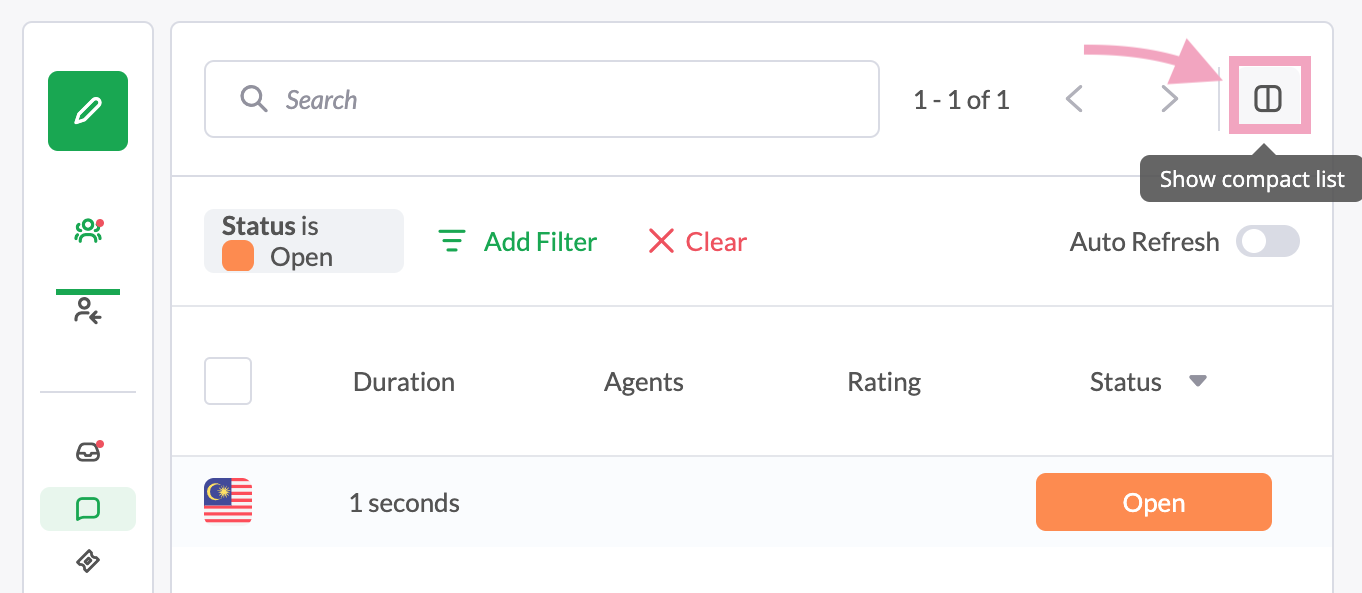
Your inbox will divide into 2 sections, like this:
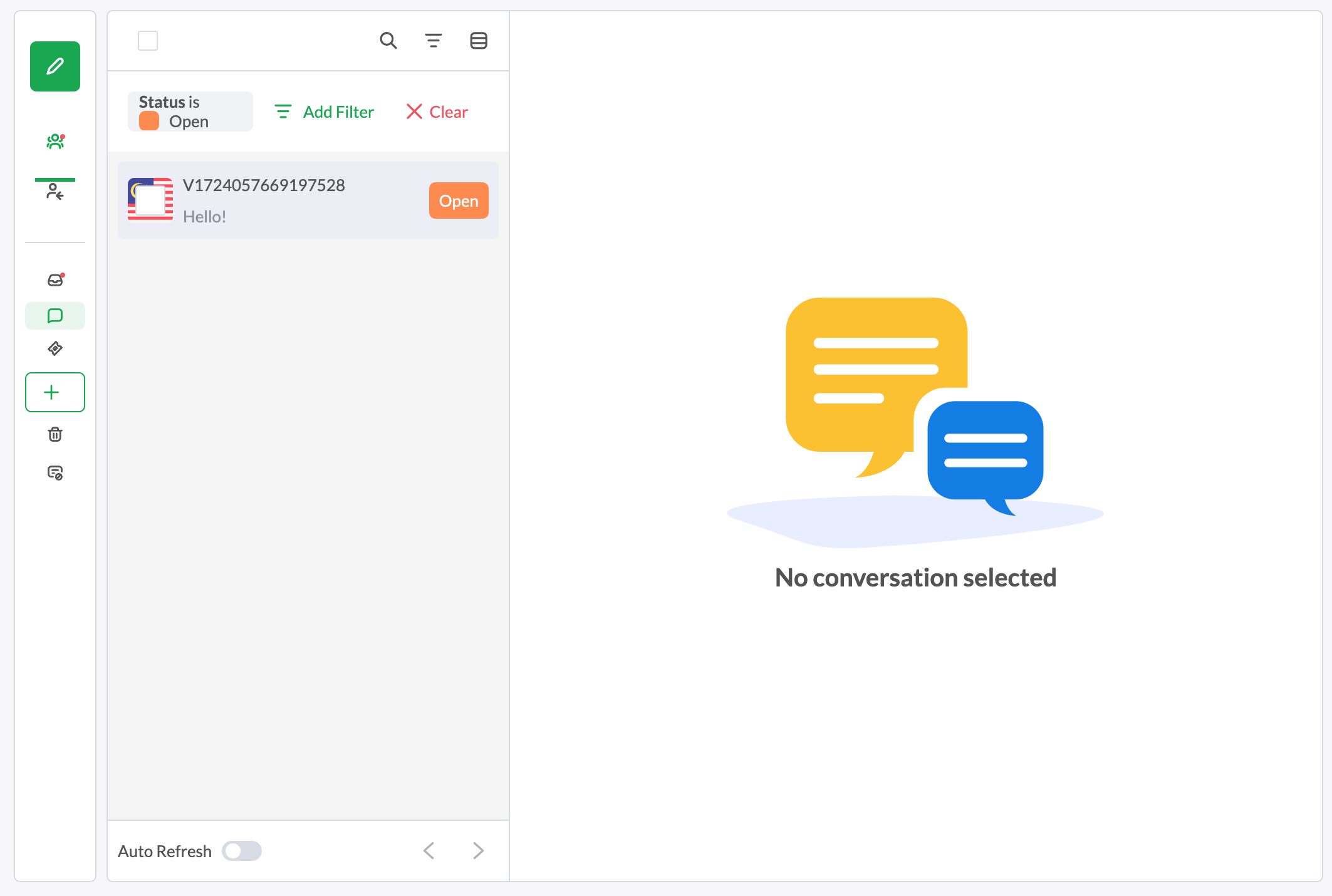
Select a conversation on the left, and you’ll see it on the right, like this:
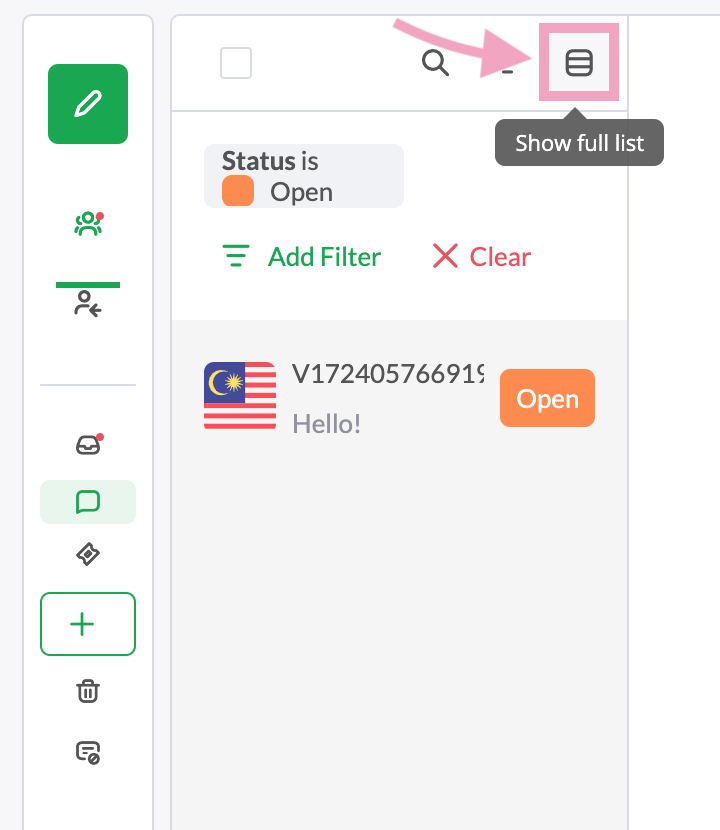
To return to the normal full view mode, click Show full list.
If you have feedback about this article, or if you need more help:
- Click the green live chat icon
- Schedule a call with us
- Visit our community