
How to set up suggested messages prechat
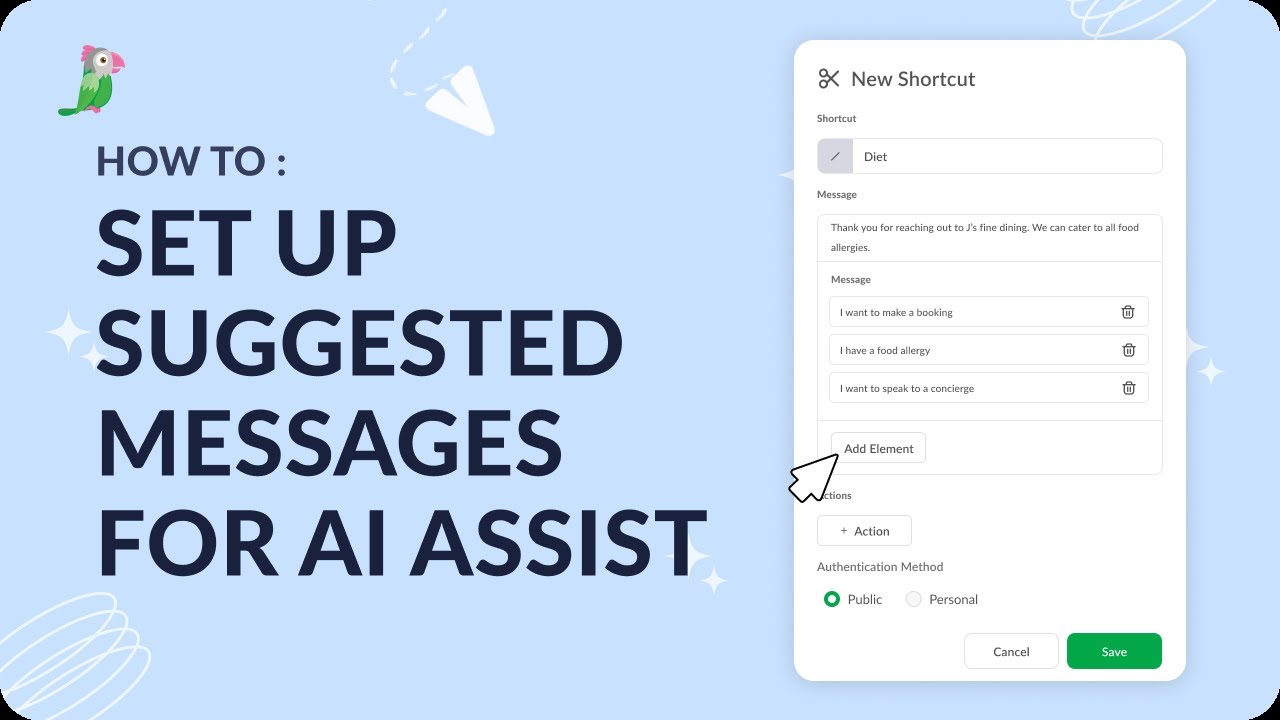
In this video, we'll show you how to set up suggested messages for your pre-chat experience in tawk.to. Learn how to configure the tappable suggested-message buttons visitors see before they start a conversation, giving them ready-made prompts to open a chat, and how to make sure those buttons work smoothly alongside your pre-chat form. Whether you're setting this up for the first time or refining an existing widget, this walkthrough helps you point visitors toward the right conversation from their very first tap.
· Share this video
· More in this topic
AI Assist: Persona, Base Prompts & Chat Interaction
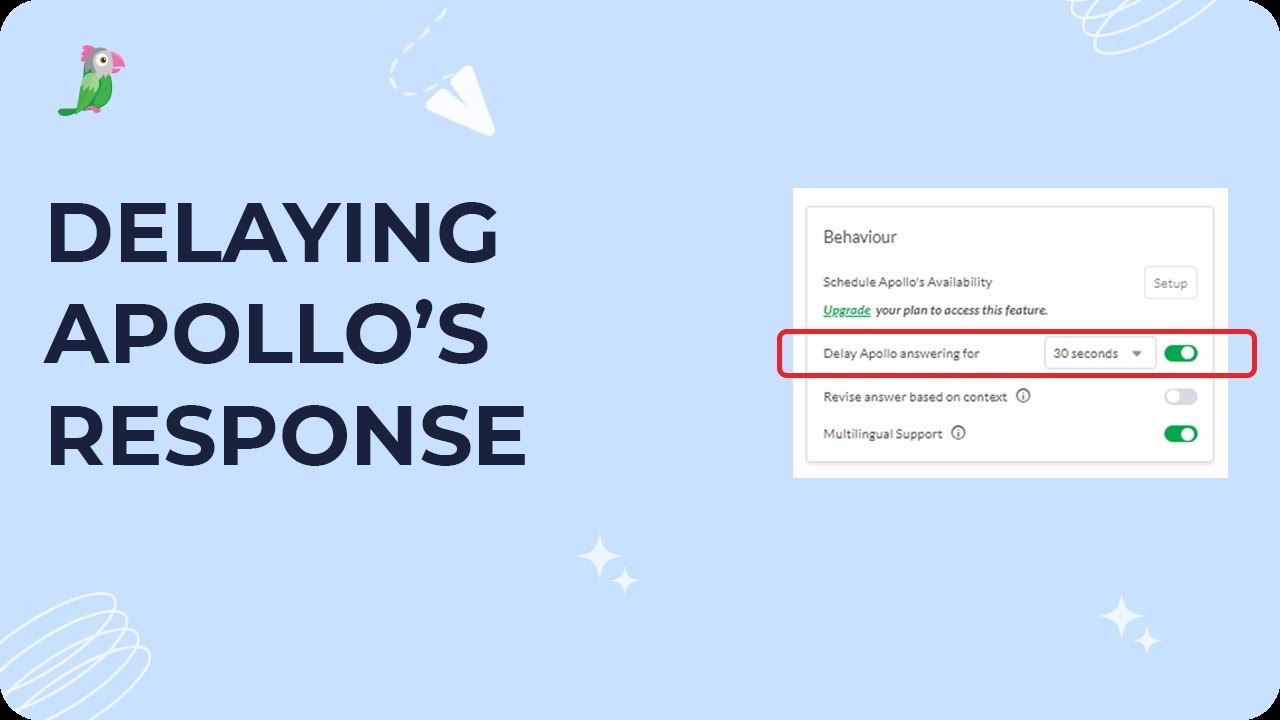
- Delaying Apollo's response
- Do I have to be online for AI Assist to accept chats?
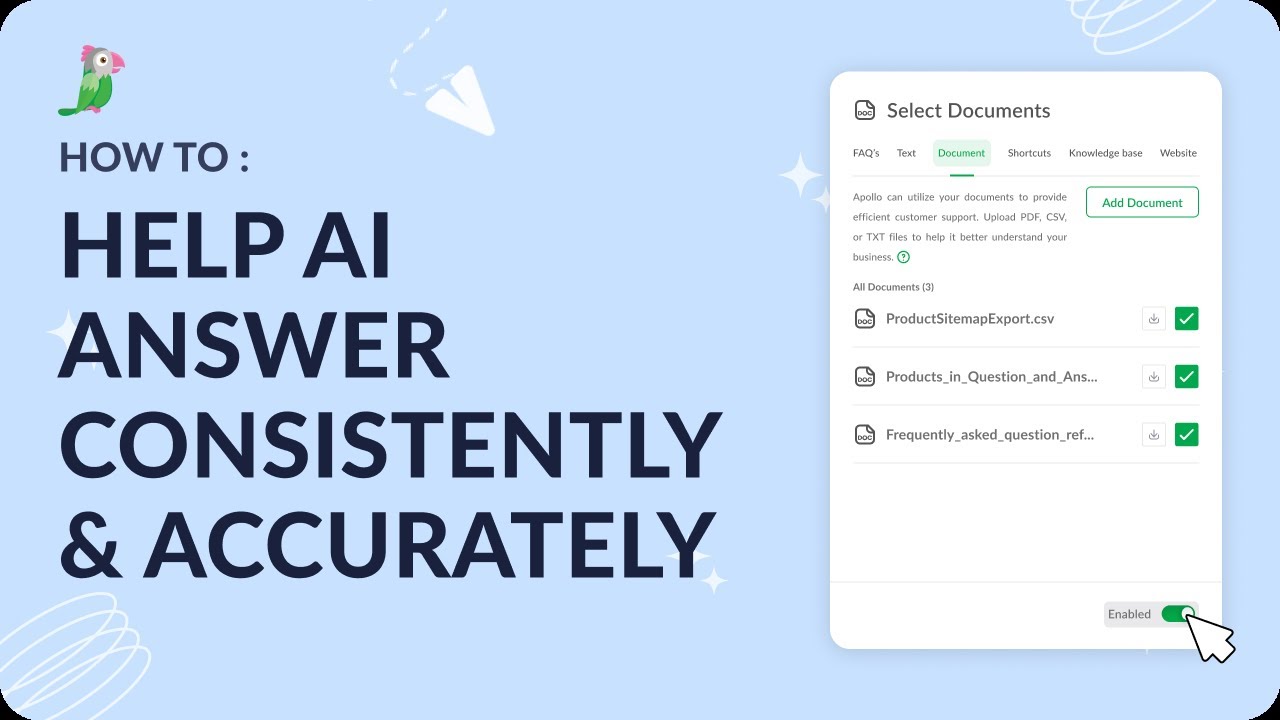
- Help AI Answer consistently and accurately
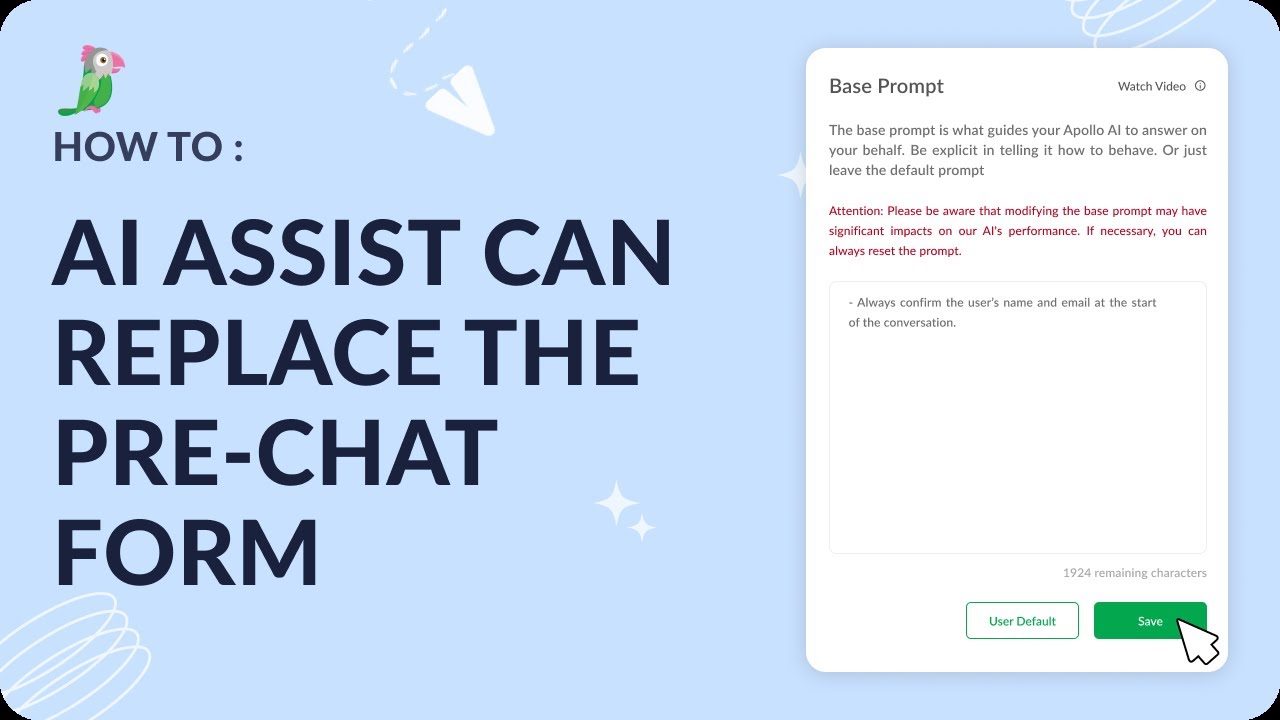
- How AI Assist can replace the pre-chat form
- How to add a Hyperlink to a shortcut
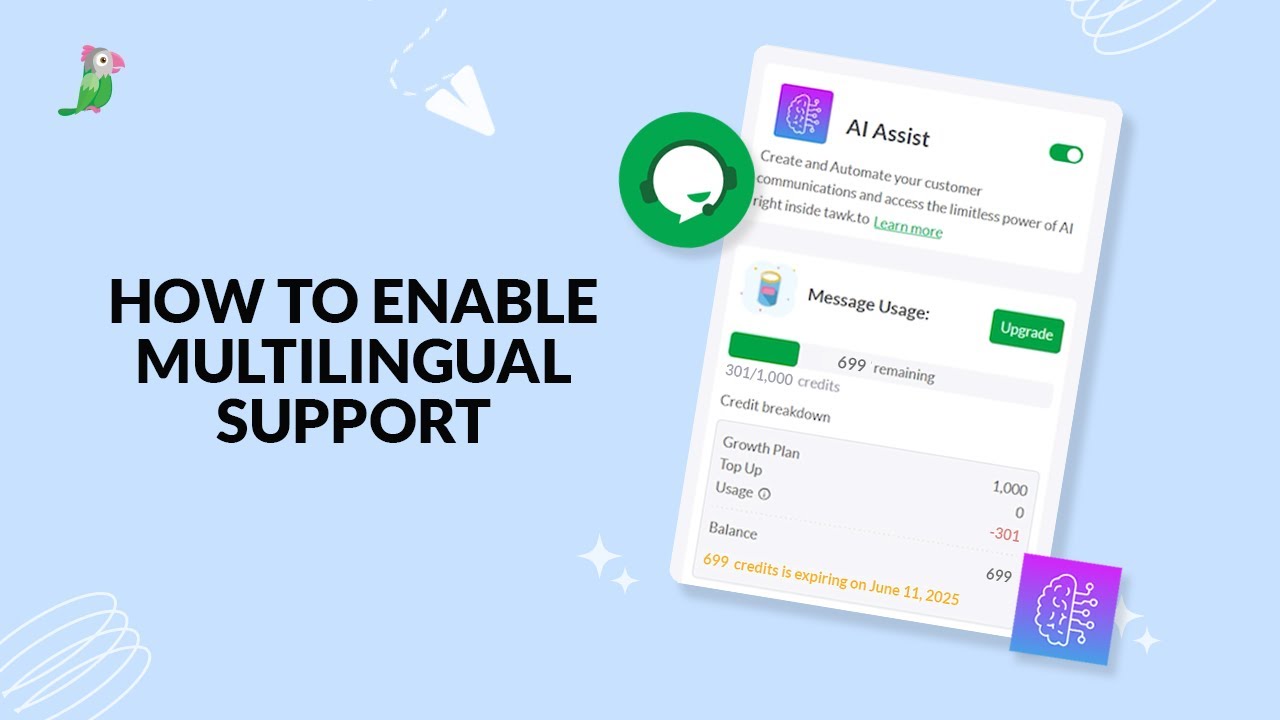
- How to enable multilingual support
- How to set up suggested messages within AI Assist
- How to take over a chat in tawk.to
Open the tawk.to Academy
Every topic and 220+ videos in one place.