
Help AI Answer consistently and accurately
In this video, we will unlock the full potential of tawk.to AI Assist using CSV files to enhance response consistency and accuracy. This tutorial will show you how to prepare and import CSV data into tawk.to enabling the AI to access a wide range of predefined responses and information. This guide provides practical steps and tips to effectively use CSVs with AI Assist. Join us to make your customer interactions more efficient and reliable with the power of data!
· Share this video
· More in this topic
AI Assist: Persona, Base Prompts & Chat Interaction
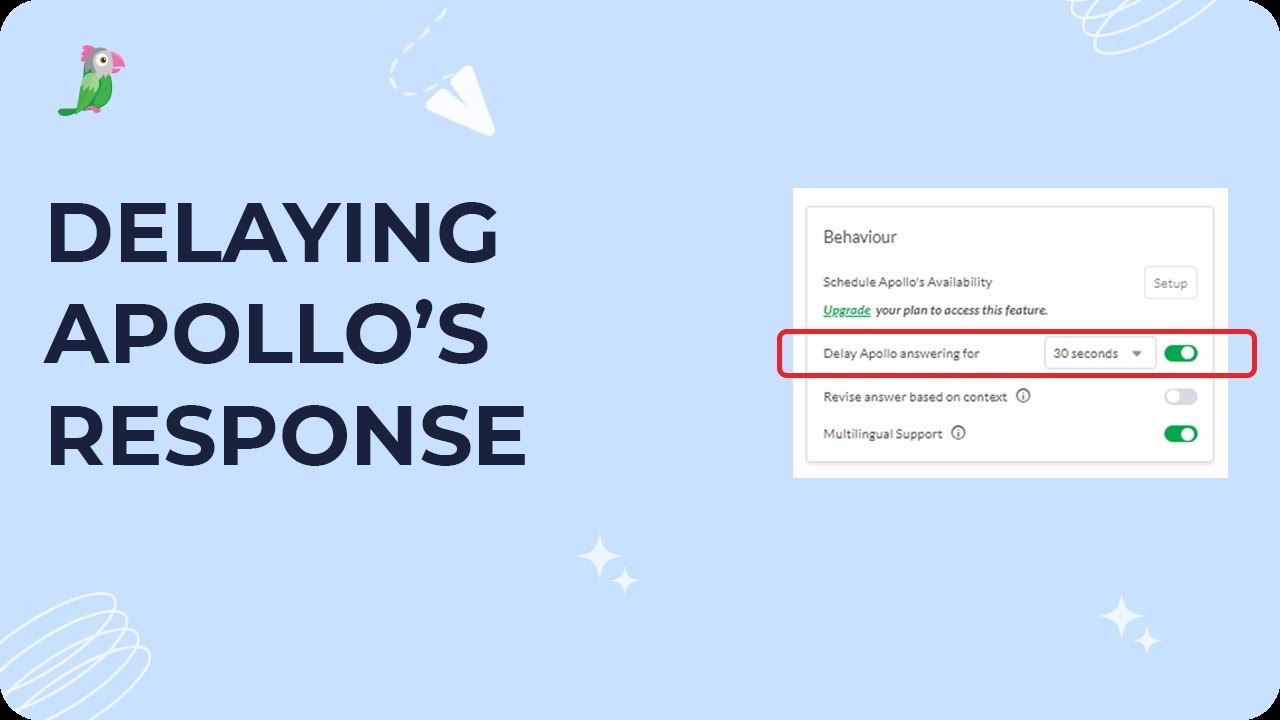
- Delaying Apollo's response
- Do I have to be online for AI Assist to accept chats?
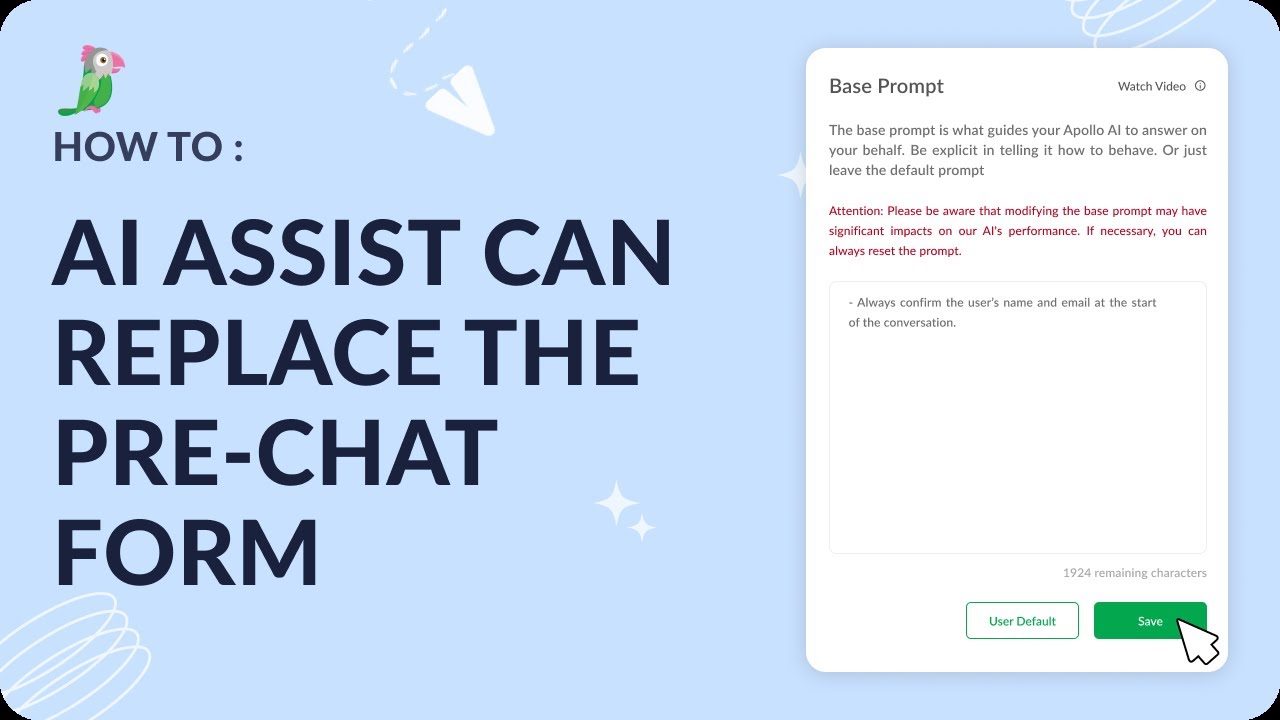
- How AI Assist can replace the pre-chat form
- How to add a Hyperlink to a shortcut

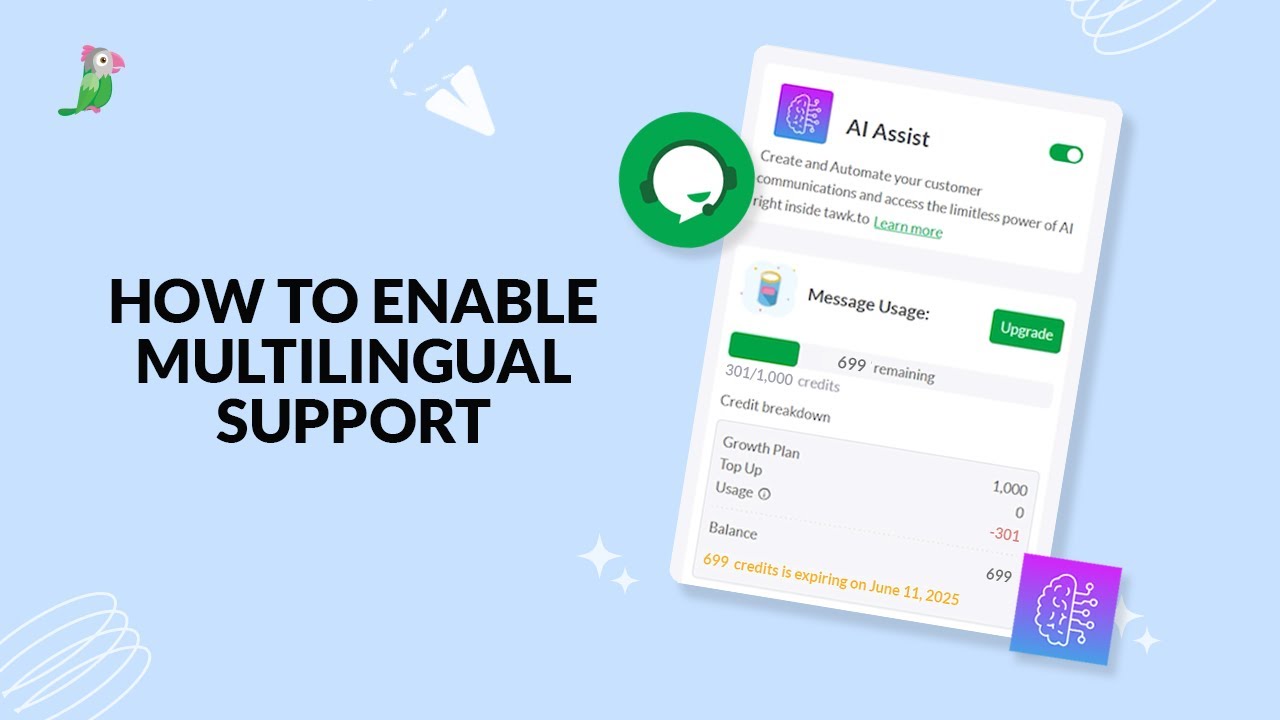
- How to enable multilingual support
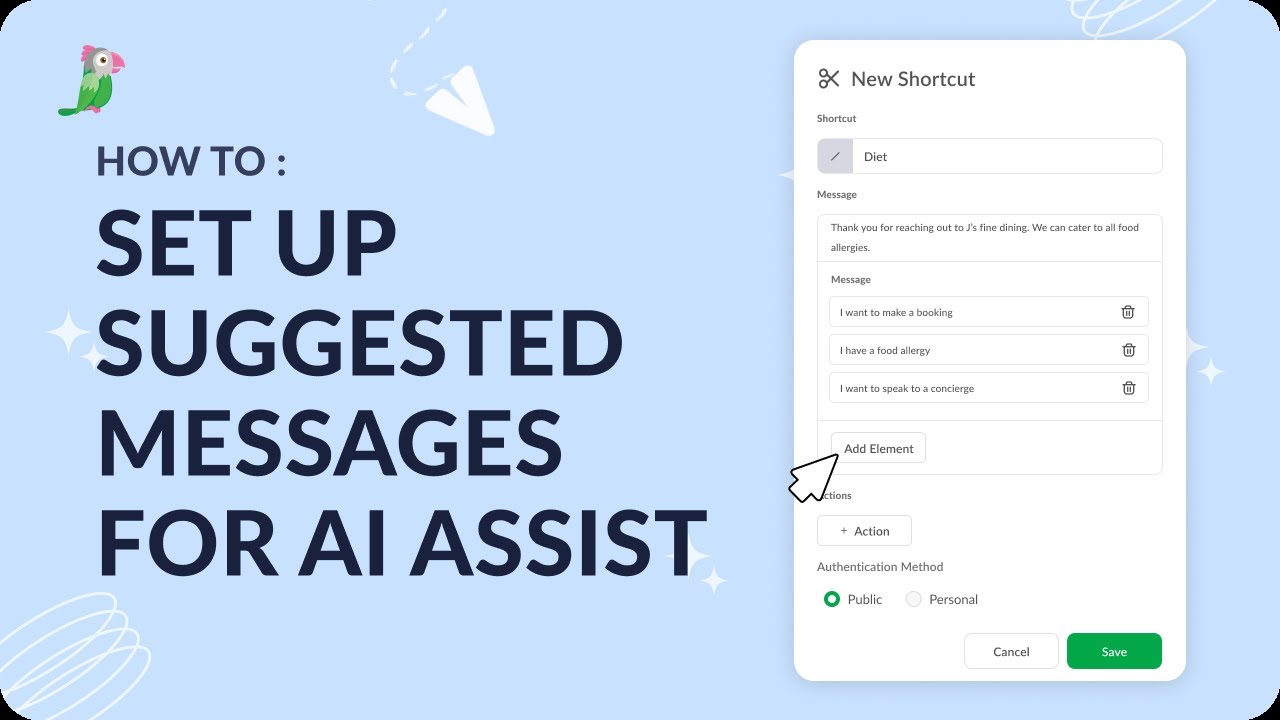
- How to set up suggested messages within AI Assist
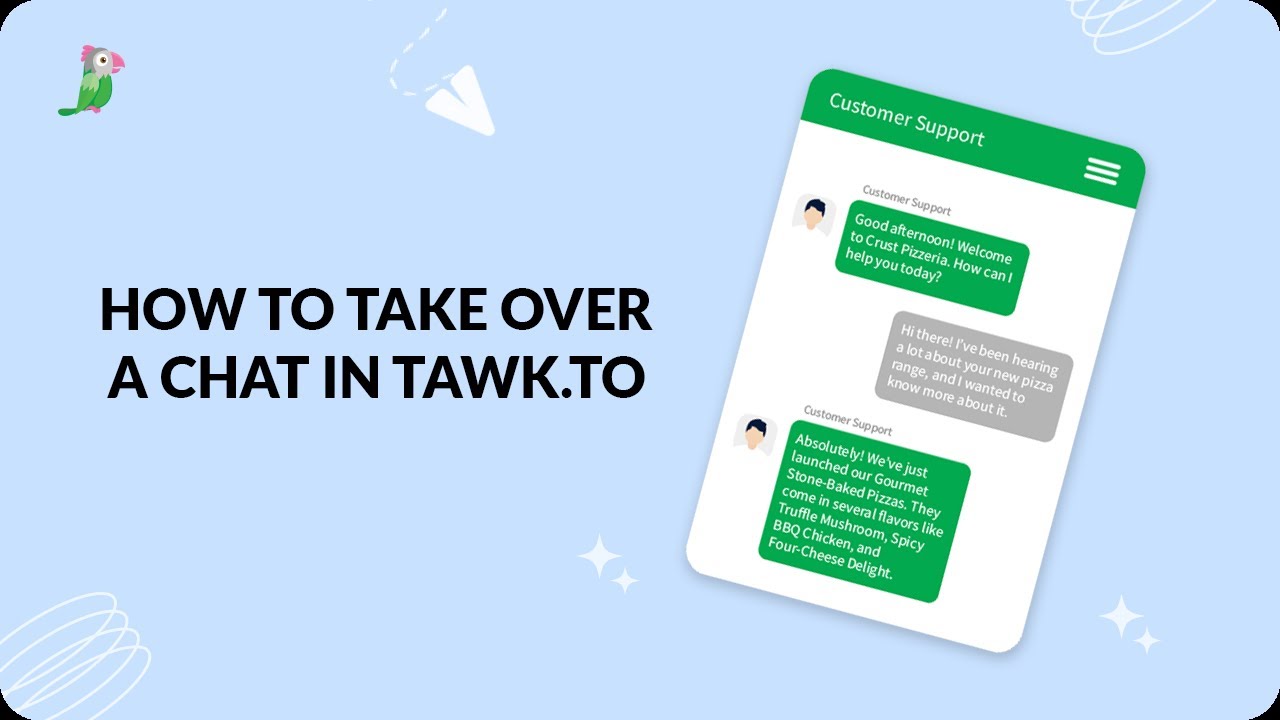
- How to take over a chat in tawk.to
- How to use AI Assist smart reply
Open the tawk.to Academy
Every topic and 220+ videos in one place.