
How to use AI Assist smart reply
Learn how to use Smart Reply in tawk.to AI Assist to generate instant, data-driven response suggestions for your human agents across live chats and open tickets. This video covers how to turn Smart Reply on, which data sources it draws from, and how to use it inside an active chat or ticket. You'll also see how to check where a response came from and how to improve your data sources when a reply needs editing, so the same query gets a better answer automatically next time.
· Share this video
· More in this topic
AI Assist: Persona, Base Prompts & Chat Interaction
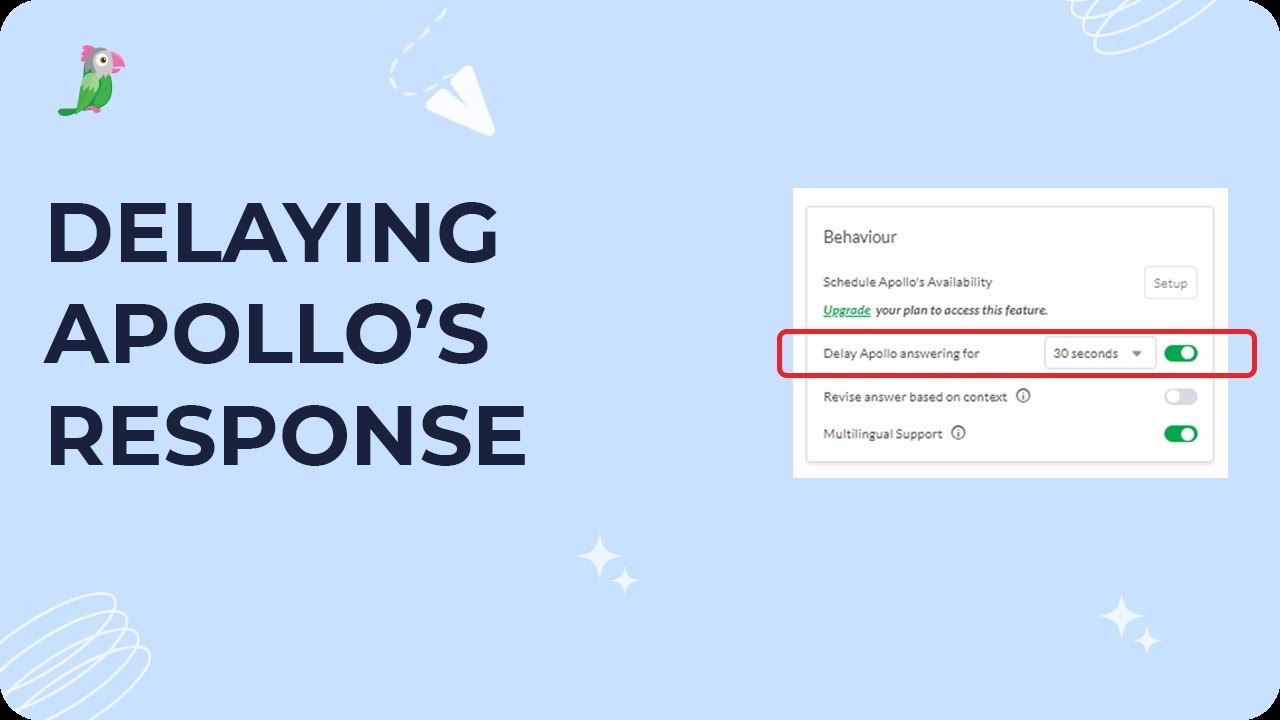
- Delaying Apollo's response
- Do I have to be online for AI Assist to accept chats?
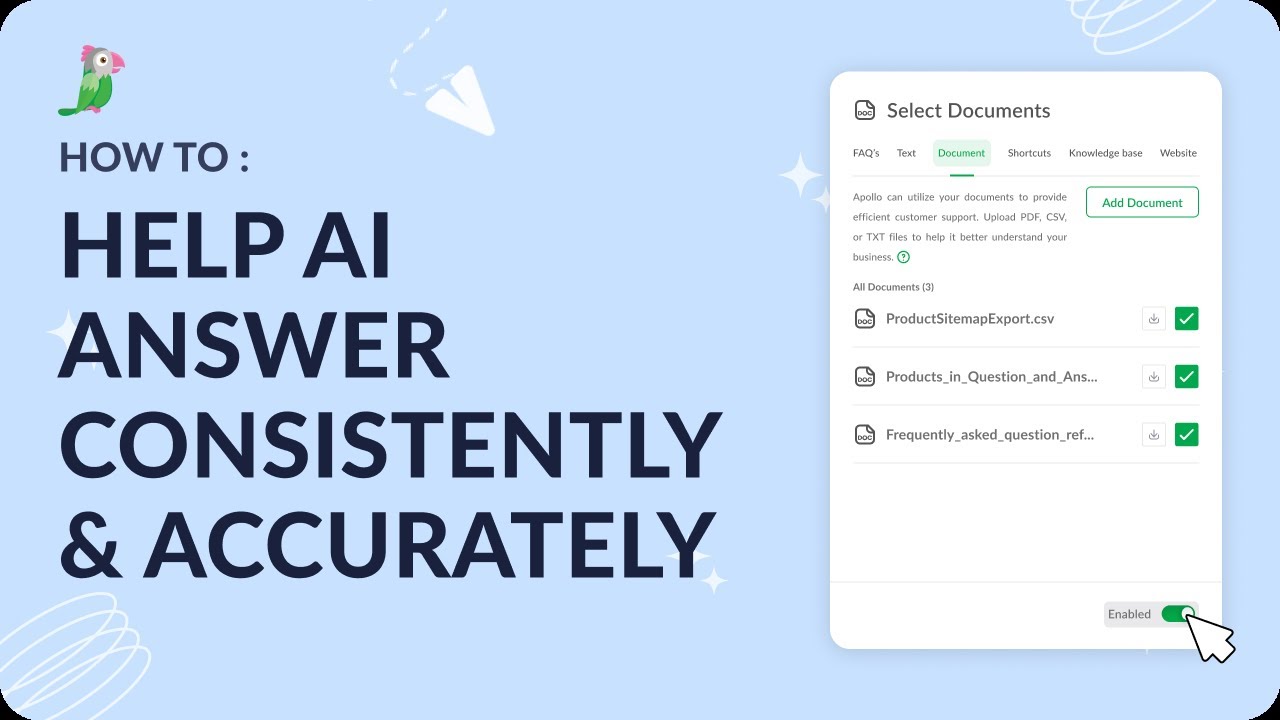
- Help AI Answer consistently and accurately
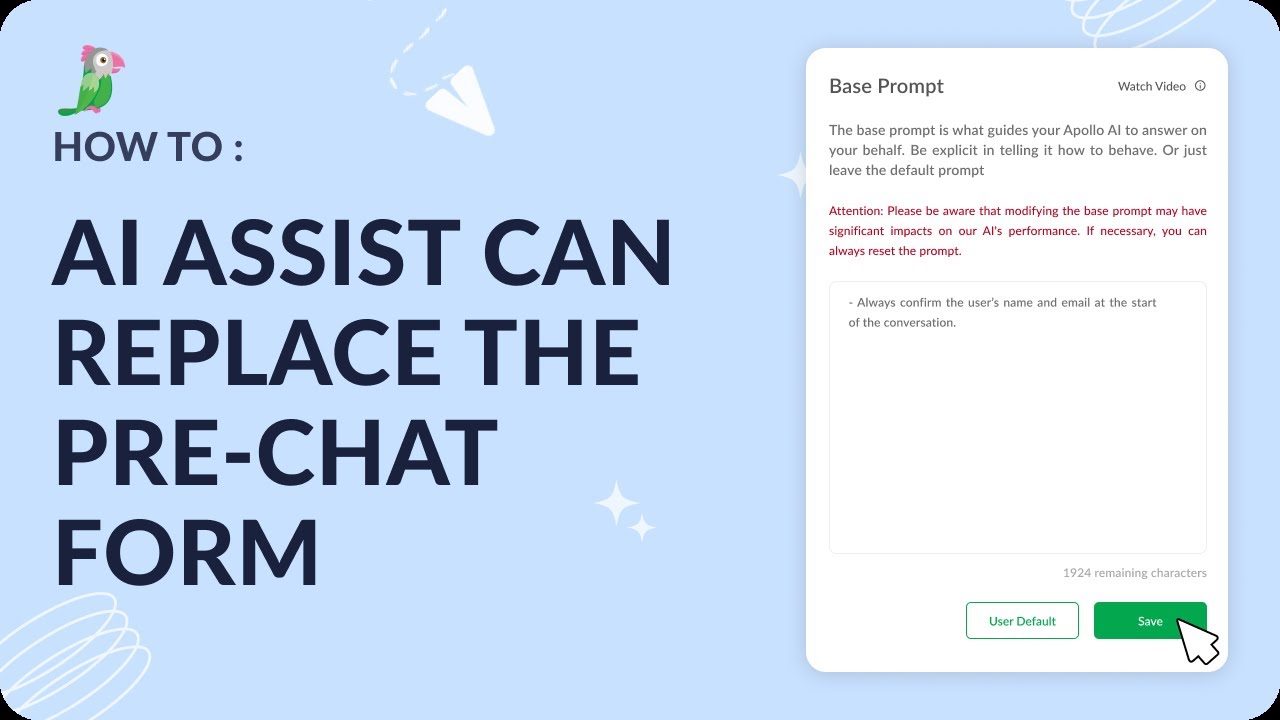
- How AI Assist can replace the pre-chat form
- How to add a Hyperlink to a shortcut
- How to enable multilingual support
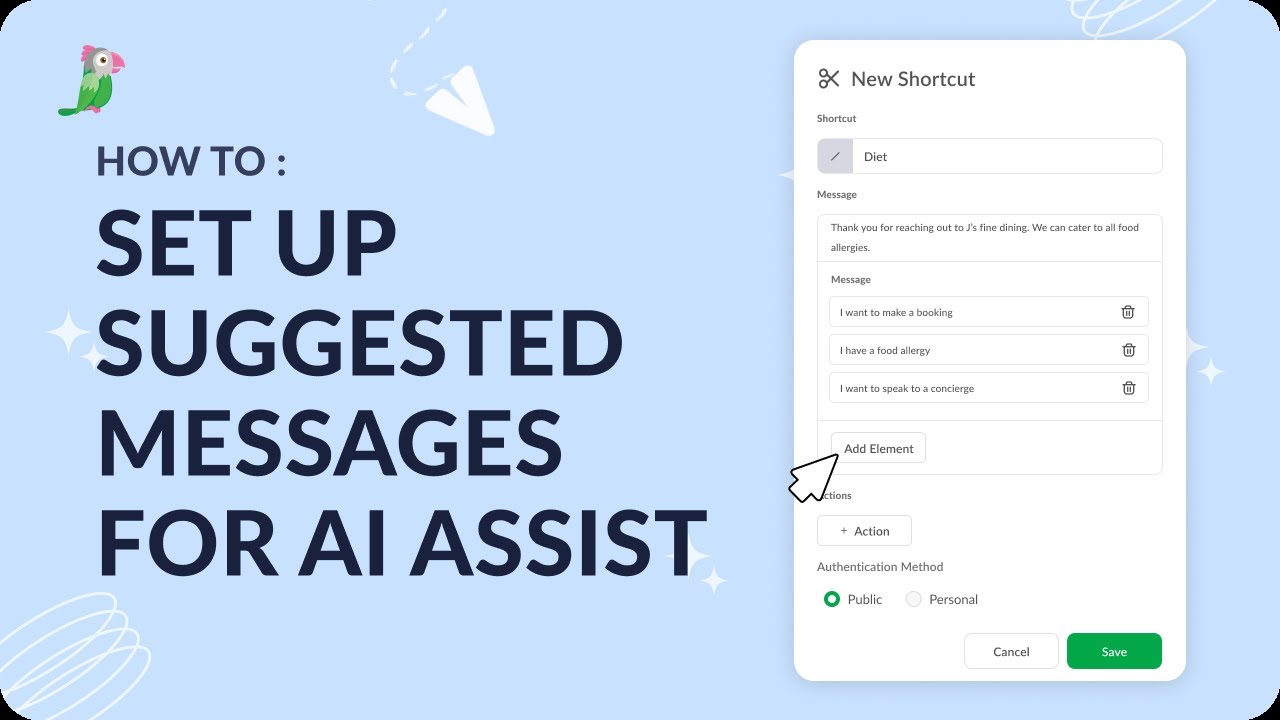
- How to set up suggested messages within AI Assist
- How to take over a chat in tawk.to
Open the tawk.to Academy
Every topic and 220+ videos in one place.