
How to use the AI Tone command
🎭 Match Your Style with the AI-Tone Command! 🤖 In this video, learn how to use the AI-Tone command in tawk.to AI Assist to align your communication style with your brand’s personality. Whether it’s casual, professional, humorous, or inspirational, AI-Tone helps you tailor your responses to create the perfect tone for any situation. Here’s what we’ll cover: ✅ Using AI-Tone in chat conversations and ticketing. ✅ Customising tones for knowledge base articles. ✅ Delivering consistent, on-brand communication effortlessly.
· Share this video
· More in this topic
AI Commands: Content Creation, SEO & Brainstorming
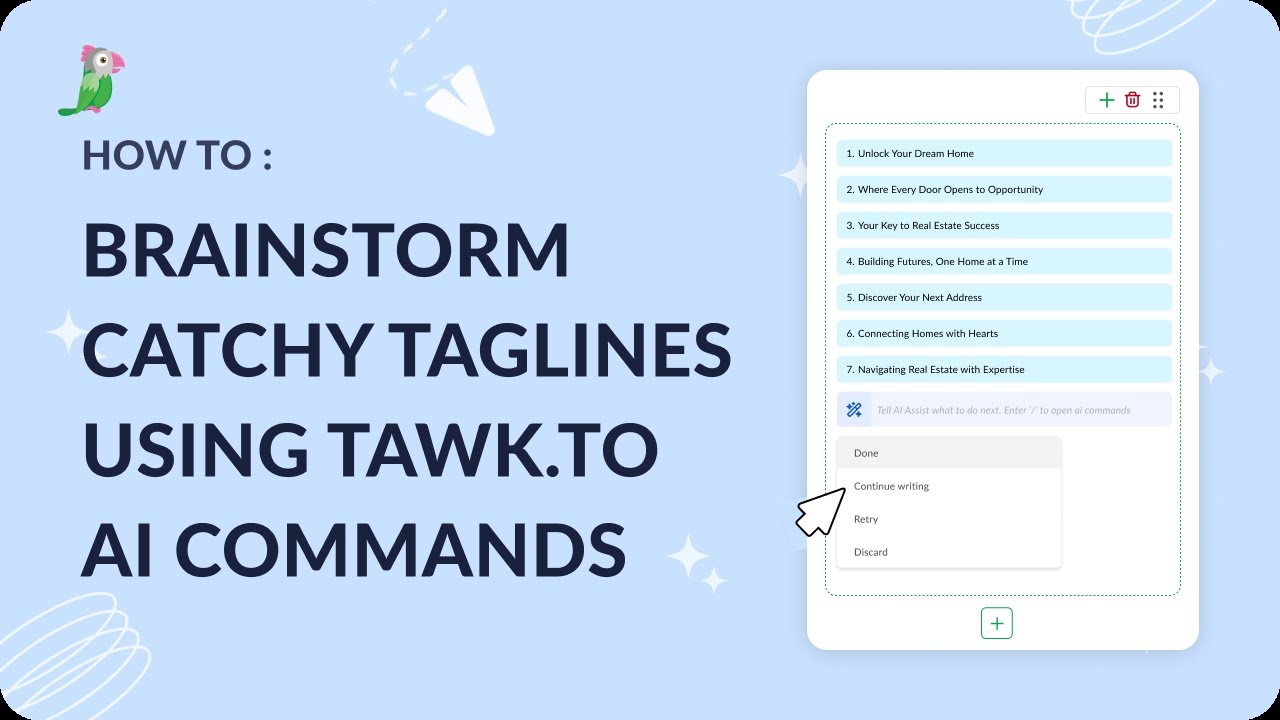
- How to brainstorm catchy taglines using tawk.to AI Commands
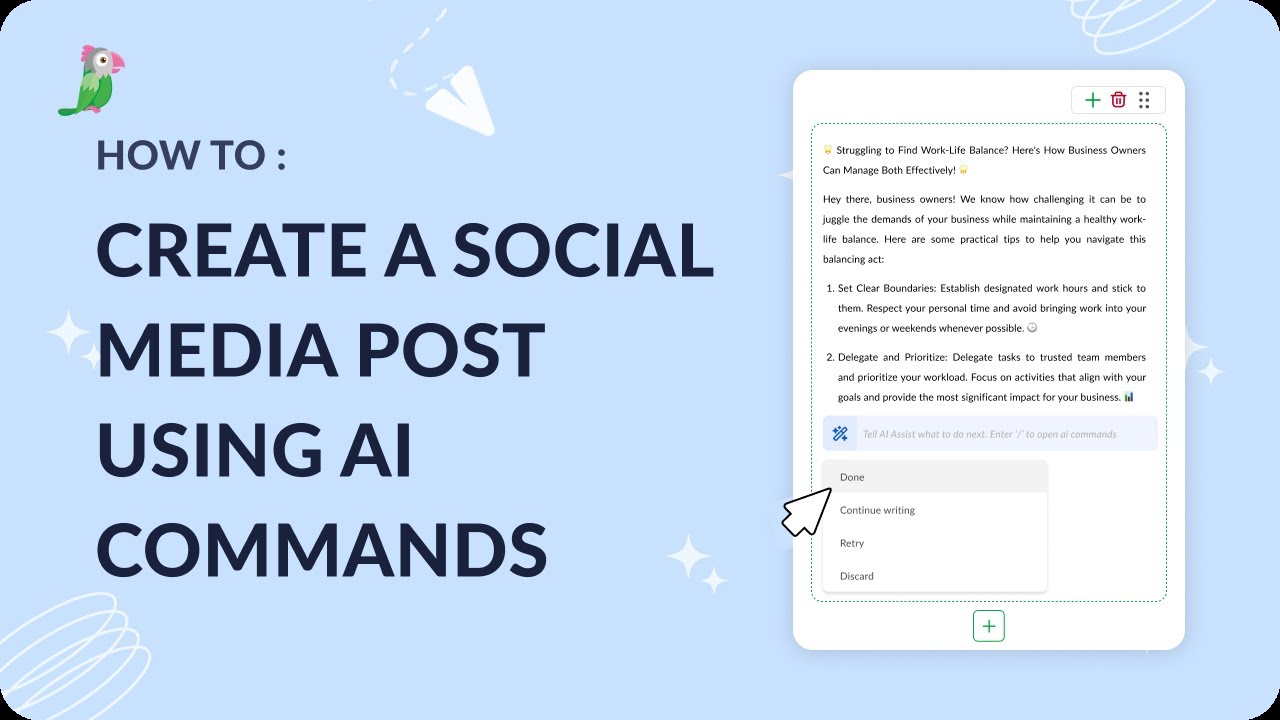
- How to create a social media post using AI commands
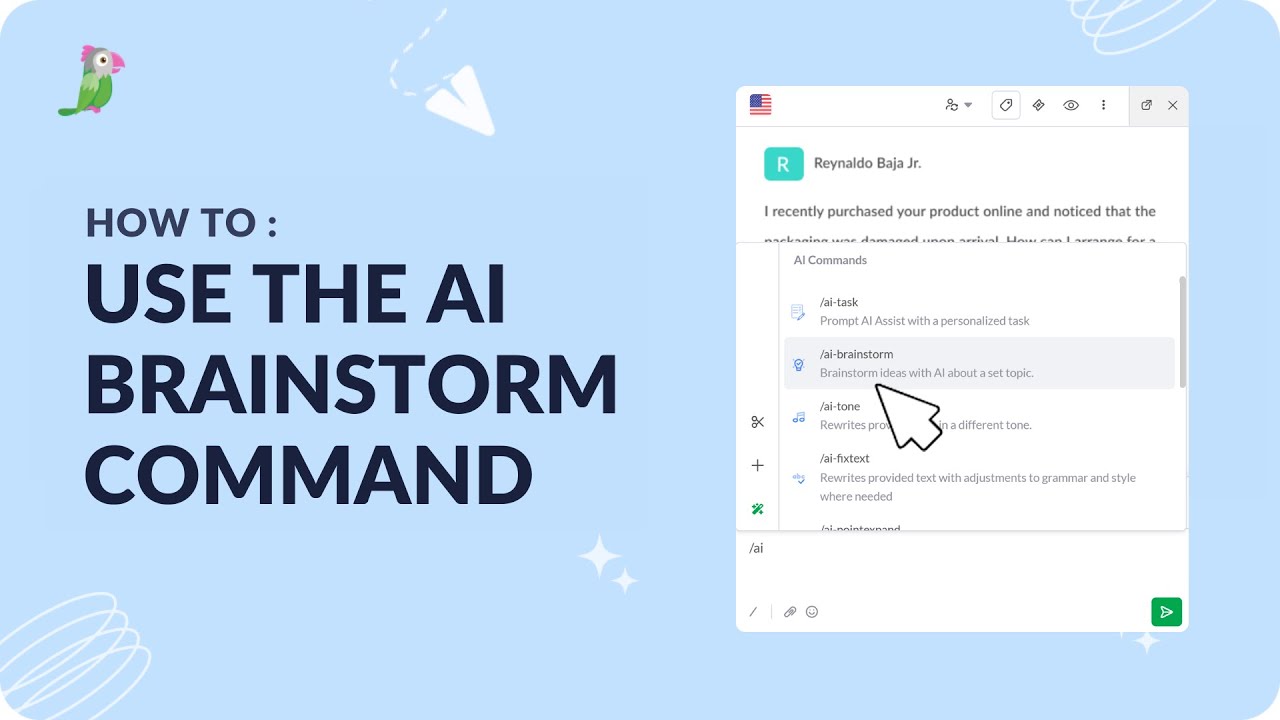
- How to use AI-Brainstorm command
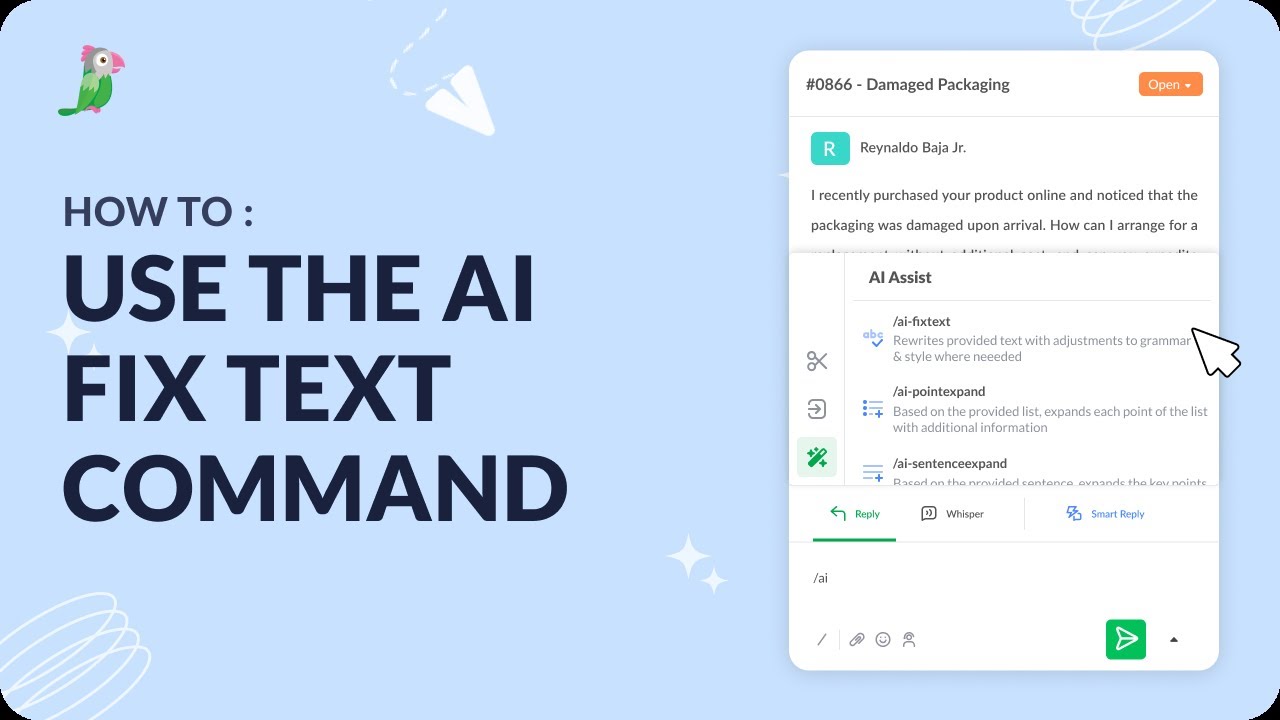
- How to use the AI Fix text command
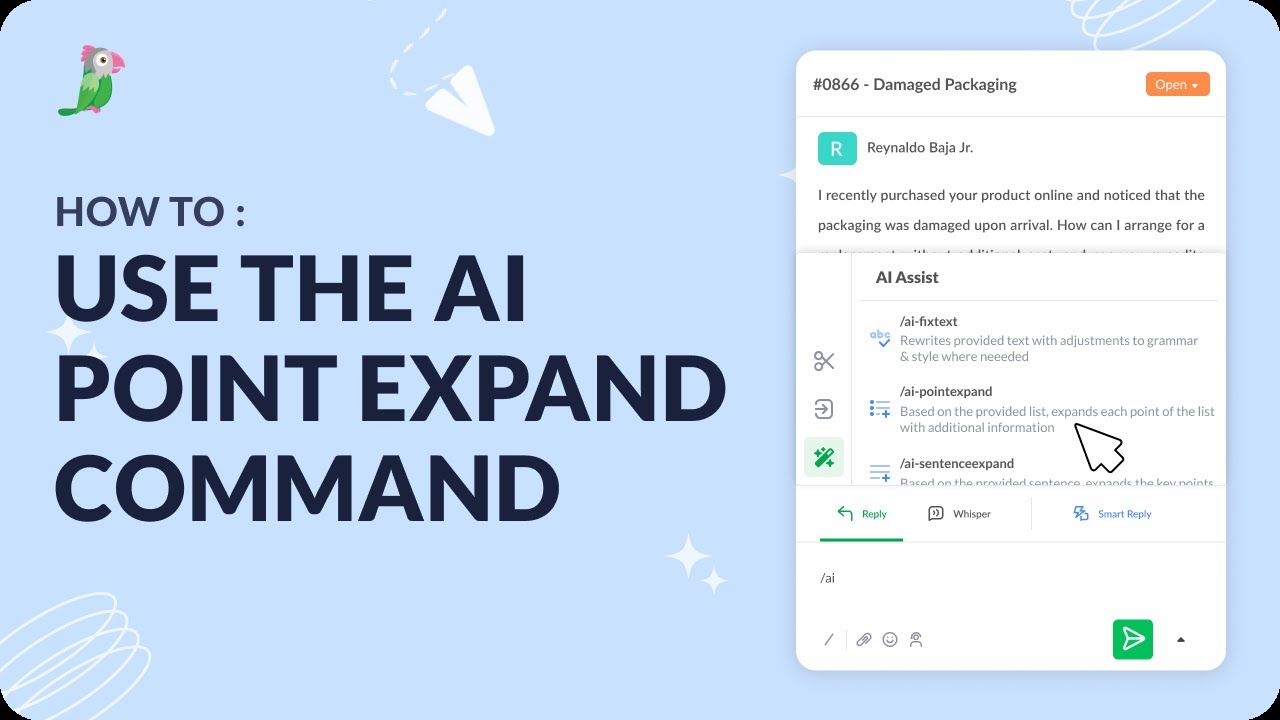
- How to use the AI point expand command
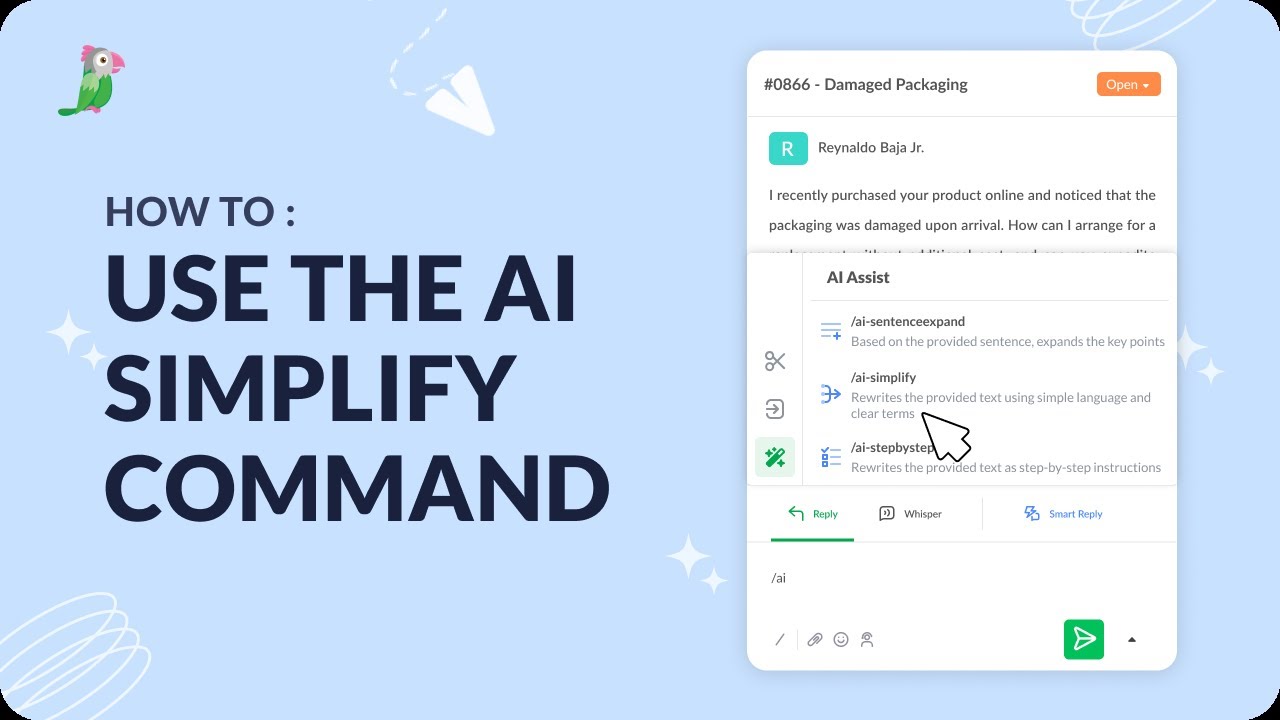
- How to use the AI simplify command
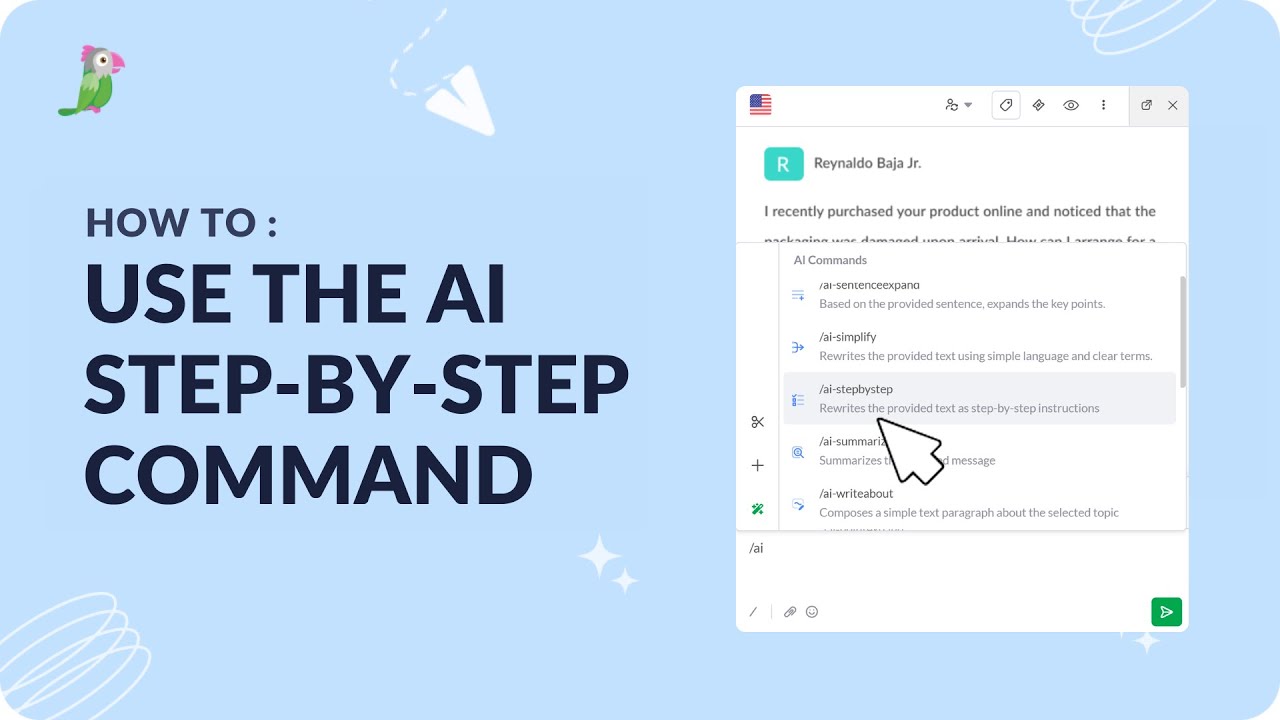
- How to use the AI step-by-step command
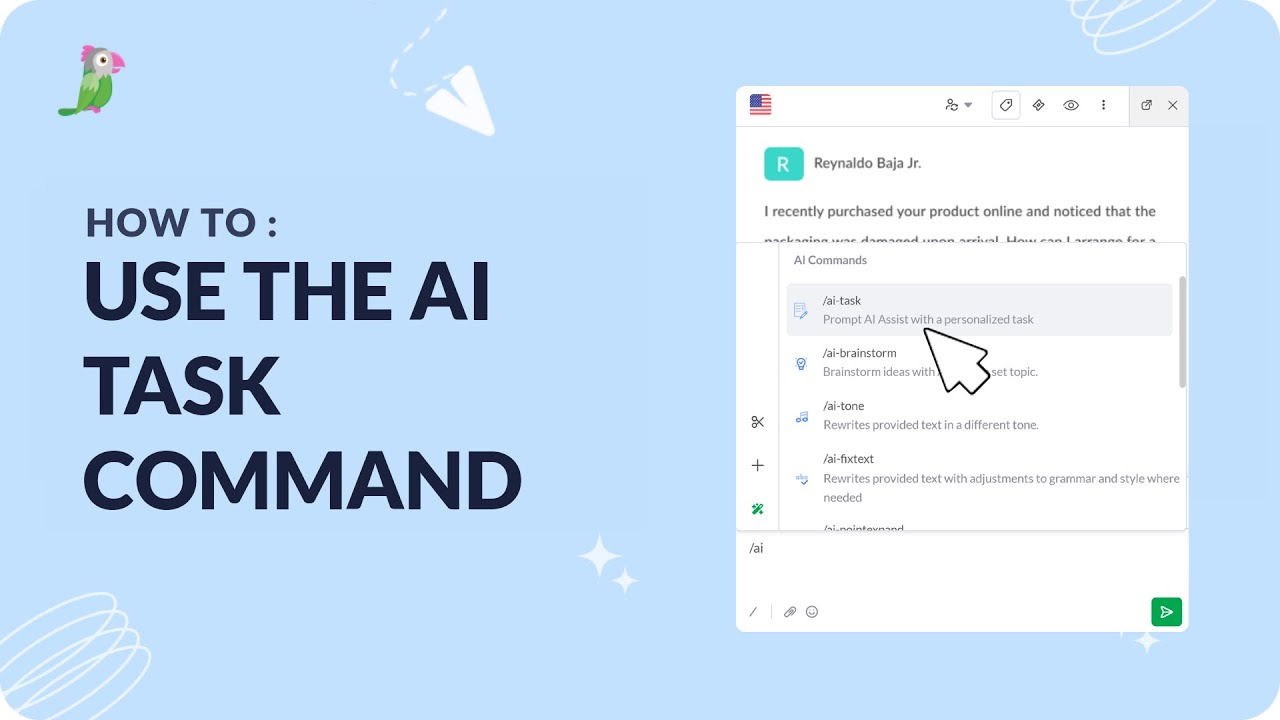
- How to use the AI task command
Open the tawk.to Academy
Every topic and 220+ videos in one place.