
How to use the AI point expand command
📋 Enhance Your Lists with the AI-Point Expand Command! 🤖 In this video, discover how to use the AI-Point Expand command in tawk.to AI Assist to add clarity and depth to your bullet points. Perfect for chat conversations, ticket responses, and knowledge base articles, this command makes your lists more detailed and informative with just a few clicks. We’ll guide you through: ✅ Expanding bullet points in chat and tickets. ✅ Adding detailed explanations in knowledge base articles. ✅ Creating comprehensive and user-friendly lists effortlessly.
· Share this video
· More in this topic
AI Commands: Content Creation, SEO & Brainstorming
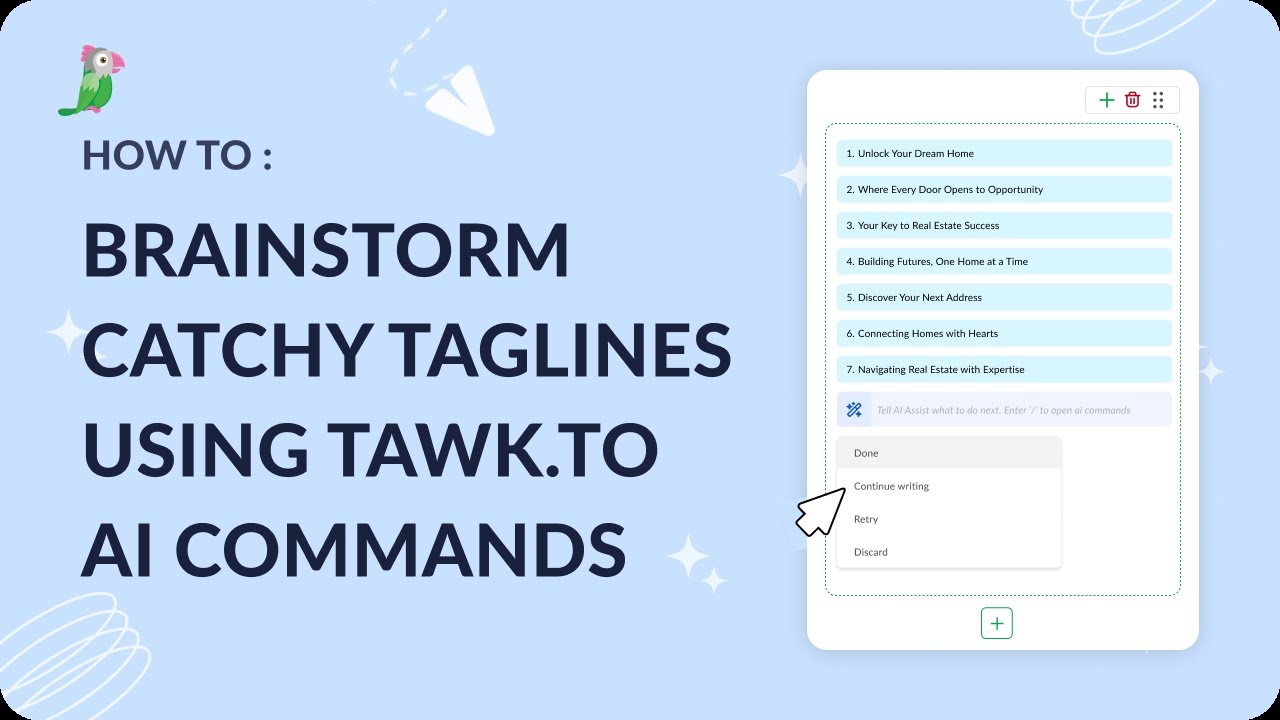
- How to brainstorm catchy taglines using tawk.to AI Commands
- How to create a social media post using AI commands

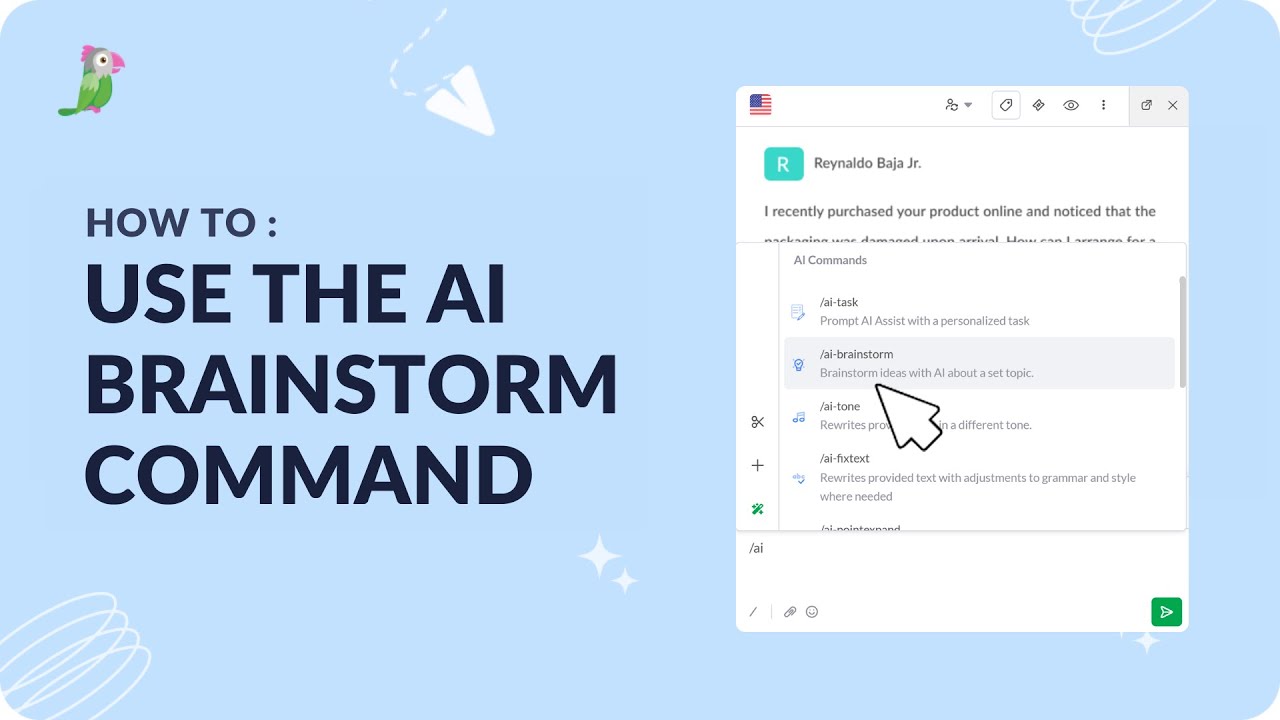
- How to use AI-Brainstorm command
- How to use the AI Fix text command

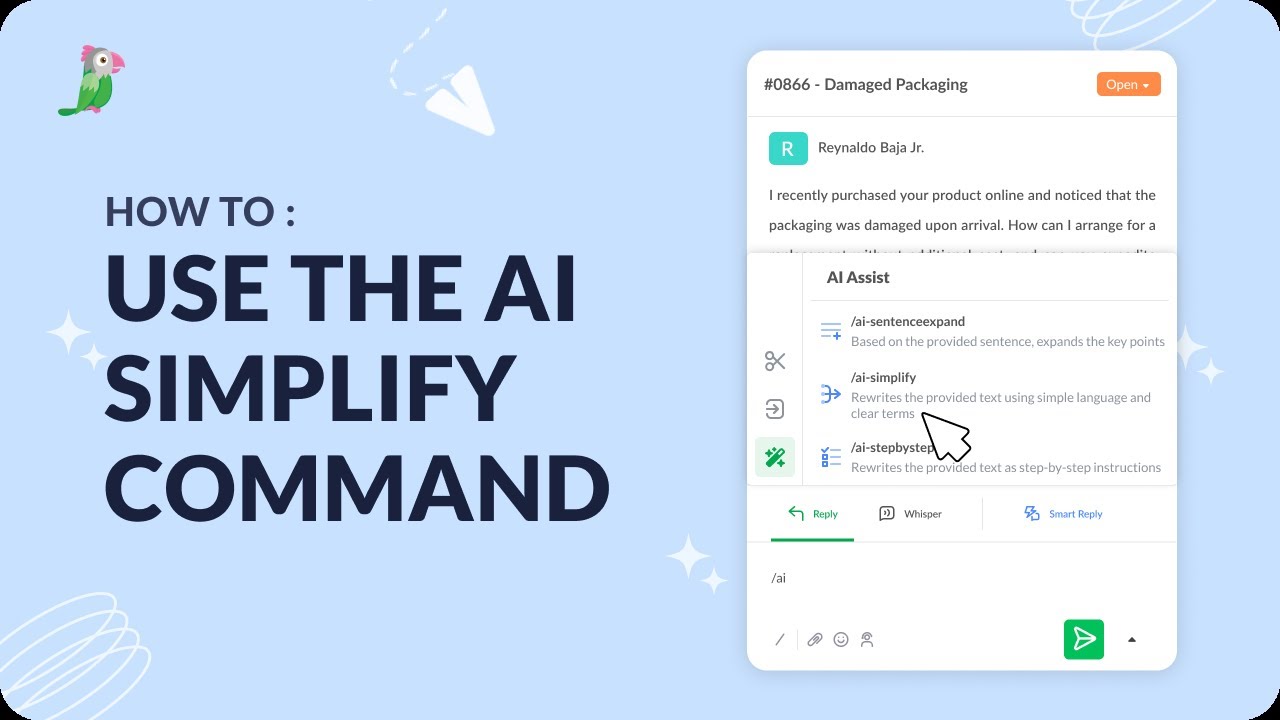
- How to use the AI simplify command
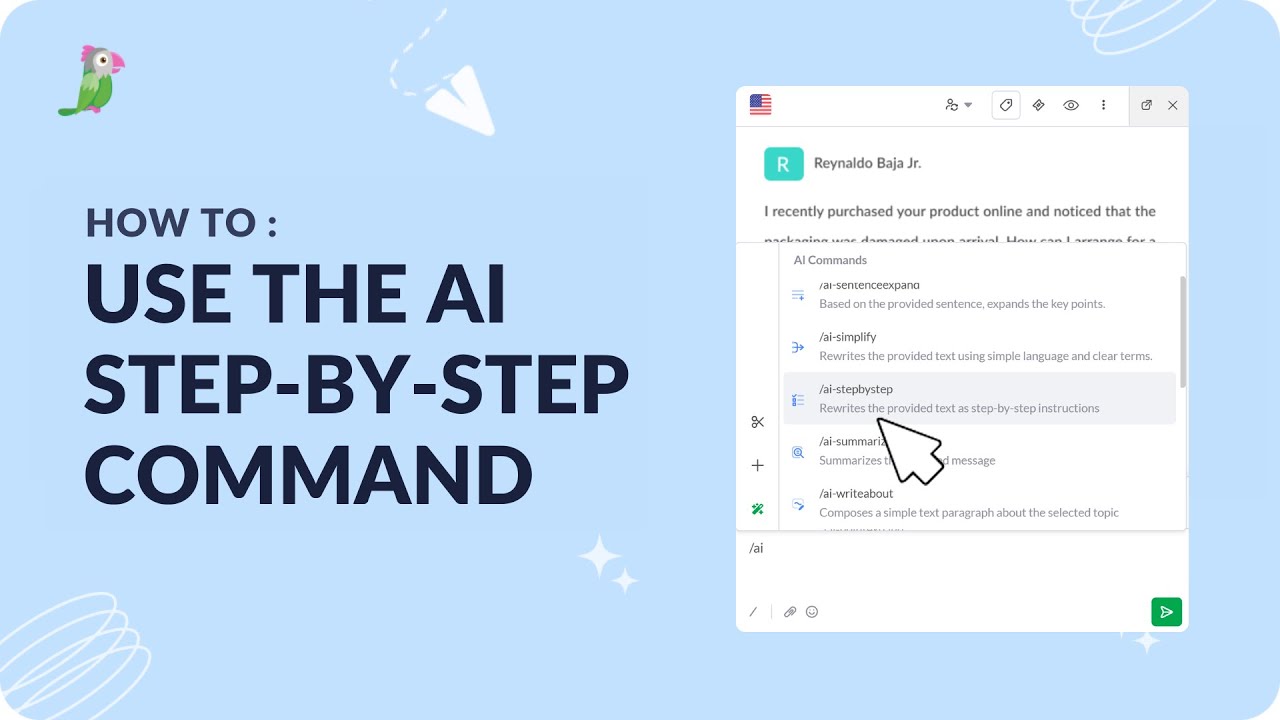
- How to use the AI step-by-step command
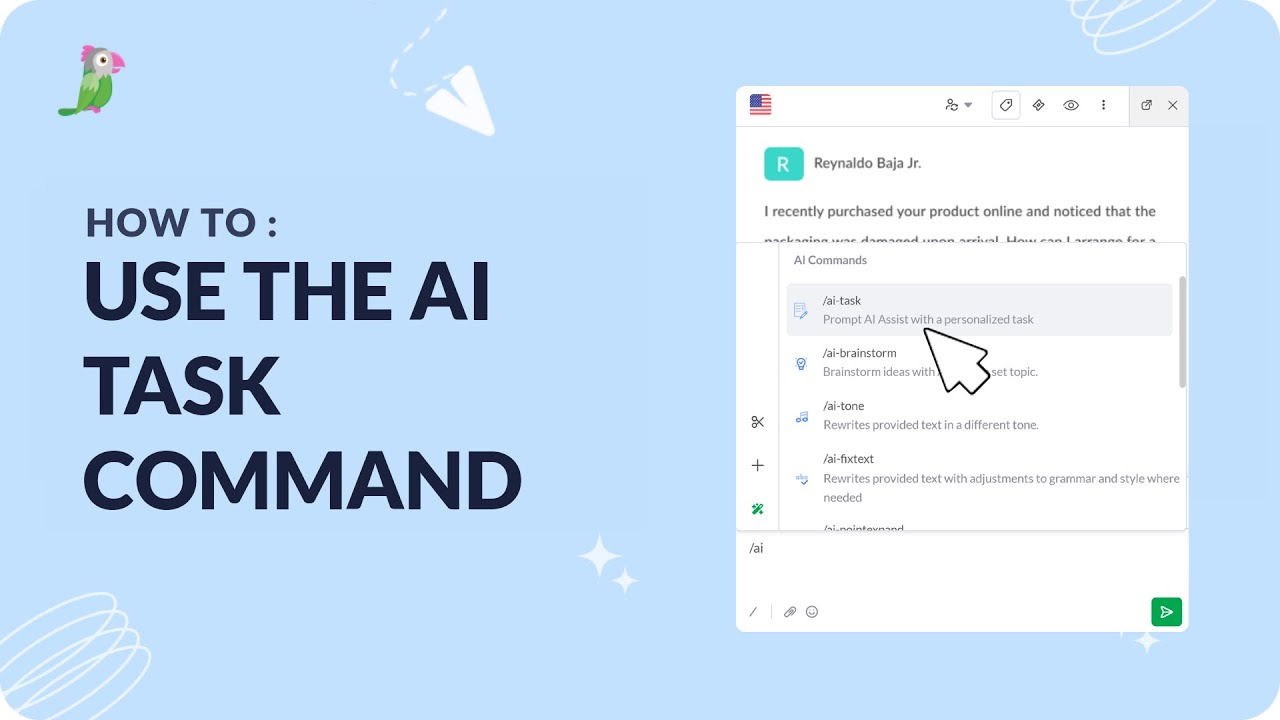
- How to use the AI task command
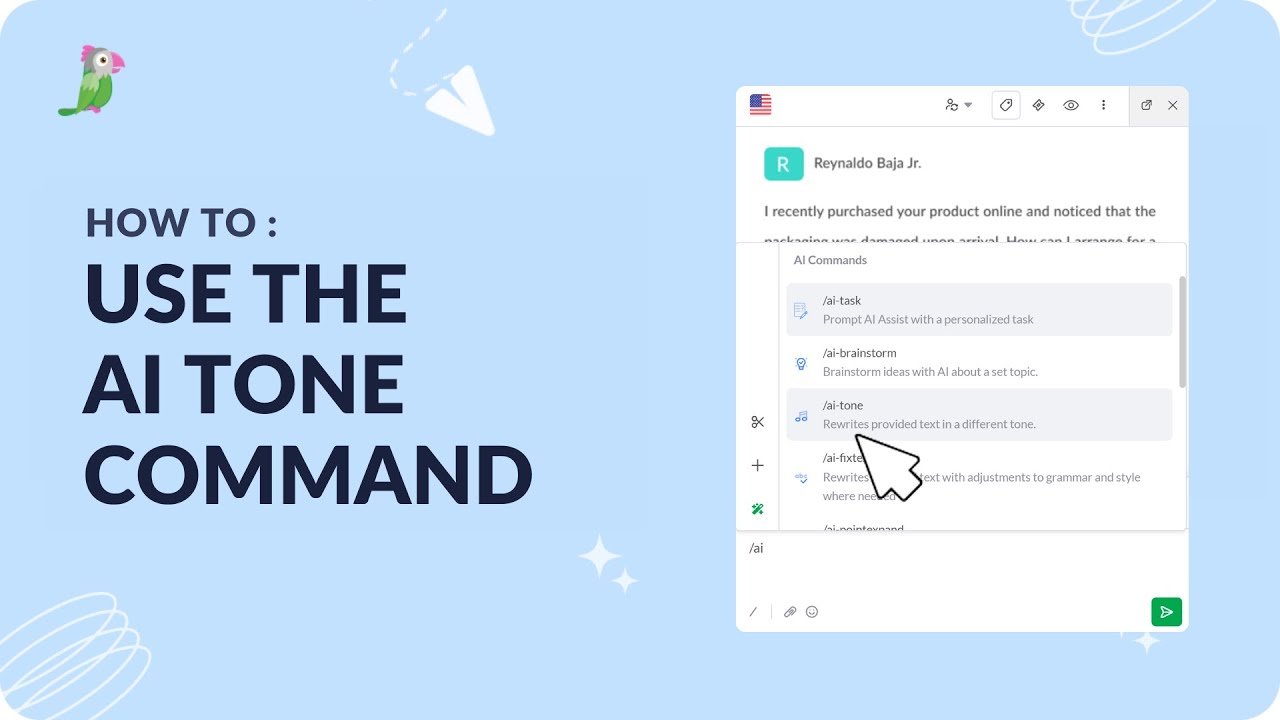
- How to use the AI Tone command
Open the tawk.to Academy
Every topic and 220+ videos in one place.