
Add a clickable WhatsApp button to your widget
Learn how to add a WhatsApp button to your tawk.to chat widget using a custom Body Card. This video shows how to create a visible click-to-chat option inside your widget, upload a branded image, and link it correctly so visitors can start a WhatsApp conversation in one click.
· Share this video
· More in this topic
Integrations: WhatsApp Setup & Management
- Assign an AI Agent to handle WhatsApp
- Features unique to WhatsApp
- Connects WhatsApp business to tawkt.to
- Troubleshoot WhatsApp delivery issues
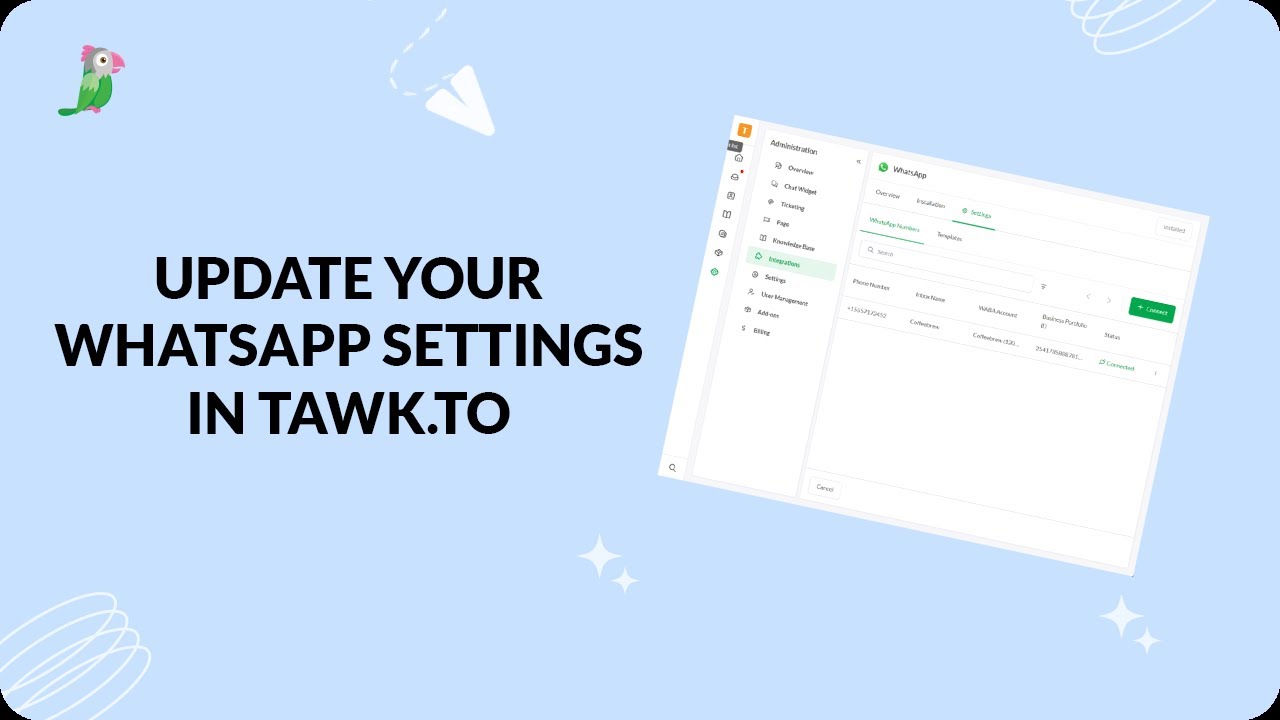
- Update WhatsApp settings in tawk.to
Open the tawk.to Academy
Every topic and 220+ videos in one place.