
Setting up and managing the lead capture form
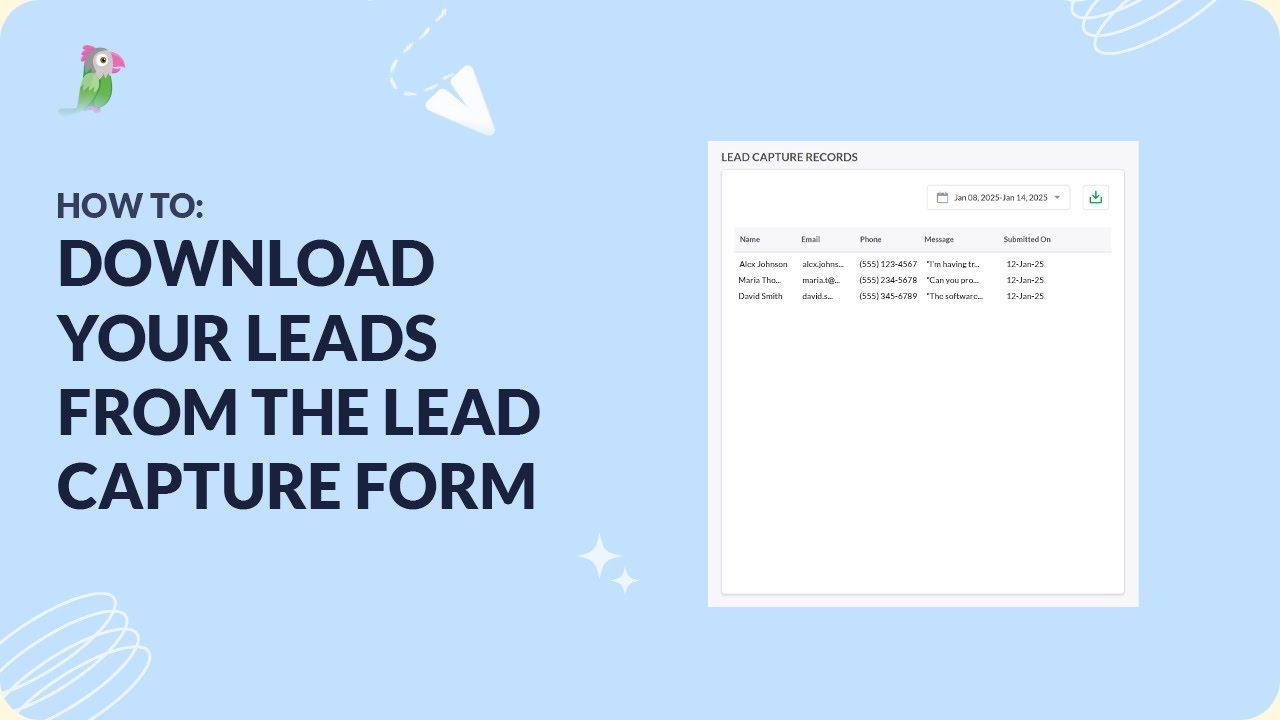
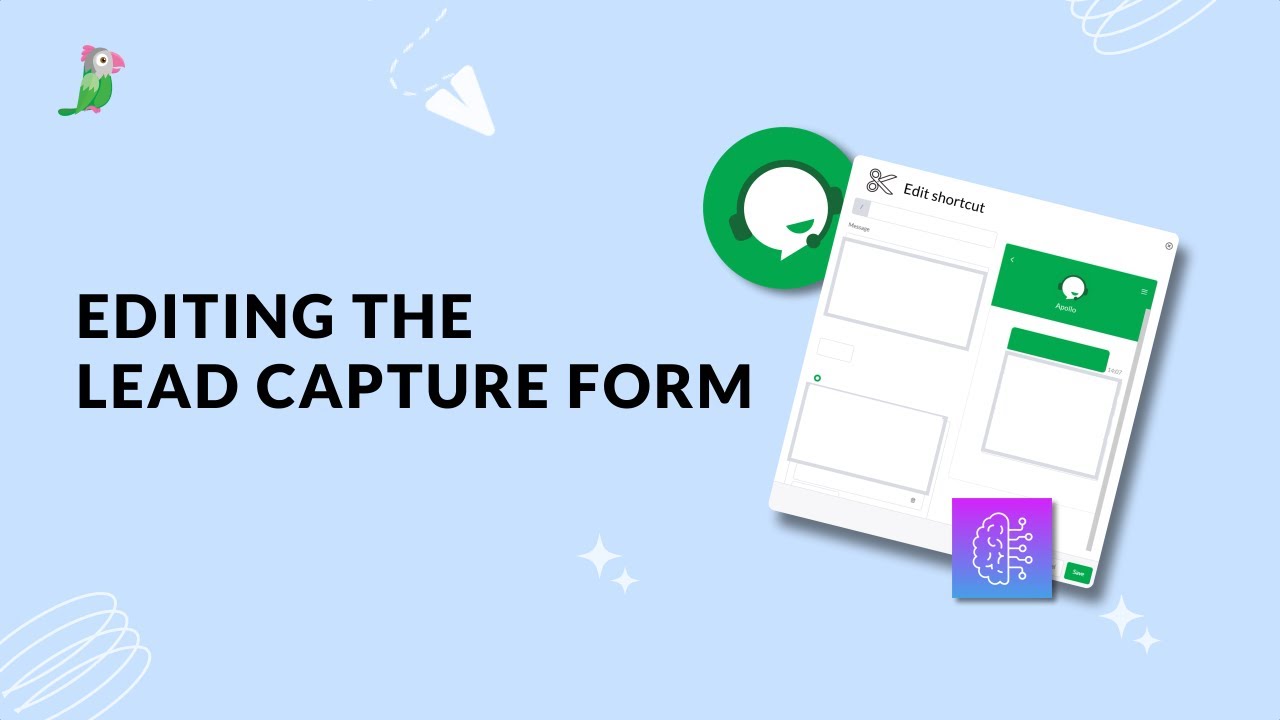
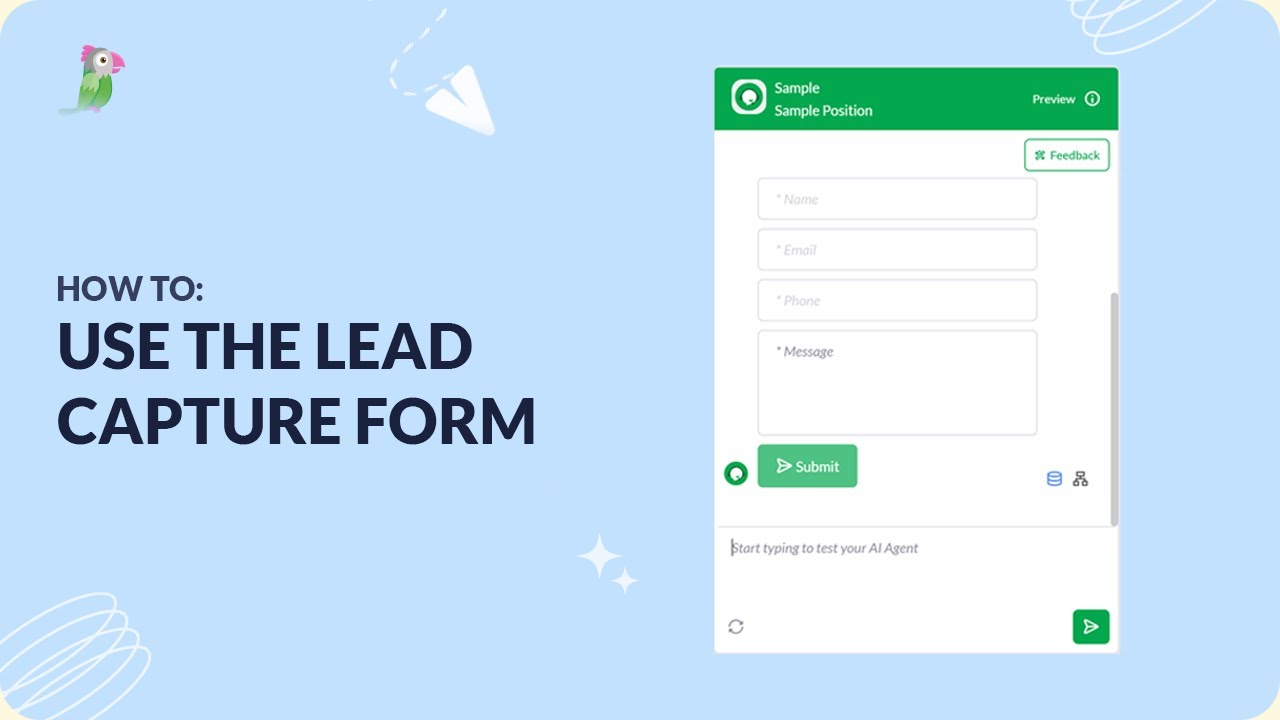
Learn how to create and manage a Lead Capture Form in tawk.to so your AI agent or your team can collect visitor details directly inside a chat. This video covers how to set up the form through your Settings or through your agent's Shortcuts, how to customise the fields, and how to test it in the preview before going live. You'll also see where to find and download your leads once the form is collecting submissions.
· Share this video
· More in this topic
AI Assist: Lead Generation & Forms
- Downloading leads from your lead capture form
- Edit the lead capture form
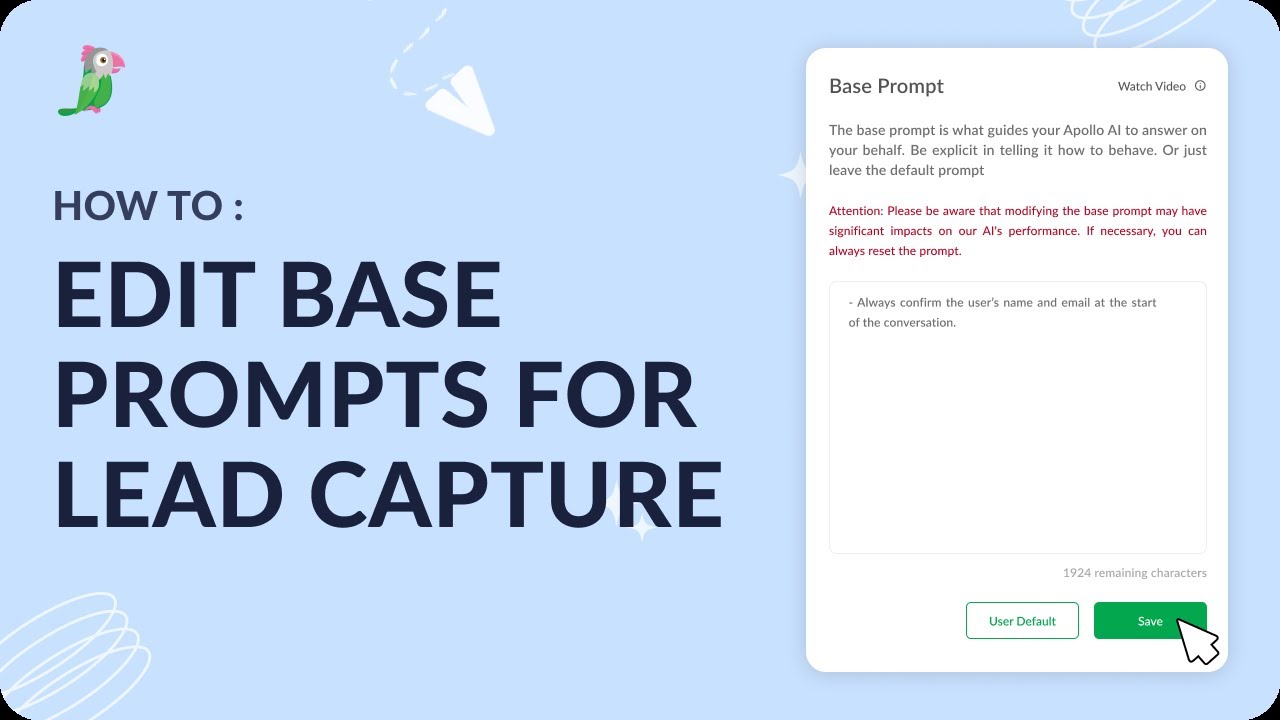
- Edit base prompts for lead capture
- How to get AI Assist to create leads via Google forms
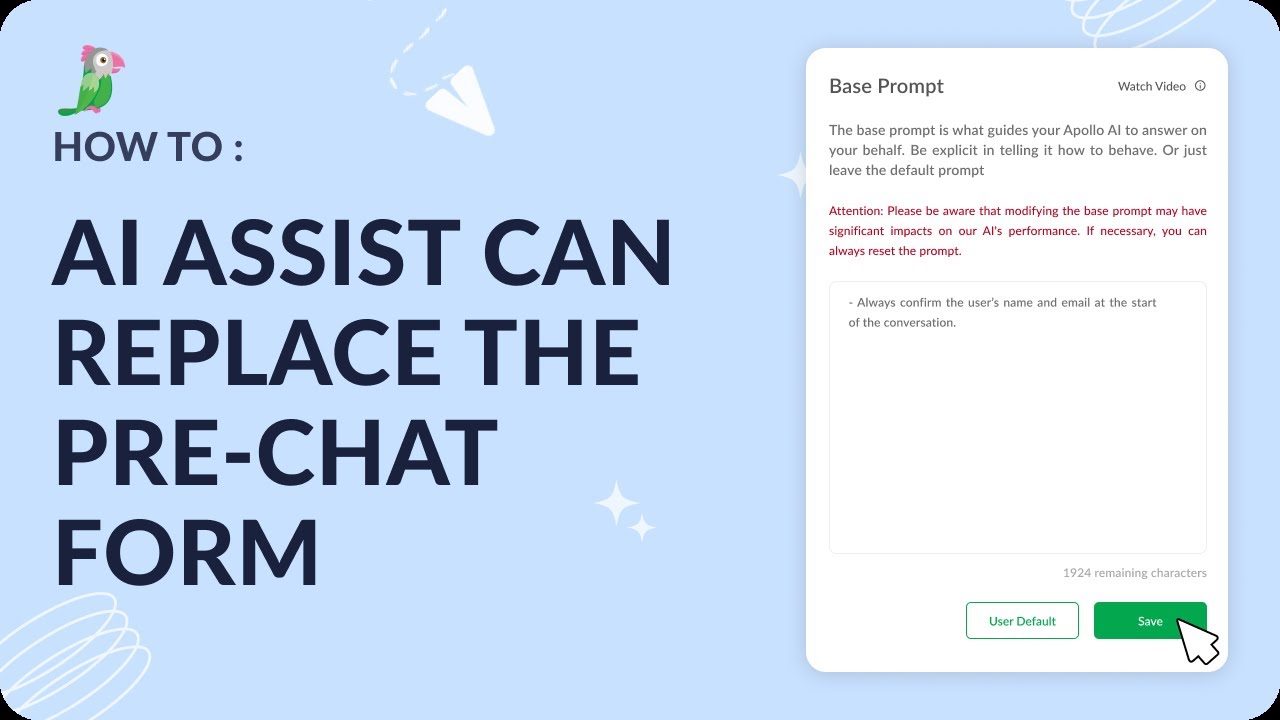
- How AI Assist can replace the pre-chat form
- How to use the lead capture form
Open the tawk.to Academy
Every topic and 220+ videos in one place.